Genspark and Slack
Your AI teammate that does it all with a single prompt
Draft documents, create presentations, analyze spreadsheets, generate images and videos, download files—all your AI agents working seamlessly inside Slack.
Your AI Teammate, One Simple Prompt
Get started with Genspark in Slack in minutes—here's how to access your AI assistant
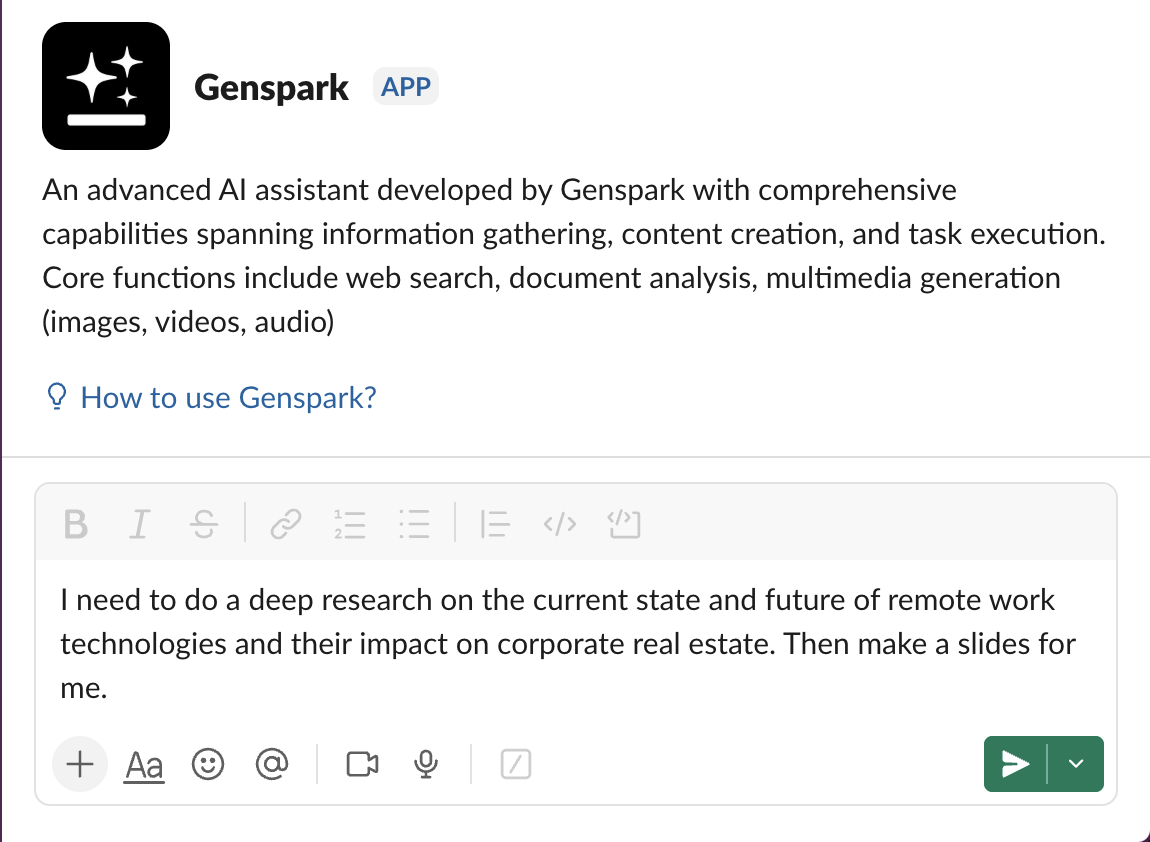
Send a direct message
Start a private conversation with @Genspark to get one-on-one help on research, writing, or analysis.
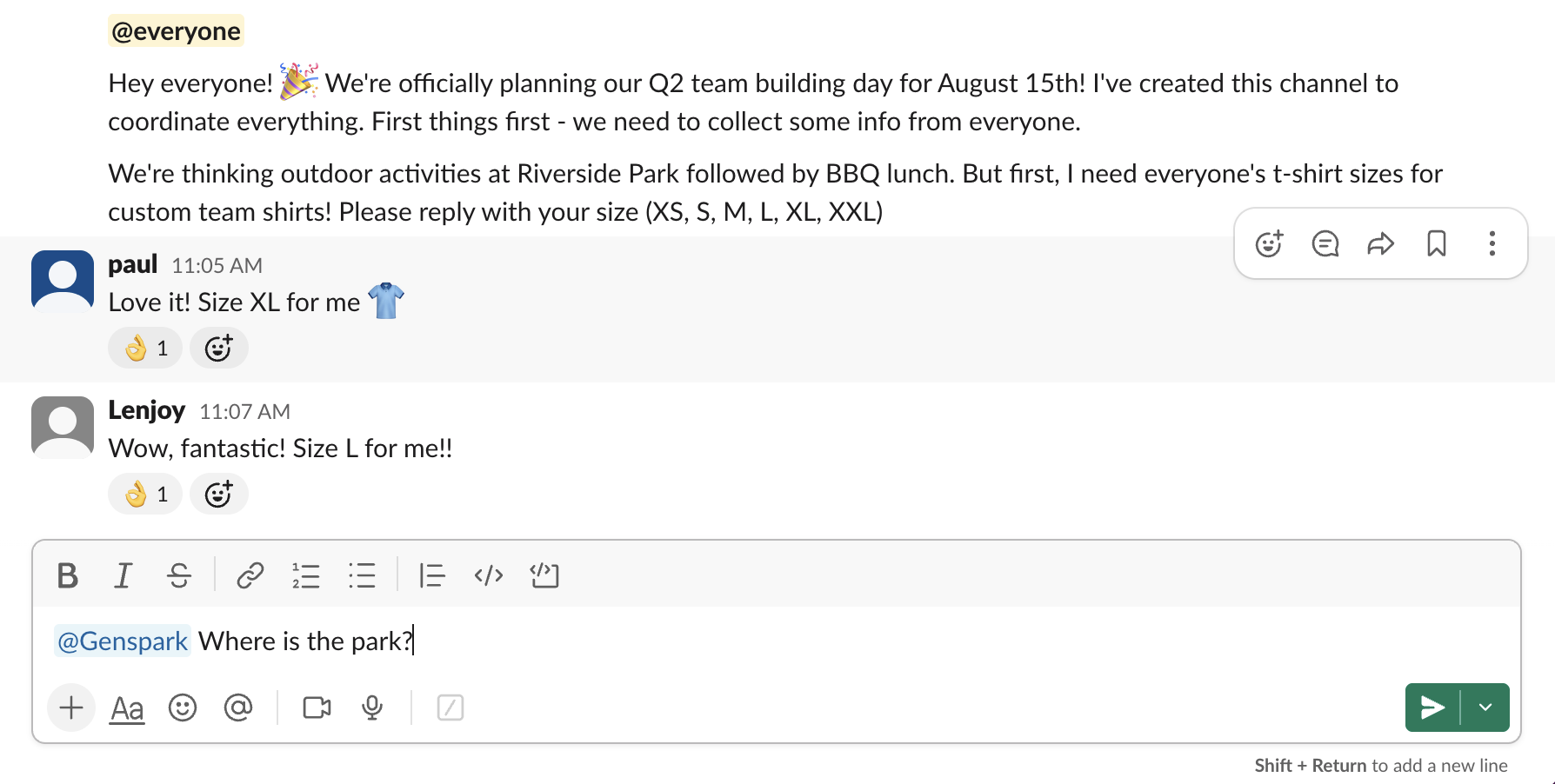
Mention Genspark in any thread
Tag @Genspark in any conversation and it will respond directly in the thread with full context awareness—no need to explain what's been discussed.
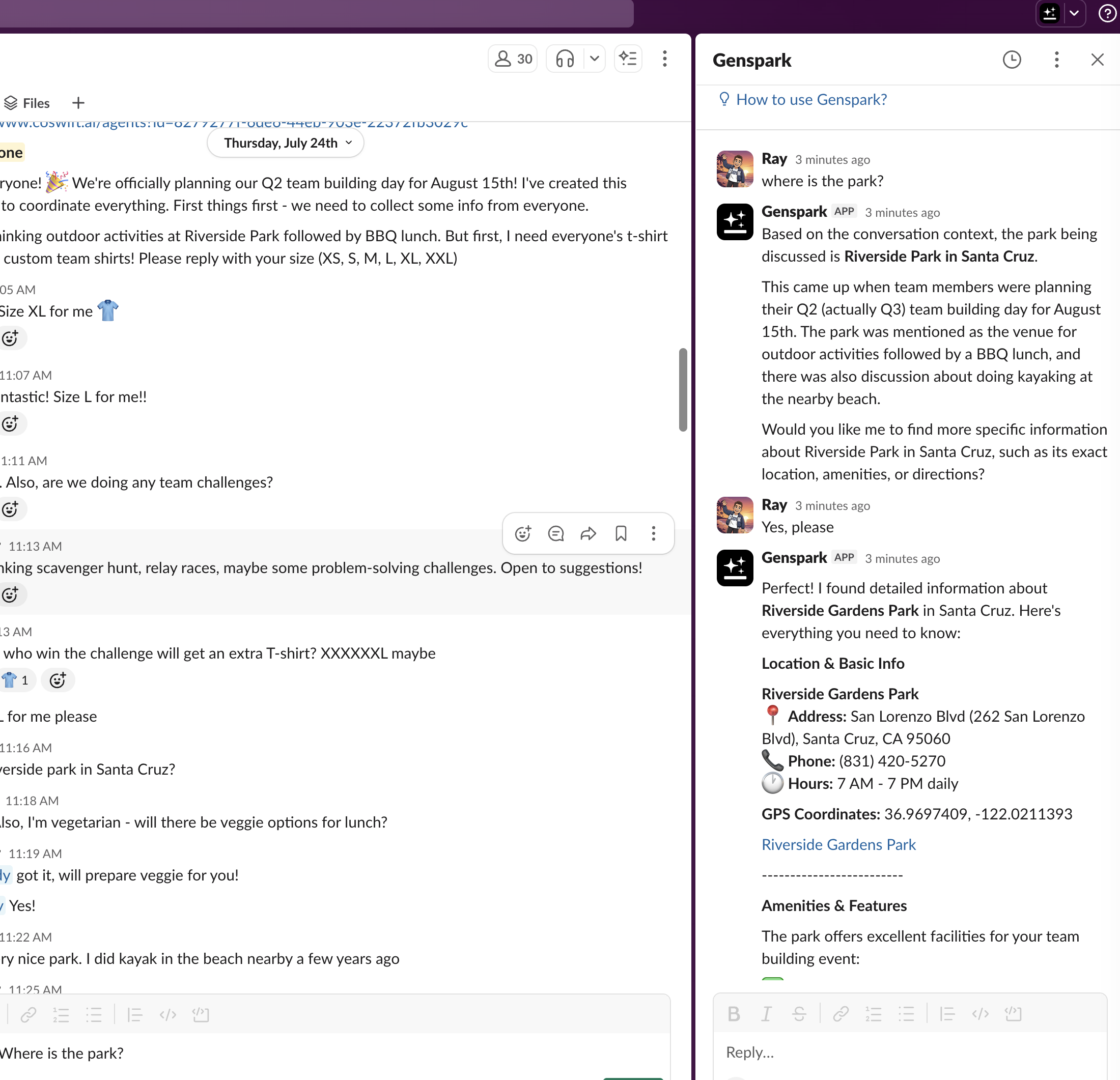
Get help wherever you are
Chat with Genspark in the AI assistant header from any channel or conversation.
One Prompt, Endless Possibilities
Genspark's AI Agentic Engine brings together all the tools you need—AI Slides, Sheets, Docs, Pods, Chat, Image and Video Generation, and more
Documents & Presentations
AI Docs drafts documents while AI Slides creates presentations. AI Designer ensures everything looks professional.
Data Analysis & Visualization
AI Sheets analyzes spreadsheets and generates charts. Get instant insights from your data without leaving Slack.
Media Generation
Generate images and videos instantly. From product mockups to social media content, AI handles your creative needs.
Automated Tasks
AI Download For Me handles file retrieval automatically. Deep research to quick tasks—all automated with intelligent agents.
Start Using Genspark Instantly
Just add Genspark to Slack for instant access to your AI teammate—no disruption to your workflow
Install the App
Click "Add to Slack" and authorize Genspark for your hub
Connect Your Account
Sign in with your Genspark account or create a new one
Start Working
Type @Genspark with your request and let your AI teammate handle the rest
Genspark can make mistakes. Please double-check responses.
Search authorization (one-time)
When you first use the search feature, you'll see a one-time authorization prompt. The popup grants Genspark read access to channel messages and files so we can pull the right context into your assistant replies.
After this one-time grant, no re-authentication is needed.