How Illustrator Jinho Jung Saves 200 Minutes a Day with Genspark

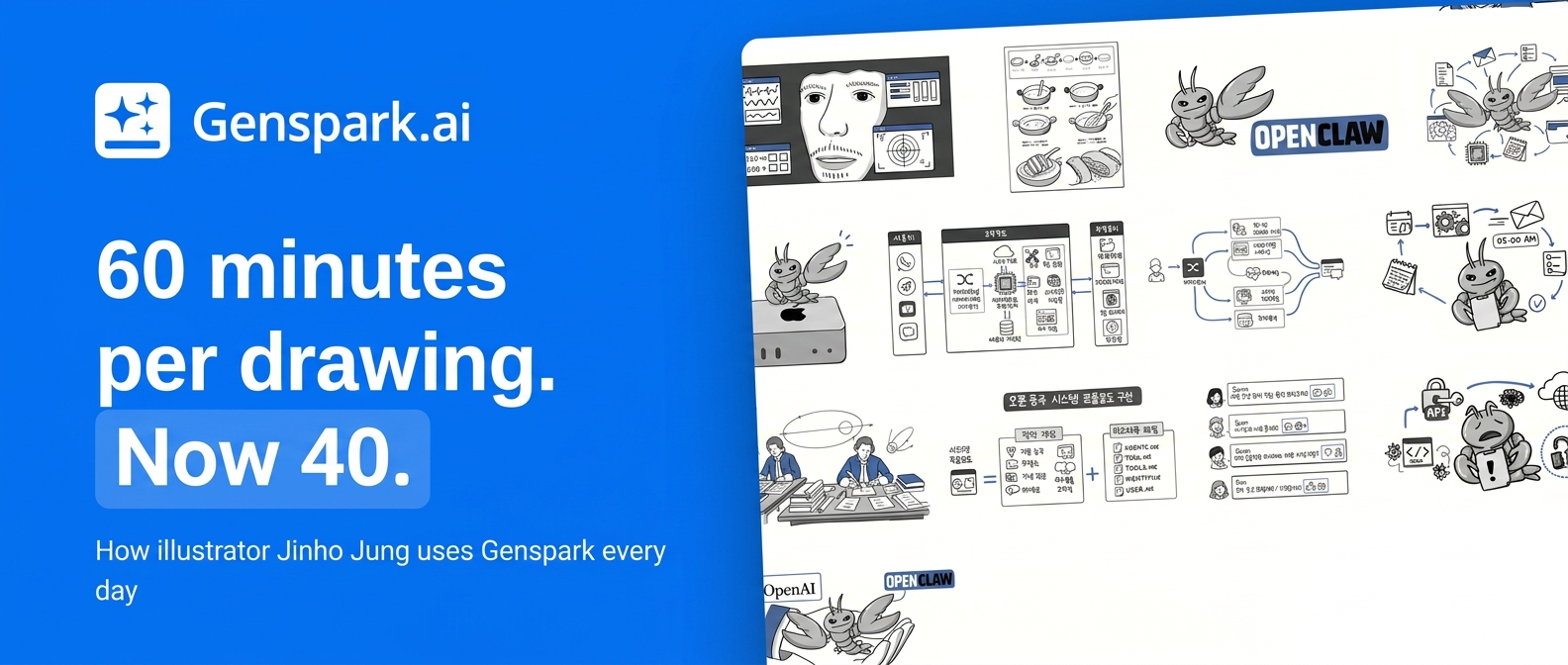
From 30 Minutes to 10: How a Visual-Thinking Illustrator Uses Genspark
Customer Story · Jin-ho Jung · CEO of J Visual School · Adjunct Professor, Hankyong National University
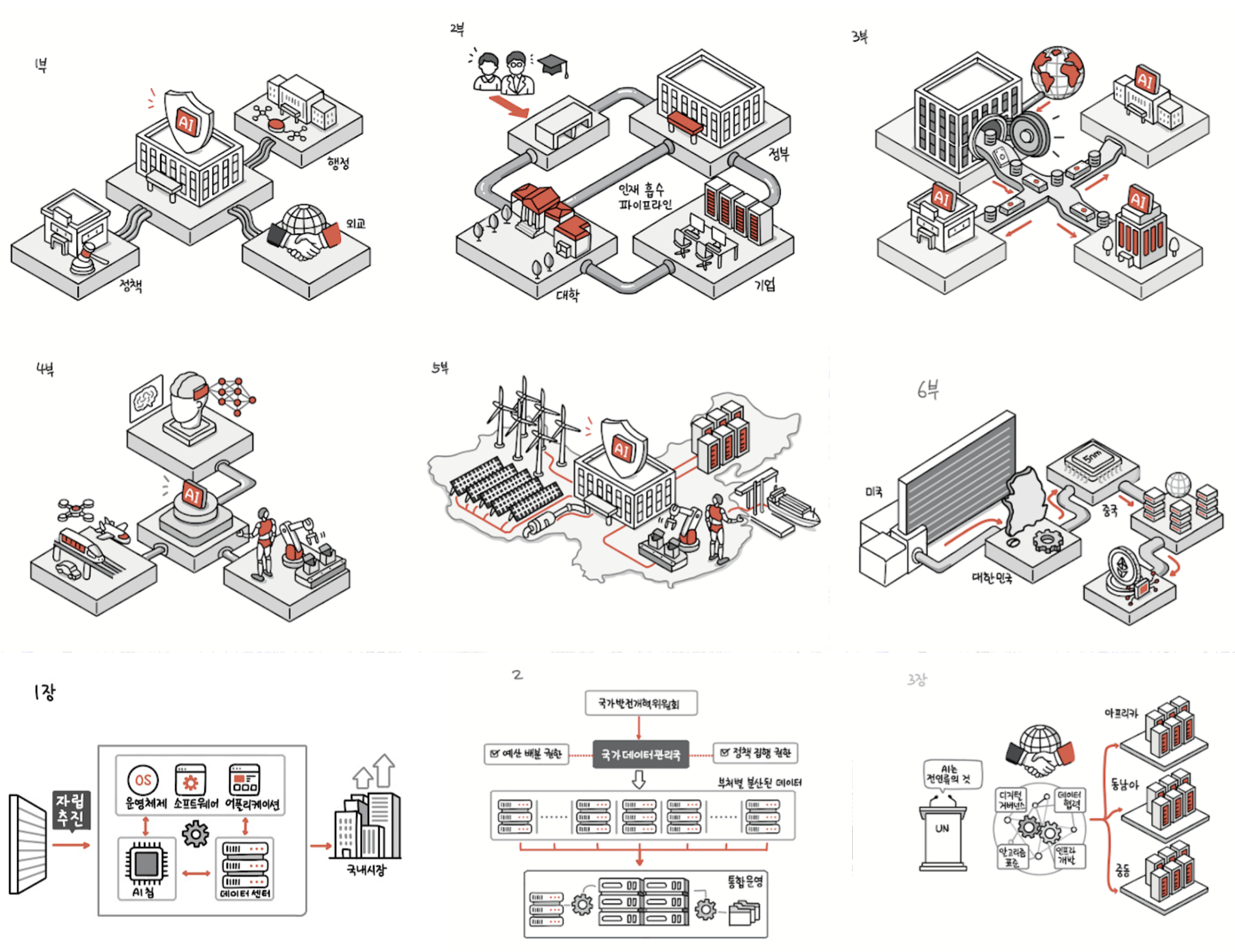
Jin-ho Jung is the illustrator behind AI Knowledge Anyone Can Understand, a Korean bestseller that has sold over 100,000 copies. He has held eight solo watercolor exhibitions, authored and illustrated 45 books, and works the front rows of conferences as a live graphic recorder. He began his career in 1998 as a PHP developer. Today, he describes himself as "a sustainable everyday creator who extends the problem-solving skills learned through programming languages into visual languages — connecting technology, design, and education."
In a single year, he built 100 vibe-coded apps and drew close to 1,000 illustrations across six published books. And for more than a year, one tool has been part of his daily workflow — Genspark.
This case study is built directly from an interview with Jung. His words, his numbers, his workflow — a first-person look at what changes when a visual creator brings AI into the front of the studio.

📌 Snapshot
| Subject | Jin-ho Jung · CEO, J Visual School |
| Work | Illustration · Graphic recording · Visual-thinking education · Teaching |
| Annual output | 6 books × 100–200 illustrations each · Live graphic recordings · 100 vibe-coded apps |
| Toolset | MacBook Pro M3 16" + iPad Pro M4 13" + Genspark |
| Key result | Planning time per illustration: 30 min → 10 min. About 200 minutes saved per day. |
| In one phrase | "It's like a Swiss Army knife." |
1. Why a craftsman with no tool complaints picked up a new one
A bit of context first: Jung is hard to impress with tools.
"I work on a MacBook Pro M3 16" and an iPad Pro M4 13". When you put in more than ten hours a day, there comes a moment when your hand just moves on its own. Spend enough time with a powerful tool, and you stop wanting anything from it."
He's already fluent with PowerPoint, Procreate, Adobe, and a long list of AI services. He doesn't have unmet needs. And yet, he's been opening Genspark every day for over a year. Two things stopped him in his tracks at first.
Two features that made him pause
1) Mixture-of-Agents — the ability to compare and combine outputs from multiple AI models in one place. In his words: "It composes the results of different models really well — the answers I get are genuinely satisfying."
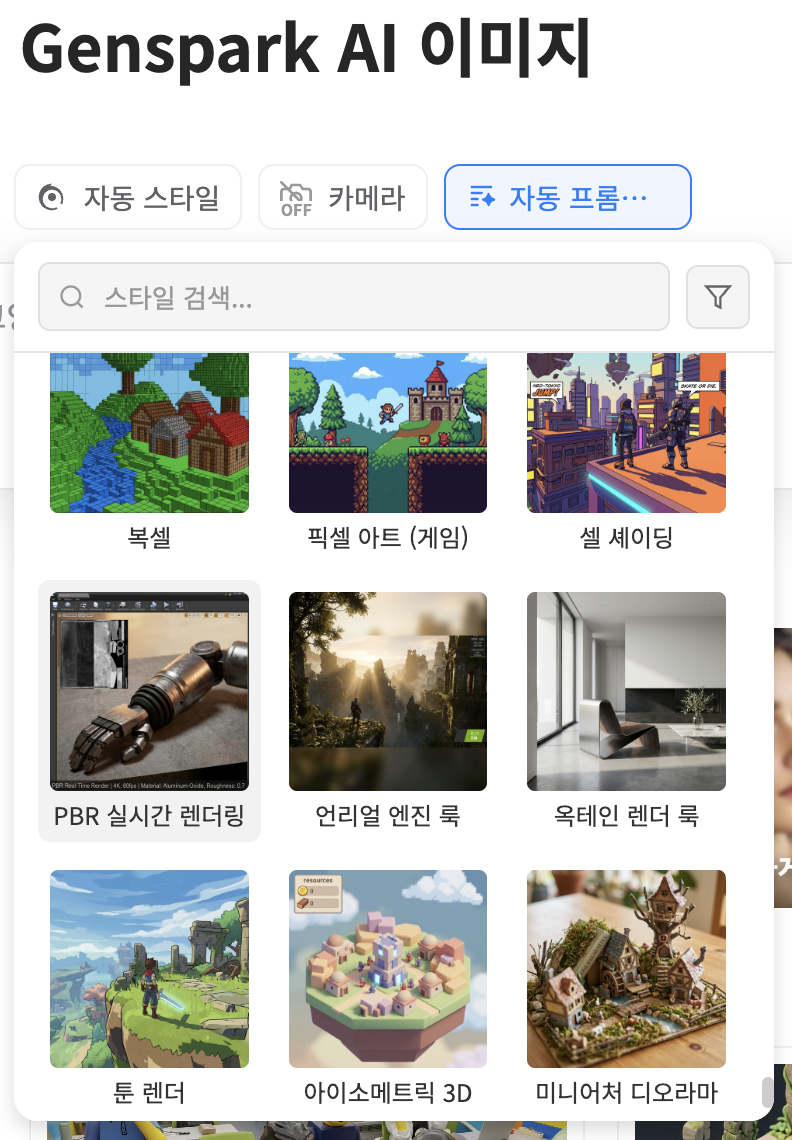
2) Auto Style for image generation — choose your visual style by sight, not by long prompt descriptions. "Genspark's image generation is so strong I cancelled my freepik.com (now magnific.com) subscription."
Two reasons he kept using it
1) Update velocity — When a new model launches, it shows up fast. And "it's not just the model — the way it's wrapped to be usable gets attention too."
2) UI that catches up to itself — "Most AI services feel slightly under-built. Genspark is the one tool where the moment I notice something's missing, it gets shipped not long after."
Shipping fast and making something usable aren't the same thing. Jung scored Genspark on the second one.
2. The 60-minute illustration — and where half of it disappeared
Six books a year. 100–200 illustrations per book. One hour per drawing, on average. Jung's hour splits almost evenly into two stages.
BEFORE — original workflow (60 min / drawing)
| Stage | Time | What it covers |
|---|---|---|
| ① Planning | 30 min | Interpreting the topic · sourcing visuals · deciding composition · finding references |
| ② Drawing | 30 min | Linework · color · final detail pass |
Generative AI, in Jung's view, isn't ready to replace a professional illustrator's actual drawing — not anytime soon. So that's not where he cut time. The cut happened upstream, in planning.
AFTER — with Genspark (40 min / drawing)
| Stage | Time | What it covers |
|---|---|---|
| ① Planning | 10 min | Generate line-art drafts in Genspark · auto-prompt produces "reference material" · pick from candidates |
| ② Drawing | 30 min | Linework · color · final detail pass (unchanged) |
"When I'm deciding on a subject and composition, Genspark saves me a lot of time. I almost never use the generated image as-is. Genspark's auto-prompt is excellent at producing reference material."
The key phrase is "reference material." Jung doesn't ship Genspark's images. He uses them as moodboards and composition sketches for his own hand-drawing. The 30 minutes of "how should I render this idea?" gets compressed into 10.
The math is simple. On a ten-drawing day, that's — about 200 minutes back.
| Metric | Value |
|---|---|
| Planning time per illustration | 30 min → 10 min |
| Time recovered per day (at 10 drawings) | ~200 min |
| Composition options surfaced in the same window | 3–4 → 10+ |
3. "Like a Swiss Army knife" — one browser, five jobs
Since last year, Jung has been teaching an "AI Business Creator" curriculum. He leans heavily on Genspark there, and the reason is unambiguous.
"The curriculum needs a wide range of AI services — and all of it was possible inside Genspark."
Five kinds of work students go through over a semester — and all five sit inside Genspark.
| # | Job | How Genspark handles it |
|---|---|---|
| 1 | Research & notes | AI browser + structured Markdown |
| 2 | Business documents | Briefs · proposals · reports · executive summaries |
| 3 | Imagery | High-quality images across a wide range of styles |
| 4 | Video planning | Storyboards · promotional video drafts |
| 5 | Slides | Dynamic slide creation and publishing |
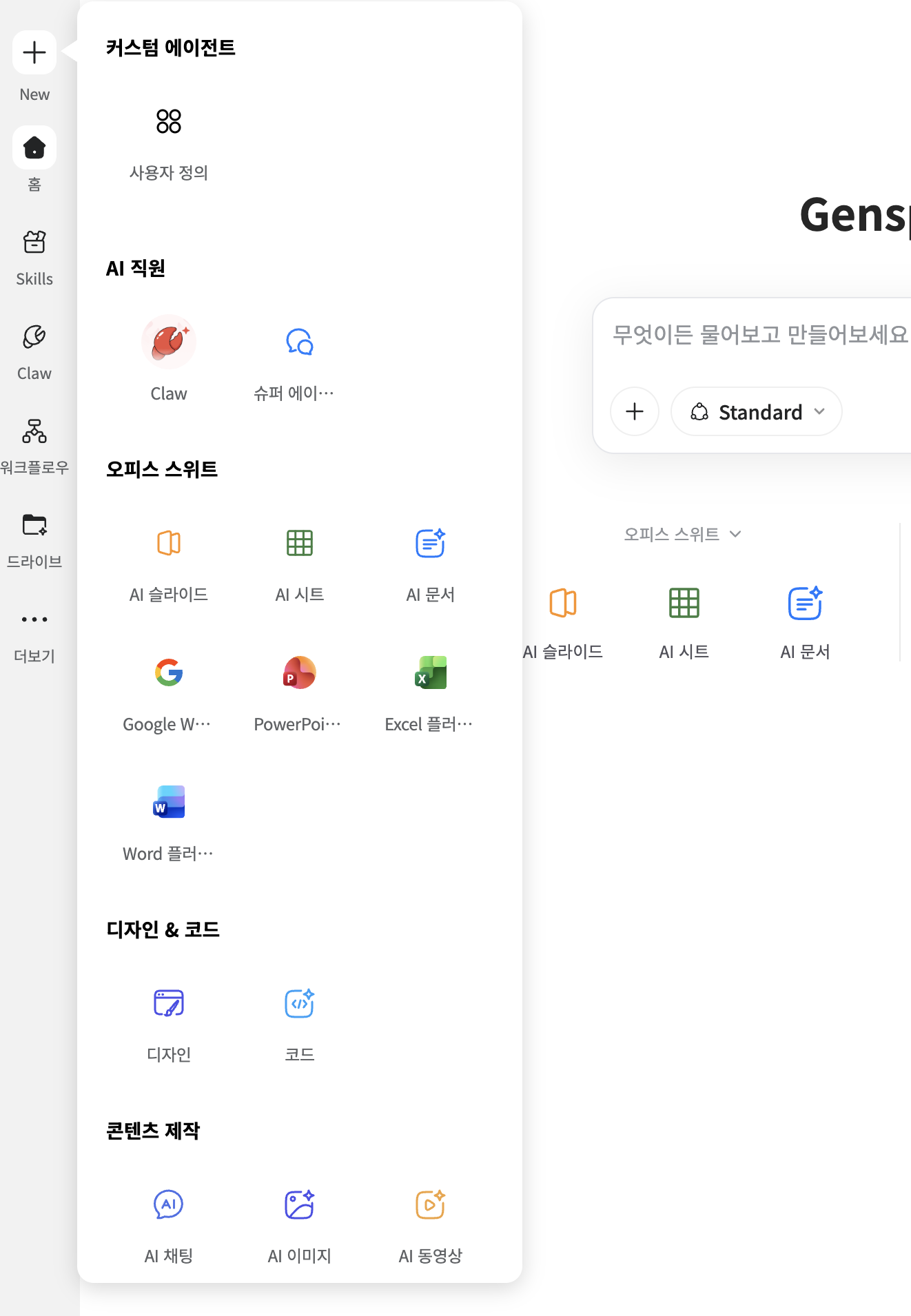
In one phrase — "like a Swiss Army knife."
"I don't need to subscribe to a stack of AI services. One browser handles it — fast, and at quality I'm happy with."
There's a cost most AI users don't see: context switching — copying content between services, retro-fitting it to each new format. That cost disappears inside a single browser.
4. 100 vibe-coded apps, 100 splash screens
This year Jung built 100 vibe-coded apps. His personal favorite is a Rush Hour puzzle game. And the polish across all 100 apps was carried in large part by — splash screens generated with Genspark.
The splash screen is the first frame a user sees when an app launches. It's on screen for only a moment, but that moment sets the impression.
"The quality was better than I expected. I ended up enjoying the process of making all kinds of different splashes."
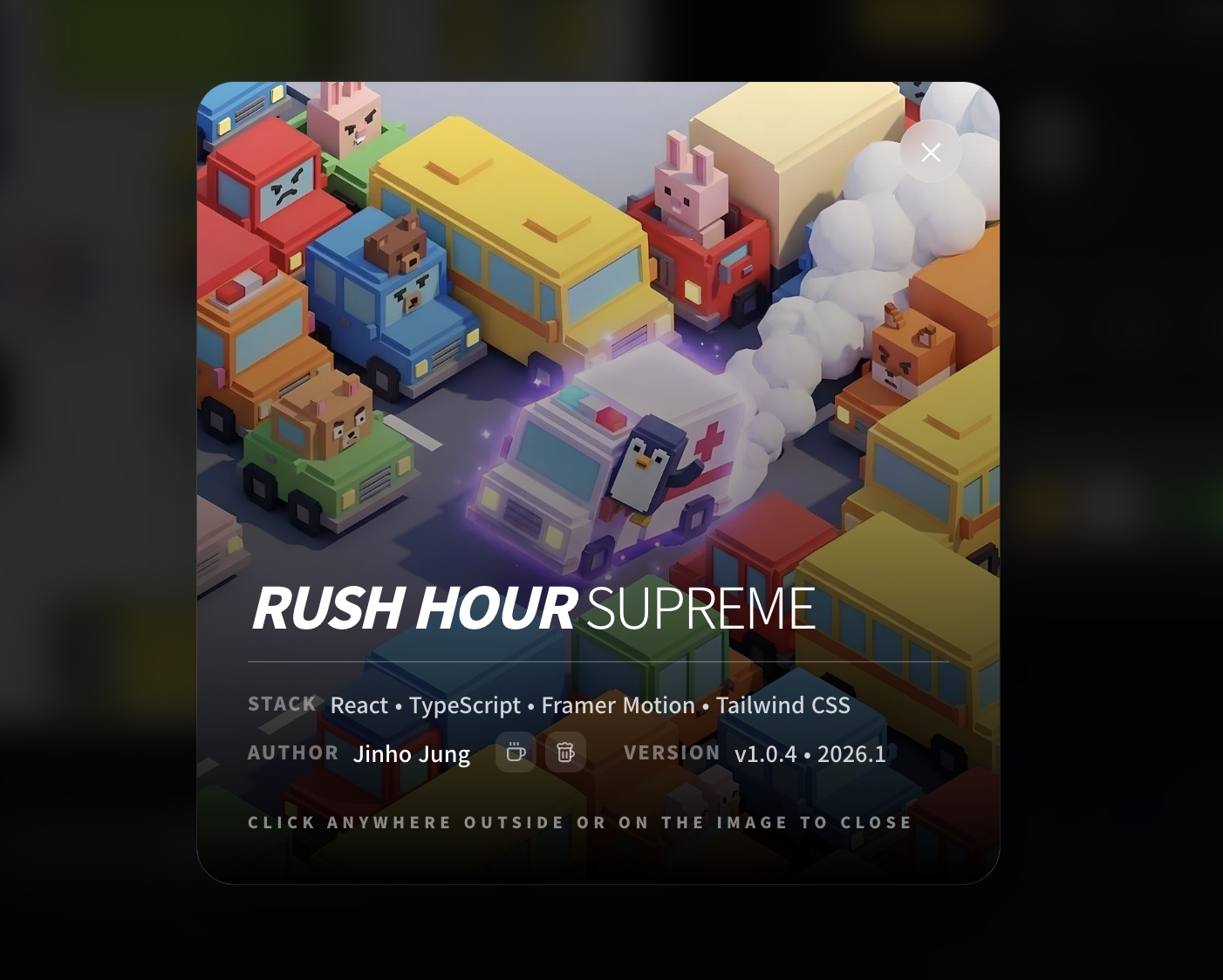
The same workflow that drew book illustrations now ships app UI; the same workflow that ships app UI now powers his class materials. One tool, output that keeps changing shape.
5. What he does with the time he gets back
When asked, "What do you do with the saved time?" — Jung's answer is short.
"When I have time, I take my dog for a walk. :)"

But that's only half the answer. The work itself got richer.
"Most of my final pieces are still hand-drawn — but because the front-end planning now surfaces more compositions and more visual elements, the compositions and subjects in my illustrations are noticeably more varied."
This is the part that matters. AI-productivity conversations usually stop at "how much time did you save." Jung's case adds a second variable — the size of the option set.
Where he used to surface three or four compositions in 30 minutes, Genspark's auto-prompt now lays out ten or more in 10. Compositions he wouldn't normally have tried end up making it to the page. Time went down — and so did the ceiling on what he could try.
6. To the creators still on the fence
At the end of the interview, Jung offered a line for fellow educators and creators who are still weighing AI tools.
"Overwhelmed by all the services? Don't have budget to subscribe to all of them, but still want to try things fast and easy? Just use Genspark."
What he wants to build next is his own graphic-recording agent — feed it a 30–40 minute video, and it returns a one-page graphic recording in his personal style. The idea has been in his head for two years.
"Honestly, it might happen sooner than I thought."
🎯 Key Takeaways
- What AI replaces isn't the artwork — it's "reference gathering." The final piece still comes from a human hand. AI compresses the step that precedes it.
- Time saved becomes meaningful when it converts into variety of output. When more options can be explored in the same window of time, expressive range goes up.
- A tool's value isn't its feature count — it's the context-switching cost it removes. Work stays unbroken when it doesn't have to leave the browser.
- Adoption by a professional who isn't looking for new tools is a strong signal. When someone who claims to "have no unmet needs" still opens an app every day for a year, that tool is doing something new.
- The real measure is what you do with the time you get back. Walks with the dog, richer work, faster validation of new ideas — that's where AI productivity actually lands.
What changes when your 30 minutes becomes 10?
From solo creators to educators — the start of AI work that begins and ends in one browser.
🔗 More from Jin-ho Jung
- J Visual School — jvisualschool.com
- 100 vibe-coded apps — jvibeschool.org/GALLERY
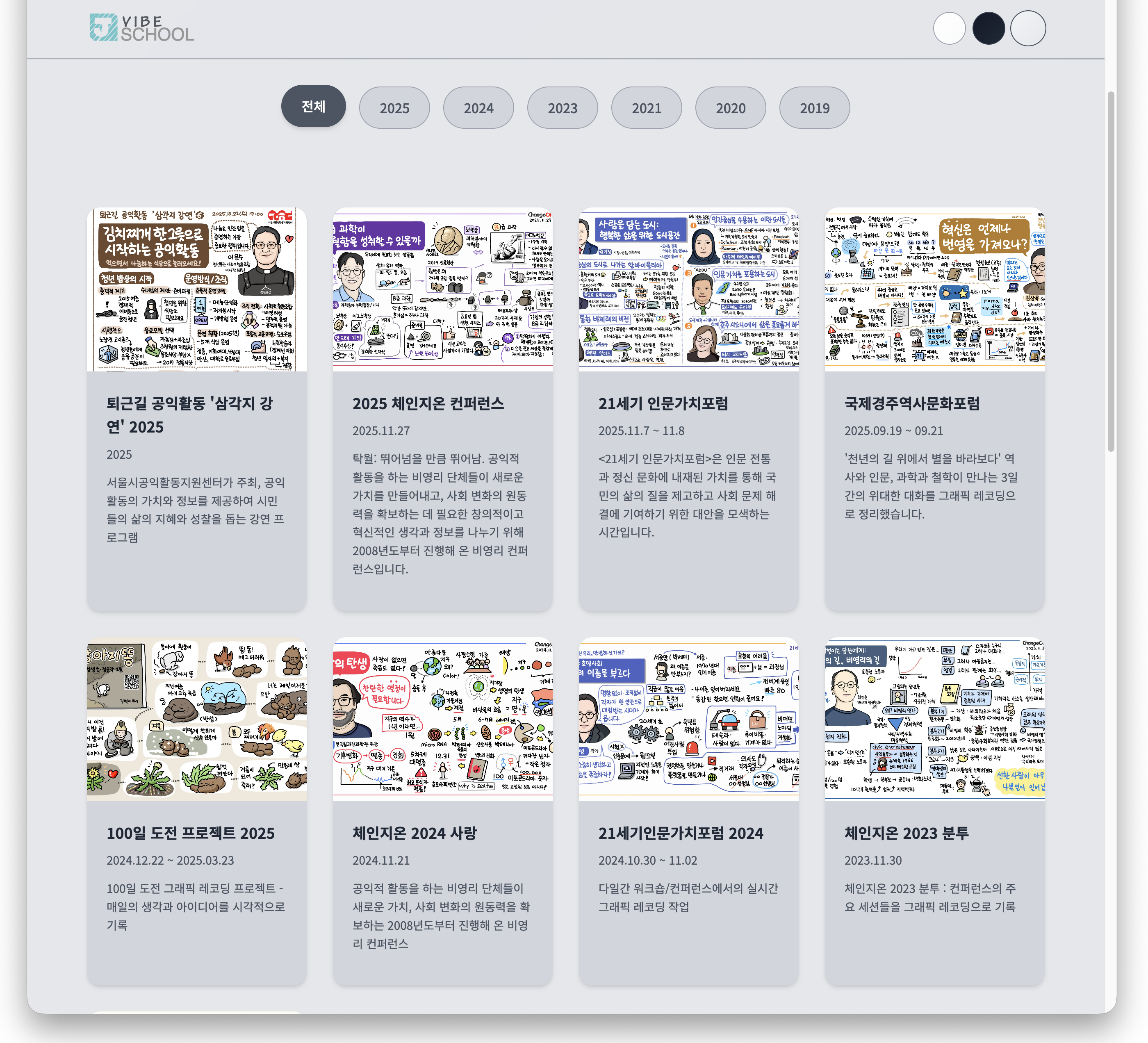
- Graphic recording portfolio — jvibeschool.com/grgallery
- AI Knowledge Anyone Can Understand (100,000-copy edition) — Kyobo Book