

एआई पॉड्सअभी आज़माएं
एआई पॉड्स
एआई पॉड्स क्या है?
एआई पॉड्स Genspark का AI पॉडकास्ट जनरेटर है। एक ही प्रॉम्प्ट में बताएं कि आप क्या चाहते हैं, और यह किसी विषय, दस्तावेज़ या लिंक को पॉडकास्ट एपिसोड में बदल देता है — आपके लिए कंटेंट पर रिसर्च करता है, स्क्रिप्ट लिखता है, होस्ट्स का संवाद तैयार करता है और ऑडियो प्रोड्यूस करता है।
एआई पॉड्स के बारे में अधिक जानें: https://www.genspark.ai/blog/genspark-ai-pods
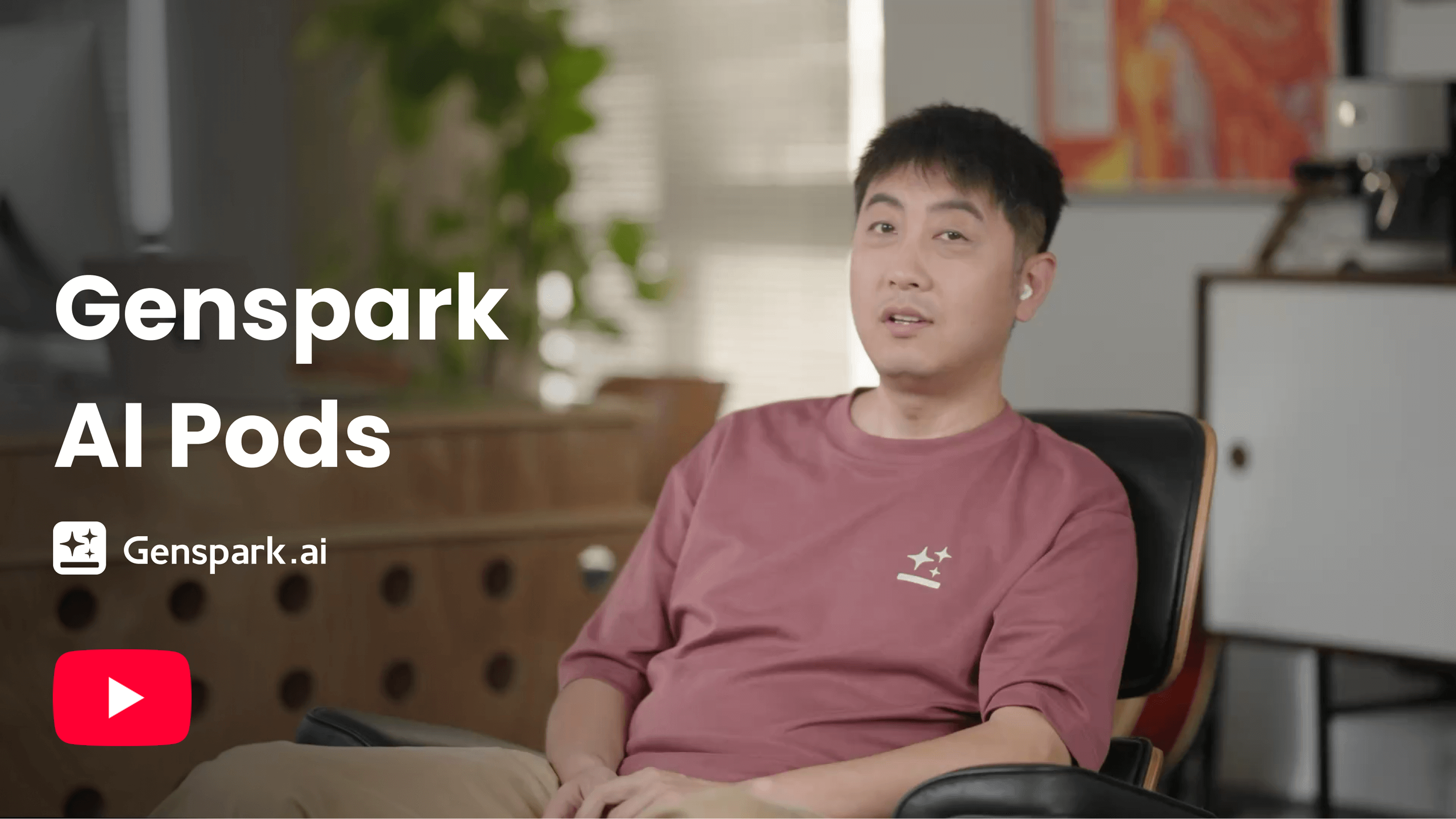
त्वरित शुरुआत
तीन चरणों में शुरू करें:
-
एआई पॉड्स पर जाएं:
साइडबार में "नया" मेनू से "एआई पॉड्स" चुनें, या Genspark होमपेज पर "सभी एजेंट" पर क्लिक करें और "एआई पॉड्स" खोजें।
-
एआई पॉड्स को बताएं कि आप क्या बनाना चाहते हैं:
नमूना प्रॉम्प्ट:
मुझे आज की टेक हेडलाइंस पर एक दैनिक न्यूज़ ब्रीफिंग पॉडकास्ट दें
मैंने जो रिसर्च पेपर अपलोड किया है उसे समझाते हुए एक पॉडकास्ट बनाएं
उत्साहपूर्ण संगीत और कमेंट्री के साथ एक वर्कआउट मोटिवेशन पॉडकास्ट बनाएं
-
अपना पॉडकास्ट प्राप्त करें:
एआई पॉड्स आमतौर पर 5–15 मिनट में आपका एपिसोड जनरेट कर देता है। इसे सीधे सुनें, प्रोजेक्ट लिंक शेयर करें, या ऑडियो एक्सपोर्ट करें का उपयोग करके इसे AI Drive में सेव करें और वहां से डाउनलोड करें।
फीचर और कैसे-करें गाइड
पॉडकास्ट निर्माण
अपना पॉडकास्ट बनाने के लिए एक प्रॉम्प्ट दर्ज करें। एआई पॉड्स स्क्रिप्ट लिखता है और ऑडियो अपने आप तैयार करता है — भाषा, होस्ट की संख्या, लंबाई, स्टाइल, और आप ऑडियो चाहते हैं या वीडियो पॉडकास्ट, ये सभी प्रॉम्प्ट में निर्धारित किए जाते हैं।
- स्टाइल: अपनी वांछित टोन का वर्णन करें — वार्तालाप, शैक्षिक, मनोरंजक या पेशेवर।
- एडिटिंग: निर्माण के बाद, आप कवर इमेज को पुनः जनरेट कर सकते हैं। कुछ और बदलने के लिए, अपडेटेड प्रॉम्प्ट के साथ एक नया पॉडकास्ट बनाएं।
आप इसे क्या दे सकते हैं
एआई पॉड्स आपके प्रॉम्प्ट में दी गई सामग्री के आधार पर काम करता है:
- दस्तावेज़ अपलोड करें — PDF, DOCX, TXT और इसी तरह की दस्तावेज़ फ़ाइलें। एआई पॉड्स दस्तावेज़ को पढ़ता है और उसी के आधार पर एपिसोड तैयार करता है।
- अपना टेक्स्ट पेस्ट करें — नोट्स, कोई लेख या कोई भी टेक्स्ट ब्लॉक डालें।
- किसी विषय का वर्णन करें — इसे कोई विषय दें और एआई पॉड्स उस पर शोध करके एपिसोड लिखता है।
- इसे एक लिंक दें — इसे कोई URL दें और एआई पॉड्स उस पेज को पढ़कर उसे एपिसोड में बदल देता है।
एपिसोड की लंबाई
आप अपने प्रॉम्प्ट में अवधि बता सकते हैं — उदाहरण के लिए, "इसे लगभग 10 मिनट का बनाओ"।
- अवधि एक लक्ष्य है, कोई निश्चित सेटिंग नहीं। एआई पॉड्स स्क्रिप्ट को आपकी माँगी गई लंबाई के अनुसार तैयार करने की कोशिश करता है, इसलिए तैयार एपिसोड थोड़ा लंबा या छोटा हो सकता है।
- एक एपिसोड बनाने में आमतौर पर 5–15 मिनट लगते हैं।
वक्ता
- एपिसोड में डिफ़ॉल्ट रूप से 2 होस्ट होते हैं, और आप अपने प्रॉम्प्ट में एक ही होस्ट के लिए कह सकते हैं। स्वचालित रूप से जनरेट किया गया ऑडियो अधिकतम 2 वक्ताओं को सपोर्ट करता है।
- यदि आप 3 या अधिक वक्ताओं के लिए कहते हैं, तो एआई पॉड्स बिना ऑडियो वाली स्क्रिप्ट तैयार करता है, ताकि आप संवाद स्वयं रिकॉर्ड कर सकें।
एपिसोड गलत भाषा में बना।
बोली जाने वाली भाषा आपके प्रॉम्प्ट के अनुसार तय होती है, और जाँचने के लिए कोई भाषा सेटिंग नहीं है। एक नया एपिसोड बनाएँ और अपने प्रॉम्प्ट में भाषा स्पष्ट रूप से बताएँ — उदाहरण के लिए, "…के बारे में जापानी में 5 मिनट का पॉडकास्ट बनाएँ"। भाषा देखें।
वीडियो पॉडकास्ट
एआई पॉड्स एक वीडियो पॉडकास्ट भी बना सकता है: वही होस्ट संवाद, विज़ुअल स्लाइड्स और संदर्भ छवियों के साथ, साथ ही एक स्वचालित रूप से जनरेट की गई कवर छवि। इसका उपयोग तब करें जब आप केवल सुनने के बजाय कुछ ऐसा चाहते हों जिसे देखा, पोस्ट किया या प्रस्तुत किया जा सके।
- अपने प्रॉम्प्ट में वीडियो पॉडकास्ट के लिए कहें।
- उसी एक्सपोर्ट बटन से वीडियो एक्सपोर्ट करें — जब आपके एपिसोड में वीडियो होता है, तो उस पर वीडियो एक्सपोर्ट करें लिखा होता है।
प्रकाशित करें, साझा करें और एक्सपोर्ट करें
जब आपका पॉडकास्ट तैयार हो जाए, तो आप उसे प्रकाशित कर सकते हैं, साझा कर सकते हैं या एक्सपोर्ट कर सकते हैं।
अपना पॉडकास्ट प्रकाशित करें:
- अपना एपिसोड Genspark समुदाय के साथ साझा करने के लिए प्रकाशित करें पर क्लिक करें। इसके लिए आपको साइन इन होना चाहिए, और एपिसोड में ऑडियो होने के बाद ही प्रकाशन उपलब्ध होता है। प्रकाशित एपिसोड एआई पॉड्स पेज पर दिखाई दे सकते हैं।
- प्रकाशन तुरंत लागू हो जाता है — कोई समीक्षा चरण नहीं होता।
- अपना एपिसोड हटाने के लिए, अप्रकाशित करने हेतु प्रकाशित बटन पर क्लिक करें। इसे प्रकाशित सूची से हटा दिया जाता है; प्रोजेक्ट आपके खाते में बना रहता है।
अपना पॉडकास्ट साझा करें:
- निजी रूप से साझा करने के लिए, ऊपरी दाएँ कोने में साझा करें बटन पर क्लिक करें, अनुमति सेटिंग्स समायोजित करें, और प्रोजेक्ट लिंक दूसरों के साथ साझा करें।
अपना पॉडकास्ट एक्सपोर्ट करें:
- एक्सपोर्ट करें — ऑडियो एपिसोड के लिए बटन पर ऑडियो एक्सपोर्ट करें लिखा होता है; यह आपके एपिसोड को AI Drive में सहेजता है, जहाँ से आप ऑडियो फ़ाइल डाउनलोड करते हैं। यदि आपके एपिसोड में वीडियो है, तो उसी बटन पर वीडियो एक्सपोर्ट करें लिखा होता है और यह ऑडियो तथा वीडियो दोनों को सहेजता है।
क्रेडिट और लागत
एआई पॉड्स एपिसोड का बिल क्रेडिट में लिया जाता है।
-
क्रेडिट, Free Quota नहीं। ऑडियो जनरेशन का बिल हमेशा क्रेडिट में लिया जाता है, उन प्लान पर भी जिनमें Free Quota शामिल है। Free Quota में क्या शामिल है, यह जानने के लिए सदस्यता प्लान देखें।
-
लागत स्क्रिप्ट पर निर्भर करती है। एपिसोड की स्क्रिप्ट जितनी लंबी होगी, उतने ही अधिक क्रेडिट खर्च होंगे, इसलिए छोटे एपिसोड की लागत कम होती है।
-
विफल ऑडियो रन का बिल नहीं लिया जाता। यदि ऑडियो जनरेशन विफल हो जाता है, तो आपसे उसके लिए शुल्क नहीं लिया जाता। आप उसी प्रोजेक्ट में दोबारा अनुरोध कर सकते हैं, या छोटे या अधिक स्पष्ट प्रॉम्प्ट के साथ नया एपिसोड शुरू कर सकते हैं।
क्रेडिट की गणना और शुल्क कैसे लिया जाता है, यह जानने के लिए क्रेडिट गाइड देखें।
समस्या निवारण
मेरे एपिसोड में कोई ऑडियो ही नहीं है।
कुछ बातें जाँचें:
- प्रोजेक्ट खोलें और देखें कि जनरेशन पूरा हुआ है या नहीं। अगर यह अभी भी चल रहा है, तो इसे 15 मिनट तक का समय दें।
- क्या ऑडियो जनरेशन विफल हो गया? अगर हाँ, तो इसके लिए आपसे शुल्क नहीं लिया जाता — उसी प्रोजेक्ट में फिर से अनुरोध करें, या छोटे या अधिक स्पष्ट प्रॉम्प्ट के साथ नया एपिसोड शुरू करें।
- क्या आपने 3 या अधिक स्पीकर माँगे थे? देखें मैंने 3 या अधिक स्पीकर माँगे और मुझे ऑडियो की जगह स्क्रिप्ट मिली।
मैंने 3 या उससे ज़्यादा वक्ताओं के लिए कहा था, लेकिन मुझे ऑडियो की जगह स्क्रिप्ट मिली।
अपने-आप जनरेट होने वाला ऑडियो ज़्यादा से ज़्यादा 2 वक्ताओं को सपोर्ट करता है, इसलिए 3 या उससे ज़्यादा वक्ताओं का अनुरोध करने पर आपको बिना ऑडियो वाली एक स्क्रिप्ट मिलती है, जिसे आप ख़ुद रिकॉर्ड कर सकते हैं। ऑडियो एपिसोड पाने के लिए प्रॉम्प्ट में 1 या 2 वक्ताओं के लिए कहें।
रन विफल हो गया। मेरे क्रेडिट्स का क्या होगा?
यदि ऑडियो जनरेशन विफल हो गया, तो आपसे इसके लिए कोई शुल्क नहीं लिया जाता। उसी प्रोजेक्ट में फिर से अनुरोध करें, या अधिक स्पष्ट प्रॉम्प्ट के साथ एक नया एपिसोड शुरू करें। क्रेडिट्स की गणना और शुल्क कैसे लिया जाता है, यह जानने के लिए क्रेडिट्स गाइड देखें।
एपिसोड गलत भाषा में बना।
बोली जाने वाली भाषा आपके प्रॉम्प्ट के अनुसार तय होती है, और जाँचने के लिए कोई भाषा सेटिंग नहीं है। एक नया एपिसोड बनाएँ और अपने प्रॉम्प्ट में भाषा स्पष्ट रूप से बताएँ — उदाहरण के लिए, "…के बारे में जापानी में 5 मिनट का पॉडकास्ट बनाएँ"। भाषा देखें।
अक्सर पूछे जाने वाले प्रश्न
मैं किसी समस्या की रिपोर्ट कैसे करूँ?
प्रोजेक्ट को हमारी सहायता टीम के साथ साझा करें, फिर विवरण के साथ सहायता टीम से संपर्क करें:
- प्रोजेक्ट खोलें और शेयर करें पर क्लिक करें।
- ईमेल द्वारा [email protected] को दर्शक के रूप में आमंत्रित करें।
- [email protected] पर ईमेल करें, जिसमें प्रोजेक्ट का लिंक, क्या गलत हुआ, और पहले और बाद का आपका अनुमानित क्रेडिट बैलेंस शामिल हो।
क्या यह लेख सहायक था?