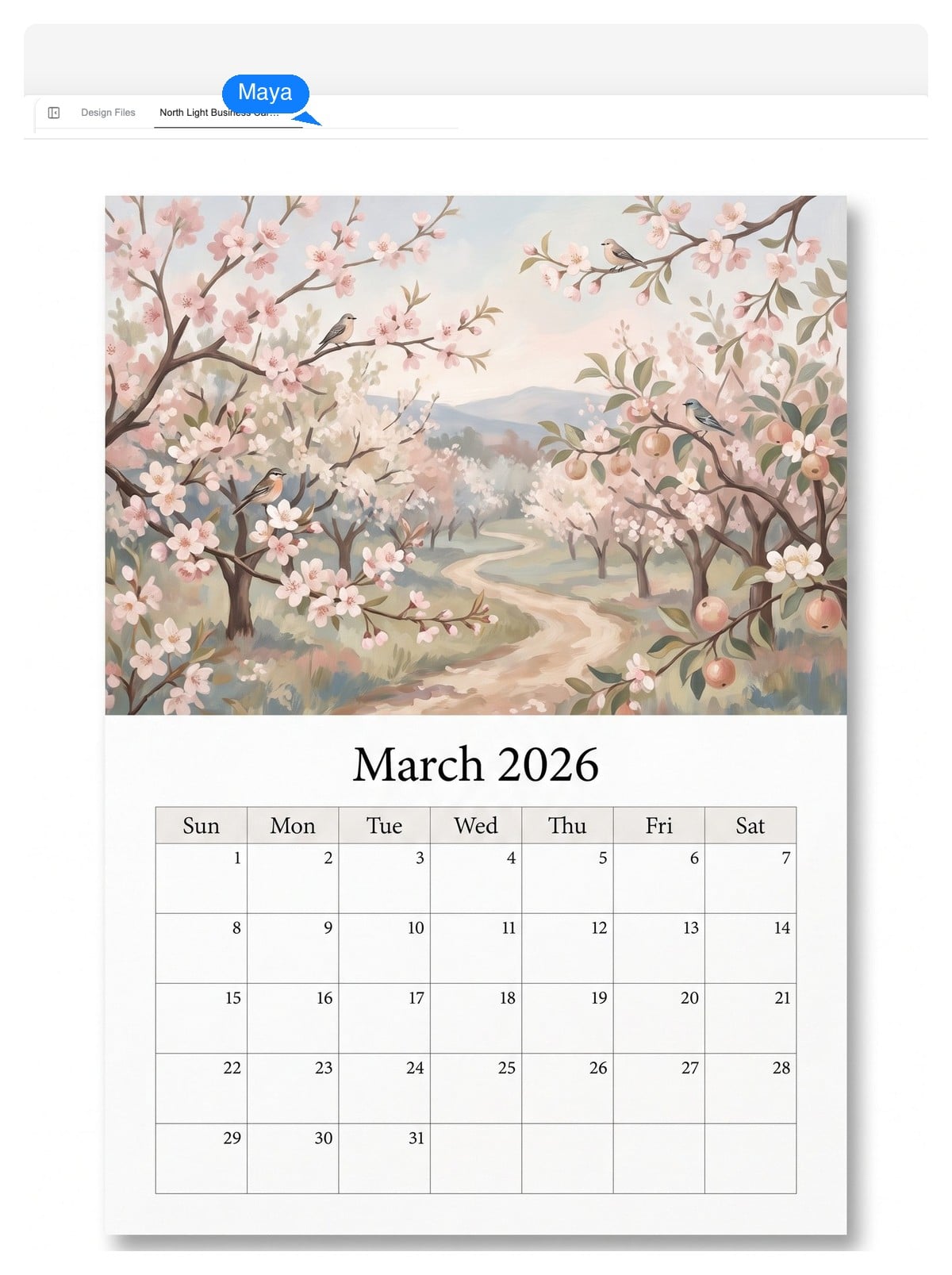
Family photo calendar
One photo per month, birthdays and anniversaries marked, printed at Letter or A4 at home or a local shop. The design file stays yours — reprint it next year with new photos.
Describe the year you're planning — months, size, style, whose photos go in — and the design agent lays out a real calendar: artwork on its own layer, a typeset date grid you can edit, and a print-ready PDF at the physical size you asked for.
An editable design
Image generators paint calendars as pixels — pretty until you spot a wrong date and can't fix it. The design agent builds your calendar as layers, so every part stays checkable and changeable.
Dates, the weekday row, and event labels are laid out as live text. Fix a typo, rename an occasion, or restyle the numerals without regenerating anything.
Each month's art sits on a separate image layer. Click it and ask for something different — the grid underneath doesn't move.
Ask for a Monday start, A3 instead of Letter, or the same design as a 12-month set — the layout re-typesets while the style holds.
The date-truth test
This grid isn't a screenshot — your browser is computing it right now with plain date arithmetic, the same way the agent typesets a grid from real date data instead of painting one. Flip through 2026, switch the week start, and verify any month against your phone.
| Sun | Mon | Tue | Wed | Thu | Fri | Sat |
|---|---|---|---|---|---|---|
| 1 | 2 | 3 | ||||
| 4 | 5 | 6 | 7 | 8 | 9 | 10 |
| 11 | 12 | 13 | 14 | 15 | 16 | 17 |
| 18 | 19 | 20 | 21 | 22 | 23 | 24 |
| 25 | 26 | 27 | 28 | 29 | 30 | 31 |
First of January, 2026: Thu — go ahead, check it.
Every cell above comes from live day-of-week math, not an image. A calendar tool that can't show you its dates are data is asking you to proofread twelve months by hand.
Year and months, physical size (Letter, A4, A3, A5 desk), style, which dates to mark, whether your photos go in. Plain language is enough — the chips above are real briefs.
It plans the layout, typesets the date grid as live text, and generates artwork for each month. A full 12-month set takes a few minutes to assemble — you watch the pages build and can redirect it midway.
Flip through the months, click any artwork to regenerate it, fix wording directly. Then download a print-ready PDF at physical size, PNGs per page, or a layered PSD.
Before you print
We've generated a lot of calendars. The failures repeat — and every one of them is checkable before a single page comes off the printer.
That's why the live grid above exists: a calendar is data first, decoration second. Print one test month before you print twelve.
Make your own from a plain-language brief — these four cover most of the calendars that end up on walls and desks. Load a prompt, change the details, make it yours.
One photo per month, birthdays and anniversaries marked, printed at Letter or A4 at home or a local shop. The design file stays yours — reprint it next year with new photos.
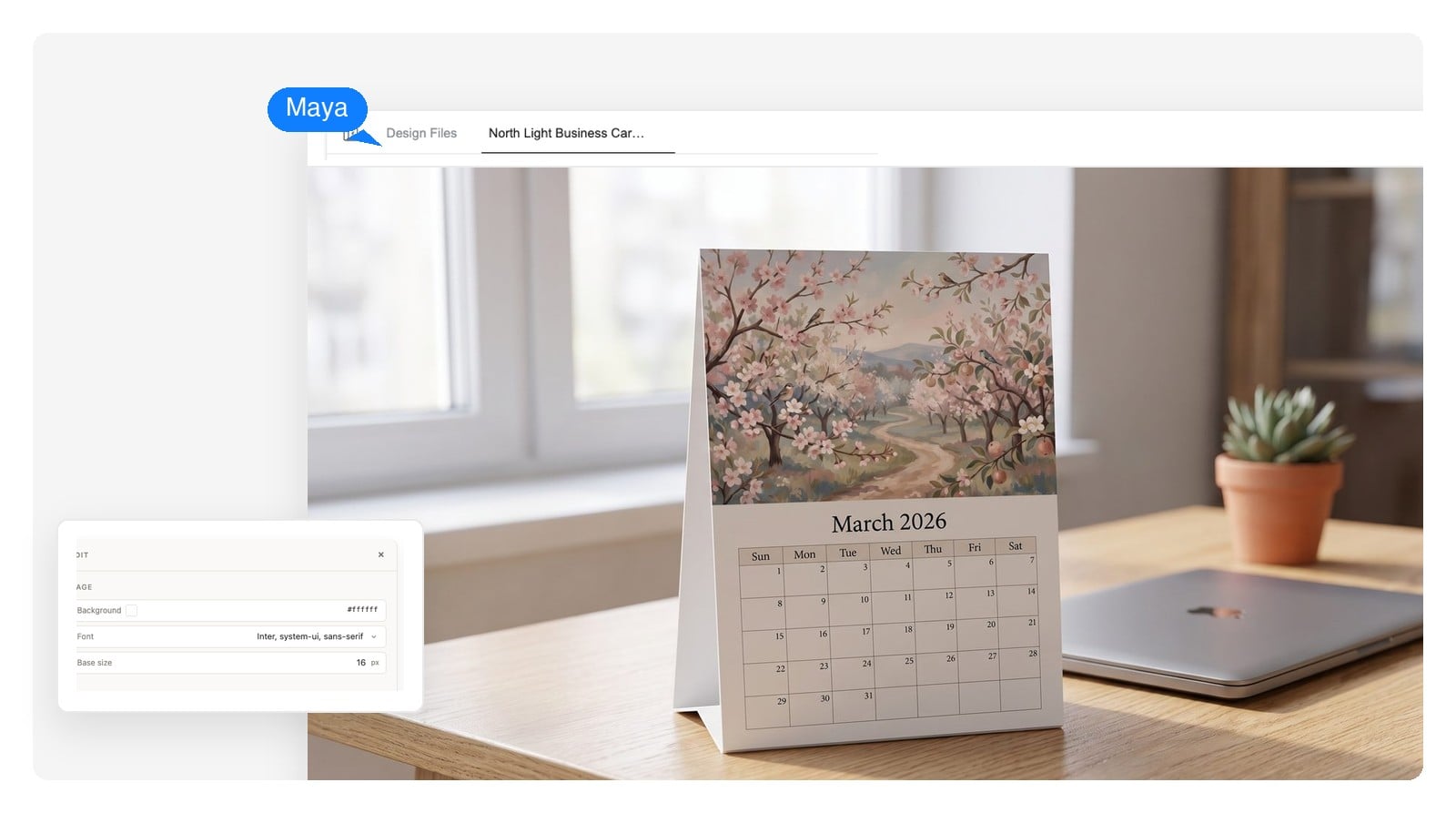
Brand colors and logo, a fiscal-year start month if you need one, office closures marked for your team. A3 for the wall, or A5 desk tents to hand to clients.
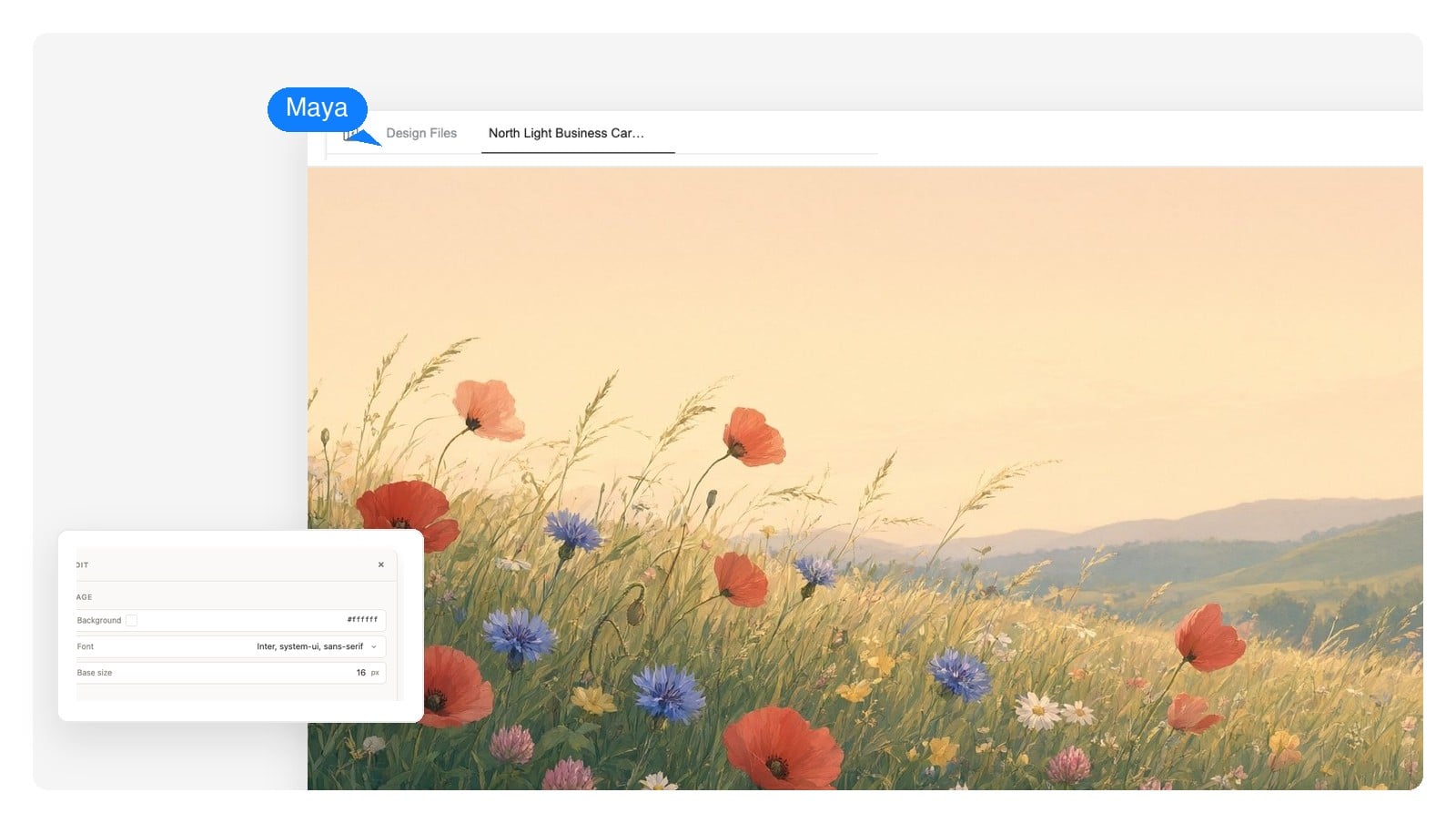
Twelve artworks in one consistent style — botanical, cityscape, whatever you name. The kind of calendar sold at bookshops in December, except this one is exactly your taste.
Type only, thin rules, generous margins. Prints clean on a home printer in black and white — regenerate a fresh month whenever the fridge needs one.
Twelve months, one brief
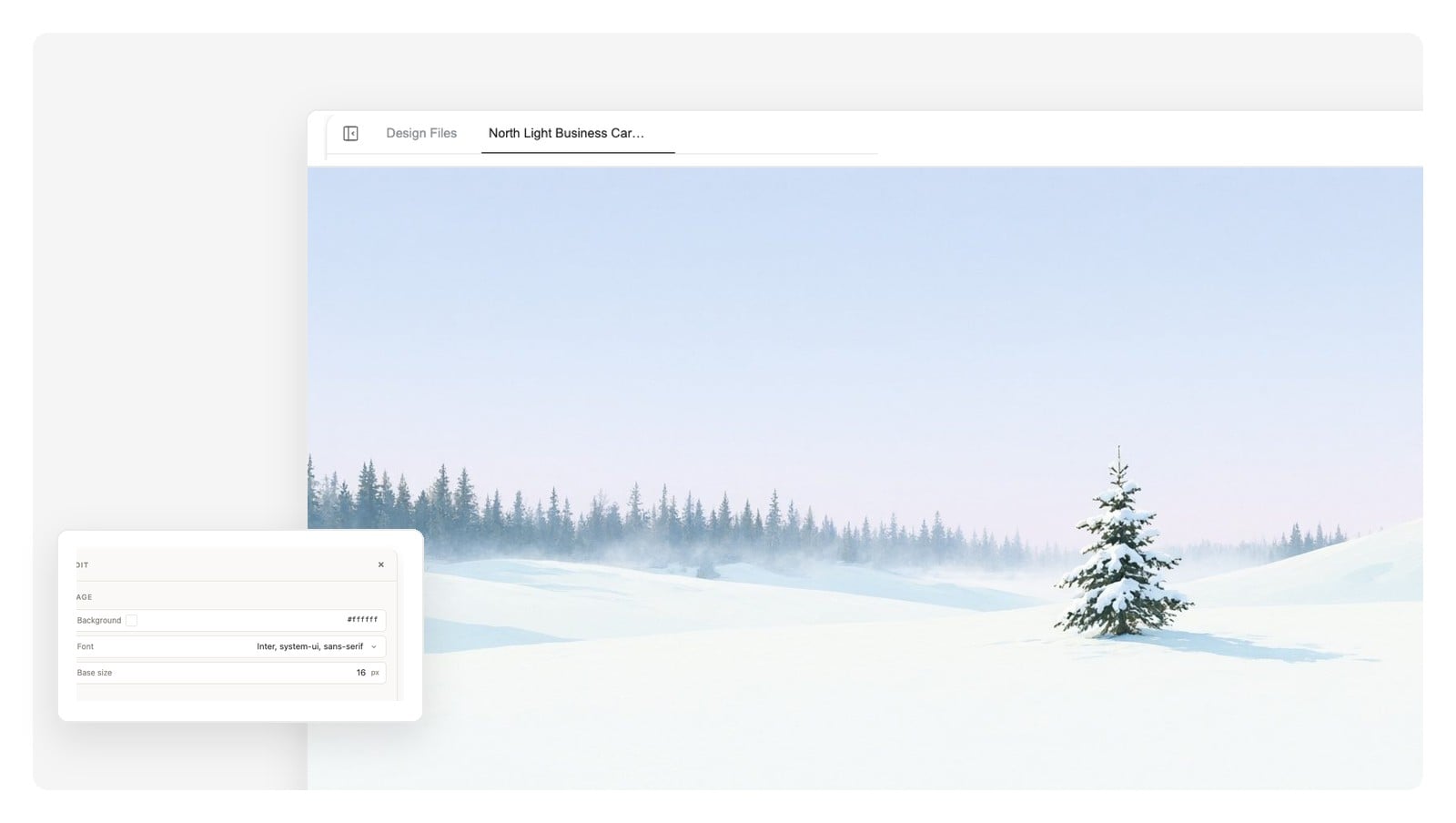
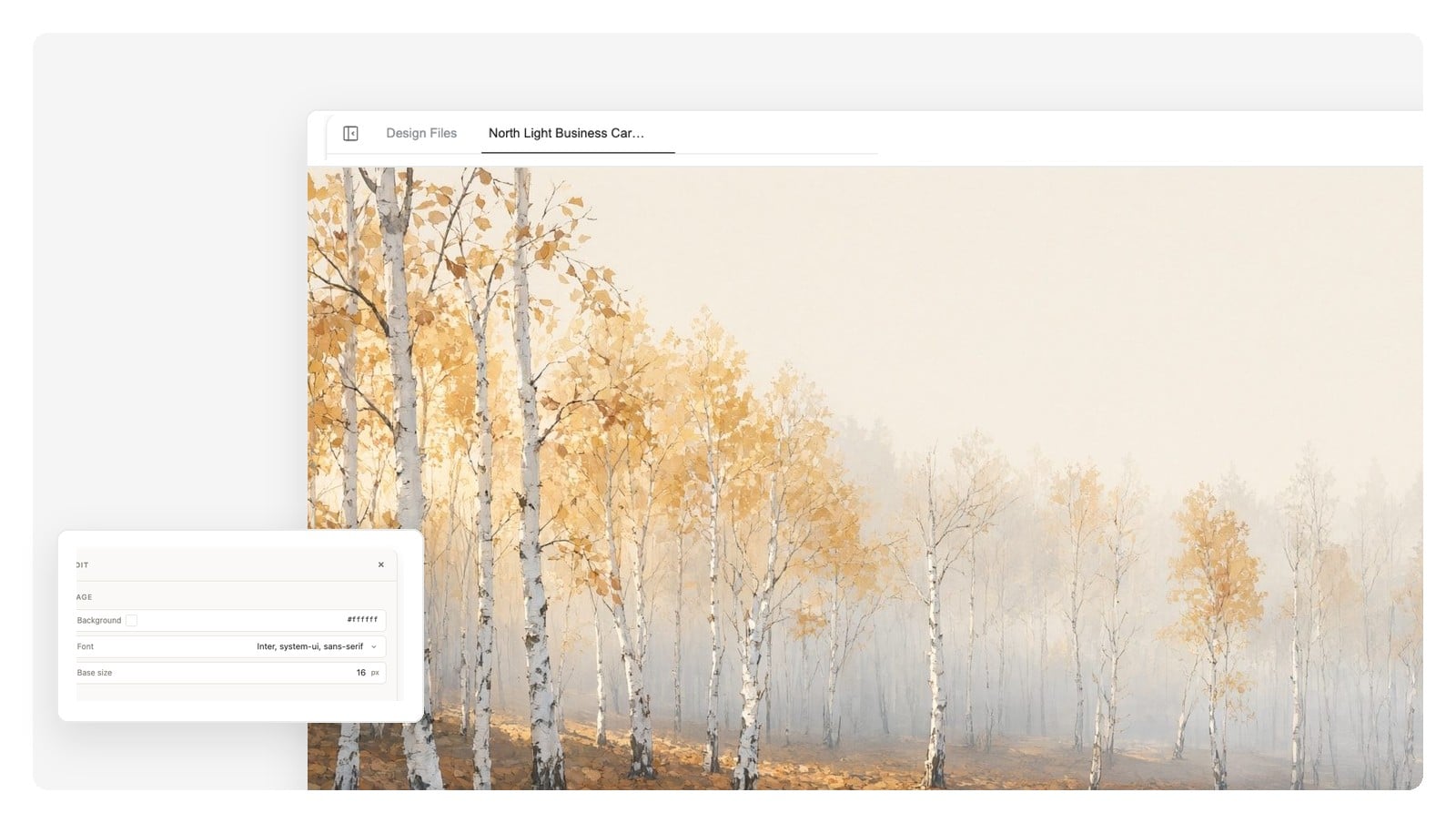
A yearly calendar isn't twelve separate designs — it's one design system: the same grid, the same type, artwork that turns with the seasons. The agent builds it that way, as a paged set: every month its own page, a cover if you want one, delivered as a single print-ready PDF at the size you asked for. The three artworks below came from one brief; the style holds from winter to autumn.
Prefer everything on a single page? A year-at-a-glance poster is the same brief in one-page form — the AI poster generator is built for that shape.
These are print-shop standards, not app settings. Name one in your brief and the design is laid out at that size from the start — upscaling a screen-shaped image to poster size later is how calendars come out soft.
| Home-printer page | US Letter 8.5 × 11 in · A4 210 × 297 mm — the standard monthly page |
|---|---|
| Larger wall formats | 11 × 17 in tabloid · A3 297 × 420 mm — kitchen and office wall calendars |
| Desk calendar | A5 148 × 210 mm landscape · 5 × 7 in tent cards |
| Print resolution | 300 DPI at final size — what print shops expect |
| Bleed and trim | 3 mm / 0.125 in bleed for full-bleed art, date grid inside the safe margin |
| Digital calendars | 2560 × 1440 desktop wallpaper · 9:16 phone lock screen, exported as PNG |
| Files you get | Print-ready PDF at physical size · PNG per page · layered PSD |
It's free to start and no credit card is required — describe a calendar, watch it get designed, and edit the result before you decide anything.
The grid is typeset from real date data as live text — the same arithmetic driving the interactive grid on this page — not painted into an image, which is where wrong dates come from. Before printing, do what careful printers do anyway: check the 1st of each month and any marked dates.
Yes — upload your photos and the agent works them into the monthly pages, one hero image per month or a small cluster. For a many-photos-per-page look, the AI collage maker is the better-shaped tool.
Both. Export a PDF at the physical size you named — Letter or A4 at home, A3 and up through a shop. Files export in RGB; consumer print services convert on their end, so ask for a proof if an exact brand color matters. You get the file — printing and binding stay in your hands.
Yes. Ask for the year and it's built as a paged set — each month its own page, an optional cover, one PDF. It takes a few minutes to assemble, and you can review and change pages as they come together.
Yes — say so in the brief, or ask afterwards and the grid re-typesets, exactly like the Sunday/Monday toggle in the live grid above. Month and weekday names can be set in your language, too.
The ones you tell it about: name a country and the occasions you care about, or paste your own list — company dates, birthdays, term dates. It won't silently guess your local observances, so verify the marked dates before you print.
No. This designs dated calendar files — wall, desk, or wallpaper — that you print or post. If what you actually need is a weekly timetable, class schedule, or shift roster, the AI schedule maker is the right tool for that.
A lot — that's the point of a layered design. Click any artwork to regenerate just that layer, edit dates and labels as text, or describe a bigger change in chat and the layout re-typesets. For pixel-level work in other software, export the layered PSD.
PNG at the design's native size per page, a print-ready PDF at the physical size you chose, and a layered PSD with each layer kept separate. Digital-only calendars — wallpapers, posts — usually just need the PNG.
Describe the year you're planning — months, size, style — and get an editable calendar design with a date grid you can trust. Print it yourself, as many times as you like.