
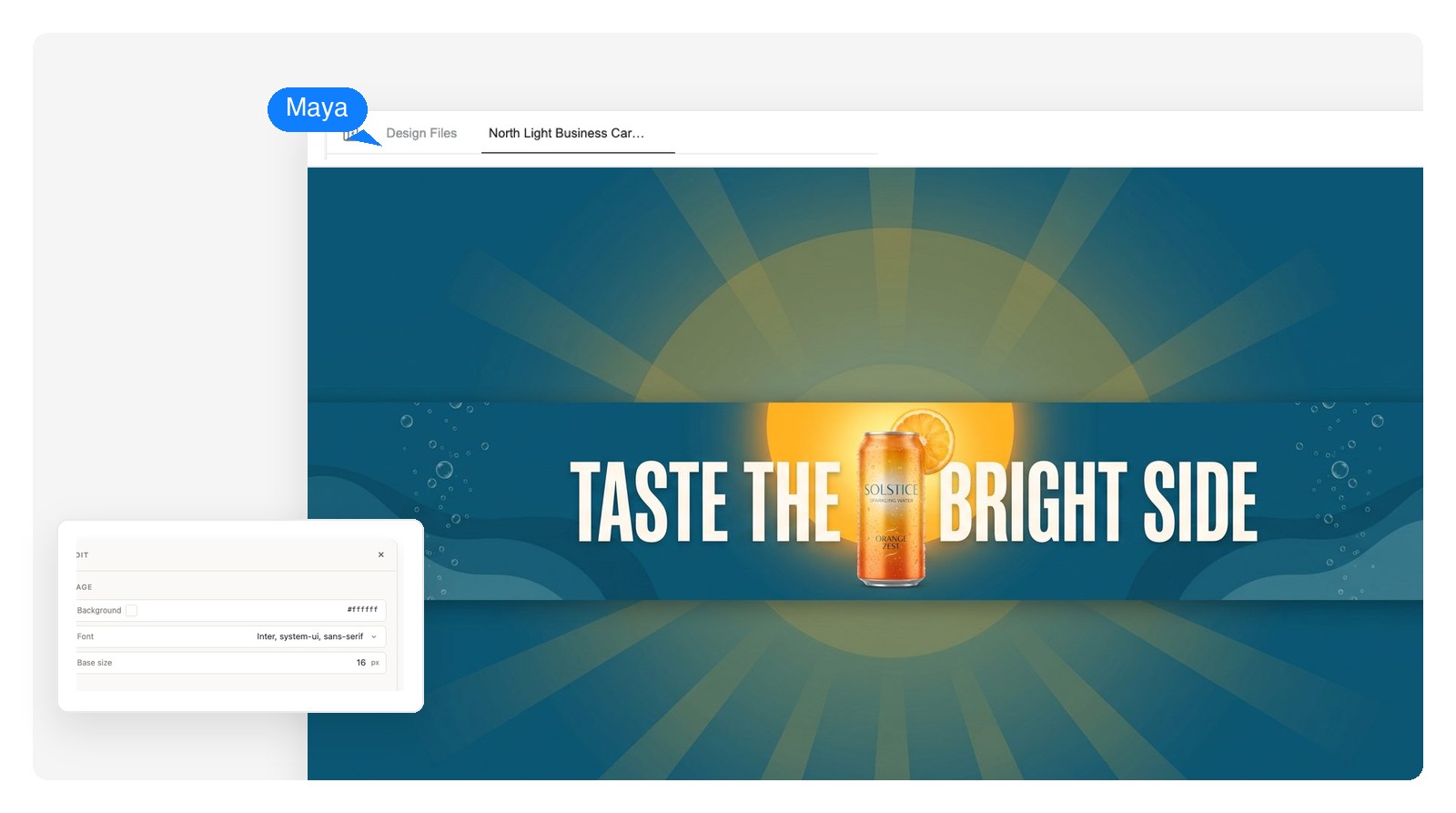
YouTube channel art
A 2560×1440 banner with the channel name and upload schedule inside the text-safe strip, so it survives every screen from TV to phone.
Describe the campaign and the AI designs the banner — real text you can still edit, laid out for the exact placement you name. Make one banner or the whole set: channel art, website heroes, social headers, ad slots.
Editable, layer by layer
An image generator hands you one baked file — if the headline is wrong, you regenerate and hope. Here every banner is a layered design: the text is text, the product shot is its own element, and each piece changes on its own.
The words on the banner are live text elements, not pixels. Fix a typo, change the offer, swap the font — the layout around them holds still.
Background, product shot, headline, button — each sits on its own layer. Click an image element to regenerate just that part; the rest of the design doesn't move.
Download the finished banner as a PNG at its native size, a layered PSD with each element on its own layer, or a print-ready PDF.
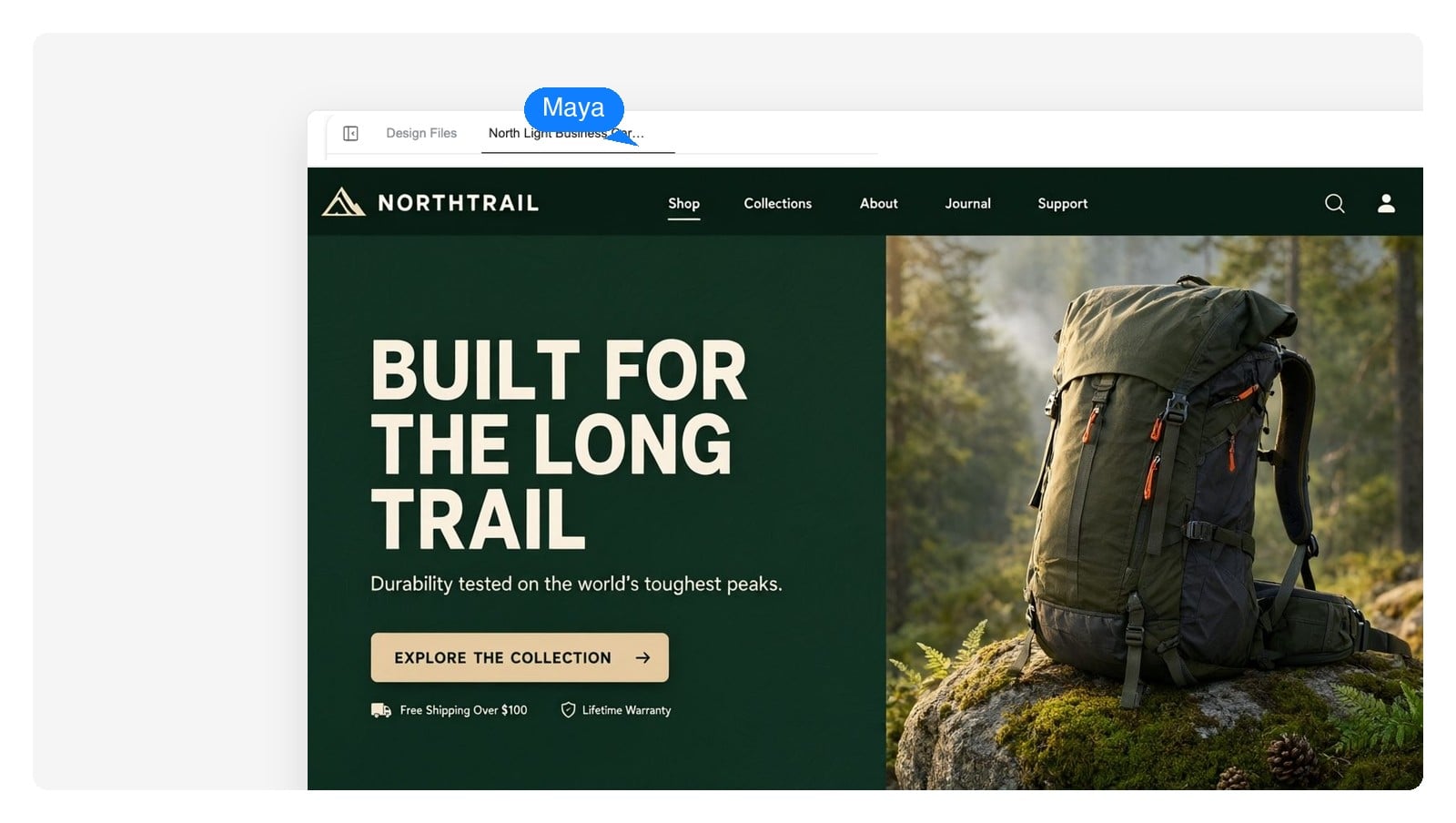 Editable text
Pick a placement and the same campaign re-lays itself out for that canvas. This is re-layout, not cropping — the headline moves, the product rescales, the margins hold.
1200 × 628 px
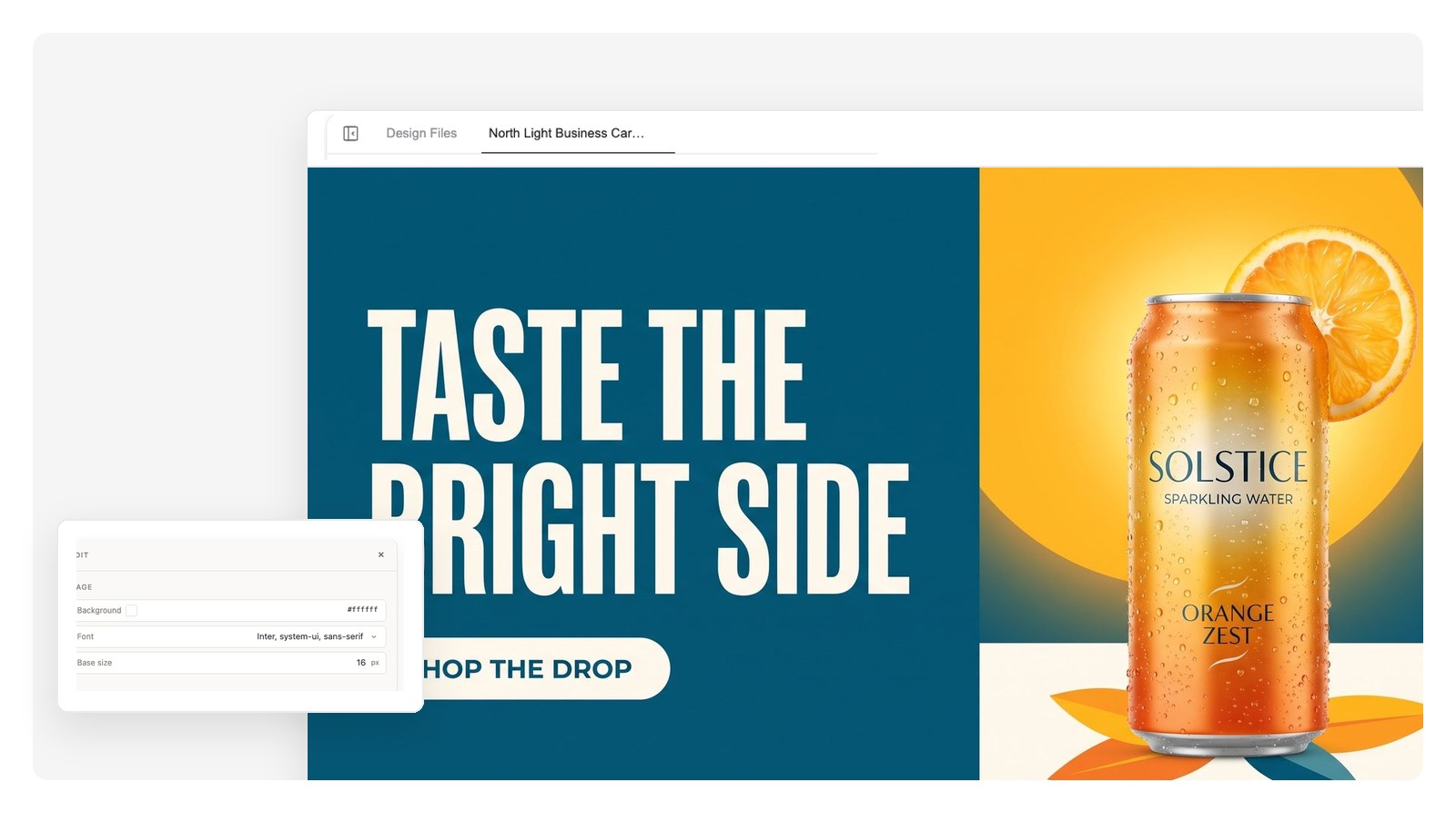
From a 728×90 strip to a 1080×1920 story, one brief covers the set — ask for any placement in chat and download each at its native size.
What it's for, what the banner should say, and where it will run. Name a platform or paste exact pixel sizes — both work. Upload a logo or product photo if you have one.
The AI composes background, imagery and real text on the exact canvas you asked for — a design made of separate elements, not a stretched picture.
Click any element to change it, or type the change in chat. When it's right, ask for the other placements you need and download each one — PNG, layered PSD or PDF.
Each example started as one sentence. Load the prompt, swap in your names and colors, and generate.
A 2560×1440 banner with the channel name and upload schedule inside the text-safe strip, so it survives every screen from TV to phone.
Full-width heroes and blog headers with the headline as real text — retype it per campaign instead of regenerating the art.
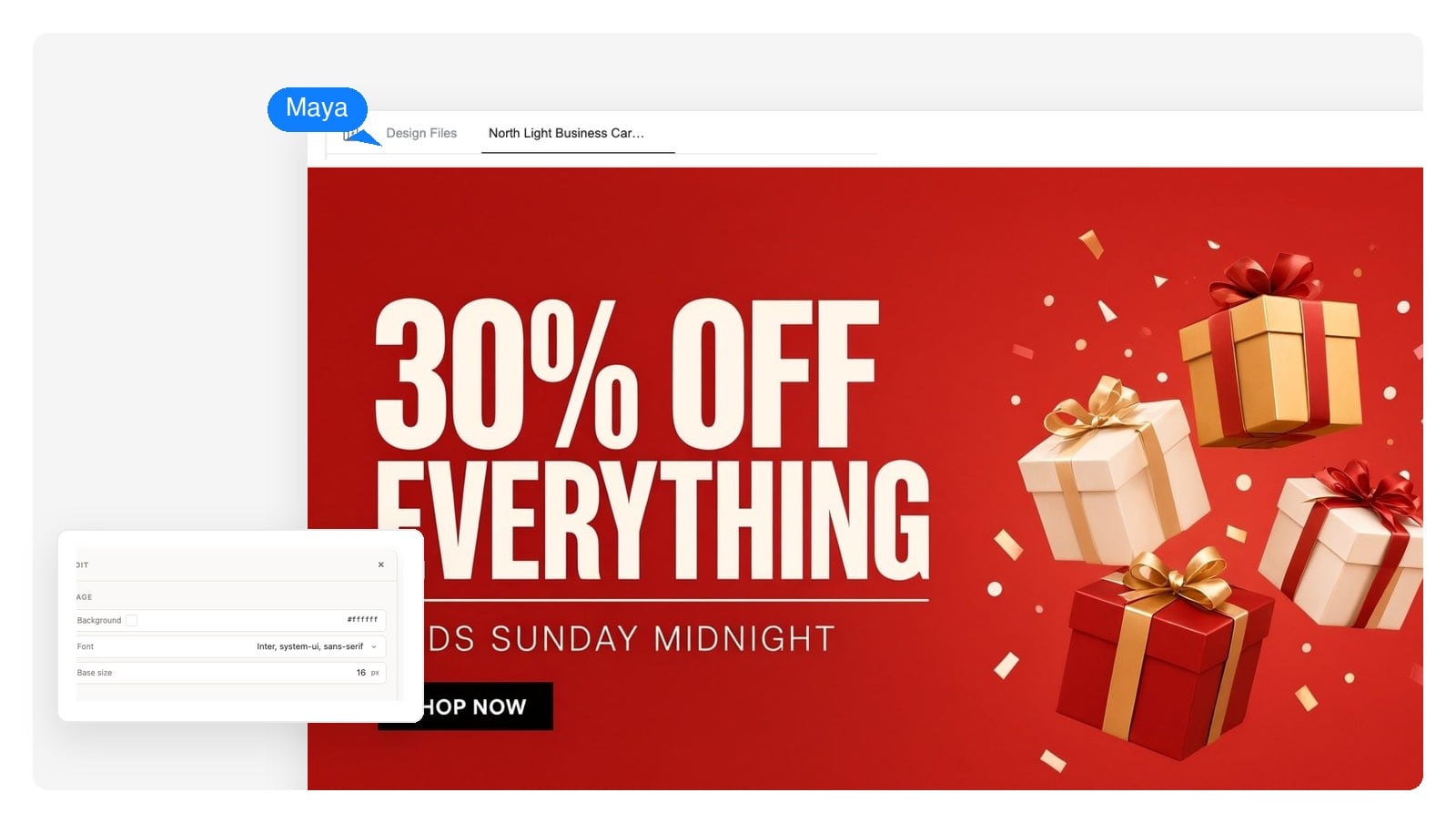
One offer, big type, clear hierarchy — then the same design re-laid for link posts, ad slots and stories.
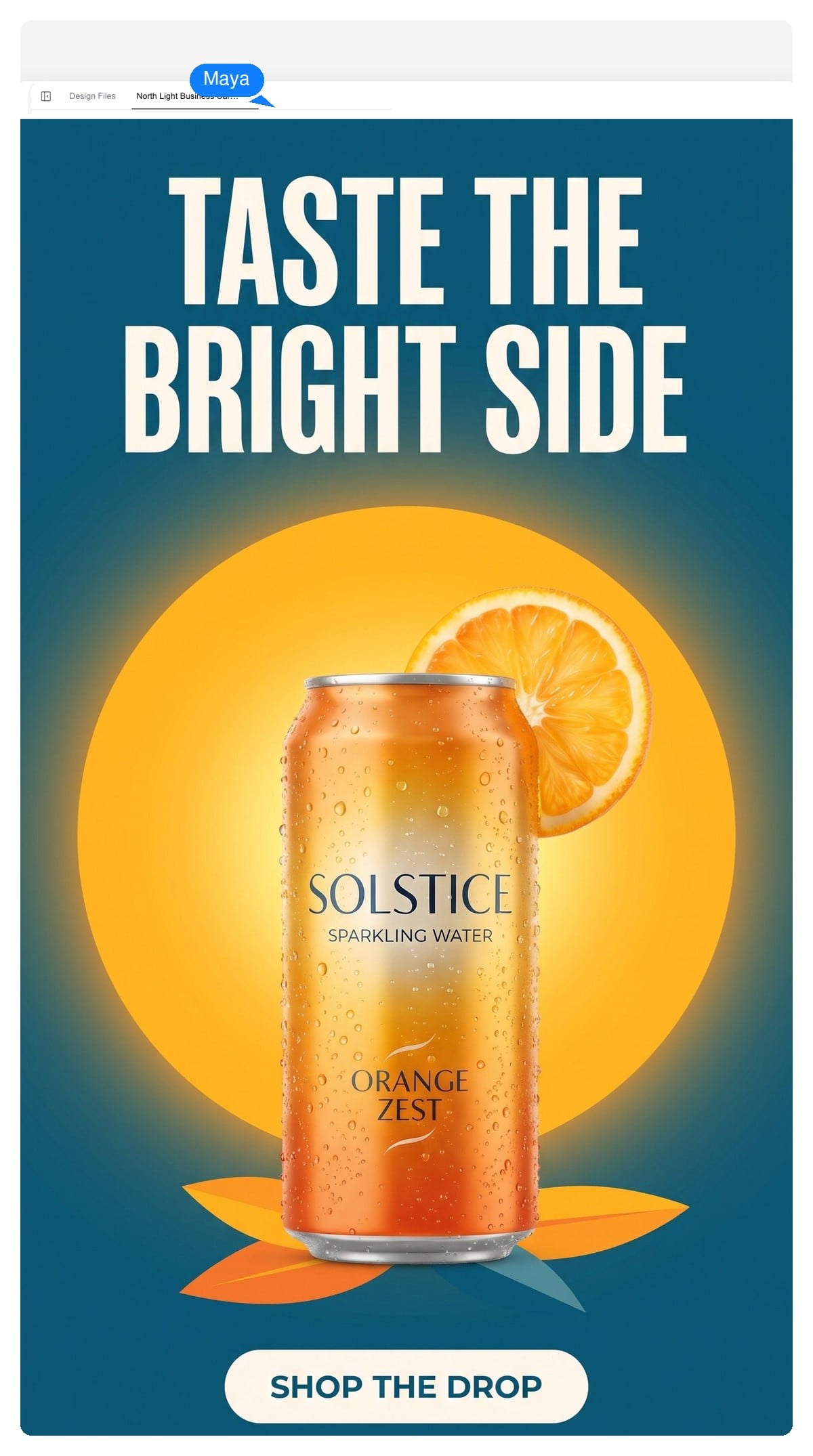
A 1080×1920 vertical layout with the message in the top third and the lower edge kept clear of platform UI.
A YouTube banner is the most unforgiving banner there is: you upload 2560×1440, a TV shows all of it, a desktop shows a wide slice, and a phone keeps only the 1546×423 strip in the middle. Design to the strip and the rest is decoration.
Channel name, tagline, upload schedule — everything that matters goes inside 1546×423. Ask for channel art and the generator composes it that way.
Renaming the channel or updating the schedule is a retype, not a regeneration — the text sits on its own layer above the artwork.
Reuse the palette and type style of your thumbnails so the channel page reads as one brand. Describe both in the same chat to keep them consistent.
Full upload — 2560×1440Safe on every device — 1546×423Hero banners have no single standard — full-width designs commonly run 1920 px wide and 500–700 px tall. Tell the generator your layout's real numbers and it designs to them, headline as live text.
LinkedIn 1584×396, X 1500×500, Facebook Page 820×312, Twitch 1200×480, Discord 960×540 — one campaign look, re-laid per platform so nothing important sits under a profile photo.
Email headers run about 600 px wide and 150–200 px tall. One message, generous margins, and type big enough to survive a cramped inbox preview.
Current platform numbers — name one in your prompt, or paste any custom size and the canvas follows it.
| Placement | Size (px) | Worth knowing |
|---|---|---|
| YouTube channel art | 2560 × 1440 | Text-safe area 1546 × 423; minimum upload 2048 × 1152; file up to 6MB |
| LinkedIn cover | 1584 × 396 personal · 1128 × 191 company | The profile photo overlaps bottom-left — keep that corner quiet |
| X header | 1500 × 500 | Crops shift with screen width; keep the subject centered |
| Twitch profile banner | 1200 × 480 | Shown small on channel pages — oversize the type |
| Discord server banner | 960 × 540 | The server name renders over the top-left — leave it calm |
| Display ad slots | 728 × 90 · 300 × 250 · 320 × 50 | Standard IAB sizes — one message, readable at actual size |
| Social link post | 1200 × 628 | The 1.91:1 card shown under shared links on most platforms |
| Story · vertical | 1080 × 1920 | Keep roughly the top and bottom 250 px clear of platform UI |
The craft part
Banner blindness is real: people have trained themselves to skip anything shaped like an ad. The banners that still work follow a few boring, reliable rules.
Each rule above is one click or one sentence to enforce here — because the headline, imagery and colors are separate editable elements, not one baked image.
It's free to start and no credit card is required. Describe a banner, get the design, refine it in chat, and download the finished file.
Any size. The canvas isn't locked to presets — name a placement (channel art, leaderboard, story) or paste exact pixels like 1200×628 or 728×90, and the design is composed for that geometry from the start rather than cropped after.
Upload 2560×1440 (16:9). YouTube requires at least 2048×1152 and a file under 6MB, and only the central 1546×423 strip is visible on every device — keep the channel name and tagline inside it. Ask for YouTube channel art here and the layout follows those numbers.
Yes. Headlines, offers and small print are live text layers — click one to retype or restyle it, and the rest of the layout stays put. Image elements work the same way: click one to regenerate just that piece.
PNG at the banner's native pixel size, a layered PSD where every element arrives on its own layer, or a PDF. The PSD is the one designers ask for — it opens ready to keep editing or hand off.
Yes — that's the intended workflow. Approve one design, then ask in chat for the other placements: a 728×90, a story version, channel art. Each is re-laid out for its canvas rather than scaled or cropped, and downloads at its own native size.
No. It designs static banners — PNG, layered PSD, PDF. If a campaign needs motion, the layered PSD is the right starting point to animate in a motion tool.
Yes. Upload your logo and product photos in the chat and they're worked into the layout as their own layers. Name the exact hex values your brand uses and the design keeps to them.
Yes — banners you create are yours to use across your channels, sites, ads and client work.
Only if it's left on the first draft. Banners that work follow the rules above — one message, real hierarchy, your actual brand colors — and because every element stays editable, pushing a draft toward your brand takes sentences, not restarts.
Describe the campaign, get an editable design, and export every size it needs to run — free to start, no credit card required.