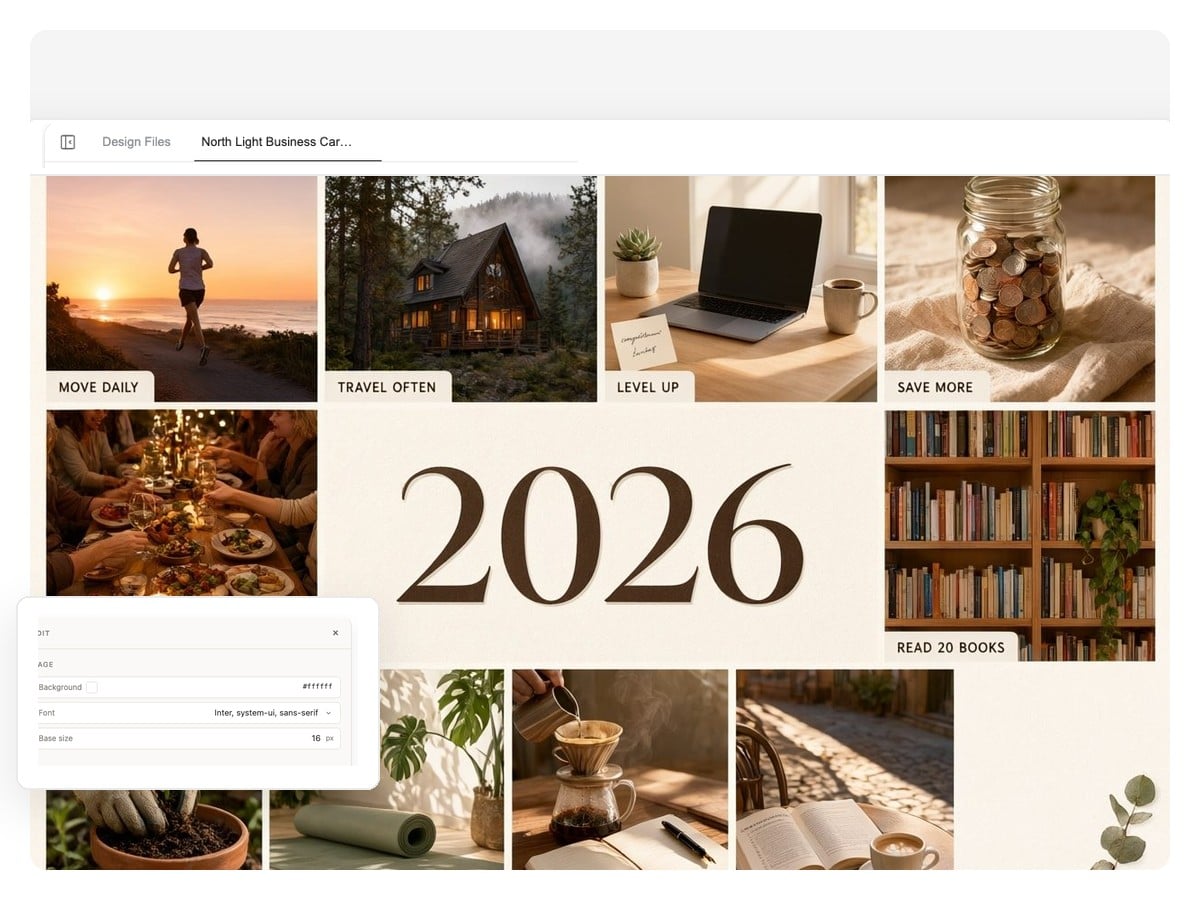
New-year board
The January classic: one board for the whole of 2026 across four or five life areas. Worth making in any month — the year doesn't care when you start.
Tell it what you're working toward — career, health, travel, learning — and get a digital vision board composed as one editable design. Every image is its own layer, every caption stays editable text, and the finished board exports at wallpaper sizes or as a print-ready PDF.
An editable canvas
Most makers flatten your board into a single image the moment you download it. Here the board stays a design — a canvas of separate pieces you can keep reshaping as the year moves.
Click the image that stopped feeling right and replace or regenerate just that one. The grid, the captions, and the rest of the board hold still.
The words on the board are text elements, not pixels — change 'run a half marathon' to 'run the full one' without touching the imagery around it.
New goal in June? Tell the agent to add a tile and it reworks the layout around it — no starting over, no squeezing a sticker into a corner.
The intention map
A board that reads like a plan beats a random collage. This one is composed in four zones — highlight a focus area to see how each part of the year gets its own ground.
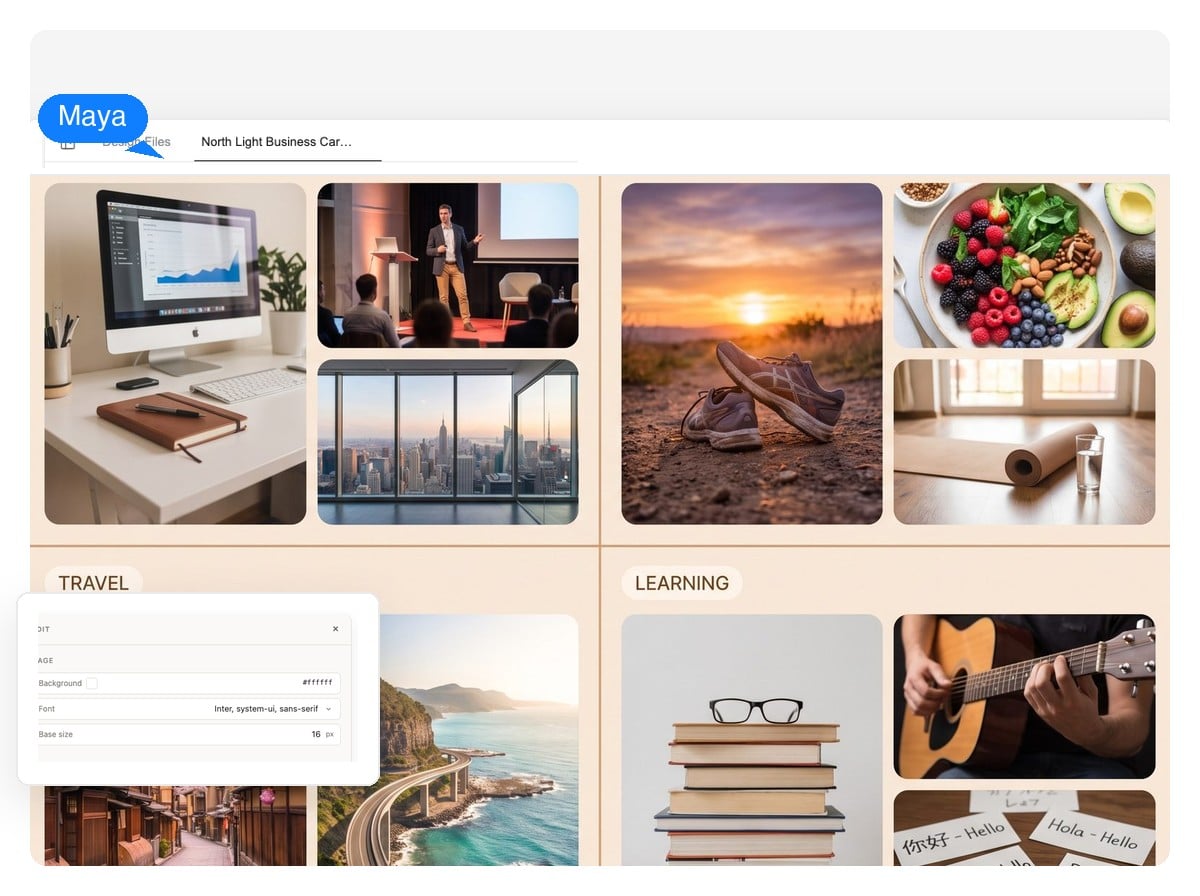
Zones matter for a simple reason: your eye finds each goal in the same place every morning — and when a goal changes, you know exactly which corner to rework.
Hover, tap, or tab through the areas to explore the board.
Type your goals the way you'd tell a friend: 'design lead by summer, a half marathon, Japan in cherry-blossom season, conversational Spanish.' A rough list is enough to start.
It generates an image for each goal and arranges everything into a structured board — zones, short captions, one palette holding it together. A full board takes a few minutes; every tile is made for your goals, not pulled from a stock library.
Swap the photo that misses, reword a caption, then export — PNG for your wallpaper, layered PSD if you want to keep editing elsewhere, print-ready PDF for the wall.
The craft
Call it a vision board, dream board, or goal board — the craft is the same whether you build it with scissors or with AI.
'More money' is wallpaper; 'close three new clients by June' is a goal. Write goals you could check off — the pictures get sharper when the goals are.
Career, health, travel, learning is a classic split — enough zones to cover a life, few enough to read at a glance.
The actual city you'd move to, the race you'd run, the desk you'd work at. Specific vision board pictures pull harder than generic luxury shots.
One caption per area, two or three words each. The board is a reminder, not an essay — long affirmations get read once and never again.
Phone lock screen, desktop wallpaper, or printed above the desk. Then revisit it quarterly — boards work through repetition, not magic.
The four boards people make most, each generated as one editable design. Load a prompt, then make it yours — no template hunting required.
The January classic: one board for the whole of 2026 across four or five life areas. Worth making in any month — the year doesn't care when you start.
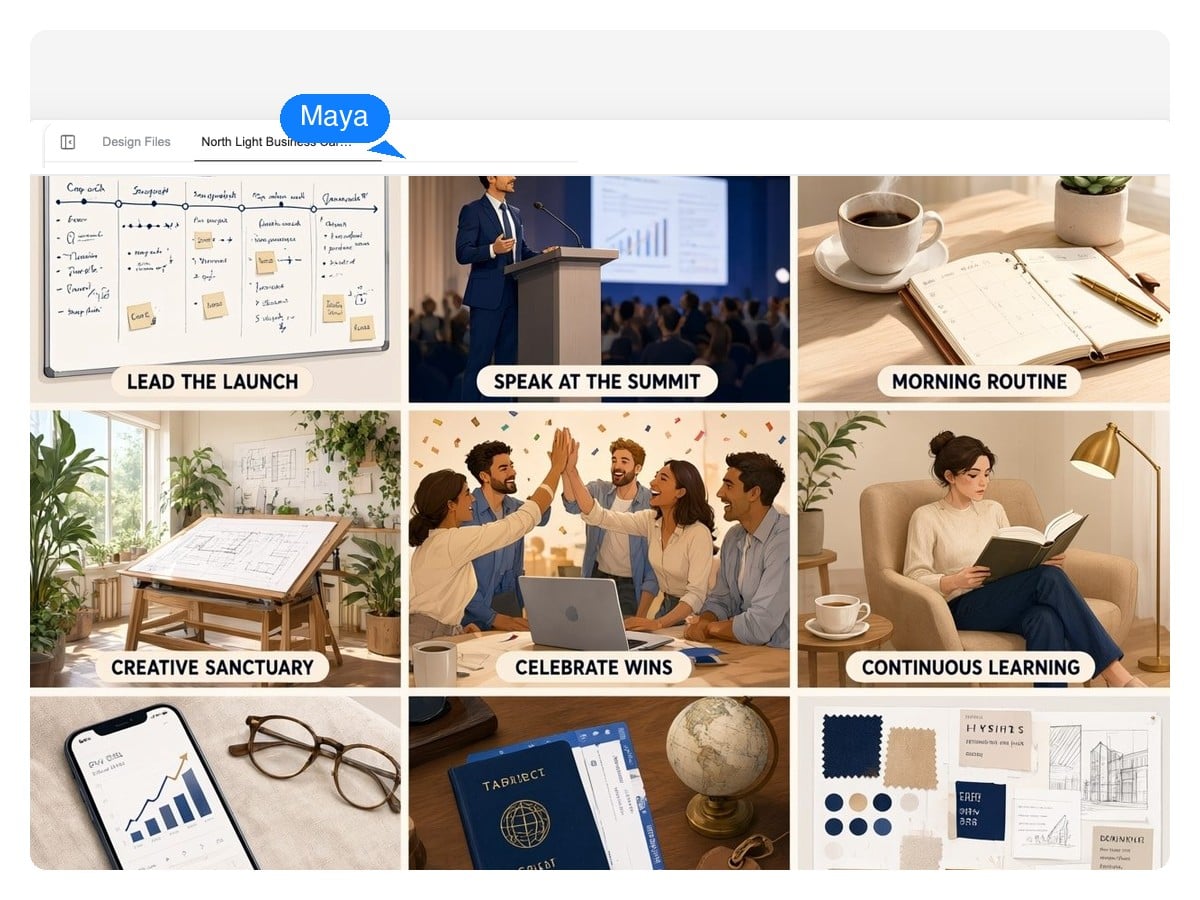
A promotion, a launch, a revenue goal, the studio you want to work from. Doubles as the one-page strategy visual founders keep above the monitor.
One zone per area so no goal disappears into the collage — the intention-map structure above, applied to your own year.
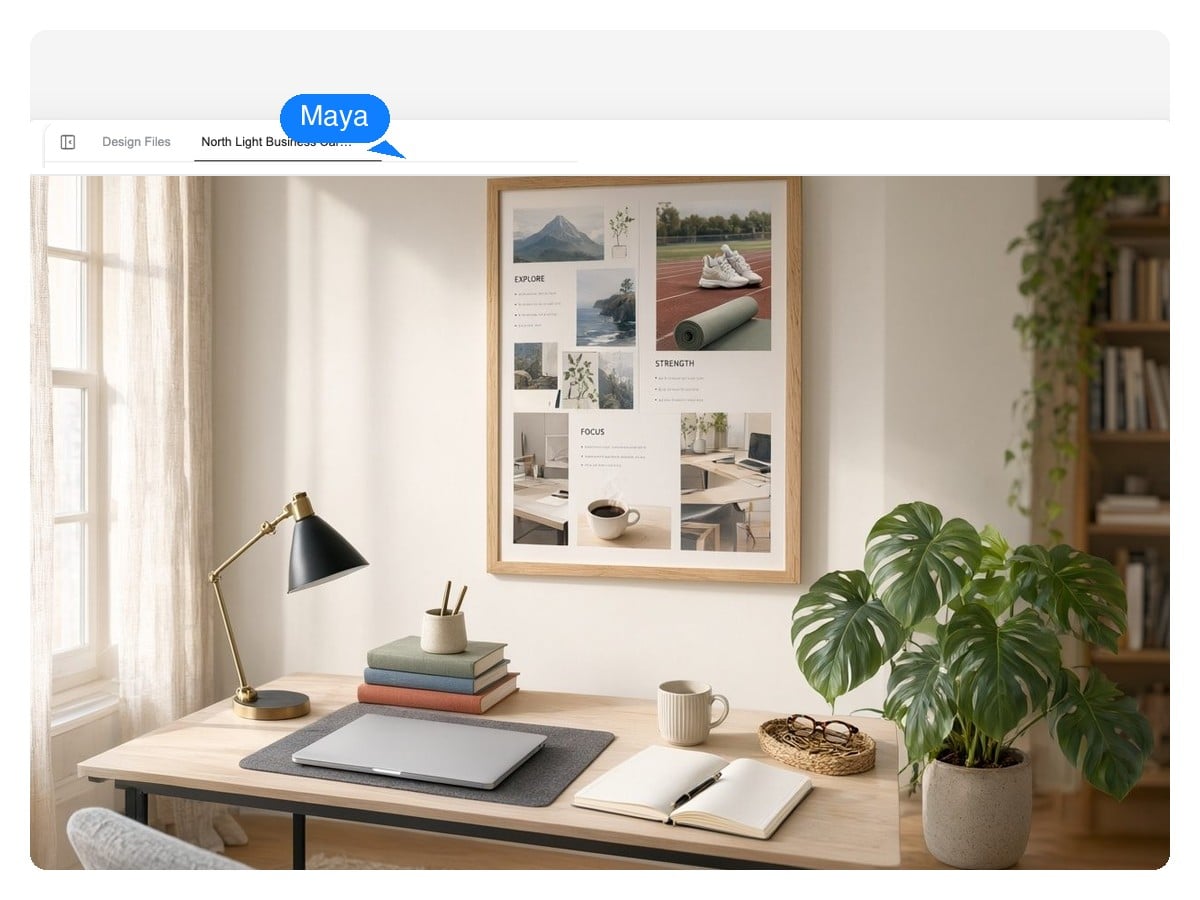
The quarter's goals, printed where everyone sits. A vision board that holds up in a planning review: targets, milestones, and one shared picture of done.
You choose the size when you ask — the canvas takes any aspect ratio. These are the numbers that matter for the three places a vision board actually gets seen.
| Phone lock screen | 9:16 — 1080×2400 px suits most phones |
|---|---|
| Desktop wallpaper | 16:9 — 1920×1080 or 2560×1440 px |
| Square board | 1:1 — 1080×1080 px, the easy one to share |
| Print for the wall | A4 (210×297 mm), US Letter (8.5×11 in), or an 18×24 in poster — exported as a print-ready PDF |
| Export formats | PNG at native size, layered PSD, print-ready PDF |
| What stays editable | Each image and each text block is its own layer — on the canvas and in the PSD |
The honest part
It's rarely a commitment problem — it's usually a design problem. Five patterns that quietly kill boards, and what to do instead.
None of this is magic, and this page won't pretend it is. A vision board is a planning artifact you look at often — the craft is making one worth looking at.
If a vision board isn't quite the shape of it:
A vision board is a collage of images and words representing what you want a season of your life to look like — goals, places, habits, work. Some people call the same thing a dream board or goal board. Digital versions do the same job as the classic corkboard, with one advantage: you can keep editing them as the year moves.
A digital vision board (also called an online or virtual vision board) lives as a file instead of on a corkboard: it can be your lock screen and your desktop wallpaper, it travels with you, and — made here — it stays editable instead of glued down. Physical boards still win on ritual, and you don't have to choose: print the digital one and have both.
Three to five focus areas, one specific image per goal, and a short caption for each. Specific beats aspirational-generic: the actual race you'd run, the actual city, the actual role. If a picture could sit on anyone's board, replace it with one that could only be yours.
Yes, with one caveat worth knowing. The AI vision board generator handles the composition: it creates an image for each goal, arranges the zones, and keeps the palette coherent. The part only you can do is name the goals. Give it specifics and the board comes back looking like your year rather than a generic mood board.
Yes — add your own photos and the agent works them into the design as their own layers: your dog, your people, the house you're saving toward. Personal photos usually end up as the strongest tiles on the board.
Yes. Export a print-ready PDF and print at A4, US Letter, or poster sizes like 18×24 in. Mention the size when you ask, so the canvas is composed for those proportions instead of stretched into them afterward.
Yes — ask for 9:16 and the board is composed for a phone screen (1080×2400 px suits most), or 16:9 at 1920×1080 and up for the desktop. Your lock screen is the highest-traffic wall you own; it's the single best place a vision board can live.
That's the point of keeping it a design instead of a flattened image. Reopen the project, swap a completed goal's tile for the next one, reword a caption, export again. A board that tracks the year keeps getting looked at; a January time capsule doesn't.
It's free to start, and it doesn't ask for a credit card. It runs online in the browser: describe the year, watch the board come together, refine it in chat, and export.
Not by magic — and this page won't tell you otherwise. What does hold up: naming goals clearly, seeing them often, and reviewing them on a schedule. A vision board bundles all three into one object. Make it specific, give it structure, put it where your day starts, and revisit it quarterly — that combination works, and the board is the most pleasant way to run it.
Describe what you're working toward and get a vision board you can keep editing until it feels like yours — then set it as wallpaper or print it for the wall.