T-shirt & apparel mockups
Flat lay, on-model or hanging — tees, hoodies and totes with the print following real fabric folds. The classic t-shirt mockup generator brief, minus the template grid.
Describe the product and the setting — the design agent composes the scene and places your artwork in it as a layered design, not a flattened picture. Swap the scene, retype the label, export when it's right.
Not a flat picture
Template tools flatten your artwork into a photo the moment you export. Here the scene, your design and every label stay separate layers — so one mockup keeps working after the feedback arrives.
Change the shirt color, the wall, the desk. The background regenerates while your artwork stays exactly where you placed it.
Captions, labels and taglines are editable elements, not pixels. Retype a word and nothing else in the scene moves.
“Same scene, matte black version, tighter crop” — the agent edits the existing design instead of starting from zero.
Device mockups
The design agent ships with iOS, Android, macOS and browser starter frames. Drop a screen in once, then present it as a phone, a laptop or a browser window — same design, reframed.
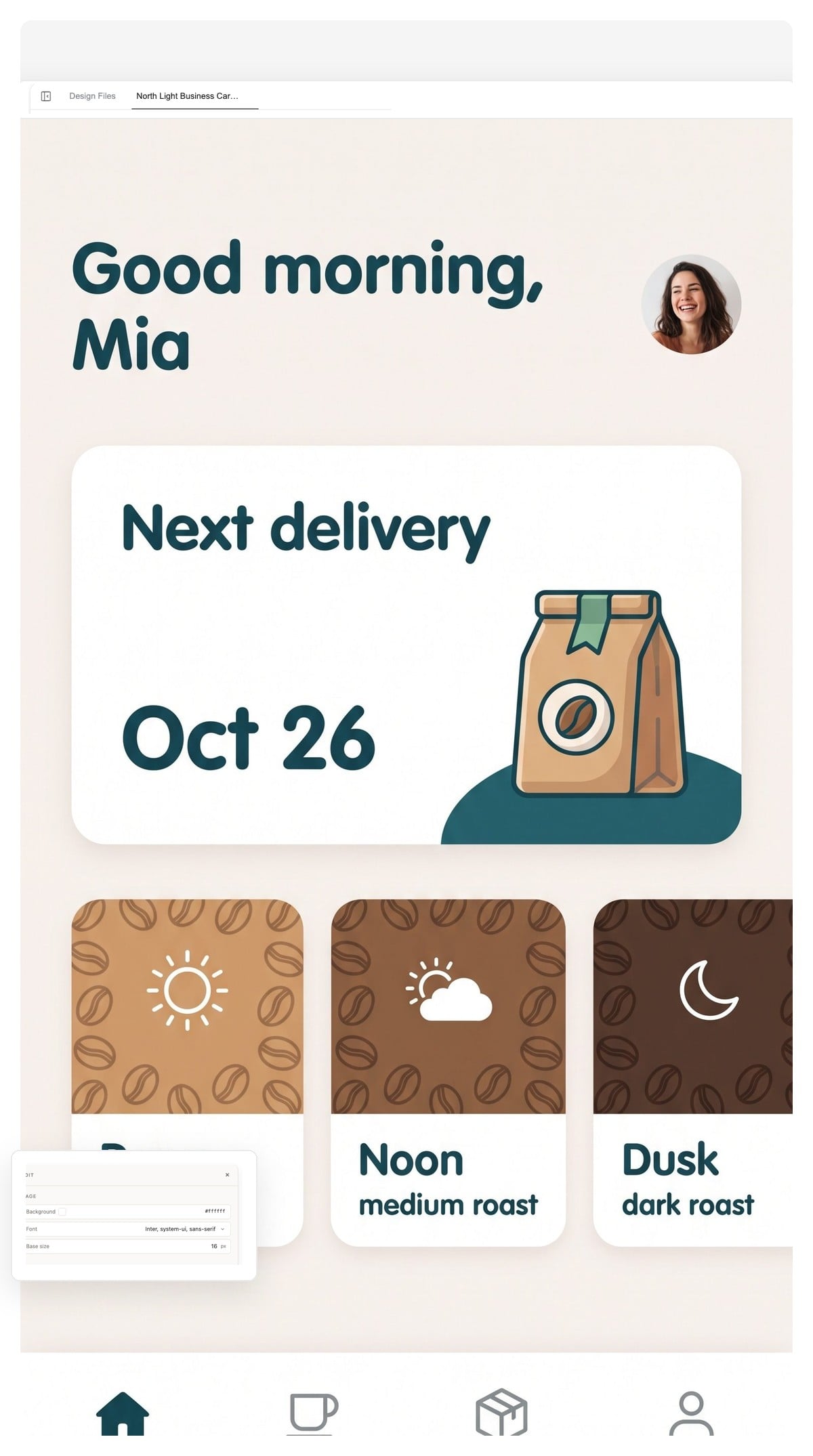
The frames above are drawn by this page as an illustration. In the agent, frames are design layers — restyle them, recolor them or delete them like anything else on the canvas.
When a bare frame isn't enough, ask for the environment too — desk, hands, light and all. The scene is composed around your screen, not pasted behind it.
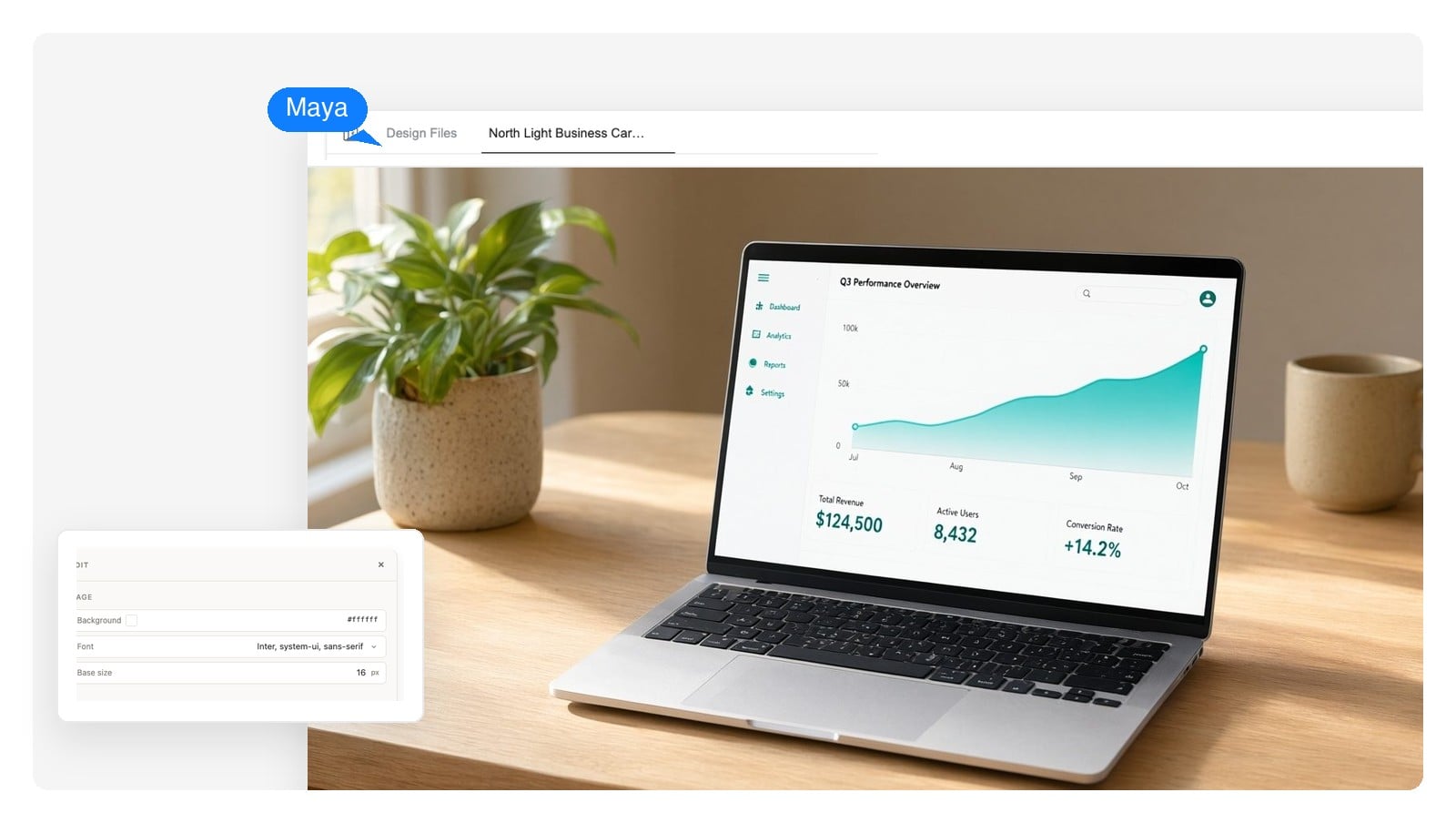
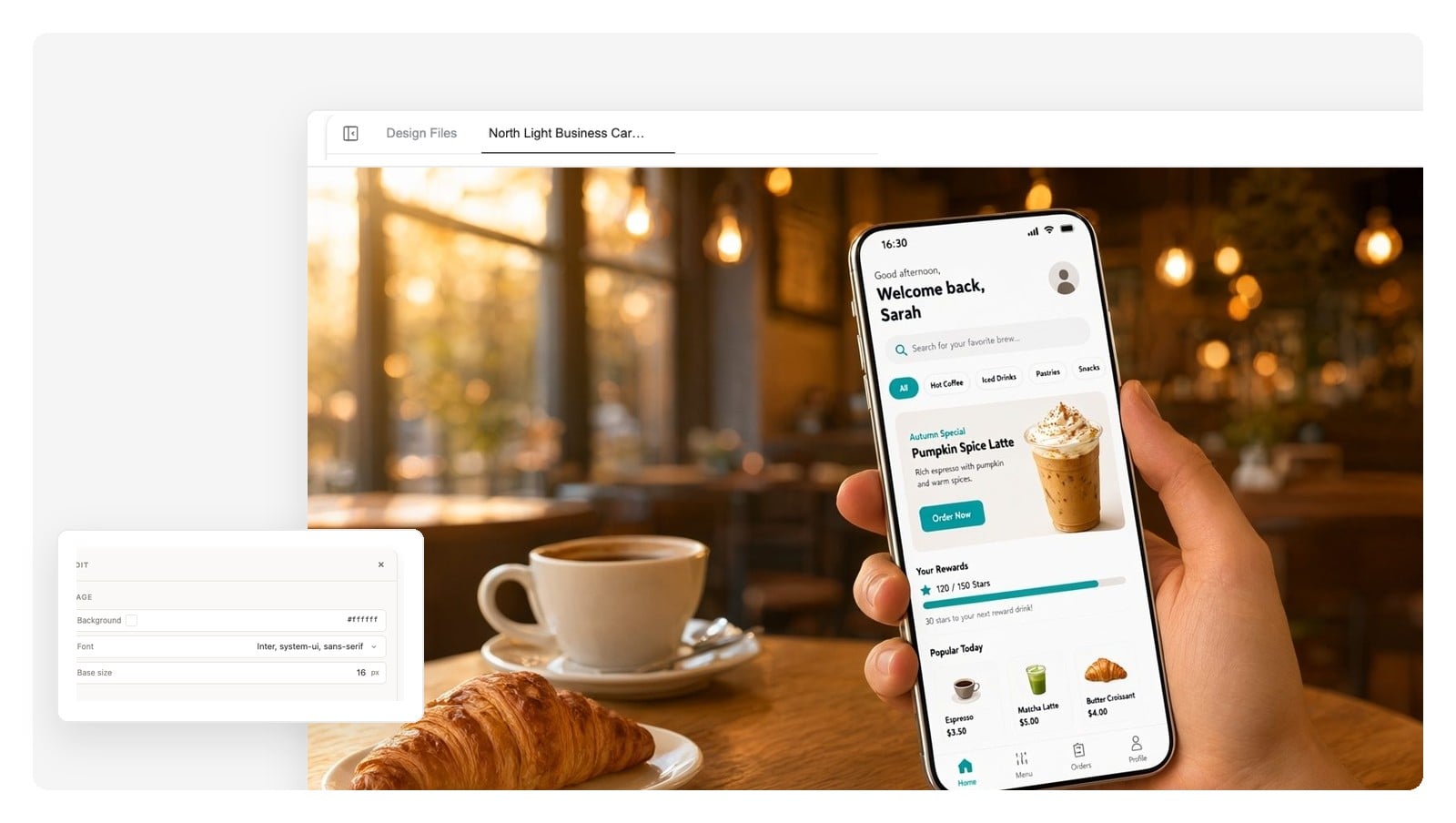
Designing the screen itself, not just presenting it?
Say what's shown and where: “matte coffee bag on an oak shelf, soft side light”. Have a logo or a screenshot already? Attach it and ask for it in the scene.
The agent generates the scene and composes your design onto it as separate layers — background, product, artwork, label text.
Click any element to adjust or regenerate it, ask for variants in chat, and export as PNG, layered PSD or print-ready PDF.
No template hunting. Describe the product, the angle and the light, and the scene is composed for that product. Start from a working prompt:
Flat lay, on-model or hanging — tees, hoodies and totes with the print following real fabric folds. The classic t-shirt mockup generator brief, minus the template grid.
A hardcover standing on a desk, a paperback stack, a spine row on a shelf. Show the cover as an object people could pick up.
Screens presented in device frames or full scenes — launch pages, store listings, portfolio case studies. Presentation lives here; deep UI work has its own tool.
Bags, boxes, jars, bottles and sticker sheets with believable material — kraft grain, matte foil, glass reflection.
Stacks, fans and letterheads in raking light that shows the paper. The small-object mockup where lighting does all the work.
Framed prints on gallery walls, street A-frames, a magazine cover on a coffee table. Anything flat that hangs or lies somewhere real.
A mockup is an argument — this design, out in the world. Four places the argument usually has to be made.
Show the homepage on a laptop in a real workspace instead of a bare rectangle in a slide. Context does half the convincing.
Present the same screen at phone, laptop and browser sizes for an app store listing or a landing-page hero row.
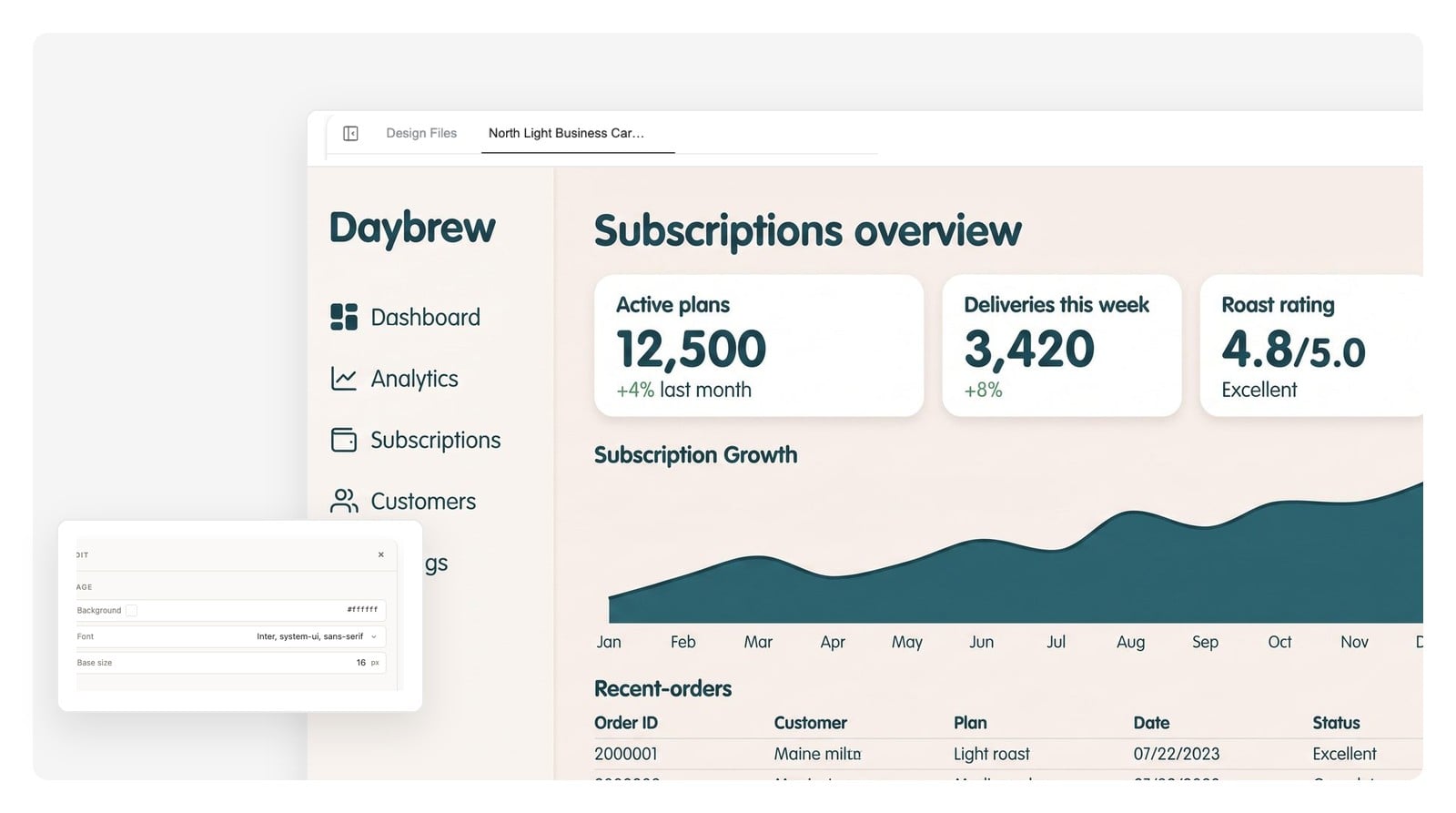
Frame finished work the way it shipped — browser windows for web projects, device frames for product work.
Product-in-scene shots for shop pages and release posts — art-directed with a sentence, not a photo shoot.
A mockup only convinces at the size it will actually be seen. These are the numbers the destinations expect — ask for the right canvas up front and skip the resize round.
| Online store product image | 2000 × 2000 px square keeps zoom crisp; most marketplaces want at least 1000 px on the short side |
|---|---|
| Social feed announcement | 1080 × 1350 px (4:5) takes the most feed space; 1080 × 1920 px (9:16) for stories |
| Website hero & case study | 1920 × 1080 px (16:9), the standard full-width web crop |
| Print mockups (poster, packaging) | 300 DPI at physical size — an A2 poster is roughly 4960 × 7016 px |
| Device screens | Phone ≈ 1179 × 2556 px, laptop ≈ 2560 × 1600 px, if you want pixel-true screens in the frames |
| Export formats | PNG at native canvas size, layered PSD (one layer per element), print-ready PDF |
Craft check
Five tells that give a mockup away — worth checking before any pitch, whatever tool made it.
Because the scene and your design stay separate layers here, fixing a tell means adjusting one layer — not regenerating the whole picture and hoping.
A tool that composes a product-presentation scene with AI instead of pasting your artwork onto a stock template photo. You describe the product, the setting and the light; it generates the scene and places your design in it as an editable layer.
Yes. Attach the file in the chat and ask for it in the scene — “this logo on the coffee bag” — and the agent works your actual artwork into the mockup instead of generating a lookalike.
It's free to start and no credit card is required — you can generate a mockup, edit the layers and export it.
Yes — that's the point of the layered output. Click an element to adjust or regenerate just that part, retype label text directly, or ask in chat for a new colorway or crop. The rest of the scene stays put.
PNG at the canvas's native size, a layered PSD in which each element arrives as its own layer, and print-ready PDF for posters, cards and packaging sheets.
Yes. Describe the garment, the color and the setting — flat lay, on-model or hanging — and ask for the print to follow the folds. Hoodies, totes and caps work with the same prompt pattern.
Yes. Ask for the screen and the mockup in one brief and the agent designs a plausible UI, then presents it in a device frame or scene. For real UI work — flows, wireframes, hi-fi screens — use the dedicated UI generator and bring the result here for presentation.
Yes — designs you create are yours to use in shops, pitch decks, crowdfunding pages and portfolios. If you bring third-party artwork into a mockup, like a client's logo or licensed art, the usual rights for that artwork still apply.
A template fixes the scene, the angle and the object — you're renting a photo someone already took. Generation composes the scene per prompt: any product, any angle, any light, with every part still editable. The honest trade-off is physics — check perspective and shadows against the craft list above before you ship.
Describe the product and the scene once, get a layered mockup you can keep editing until it ships.