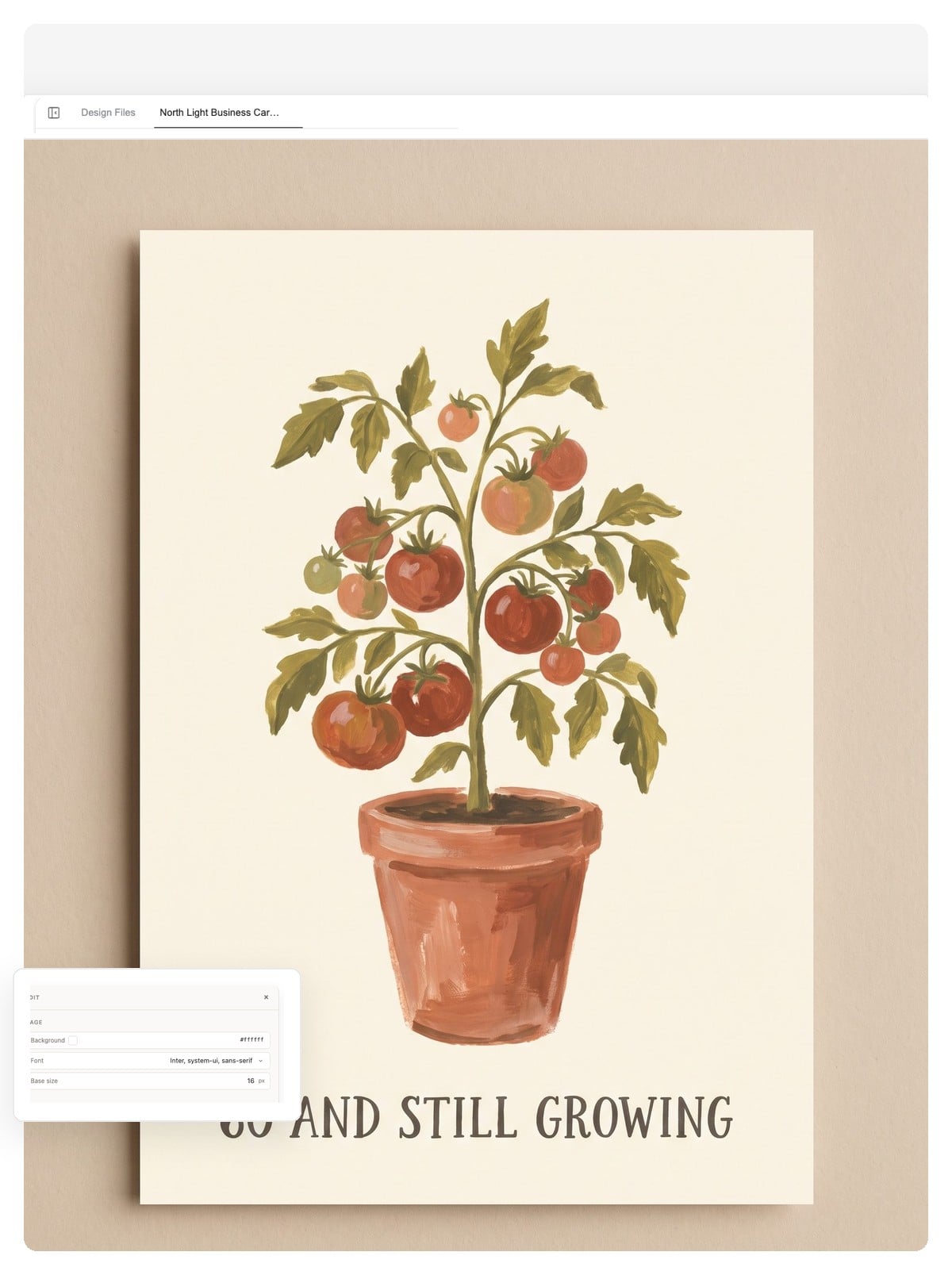
Birthday cards
The strongest birthday cards are about the person, not the word 'birthday'. Name the obsession — the garden, the golf, the grandkids — and make it the front.
Tell it who the card is for and what you want to say. The AI designs the front and the inside as one editable piece — rewrite any line, then download a print-ready PDF at A6 or 5 × 7 in, or a PNG to send.
A design, not a picture
Most AI tools hand you a flat image: one typo in the greeting and you regenerate everything, hoping the artwork survives. This card maker builds a layered design instead, so the words and the artwork stay in your hands separately.
The headline on the front and the message inside are editable text, not baked-in pixels. Fix a name, change the age, rewrite the whole greeting — the artwork doesn't move.
The cover artwork is its own layer. Regenerate it, swap the motif, or nudge the layout in chat, and your message stays put.
The card is designed as one piece — cover and inside spread together. Export it as a print-ready PDF, a layered PSD, or a PNG to send.
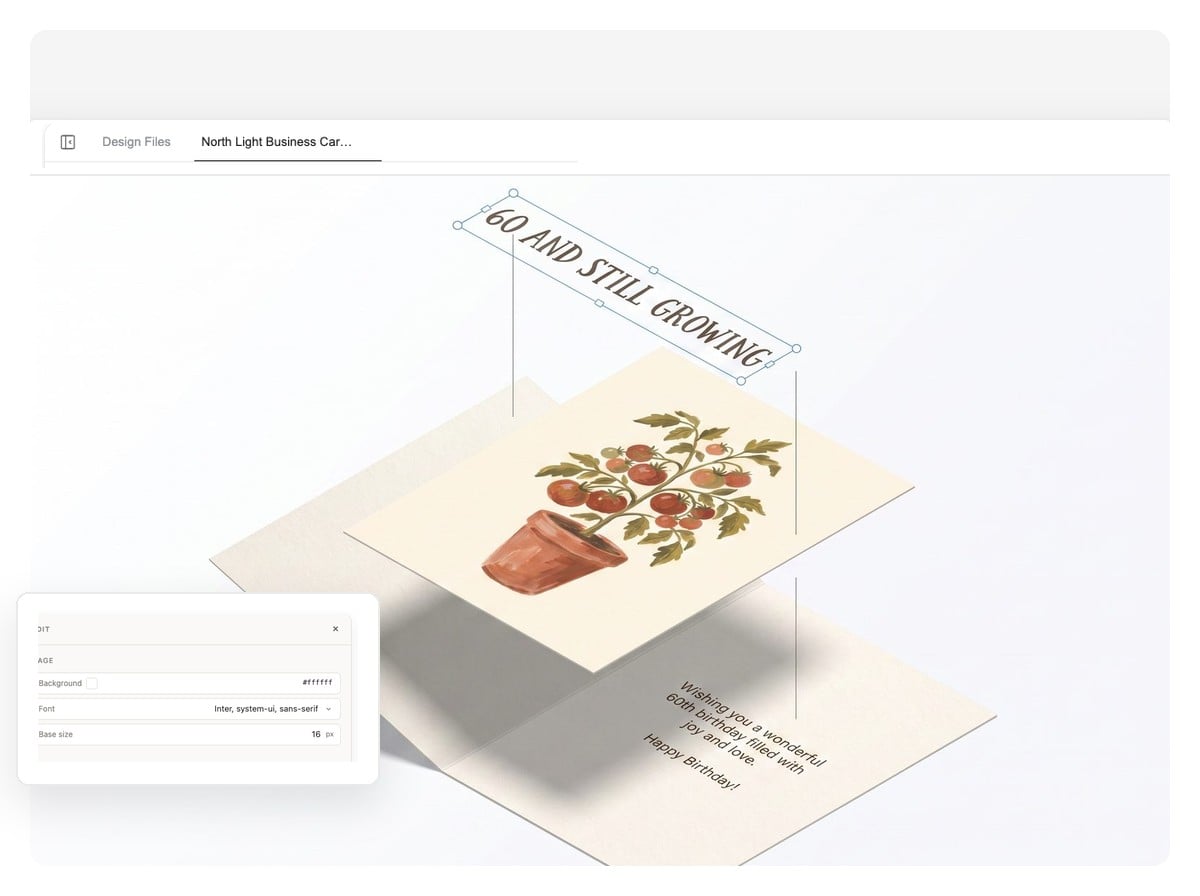
A card isn't a flat image; it folds. The card maker designs the front and the inside from one brief, so the motif, palette, and type carry through when the card opens in someone's hands.
Click the card — or press Enter — to open and close it
The birthday card above is one generated design: front and matching inside spread from a single brief. On the other occasions the inside message is live text — in the editor, those lines are text layers you rewrite without touching the artwork.
The occasion, who it's for, and what it should say — 'a birthday card for my dad who's turning 60 and lives for his tomato garden.' Plain words are enough; the details are what make it theirs.
The AI composes the cover and the inside spread as one layered design: artwork, headline, message, and room to sign, all sharing one palette and one voice.
Rewrite any line in chat, swap the artwork, set the size. Download a print-ready PDF at A6 or 5 × 7 in, a layered PSD, or a full-size PNG to send in a chat.
Craft, not luck
AI makes card making fast; it doesn't automatically make cards good. These habits separate a card they keep from a card they recycle — the card maker follows them by default.
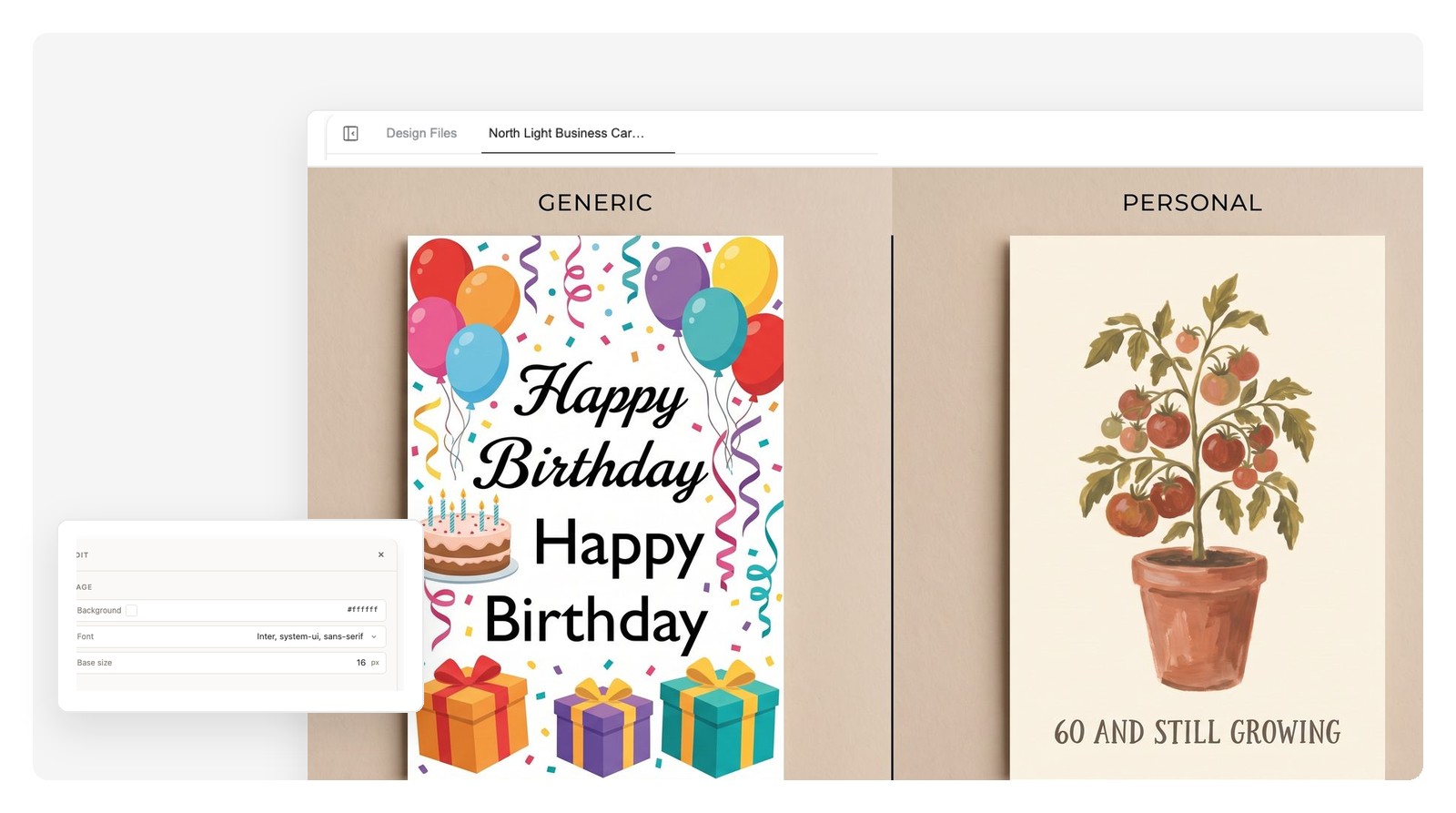
Break any of these on purpose when the joke calls for it — a deliberately over-the-top glitter collage is its own kind of personal.
Custom birthday cards, wedding congratulations, thank-you notes, and the whole December pile. Every prompt below loads into the box — swap in your person and their details before you run it.
The strongest birthday cards are about the person, not the word 'birthday'. Name the obsession — the garden, the golf, the grandkids — and make it the front.
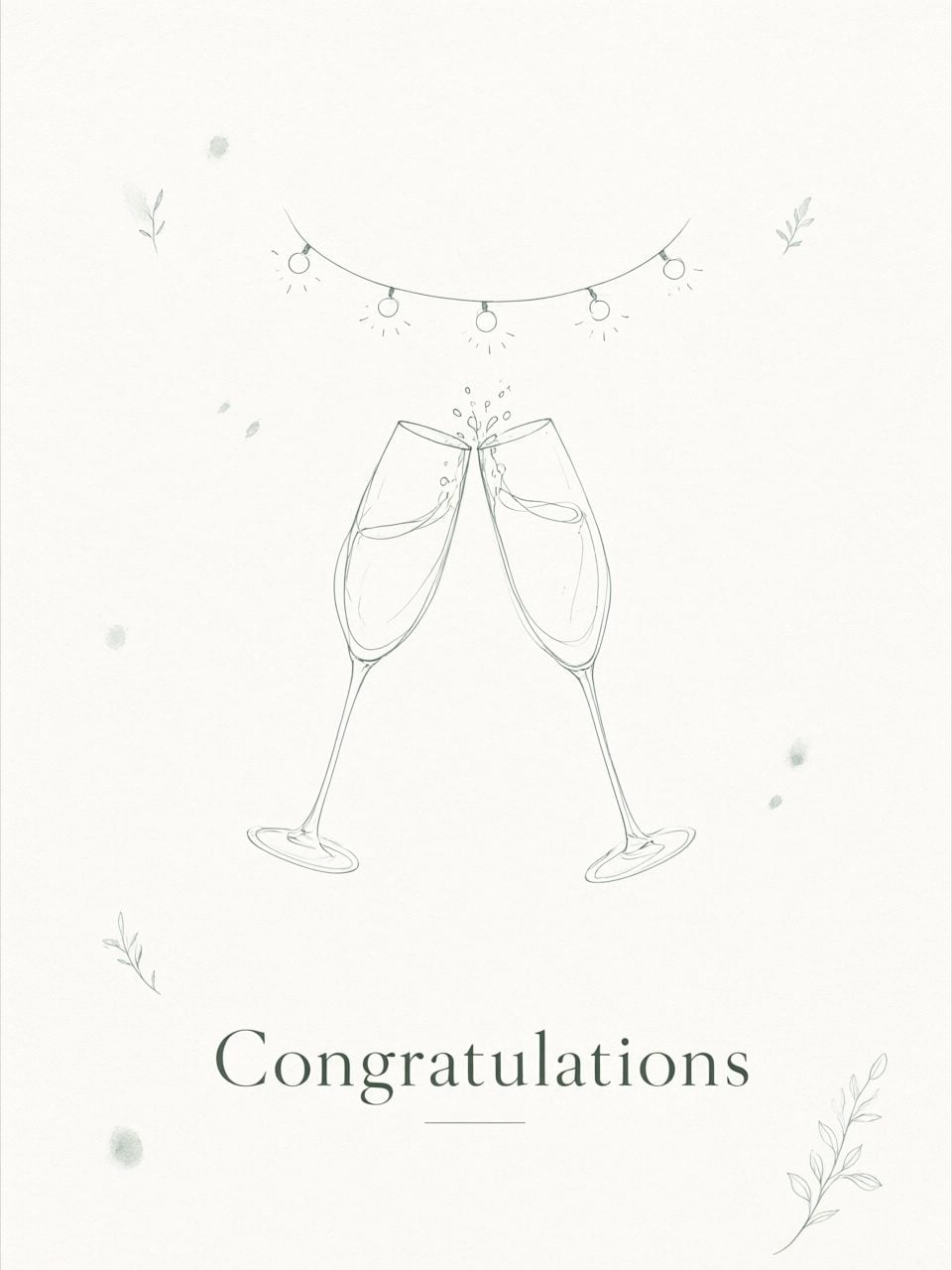
Not the invitation — the card you bring to the wedding. Keep the front elegant and put the toast inside, where it belongs.
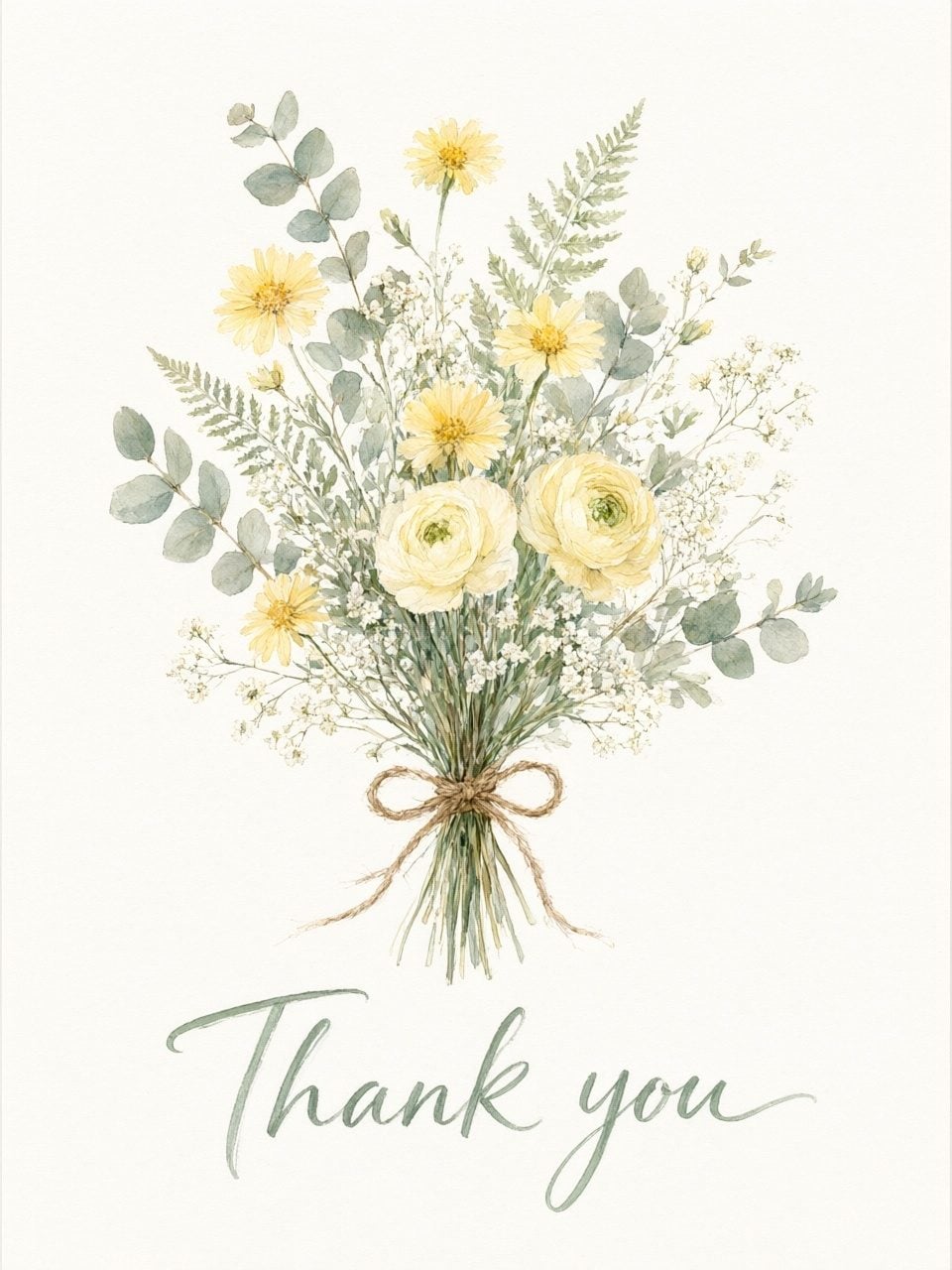
A printed thank-you card with one specific sentence inside beats a text message every time. Teachers, hosts, coaches — this is the quiet power move.
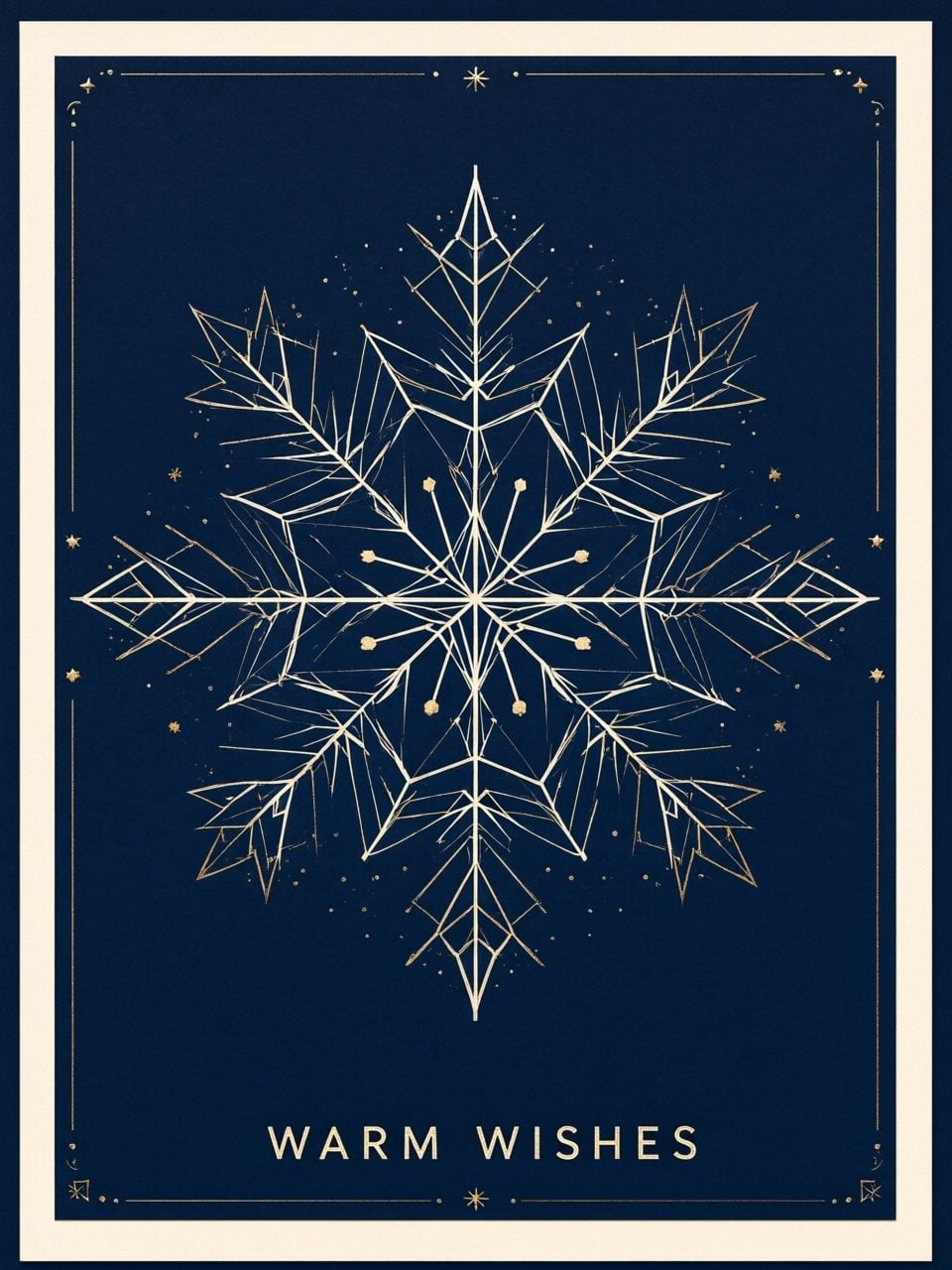
One design, many versions: your family's name on the front, a non-religious variant for work, and a print PDF any shop can run as a batch.
Planning an event with RSVPs, dates, and directions? That's an invitation, not a greeting card — use the AI invitation maker for those.
The numbers worth knowing before you stand at a print counter. Ask for a size in your prompt and the PDF comes out at that physical size — no scaling surprises.
| Print sizes (folded) | A6 — 105 × 148 mm (4.1 × 5.8 in) · 5 × 7 in — 127 × 178 mm |
|---|---|
| Matching envelopes | C6 (114 × 162 mm) for A6 cards · A7 (5.25 × 7.25 in) for 5 × 7 cards |
| Orientation & format | Portrait or landscape · folded card or flat single-sided |
| Bleed for edge-to-edge color | Ask for 3 mm (0.125 in) extra on each edge — the print shop trims to the line |
| Export formats | Print-ready PDF · layered PSD · full-size PNG |
| Sending digitally | PNG at the canvas size you set — portrait around 1080 × 1350 px reads well in chats and feeds |
The actual working rhythm: ask for the front, ask for the inside to match, ask for the print file. No re-explaining the brief between steps.
The front comes back as a layered design: artwork, hand-lettered headline, real margins.
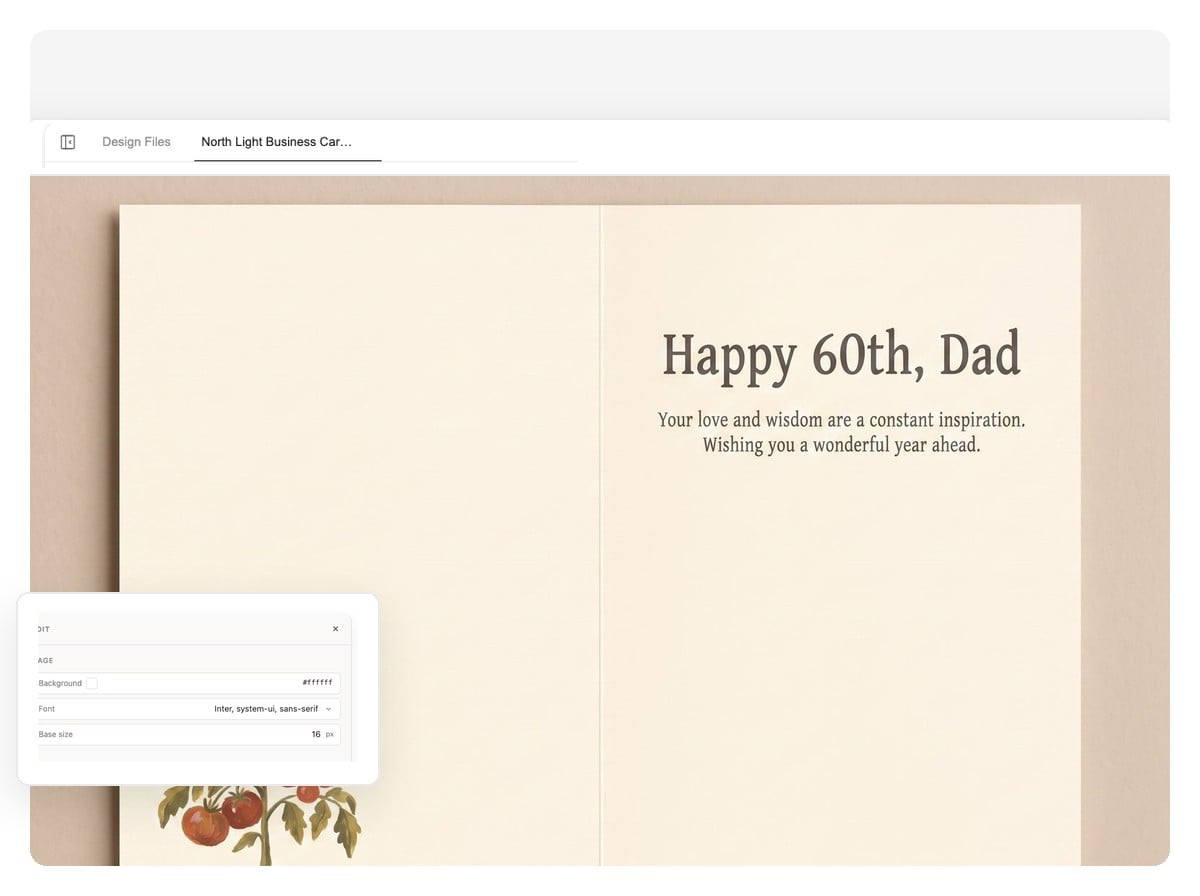
The inside spread picks up the same motif and palette without being told twice — one design, not two images.
Files come back at physical size, ready for a home printer or the shop counter.
It's free to start, and you don't need a credit card to try it. Describe a card, look at the design it comes back with, and decide from there.
A greeting card carries a message — happy birthday, thank you, congratulations. An invitation carries event details and needs RSVPs, dates, and directions. If you're inviting people to something, use the AI invitation maker instead; it's built for that job.
The two sizes stationery shops use most are A6 (105 × 148 mm folded, fits a C6 envelope) and 5 × 7 in (fits an A7 envelope). Say the size in your prompt and the print PDF comes out at those physical dimensions.
Yes. Download the print-ready PDF, load cardstock — 200 to 300 gsm feels like a store-bought card — print a test page first, and use your printer's two-sided setting for folded layouts. For edge-to-edge color, a print shop with 3 mm bleed gives cleaner results than most home printers.
Yes — the inside text is a text layer, not part of the artwork. Click a line to rewrite it, or ask in chat, and the front stays exactly as it was. The layered PSD export keeps every layer separate too.
Names are just text in the design, so yes — 'Happy 60th, Dad' works as well as any headline. For photo cards, upload your photo and the AI works it into the design.
Download the PNG and send it yourself — in a group chat, by email, or posted to socials. Genspark doesn't mail cards or deliver e-cards for you; you get the file and share it wherever the person actually is.
Yes — Christmas and holiday cards are one of the most common uses. Design one card, then ask for versions in chat: a different family name on each, or a non-religious variant for work. Print the whole batch at any shop from the same PDF.
You can use your designs commercially, including printing small batches to sell. If a shop is printing them, send the print PDF and ask about their bleed and paper requirements before you commit to a big run.
Describe the person and the occasion, get a front and inside designed as one piece, and print it at a real card size. Free to start.