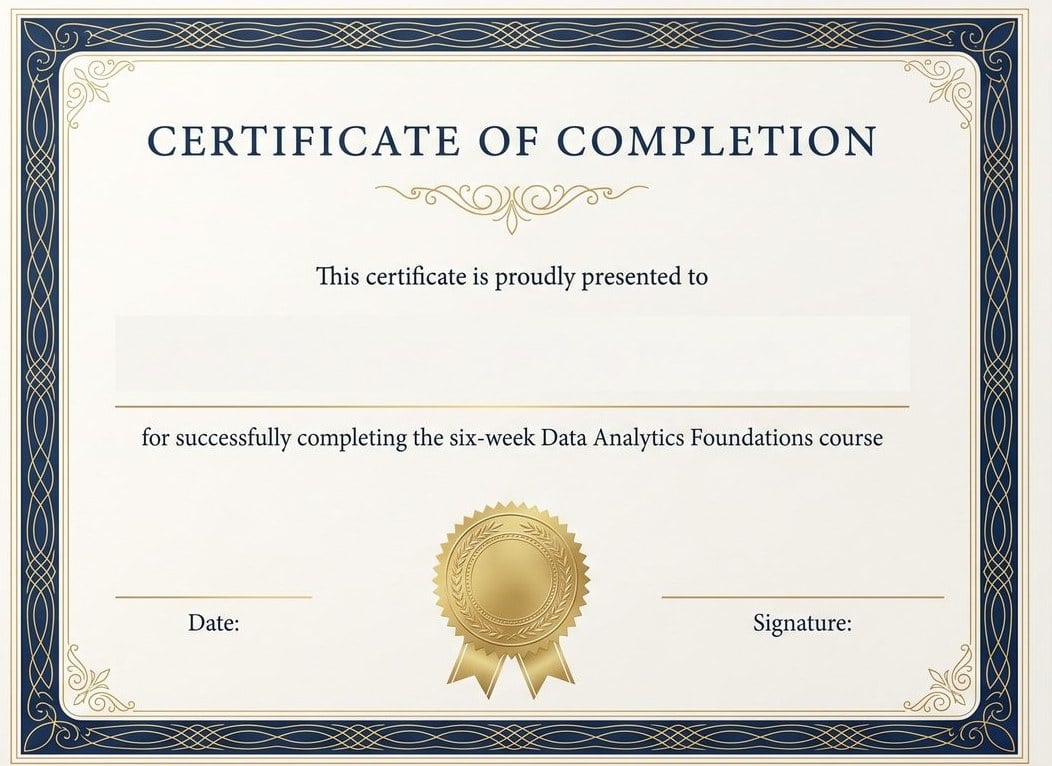
Course & training completion
For instructors, bootcamps, and internal training programs — a formal record that the course was finished, with the course name spelled out in the reason line.
Describe the course, the award, or the occasion — the AI lays out the certificate with the border, seal, and wording as separate editable elements, and the recipient's name as a live text line. Print it on A4 or US Letter.
The difference
Most AI tools paint the whole certificate into one flat image — recipient name included. One misspelled surname and you're regenerating the entire design, hoping the border survives. Here, every line arrives as a live text element on its own layer.
Fix a misspelled name, push the date, or swap the signer without touching the rest of the design. Each line edits like text because it is text.
The border, the seal, the title, the colors — select one and tell the AI what to change, or adjust it by hand. The layout holds still while you work.
Ask for a more traditional pass, a more modern one, or the same layout in your school's colors — same wording, different design, side by side in chat.
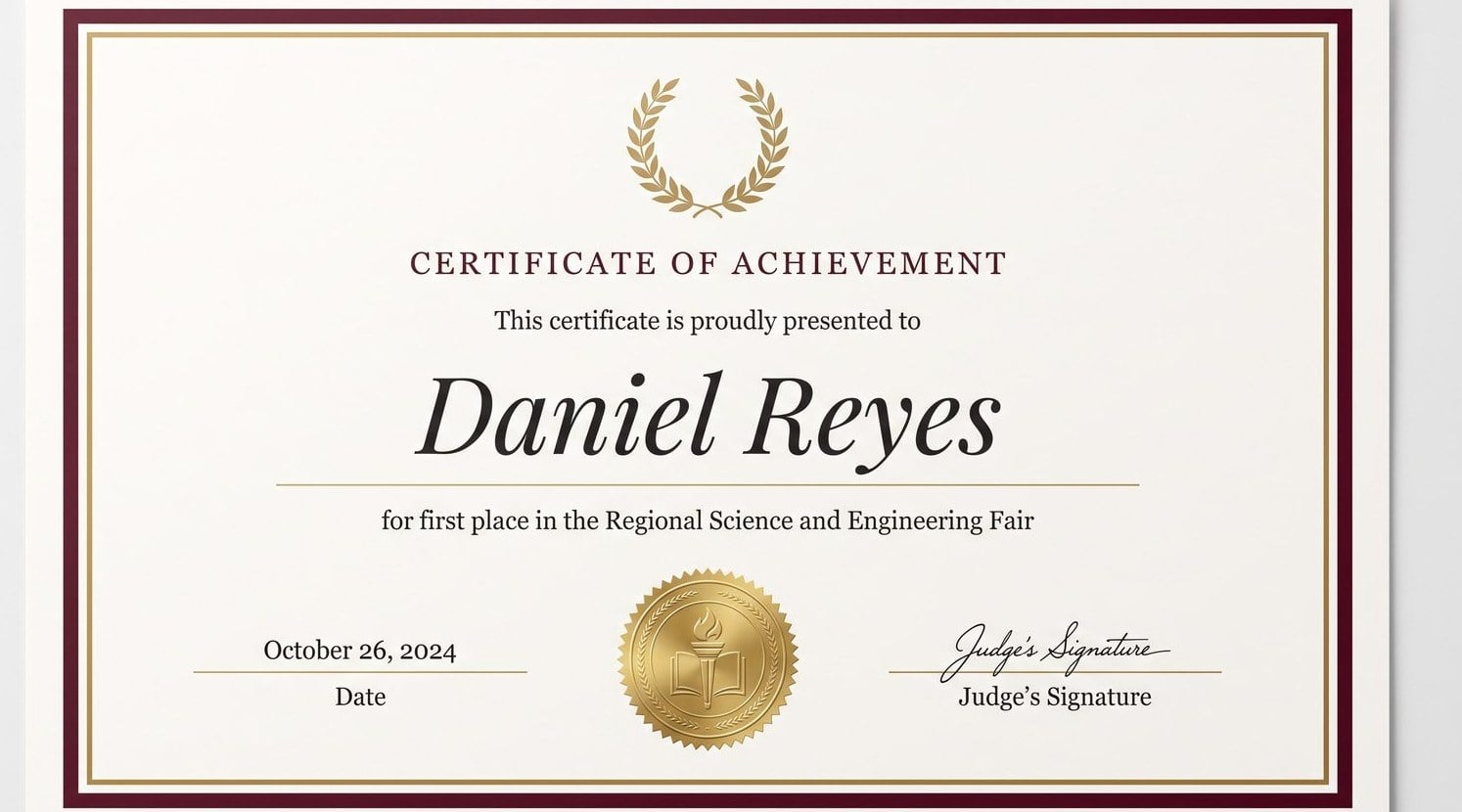
Try it here
This is the whole point of an editable certificate: the name is a text layer sitting on the design, not ink baked into it. Type any name — including the longest one on your list.
Long names shrink to fit instead of colliding with the rule line — try one.
Honest note on batches: for a class or a team, the AI lays out one certificate with editable name, date, and signature lines — you duplicate it and swap the name for each recipient. There's no spreadsheet mail-merge here; for issuing hundreds of verified credentials, use a dedicated credentialing platform.
In the editor, every line works like this one — title, reason, date, and signature included.
What's being recognized, who grants it, and the tone — formal registrar, warm and botanical, or clean corporate. Mention A4 or US Letter if you already know where it will be printed.
Border, seal, title, and wording arrive as separate elements — with the recipient name, date, and signature as live text lines, not pixels. The wording follows proper grant language.
Fix the name spelling, adjust the date, tune the colors. Then export a print-ready PDF sized for A4 or US Letter, a PNG for email and portals, or a layered PSD.
Get the words right
A certificate reads formal because its five lines each do one job in the right register. This is the wording the AI starts from — and the wording to keep in mind if you edit.
Certificate of Completion1
This certificate is proudly presented to2
Alexandra Whitmore3
for successfully completing the six-week Data Analytics Foundations course4
"Certificate of Completion", "Certificate of Appreciation" — name the certificate type, not the mood. Save the enthusiasm for the ceremony.
"This certificate is proudly presented to", or the plainer "is awarded to". One short formal phrase — its whole job is to hand the stage to the name.
The largest line on the page after the title, set in a serif or script face with air around it. Full name, spelled the way the recipient spells it.
Start with "for" and stay specific — the course name, the hours, the placement, the season. "For dedication" thanks no one in particular.
The grant date — not the print date — and the name and role of whoever stands behind the award. These two lines are what make it a document.
Every line above is editable text in the design, so tightening the wording never means starting the layout over.
Completion, achievement, appreciation, participation — each occasion has its own conventions for borders, seals, and wording. Start from a prompt that already respects them.
For instructors, bootcamps, and internal training programs — a formal record that the course was finished, with the course name spelled out in the reason line.
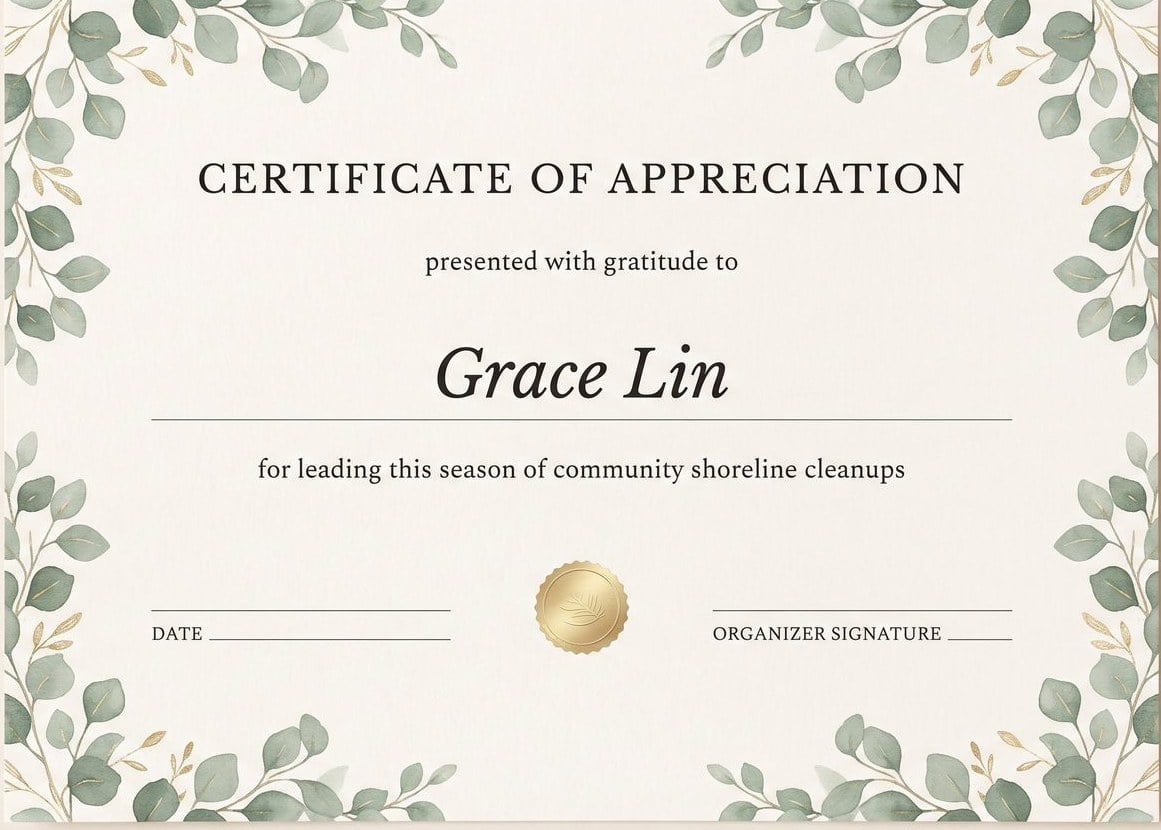
Volunteers, mentors, and guest speakers — warmer palettes and softer borders that still read as a formal thank-you, not a greeting card.
Science fairs, honor rolls, contests, and tournaments — laurel-and-seal layouts where the placement and the event name carry the day.
Two-day workshops, webinars, hackathons — lighter, modern layouts that certify attendance without overstating it.
Years of service, employee of the quarter, safety training — corporate palettes, the company name up top, and a manager's signature line.
Conference speakers, club milestones, league seasons — editorial layouts that thank a contribution by name and date.
Certificates are one of the few designs that still end up on paper. The layout is built for standard sheets from the start, so the print shop gets a file that fits.
| A4 landscape | 297 × 210 mm (11.69 × 8.27 in) — the standard outside North America |
|---|---|
| US Letter landscape | 11 × 8.5 in (279 × 216 mm) — the US and Canada standard |
| Orientation | Landscape is the convention for awards; ask for portrait in the prompt and the layout adapts |
| Print export | PDF laid out for A4 or US Letter, ready for an office printer or a print shop |
| Digital export | PNG at full design size — for email, course portals, and slides |
| Keep editing elsewhere | Layered PSD — the border, seal, and every text line arrive as separate layers |
The honest part
People can't always say why a certificate feels like it came out of a word processor, but they feel it in the first second. The failures are predictable, which makes them avoidable.
Each of these is one request to fix here, because the border, seal, wording, and name line are separate elements — not one baked image.
A tool that turns a description of the occasion into a certificate design. You say what's being recognized — a finished course, a first place, a season of volunteering — and the AI lays out the border, seal, title, and wording, with the recipient name, date, and signature as editable text lines. Whether you'd call it a certificate generator or a certificate creator, the job is the same: a finished, printable design without starting from a blank page.
Free to start, no credit card required. Free accounts receive daily credits, and a certificate design costs a few of them — enough to create a certificate, refine it, and judge the quality yourself.
Yes — they're live text lines in the design, not pixels in an image. Fix a spelling, push the date, or reuse the same certificate next season with a new name; the border and seal don't move.
A4 landscape (297 × 210 mm) or US Letter landscape (11 × 8.5 in), matching the paper it will be printed on. Frames and certificate folders are made for these two sheets — a good reason not to invent your own size.
Yes — export a PDF laid out for A4 or US Letter and send it to an office printer or a print shop. One craft tip: certificates read more formal on heavier, slightly off-white stock than on standard copy paper.
Yes, with an honest caveat: the AI lays out one certificate with editable name, date, and signature lines, and you duplicate it and swap the name for each person. That's comfortable for a classroom or a cohort; if you need to issue hundreds with tracking and verification, that's a job for a dedicated credentialing platform, not a design tool.
Recognition documents: completion, achievement, appreciation, participation, employee awards, and event or speaker thanks — for training programs, schools, clubs, and workplaces. It's a design tool, not a credentialing system: it doesn't issue accredited qualifications or verify anything, and it's not for reproducing government or identity documents.
Yes — upload the logo and it's placed as its own element, and name the palette in the prompt ('school colors: forest green and cream'). Organizations that grant certificates regularly keep a house style; describe it once and every design in the set can follow it.
Yes. Export a layered PSD and the border, seal, background, and every text line arrive as separate layers, so a designer can pick up exactly where the AI left off. PDF and PNG exports cover print and digital delivery.
Templates are how every workshop in town ends up handing out the same three certificates. Describing the occasion produces a layout and wording composed for it — the course name in the reason line, the granting organization up top, a border that matches the tone. And because the result is a design rather than a locked template, nothing about it is fixed.
Describe the occasion, get an editable certificate design, and export the print-ready PDF. Free to start — no credit card required.