GenMail · AI Email Organizer
The AI email organizer that keeps your inbox sorted for you
Labels you'd actually choose, newsletters out of the way, urgent mail on top, and quiet threads brought back before they slip. GenMail does the sorting, so email management stops being a daily chore.
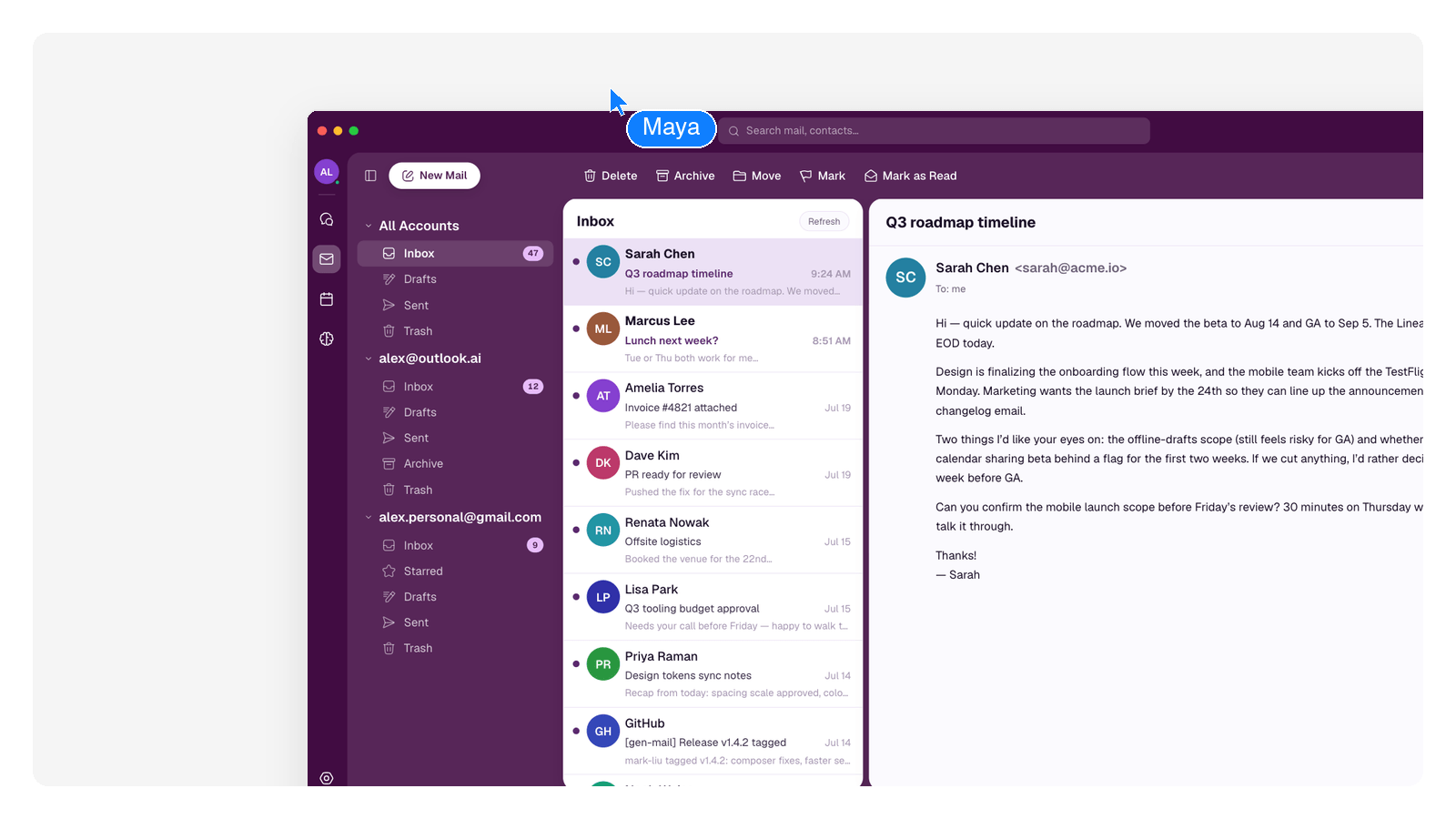
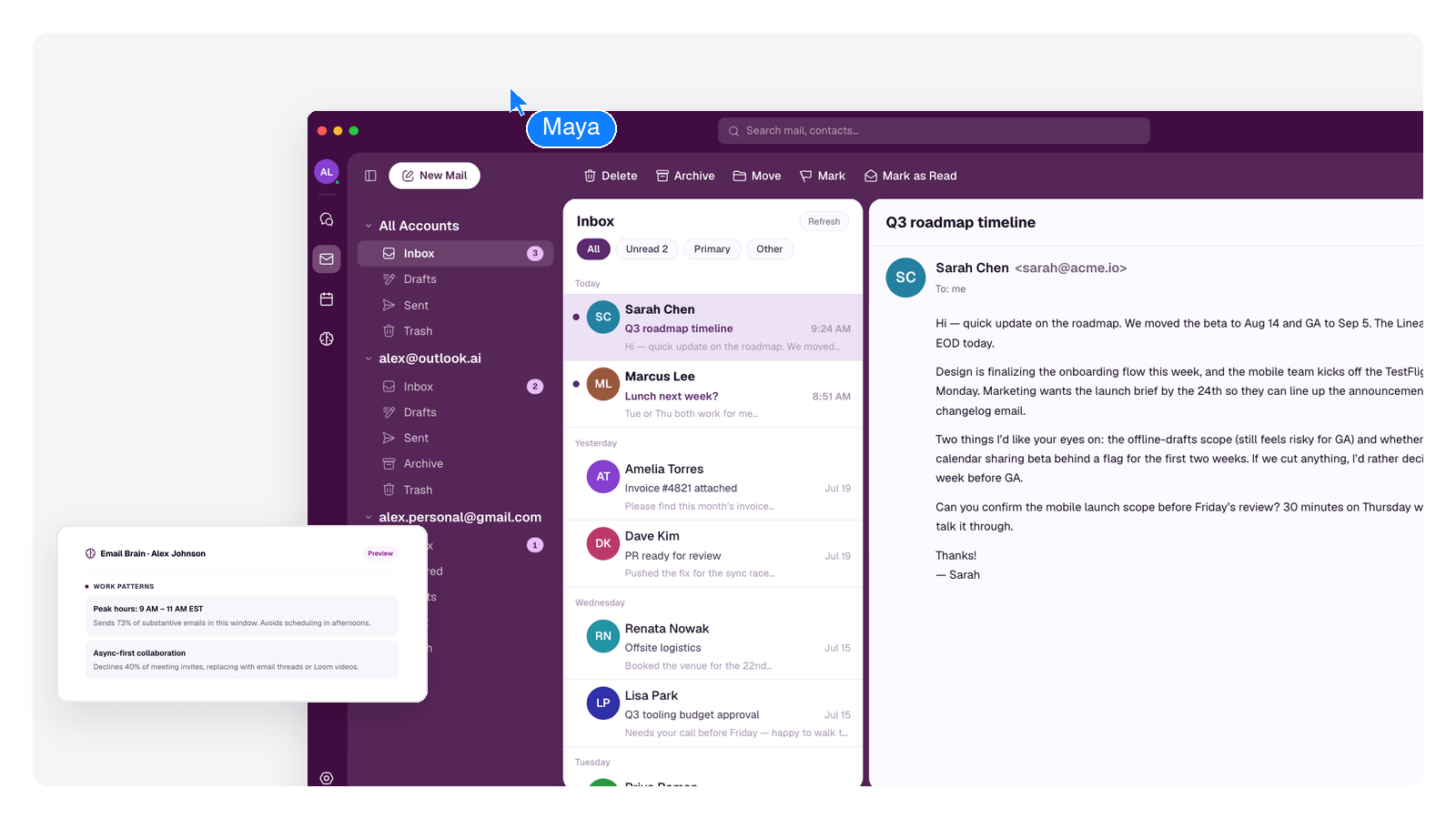
How the sorting actually works
GenMail reads each message and applies the kind of rules you'd write yourself — plus any you do write, kept word-for-word.
These run as automation rules inside GenMail — you can add your own in plain language, and they're applied exactly as written.
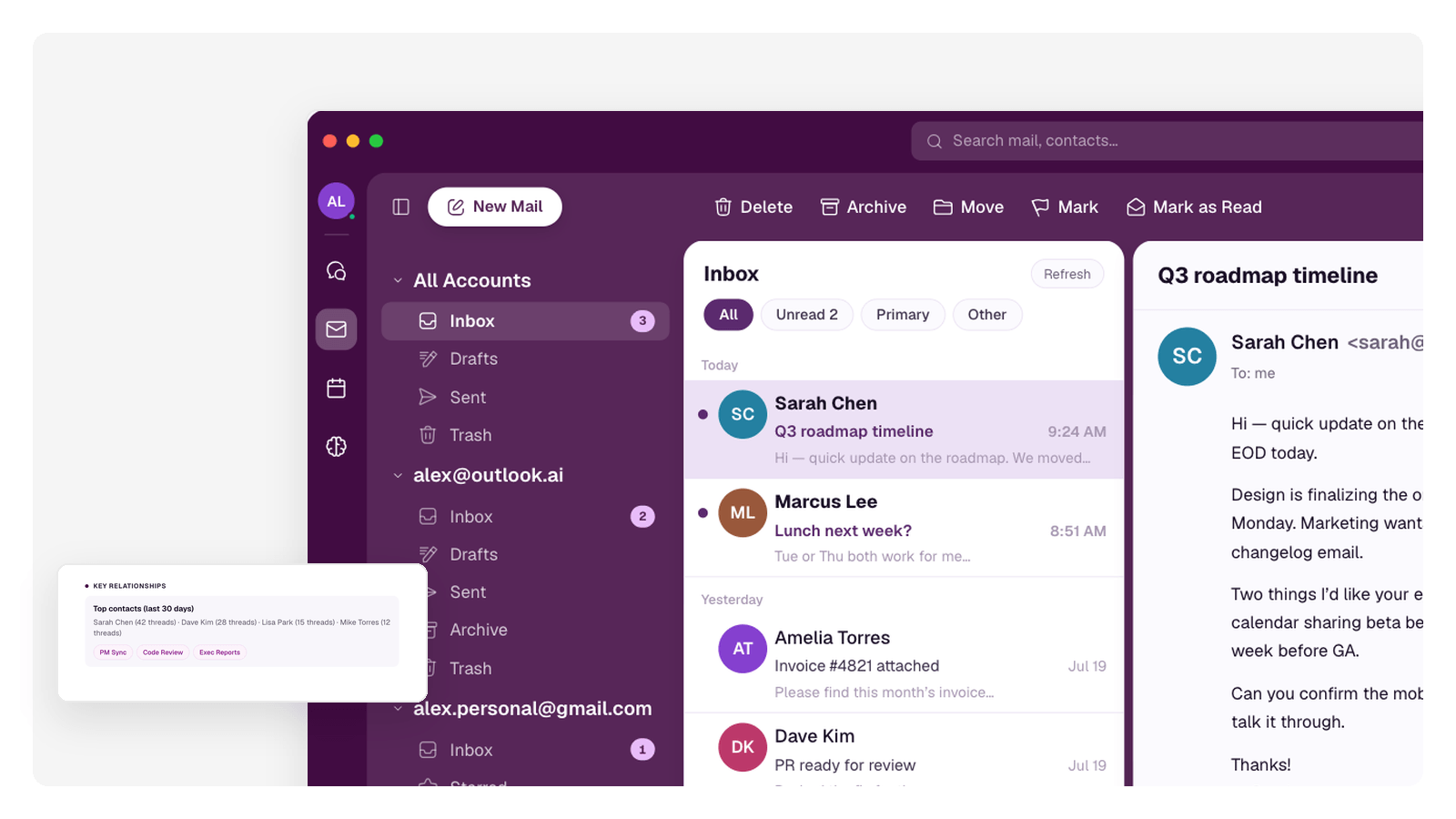
Every account, one organized inbox
Work Gmail, personal Gmail, an Outlook account for the side project — GenMail pulls them into one unified inbox and organizes across all of them at once, so sorting email stops meaning checking four tabs.
It connects Gmail and Outlook / Microsoft 365. Labels and triage stay consistent no matter which address the mail came to.
Sorting is half the job — when you want the drafts and the Morning Brief too, that's the AI email agent side of GenMail.
Frequently Asked Questions
How does an AI email organizer decide what matters?
GenMail reads the actual content — who it's from, what's being asked, whether the thread has history — instead of matching subject-line keywords. Urgent requests surface, low-stakes mail is filed, and its choices improve as it learns which senders and topics you always open.
Can it organize multiple email accounts together?
Yes. GenMail's unified inbox brings every connected Gmail and Outlook account into one view and applies the same organization across all of them.
Will it delete or lose my email?
No. Organizing means labeling, filing, and archiving — mail is moved, never destroyed, and everything stays findable by search. Nothing is deleted for you.
Does it work with Gmail and Outlook?
Those are exactly the two it's built for: Gmail and Outlook / Microsoft 365, connected through each provider's official sign-in. Other providers aren't supported right now.
Can I write my own sorting rules?
Yes — in plain language, not filter syntax. Rules you add are kept word-for-word and always applied, alongside the automatic triage.