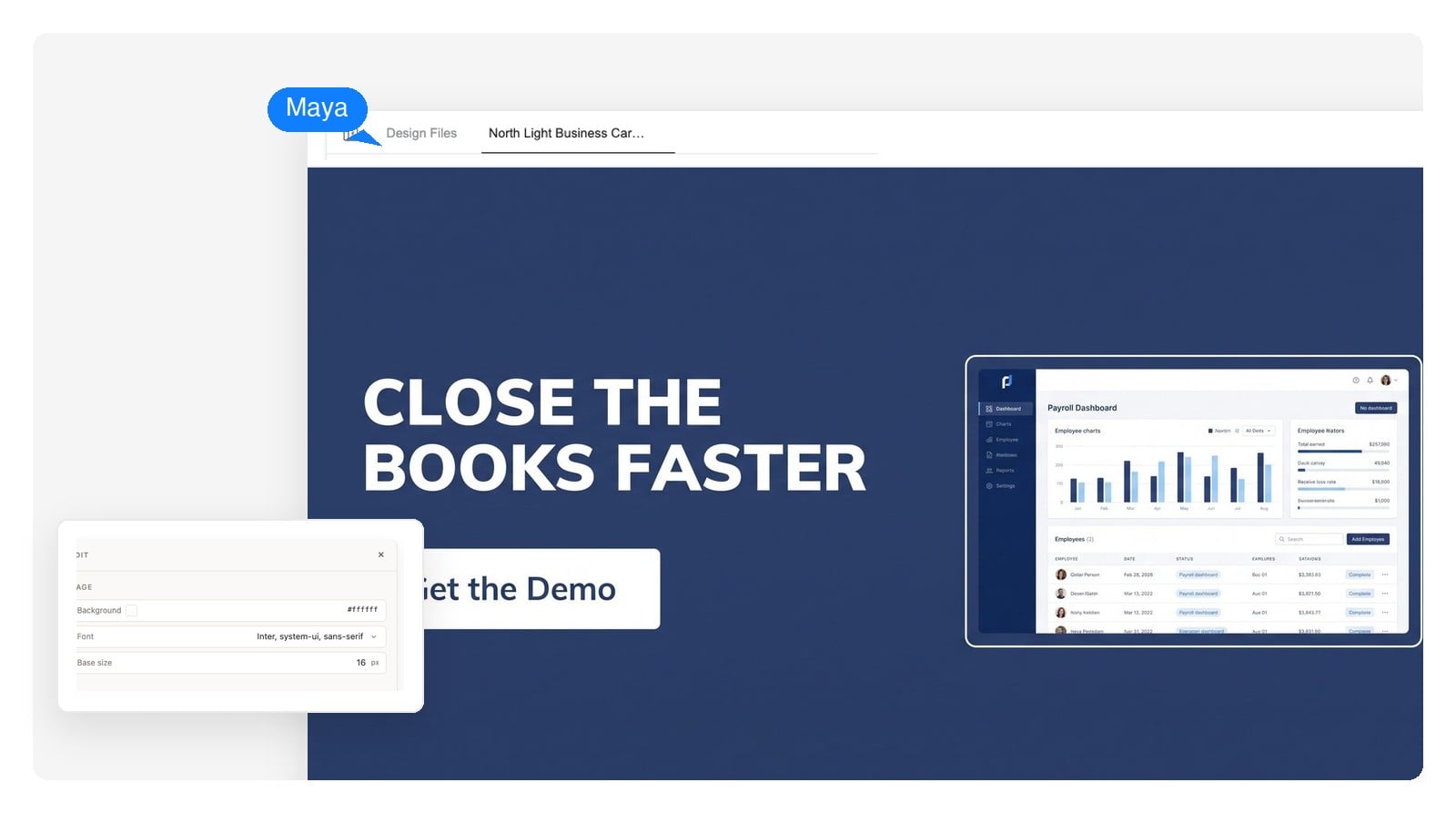
B2B & lead-gen ads
Calmer palette, benefit-led headline, a Get the Demo or Download the Guide CTA. 1200×628 for landscape link placements, square for retargeting.
Describe your product, the offer and who it's for. The design agent composes the ad creative on the exact canvas each placement needs — with the headline, CTA button and image as separate layers you can still edit.
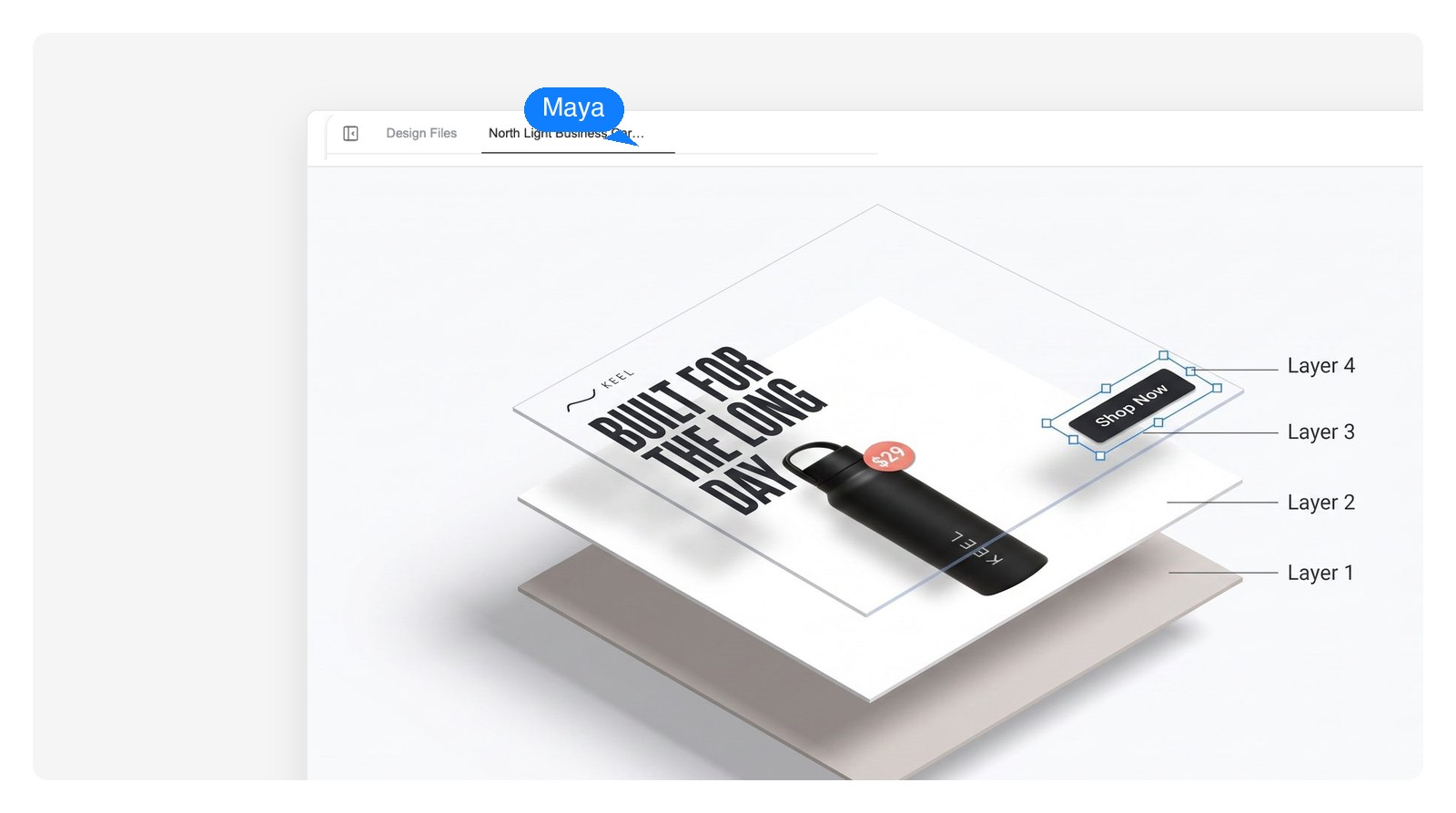
Layers, not pixels
Most AI ad makers hand you a finished image: if the CTA reads wrong, you generate again and hope. Genspark builds the ad as a layered design, so copy, buttons and imagery stay separate objects after generation.
Change Shop Now to Book a Fitting, fix a price, tighten a headline — click the element and type. No regenerating the whole ad, no warped AI lettering.
Keep the layout locked and regenerate just the product shot or background until it fits. The copy and buttons don't move while you do.
Export the flat PNG at the exact placement size, or a PSD where every layer arrives intact — ready for a designer or your own editor to finish.
Safe-zone x-ray
Story UI sits on your top and bottom edges, and feed placements can crop a portrait ad to a square. The agent keeps logo, headline and CTA inside the safe area from the first draft — flip the switch to check.
Zone sizes follow current platform design guidance — roughly the top 250 px and bottom 340 px on a 1080×1920 story, and a center 1:1 crop on portrait feed. Platforms move their UI now and then, so re-check before a major launch.
Product, offer, audience, placement — plain language is enough. Paste your tagline or price if you have one; if you don't, the agent drafts the headline and CTA copy for you.
It sets the exact placement size first — 1080×1080, 1080×1920, 1200×628 — then composes background, product image, headline and CTA button as separate layers. Give it a few minutes: it's building a design, not applying a filter.
Click any layer to change it, ask in chat for the other placements you're running, then export a PNG at native size — or the layered PSD for finishing touches.
The craft part
Weak AI ads fail in the same five ways. The agent designs against this list — and it's worth keeping for any creative review, generated or not.
None of this is secret ad science — it's what a careful designer checks before shipping. The point of a good AI ad maker is that these checks are already in the first draft, not left for your review.
Six starting points. Every prompt loads into the generator above, so edit the details — product, offer, dates — before you run it.
Calmer palette, benefit-led headline, a Get the Demo or Download the Guide CTA. 1200×628 for landscape link placements, square for retargeting.
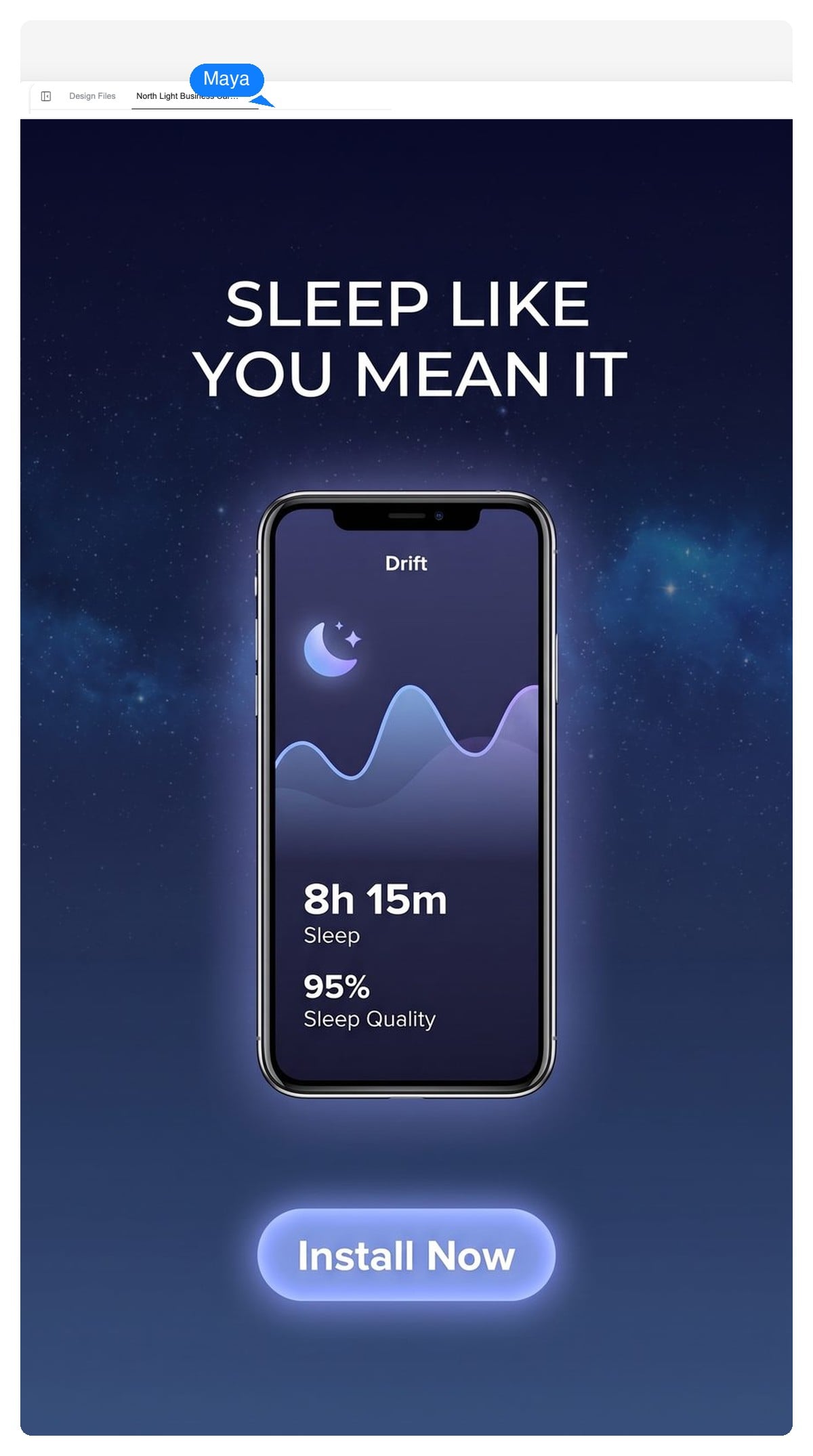
Story-first 9:16 with the phone as the visual anchor and the install CTA held inside the safe zone — the placement where cropped buttons hurt the most.

Date, place and one reason to come, composed like a small poster that survives feed scale. Ask for a matching story version for the countdown reposts.
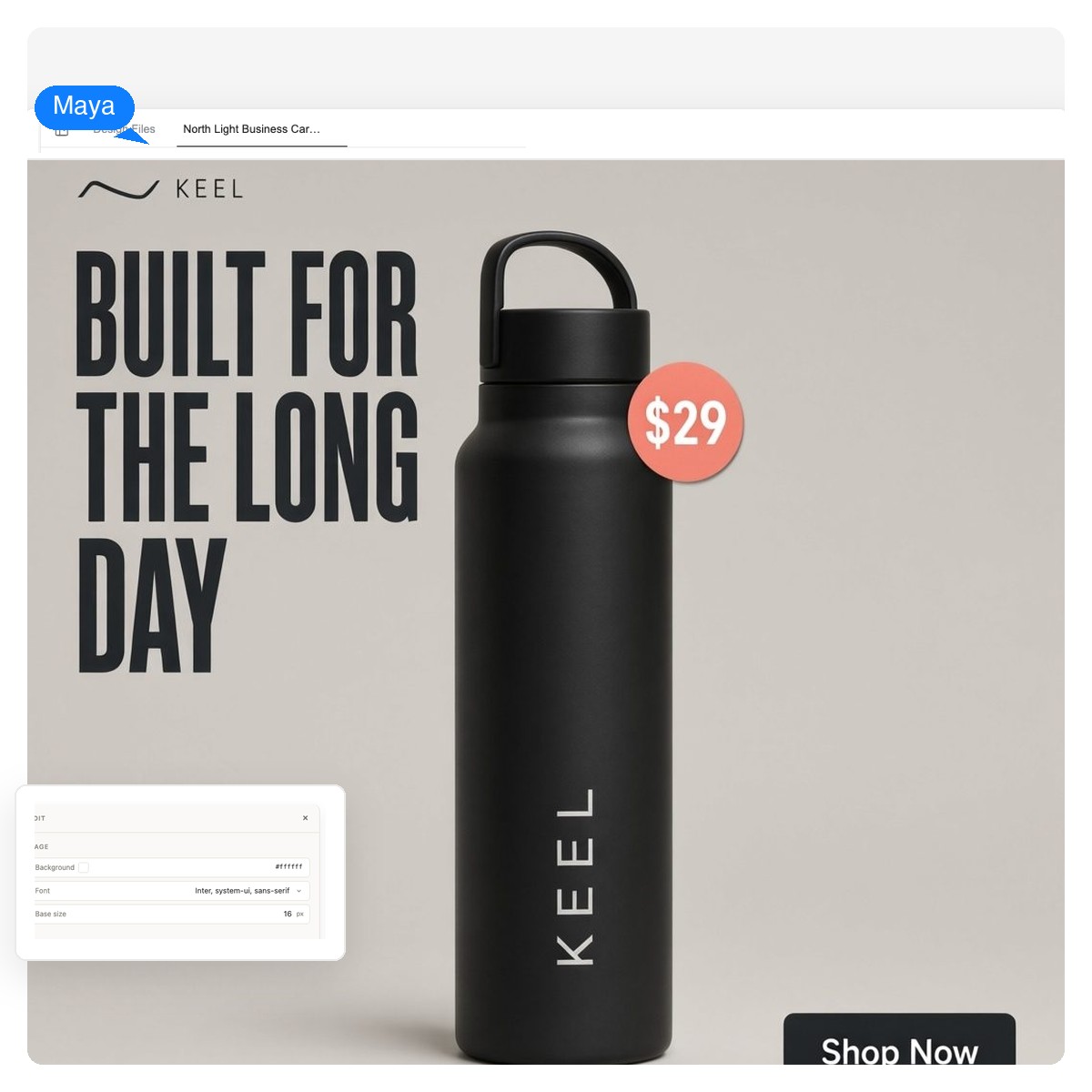
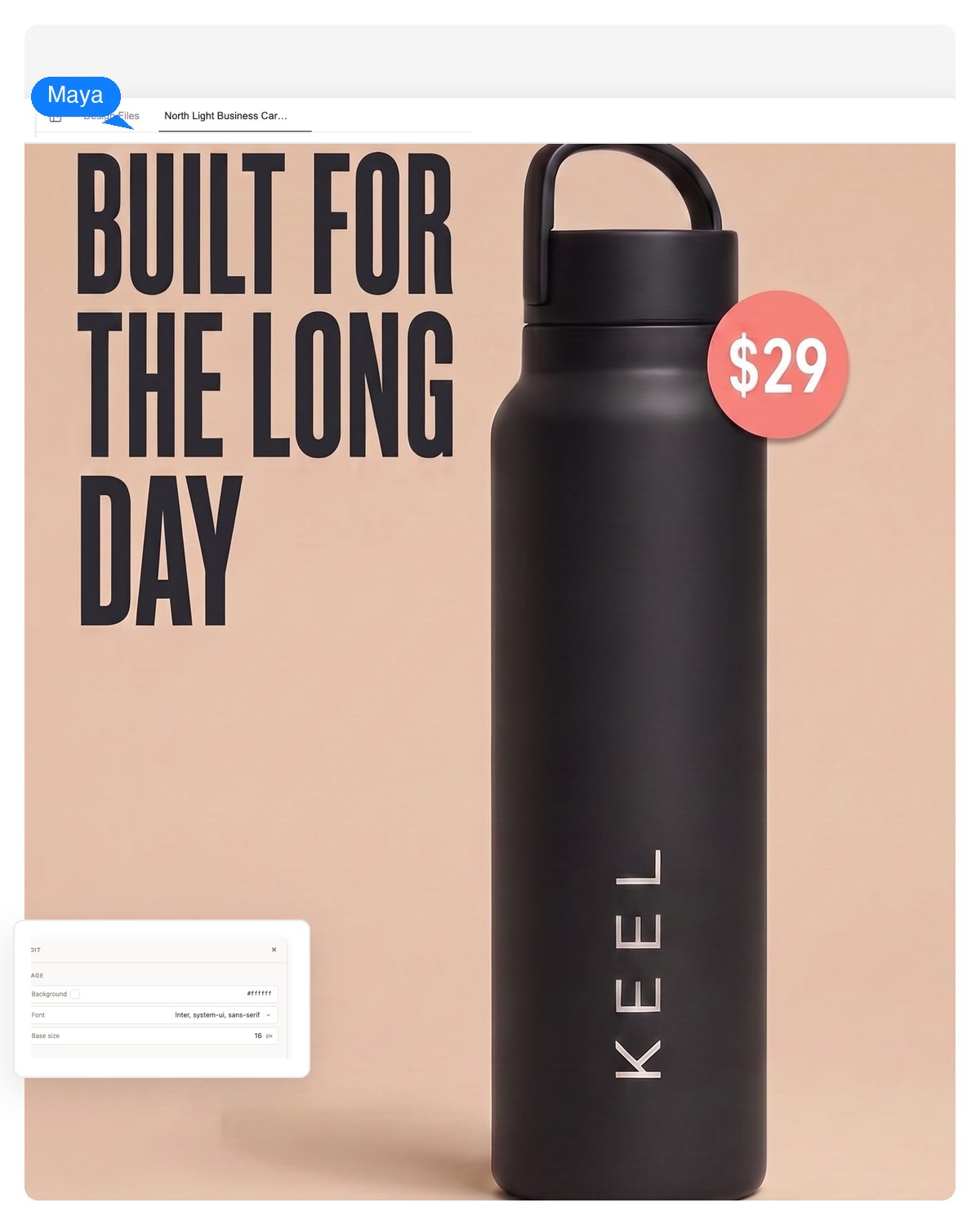
One hero product on a clean stage, the price as a readable sticker, a CTA that matches your store's verb. Square 1080×1080 covers feed and carousel slots.
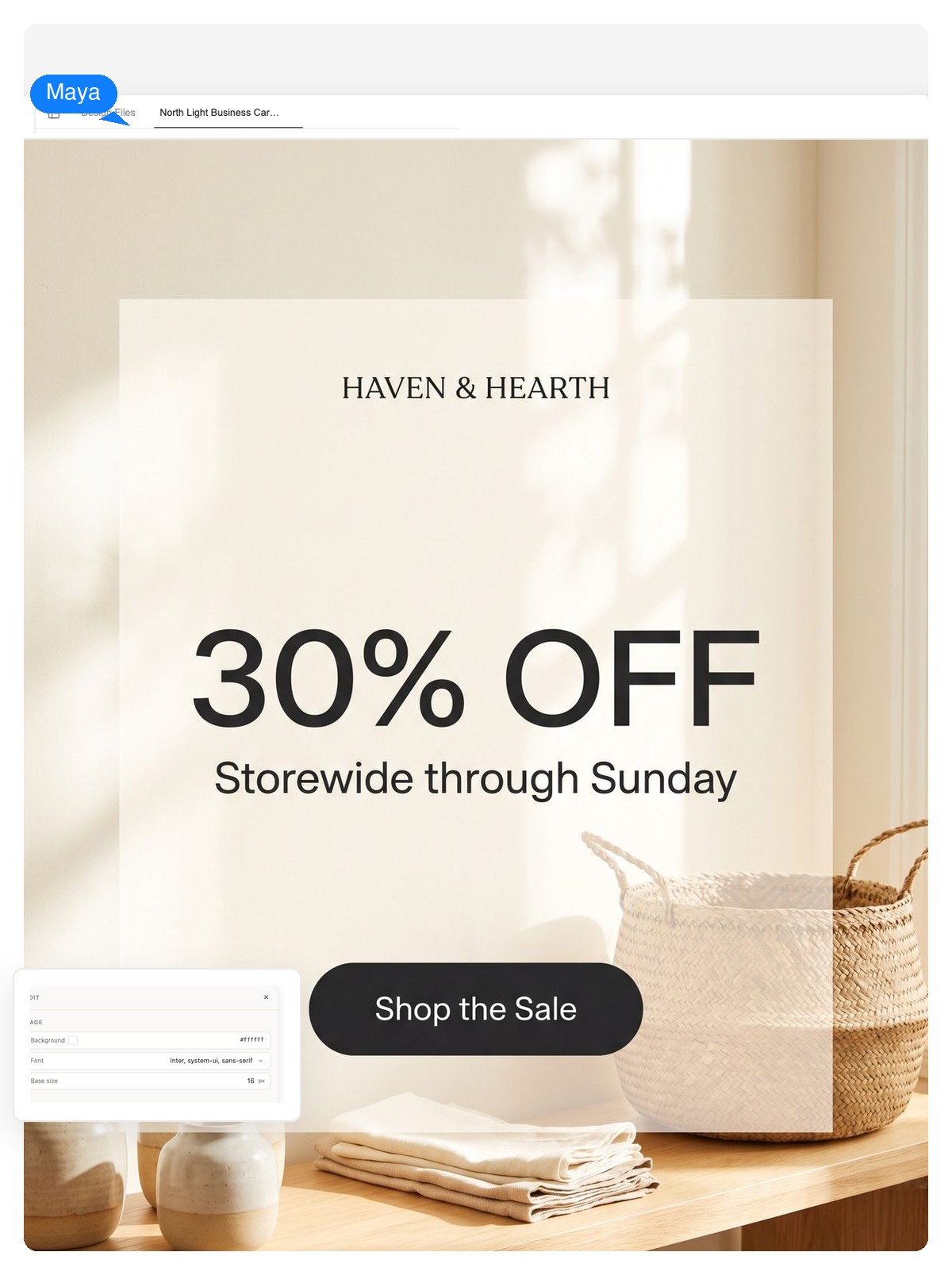
Discount type as the hero element, dates and terms readable at thumb size, and a separate variant per placement — a story that isn't a stretched square.
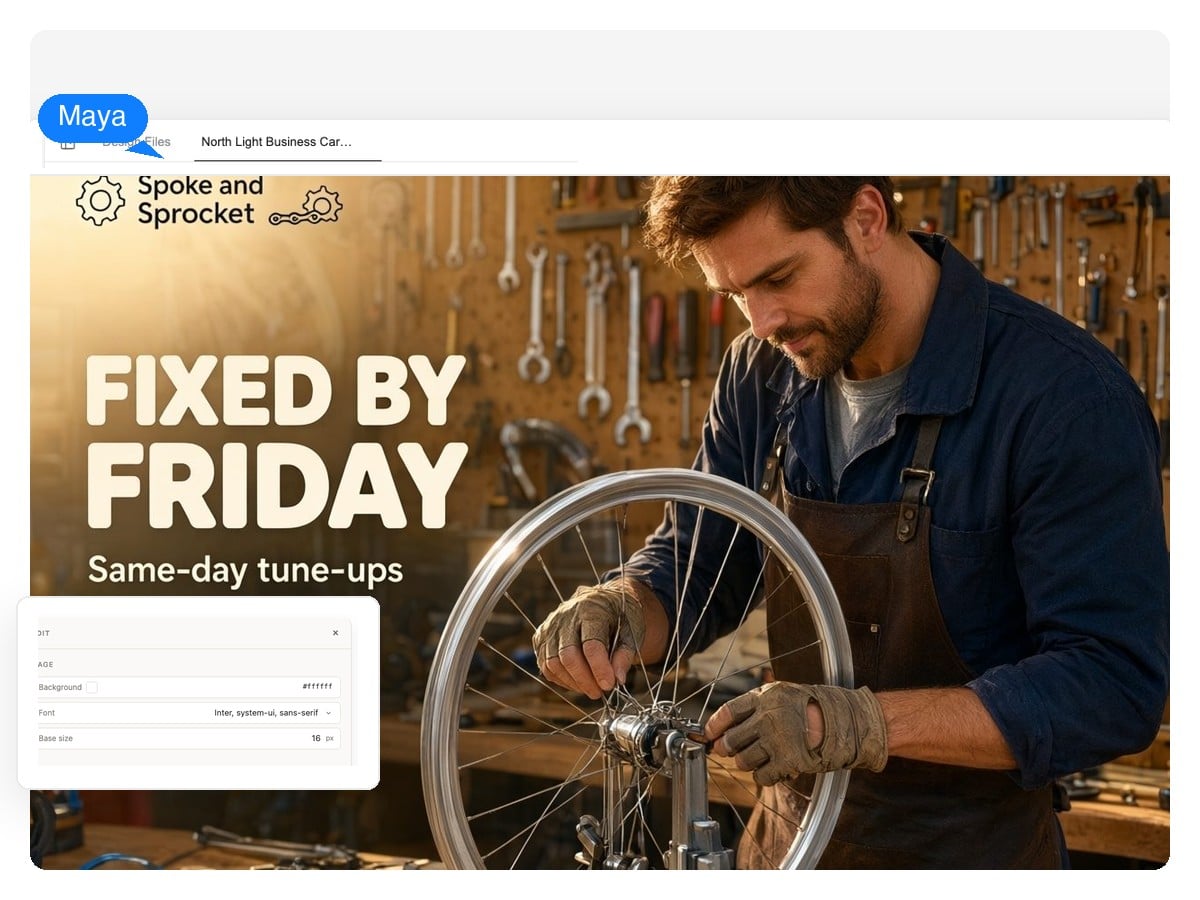
A real-place feel instead of stock gloss: your service, your neighborhood, an offer people can act on this week. Works for feed and the 1.91:1 link format.
Every placement gets its own canvas before design starts, so type scale and spacing are chosen for that frame. These are the standard pixel specs the canvases follow.
| Square feed | 1080×1080 px (1:1) — feed posts, carousels, retargeting tiles |
|---|---|
| Portrait feed | 1080×1350 px (4:5) — taller feed slot; keep essentials inside the center 1080×1080 |
| Story / vertical | 1080×1920 px (9:16) — keep the top ≈250 px and bottom ≈340 px free of logo, copy and CTA |
| Landscape / link | 1200×628 px (1.91:1) — link previews and landscape feed placements |
| Display rectangles | 300×250, 336×280 and 728×90 px — the standard display network units |
| Export formats | PNG at native canvas size, layered PSD, print-ready PDF |
Building web and social banner sets beyond ad units — headers, covers, leaderboard campaigns? That's its own tool: the AI banner generator.
Formats differ more than they look: feed rewards a poster, a story behaves like a screen, display is a postage stamp. Name the placements you're running and each one gets designed on its own canvas — the same campaign, not the same image squeezed three ways.
Square and 4:5 feed creatives, 9:16 stories and the 1.91:1 link format. The CTA is drawn as a real button element on the design — sized to read even though the placement adds its own button below.
Feed and story creatives where the image does the selling: tighter copy, stronger art direction, and safe zones respected so platform UI never sits on your headline.
The 300×250 and 336×280 rectangles and the 728×90 leaderboard. At these sizes hierarchy is the whole design — one readable message, one CTA, no fine print.
Running video placements too? This page is about static creatives — for motion formats, take the same brief to the AI video generator.
A tool that turns a written brief — product, offer, audience — into finished ad creatives. Also searched as an AI advertisement generator, the Genspark version is a design agent: it composes each ad as layered elements (background, imagery, headline, CTA button) on the exact canvas a placement needs, so you get an editable design rather than a single flat image.
Describe what you're advertising, the offer, who it's for and where it will run, then let the agent design the creative. Review it like a designer's first draft: check the headline says the one thing that matters, the CTA verb matches your funnel, and everything sits inside the safe zones. Edit by clicking elements or asking in chat, then export.
The standard placement canvases: 1080×1080 square, 1080×1350 portrait feed, 1080×1920 story, 1200×628 landscape link, and display rectangles like 300×250, 336×280 and 728×90. Exports are PNG at native size, layered PSD, or PDF. Need a size that isn't listed? Name the pixels in your brief — the canvas is arbitrary.
Yes. The agent drafts the headline, supporting line and CTA label from your brief, and they land as editable text layers — so approved copy from your team can replace the draft with a click, without touching the layout.
That's the core of it. Headline, body copy and CTA are live text layers you click and retype. The image is a separate layer you can regenerate on its own while the layout holds still. Bigger changes — new palette, different crop, another placement size — you ask for in chat.
Export a layered PSD and every element arrives as its own layer — background, product image, each text block, the CTA button. A designer can refine typography or swap assets without rebuilding anything. The flat PNG at exact placement size is always there for uploads.
Tell the agent your palette, fonts and logo treatment in the brief — or ask it to set up a small design system from your brand first and reuse it across every variant. Consistency across five placements is a layout problem, and layouts are what it holds constant.
The design side follows the specs — correct pixel sizes, safe zones respected, legible text. Approval itself depends on your content and each platform's ad policies (restricted categories, claims you make, landing page match), which no generator can promise. Check the platform's policy list before a big spend.
This tool designs static ad creatives — feed, story and display images. For motion formats, take the same brief to the AI video generator.
Usually one of three tells: headline text melted into the image, the default gradient-and-glow aesthetic, or a layout that ignores where platform UI sits. Using AI for advertising design works when those are handled structurally — live text layers, a brief anchored in your real product, and safe zones checked at design time. That's the checklist the craft section above walks through.
Describe the product, the offer and the placement. You'll get a layered ad creative you can edit down to the last comma — free to start.