Meet GenMail
AI Email Assistant, an inbox that comes back handled.
GenMail reads your inbox the way you would — an email brain that knows your projects, your people, and your tone — then triages what matters and drafts the replies for you to review.
What the AI assistant takes off your plate
The email work you do on autopilot — done before you open the inbox.
Inbox triage that thinks like you
The assistant sorts what needs you now from what can wait, so the top of your inbox is the actual to-do list — not a timeline of noise.
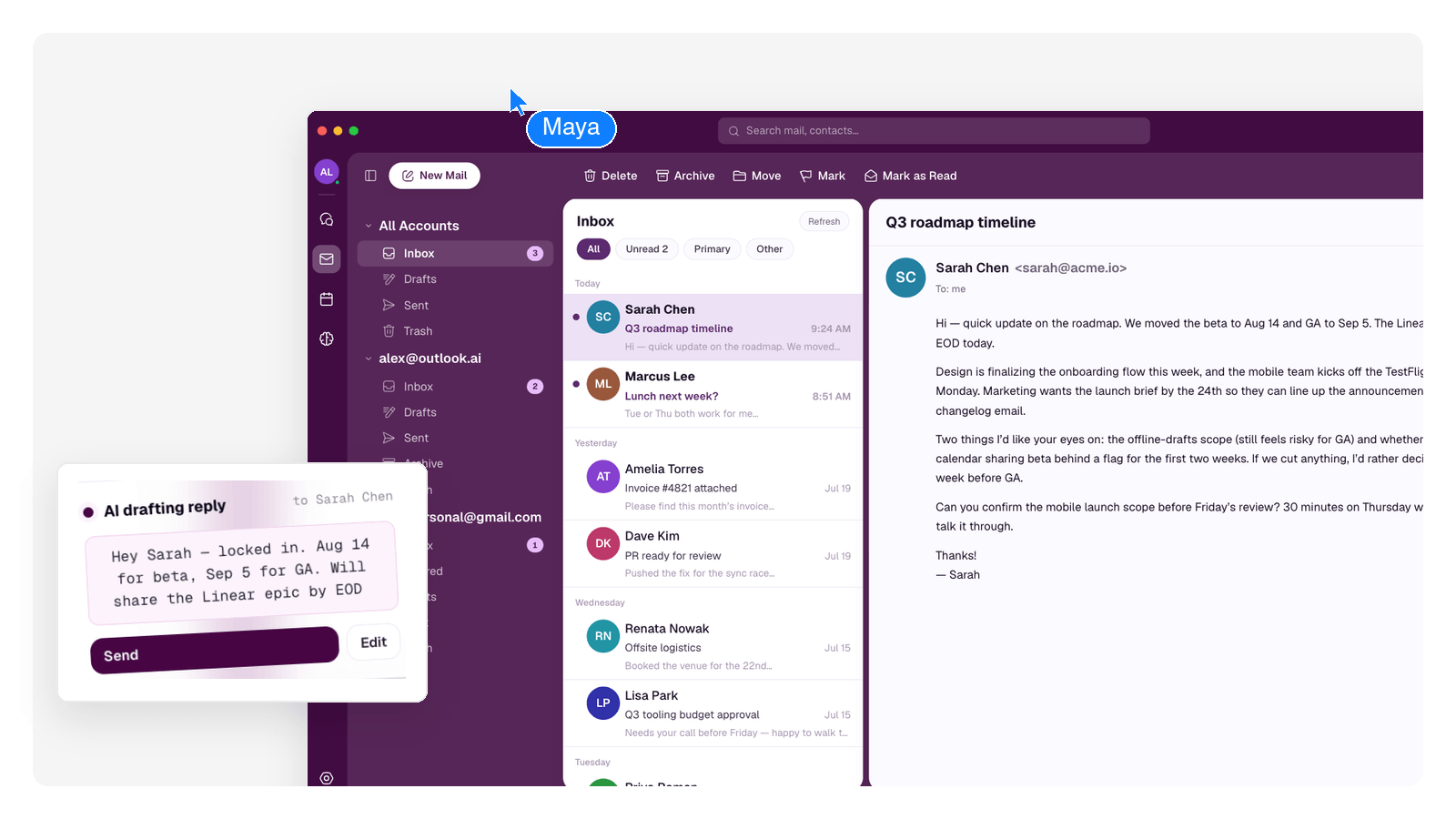
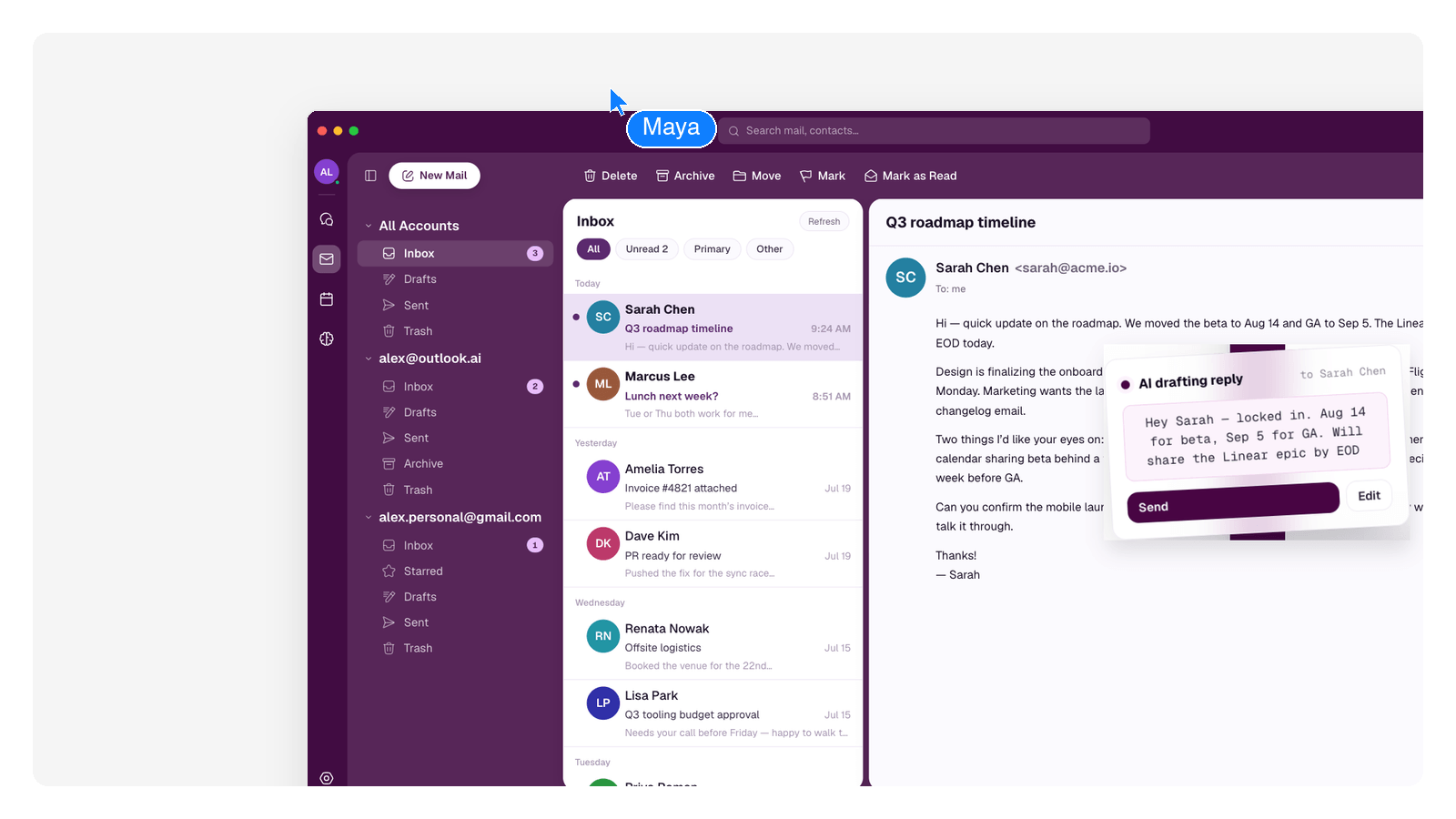
Replies drafted in your voice
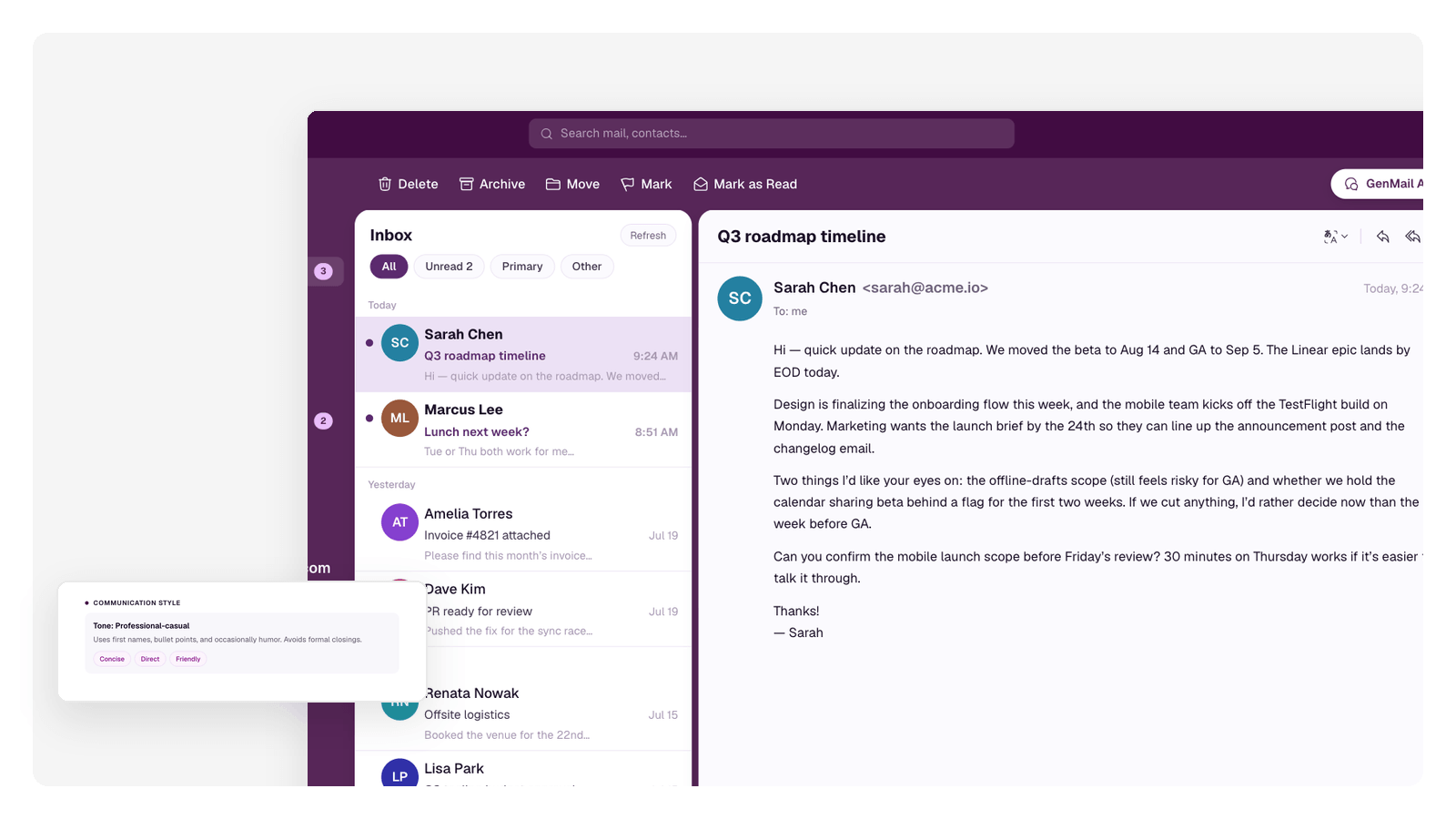
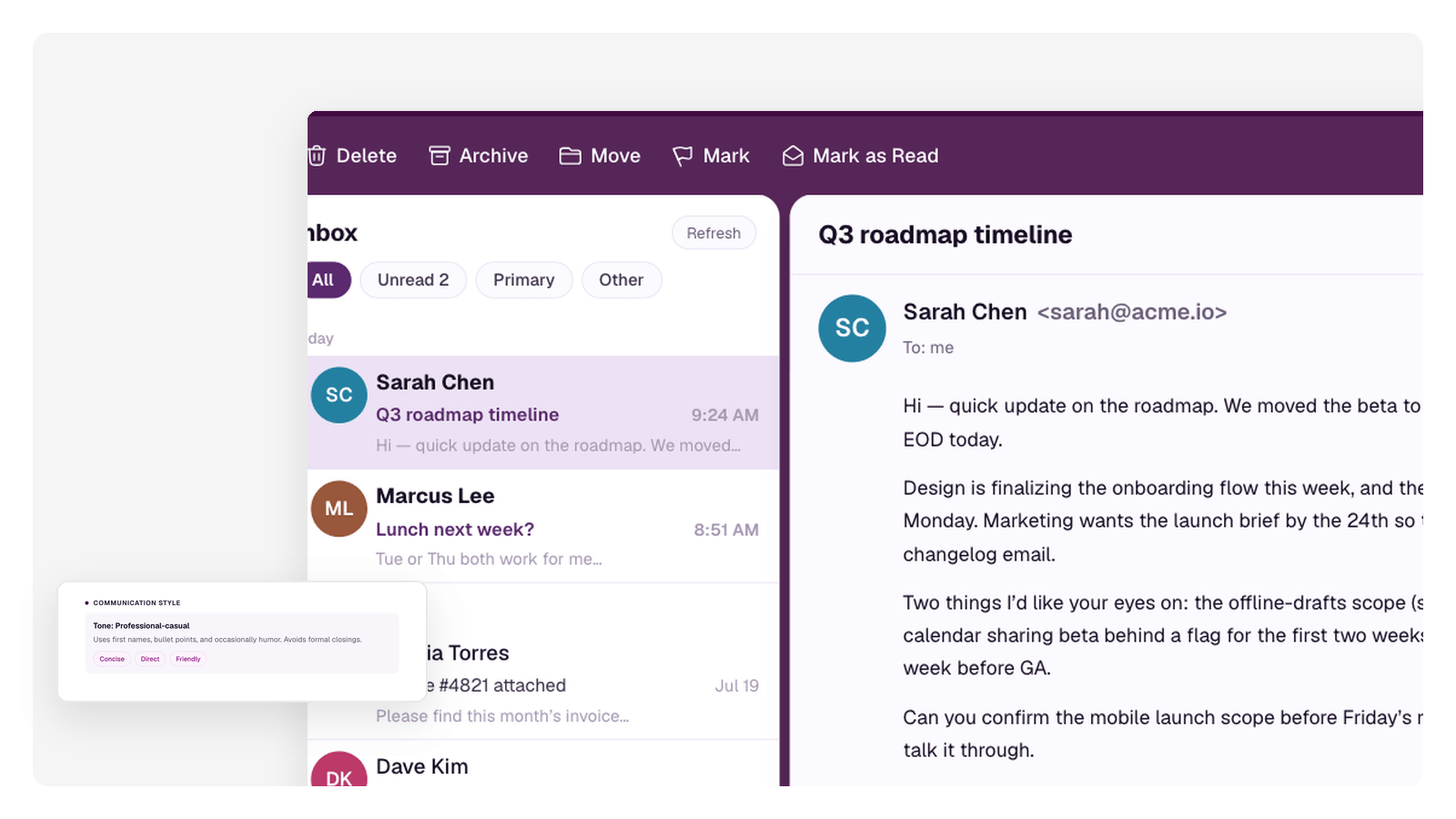
Because the email brain knows the thread and how you write, drafts come back sounding like you — review, adjust a line, send.
Follow-ups that don't slip
Waiting on an answer? The assistant tracks threads that went quiet and surfaces them before they become awkward.
All your accounts together
Connect Gmail, Outlook, iCloud, NAVER or any IMAP/SMTP mailbox and work them as one inbox, with the same assistant across all of them.
What an assisted inbox looks like
- 1
Triage you didn't do
Every incoming email is read and labeled — urgent, needs-reply, newsletter, receipt — before you even open the app.
- 2
Drafts already waiting
Mail that needs an answer arrives with a reply staged in your voice, learned from how you write. You edit and send — nothing goes out on its own.
- 3
Follow-ups that come back
Threads that went quiet resurface on their own, so chasing answers stops depending on your memory.
Your inbox, briefed every morning
The Morning Brief is the assistant's daily handover — here's the shape of one.
Morning Brief · Tuesday 7:00 AM
Needs you (3): Elena's contract question, the vendor quote that expires today, Dana's intro request.
Handled (11): 6 newsletters filed into your digest, 3 receipts archived, 2 scheduling emails answered with staged drafts.
Waiting on others (2): the Q3 budget thread and the design review — both nudged.
Names and numbers above are illustrative — your brief is built from your own mail.
Works with Gmail, Outlook and more
Gmail and Outlook connect through each provider's official sign-in. iCloud, NAVER, Yahoo! JAPAN and any other IMAP/SMTP mailbox connect too — and GenMail works across every account you add.
AI email assistant for Gmail
Connect one or several Gmail accounts. Triage, drafts, and the Morning Brief run on top of your existing Gmail — nothing to migrate.
AI email assistant for Outlook
Works with Outlook and Microsoft 365 mailboxes — including alongside Gmail accounts in the same unified inbox.
Just want the sorting without the drafting? See the AI email organizer. Want the whole loop handled overnight? That's the AI email agent.
What a handled inbox looks like
The assistant works through your mail and leaves you the decisions.
How the AI email assistant works
From connecting an account to a handled inbox in three steps.
1Connect your inbox
Sign in with Gmail or Outlook, or connect iCloud, NAVER or another IMAP/SMTP mailbox. GenMail builds its email brain from how you actually write and who you talk to.
2The assistant gets to work
New mail is triaged, replies are drafted, and quiet threads are flagged for follow-up — continuously, in the background.
3You review and send
Everything waits for your call. Approve a draft as-is, edit a line, or tell the assistant how you'd rather handle it next time.
Starting from a blank page instead of an inbox? The AI email generator writes one-off emails from a short prompt — this page is for keeping a whole inbox under control.
Frequently Asked Questions
What does an AI email assistant actually do?
It handles the repetitive layer of email: sorting what matters, drafting replies in your tone, keeping follow-ups visible, and letting you search your mail by meaning instead of exact words. You stay in charge of what gets sent.
Which email providers does GenMail work with?
Gmail, Outlook, iCloud, NAVER, Yahoo! JAPAN and any IMAP/SMTP mailbox. You can connect more than one and manage them together as a single inbox.
Will the drafts really sound like me?
That's the point of the email brain: it learns from your past emails — tone, sign-offs, how formal you are with whom — so drafts read like something you'd write, not a template.
Does the assistant send emails without asking?
No. Drafts are prepared for your review, and sending stays a human decision. You can edit any draft before it goes out or discard it entirely.
How is this different from an AI email generator?
A generator writes an email from a prompt — useful for one-off messages. An assistant lives in your inbox: it triages incoming mail, drafts replies in context, and tracks follow-ups. GenMail is the assistant; Genspark also has a separate AI email generator for one-off writing.
What's the best AI email assistant?
It depends on where you need help. Writing tools polish one email at a time; inbox assistants like GenMail work on the mail itself — triage, staged drafts, follow-ups, and a daily brief. If your problem is volume rather than wording, an inbox-side assistant is the category to pick.
Can an AI assistant manage my inbox without sending things for me?
Yes — that's how GenMail is built. It labels, files, drafts, and briefs, but sending stays a human decision: every draft waits for your review.