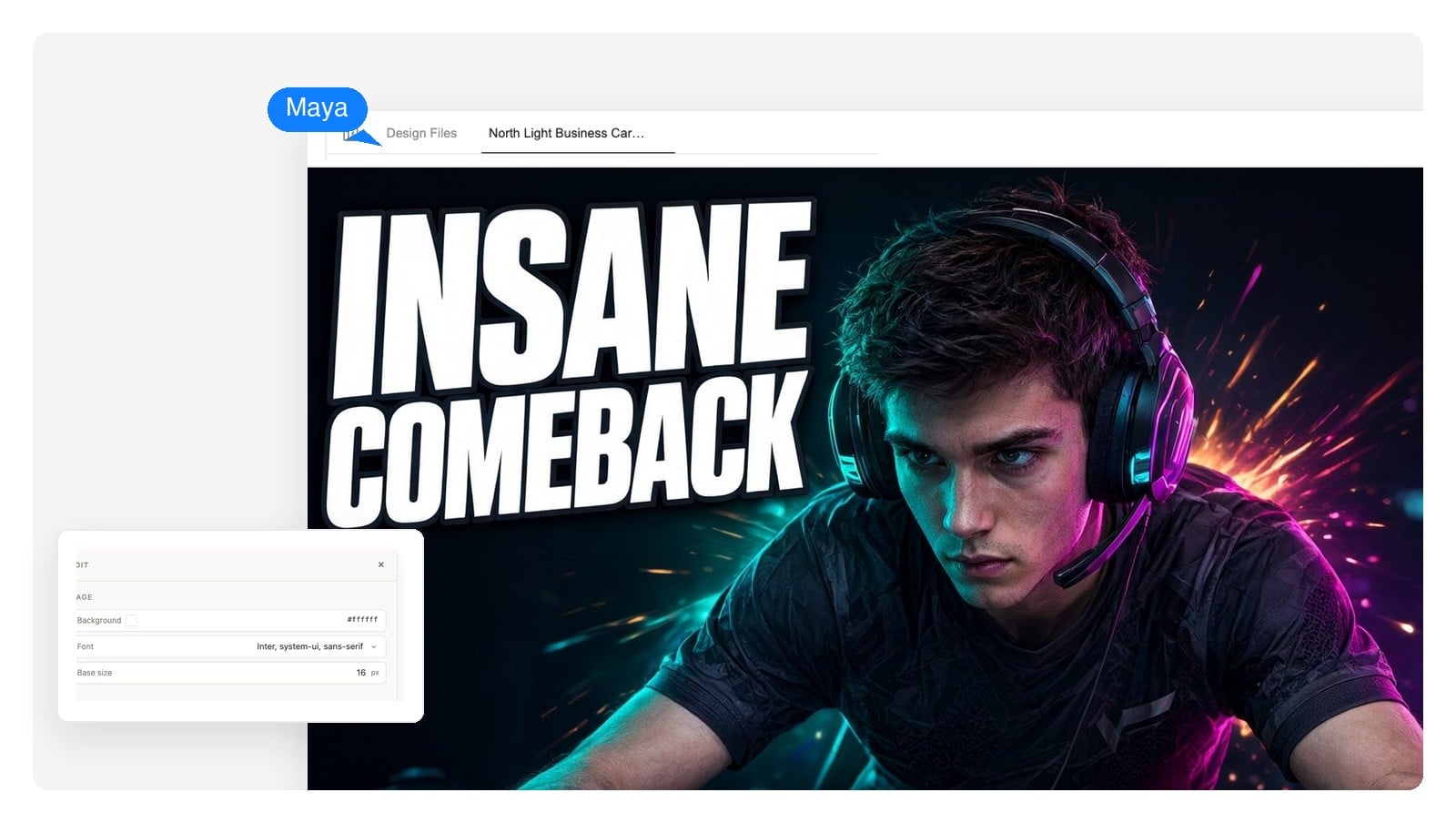
Gaming
High-energy frames for gameplay, ranked runs, and Minecraft, Roblox, or Fortnite sessions — glow, motion, and a title that shouts without clutter.
Describe your video and the AI designs the thumbnail — one clear subject, bold title text you can still edit, sized for YouTube. Generate it, click anything you want changed, download the PNG.
The difference
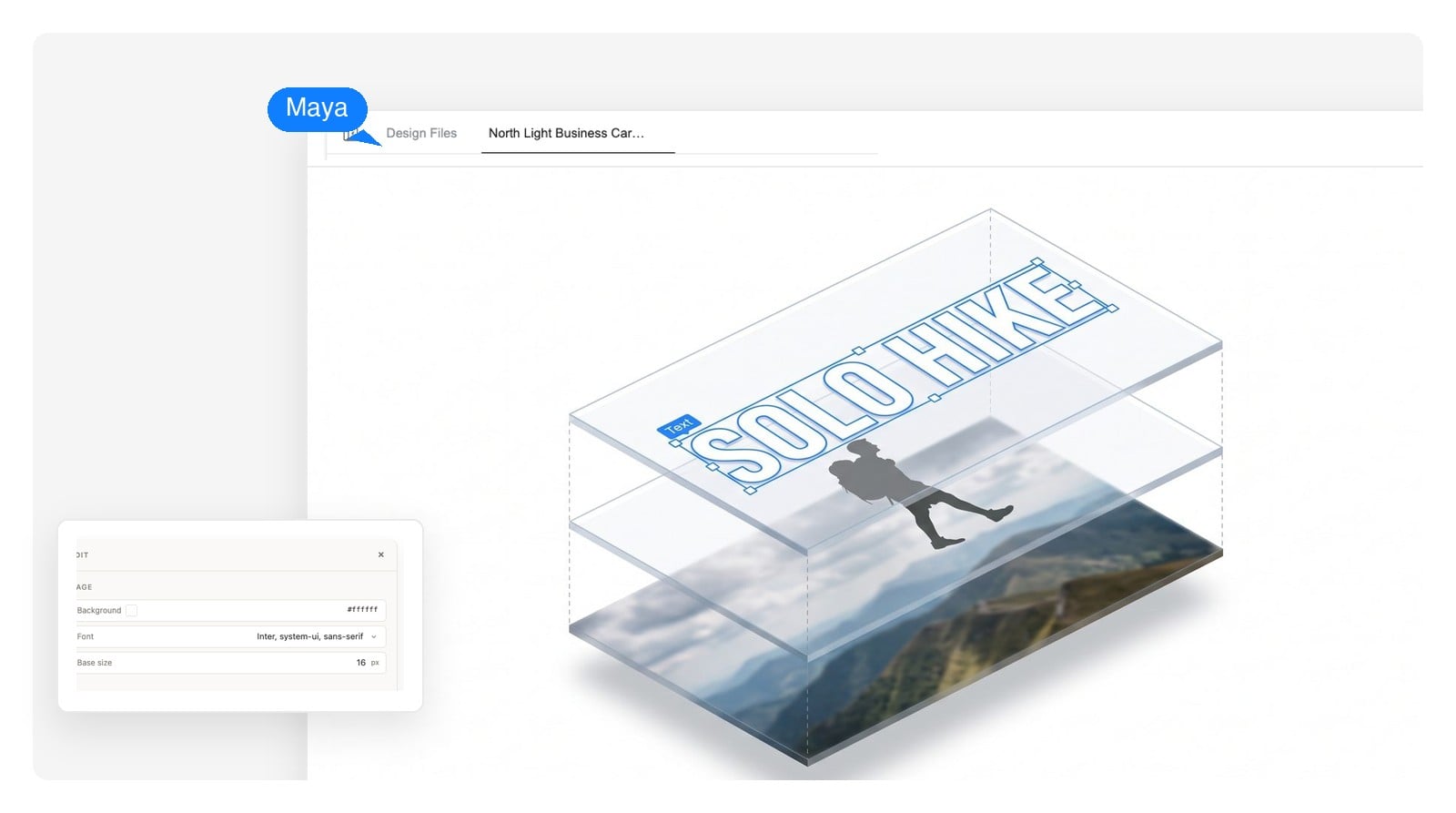
Most AI tools hand you a finished image — the title text is baked into the pixels, so fixing a typo means rolling the dice on a whole new picture. Here the thumbnail is a layered design, and every layer stays yours to change.
The four big words that make people click are a live text element, not pixels. Fix a word, resize it, swap the font — the rest of the thumbnail doesn't move.
Click the headline, the background, the face, the colors — and tell the AI what to change, or edit it by hand. No re-rolling the whole image for one detail.
Ask for three versions of the same thumbnail in chat and pick the one that earns the click — same subject, different framing, ready to compare.
See it where it competes
A thumbnail that looks great full-screen can die at 168 pixels wide. Judge your design the way viewers meet it — in a crowded feed, on a phone, in the sidebar.
 Yours
Yours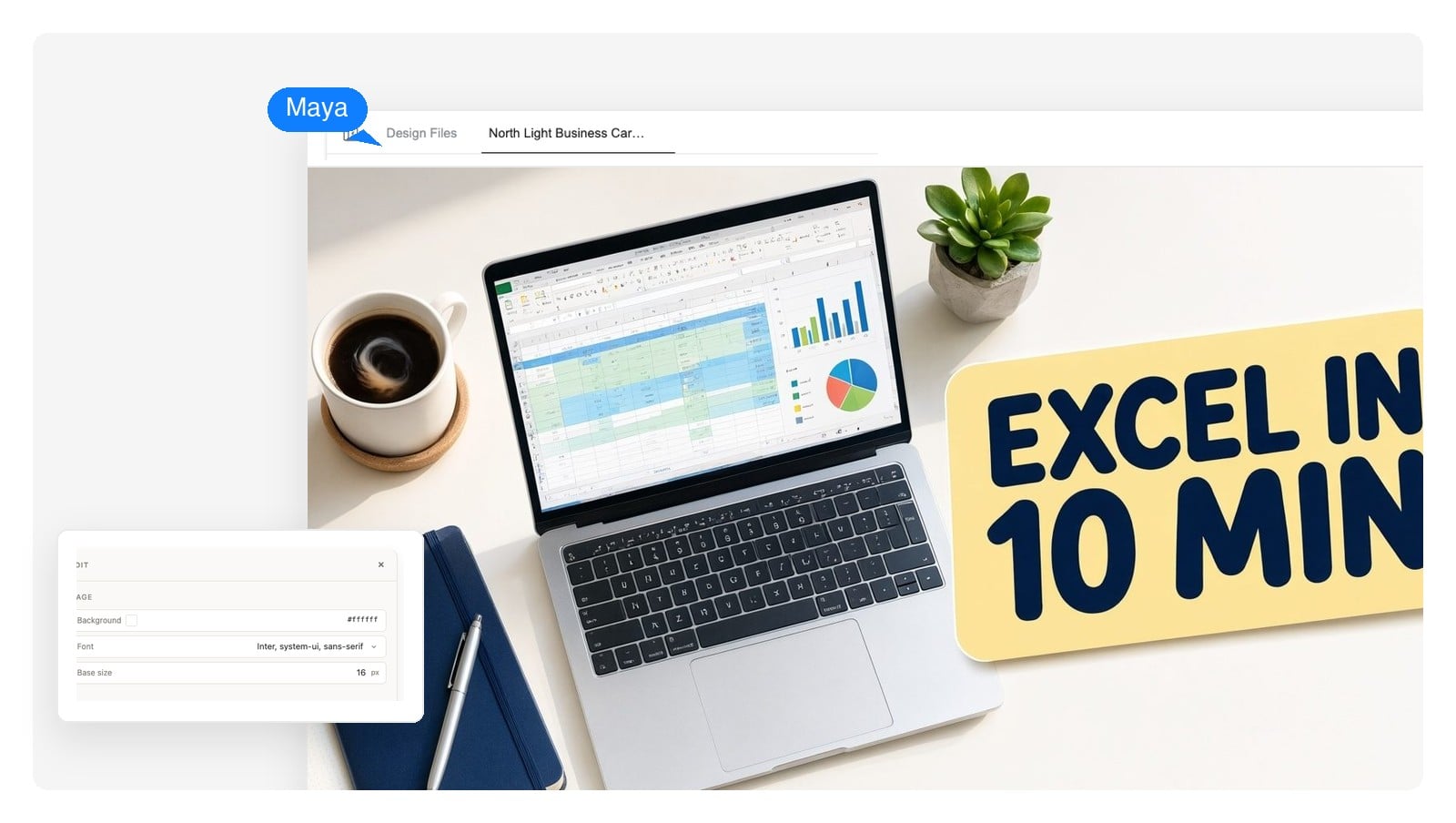
The small-screen test: if the title still reads and the subject still pops at sidebar size, the design works.
Topic, mood, what belongs on the thumbnail — and upload your own photo or screenshot if you want yourself in it. A sentence is enough to start.
Background, subject, and title text arrive as separate editable elements composed into one bold 16:9 design — not a flat image.
Click any element to adjust it or ask for changes in chat. When it's right, export the 1280×720 PNG and upload it straight to your channel.
The honest part
Creators are right to be skeptical: a sloppy AI thumbnail can cost clicks instead of earning them. The failures are predictable, which means they're avoidable.
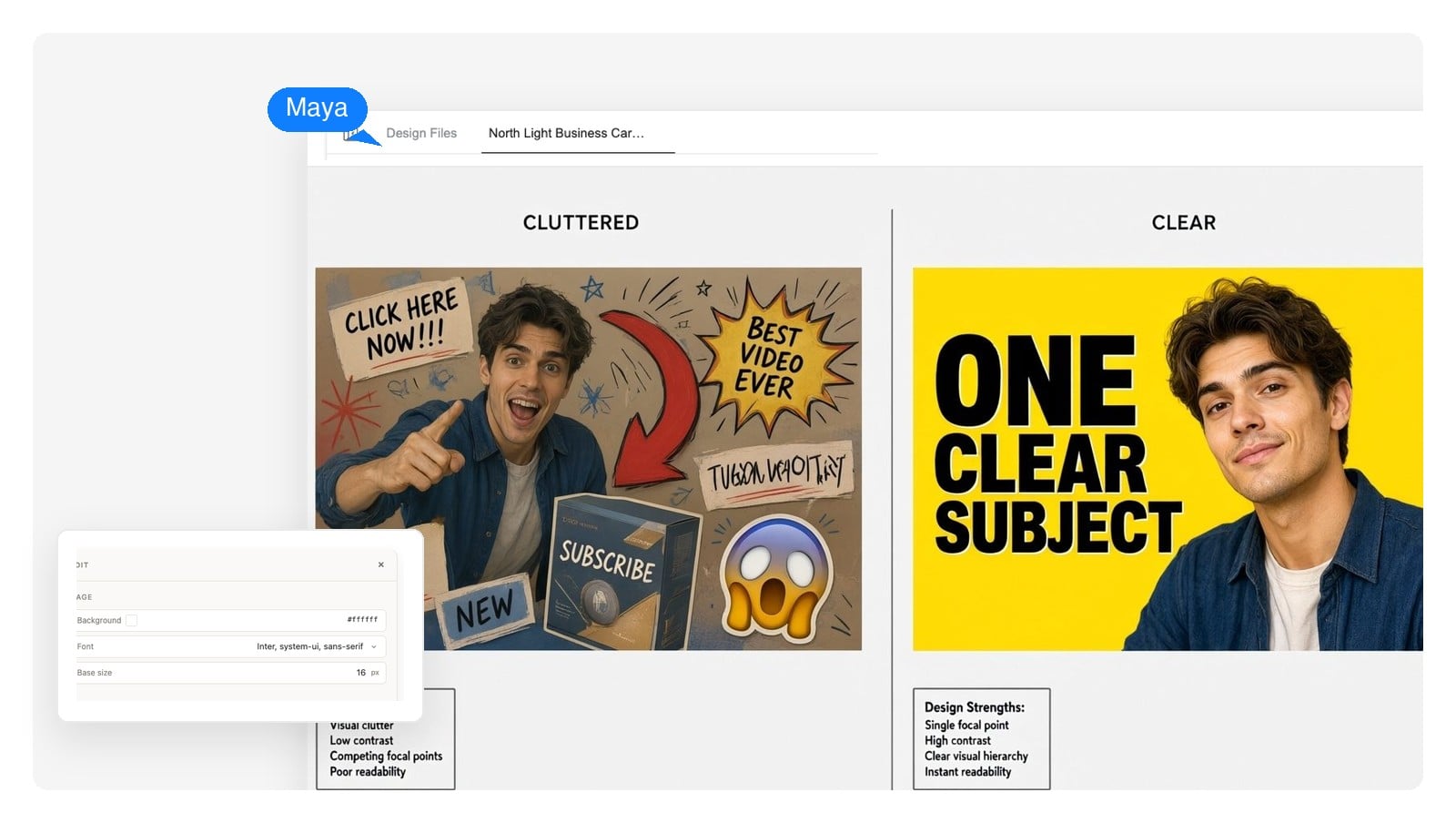
Every rule above is one click to fix here — because the text, subject, and colors are separate editable elements, not one baked image.
Every genre has its own thumbnail language. Start from a prompt that already speaks it, then make it yours.
High-energy frames for gameplay, ranked runs, and Minecraft, Roblox, or Fortnite sessions — glow, motion, and a title that shouts without clutter.
Clean, trustworthy layouts that promise a result: the tool on screen, the outcome in the title, zero mystery.
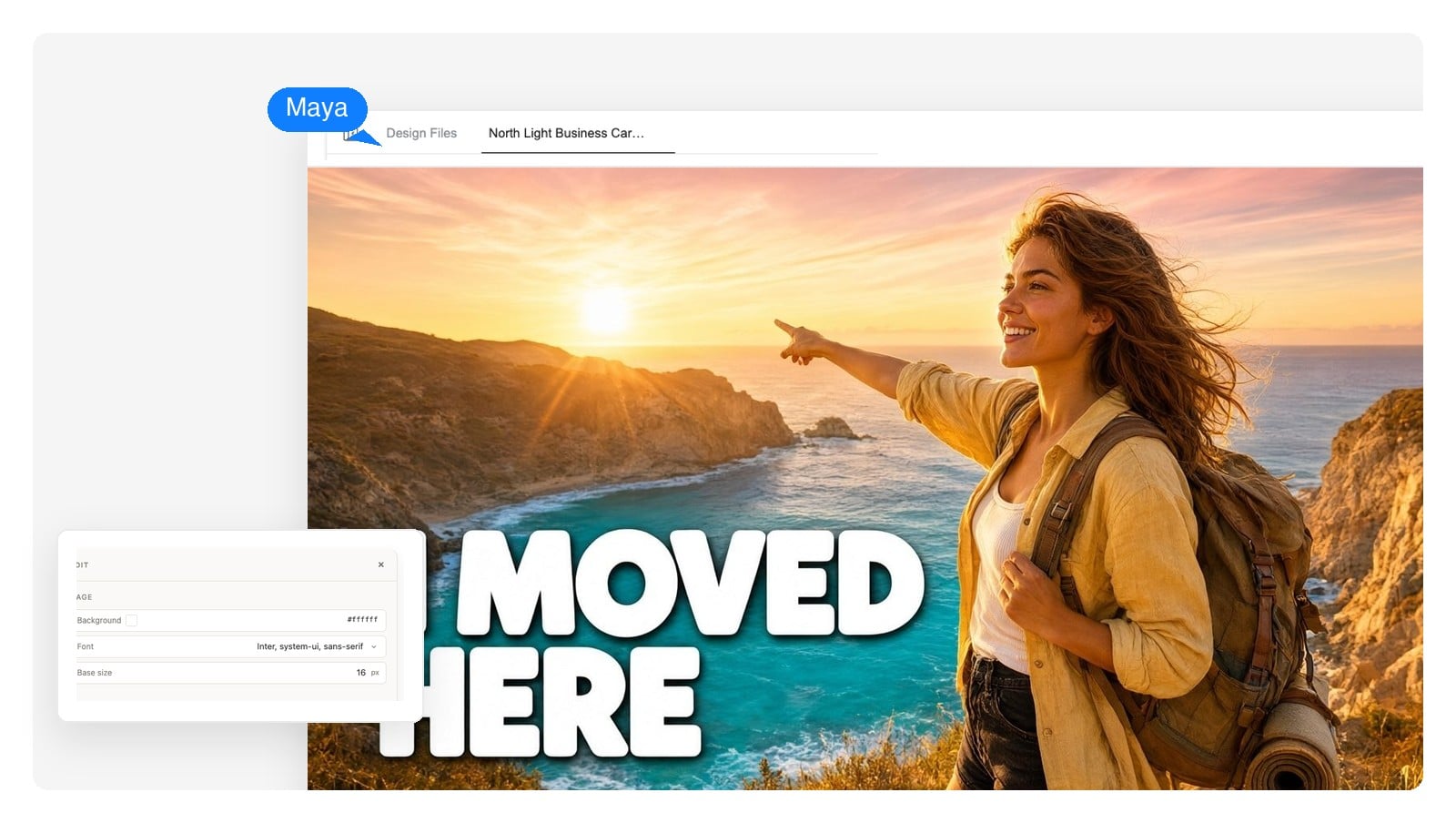
Cinematic color, a real face, a real place — thumbnails that feel like the moment the video captures.
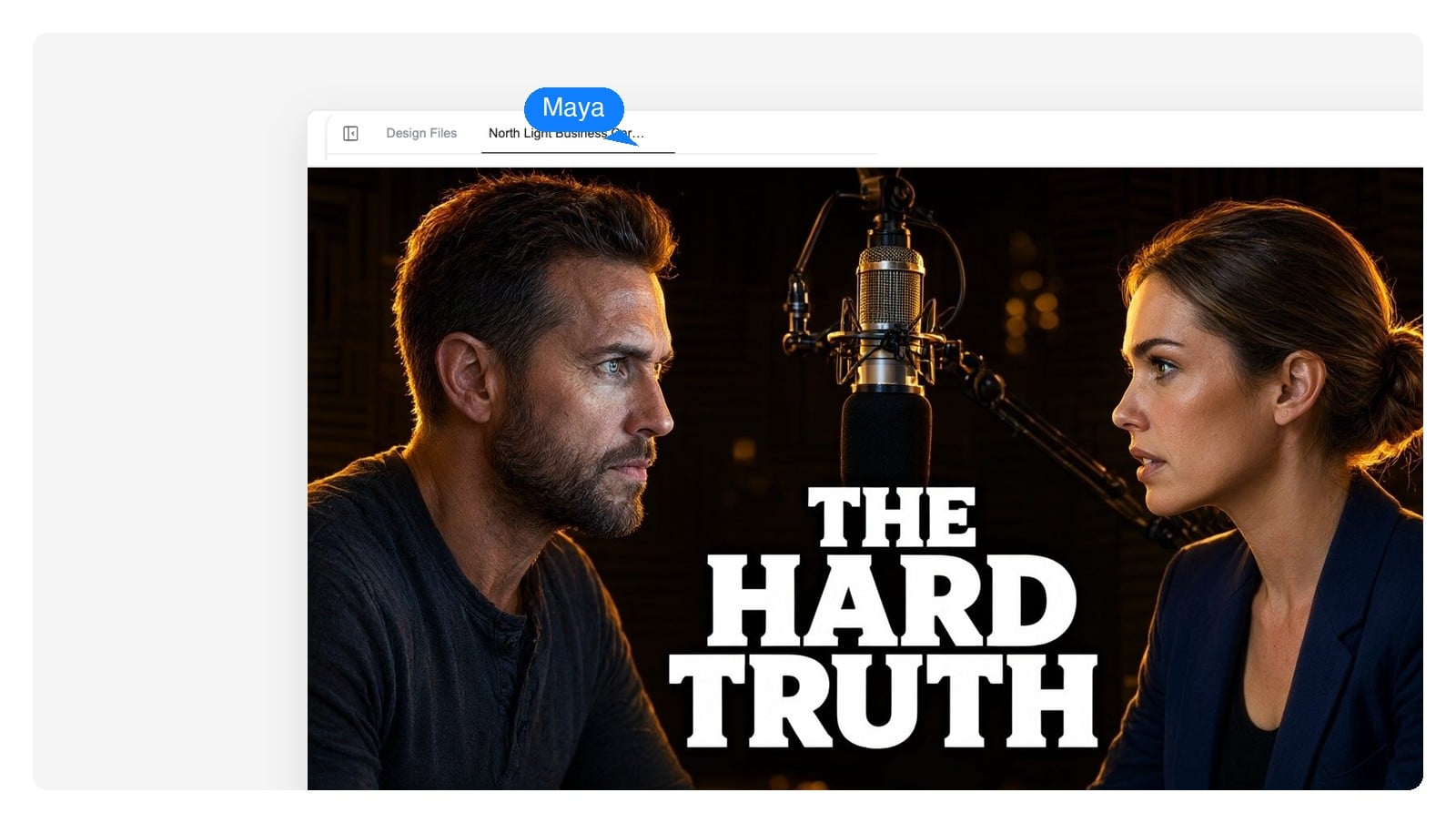
Speaker-forward frames with episode-title typography that stays readable in the sidebar, where podcast clips live or die.
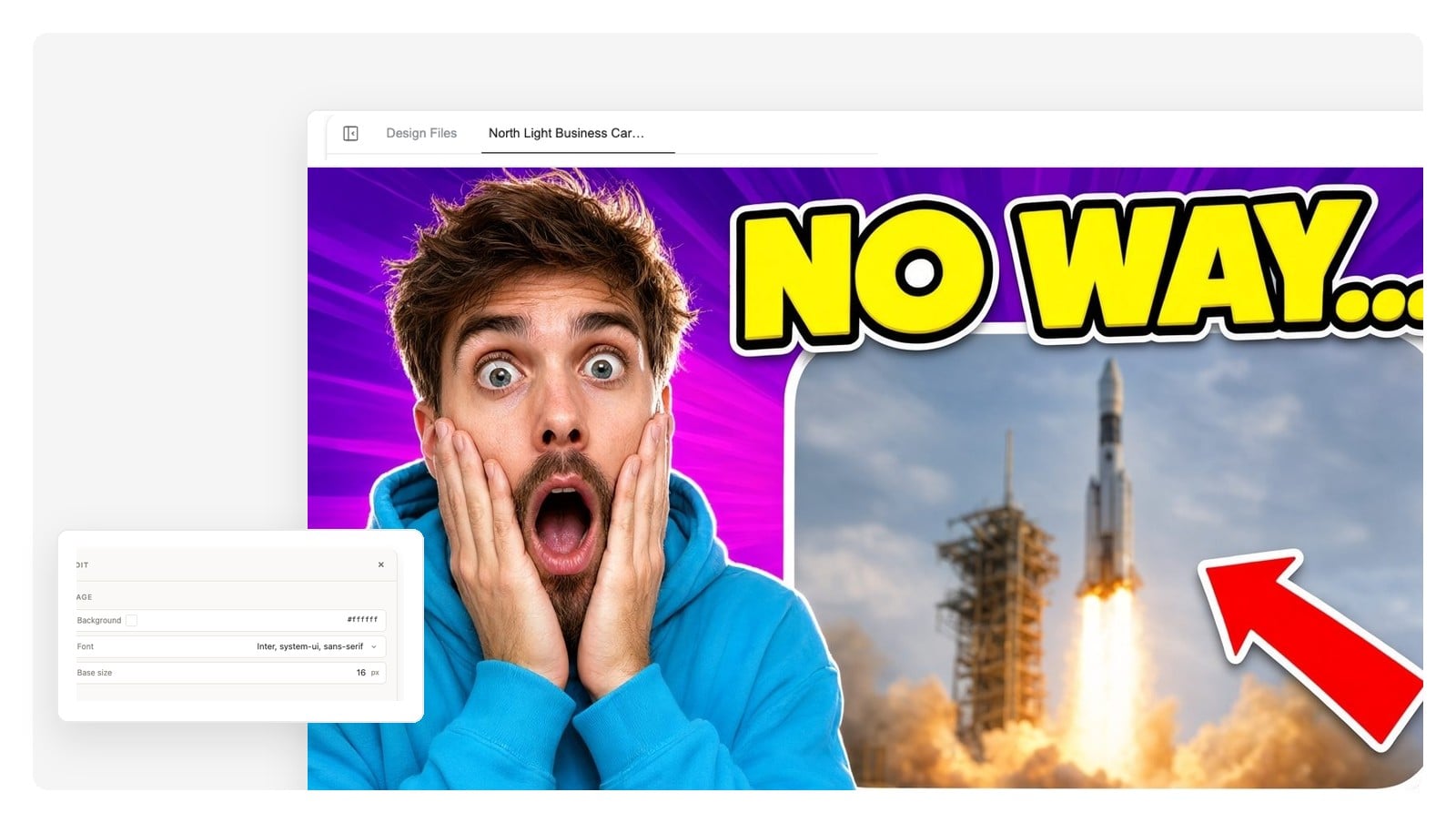
The classic two-panel grammar — your expression plus the thing you're reacting to — composed so both read at a glance.
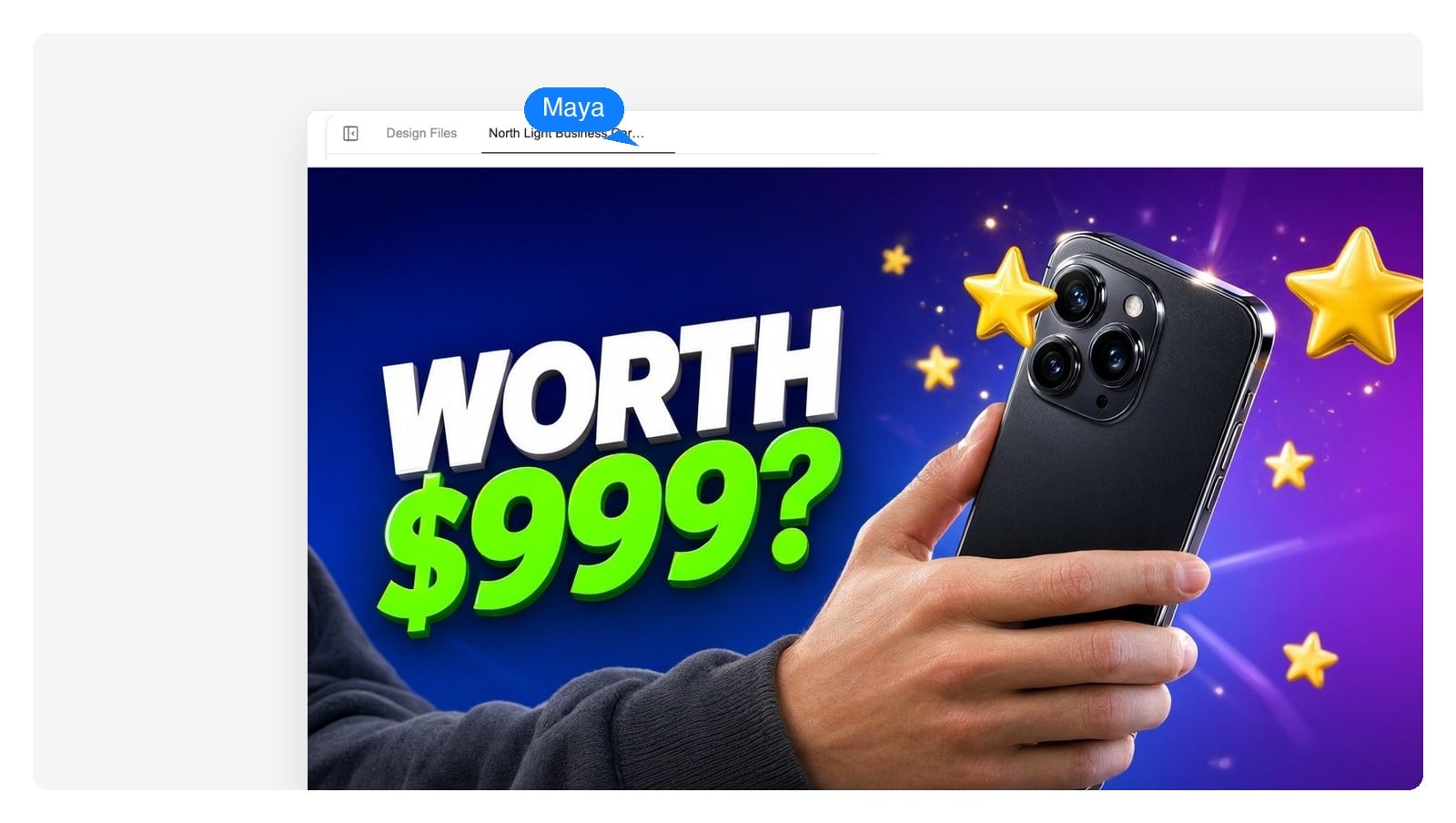
Product-hero lighting with a verdict-shaped title. The thumbnail asks the question; the video answers it.
The design exports at YouTube's recommended size by default — and the specs are here when you need them.
| Recommended size | 1280 × 720 pixels |
|---|---|
| Aspect ratio | 16:9 |
| Minimum width | 640 pixels |
| File size limit | Under 2MB |
| Formats | PNG or JPG (PNG keeps text crisper) |
| Shorts | 9:16 vertical — ask for a Shorts version and the design re-lays out to fit |
Iteration, shown honestly
A real edit session — same design, three requests. Notice what doesn't change.
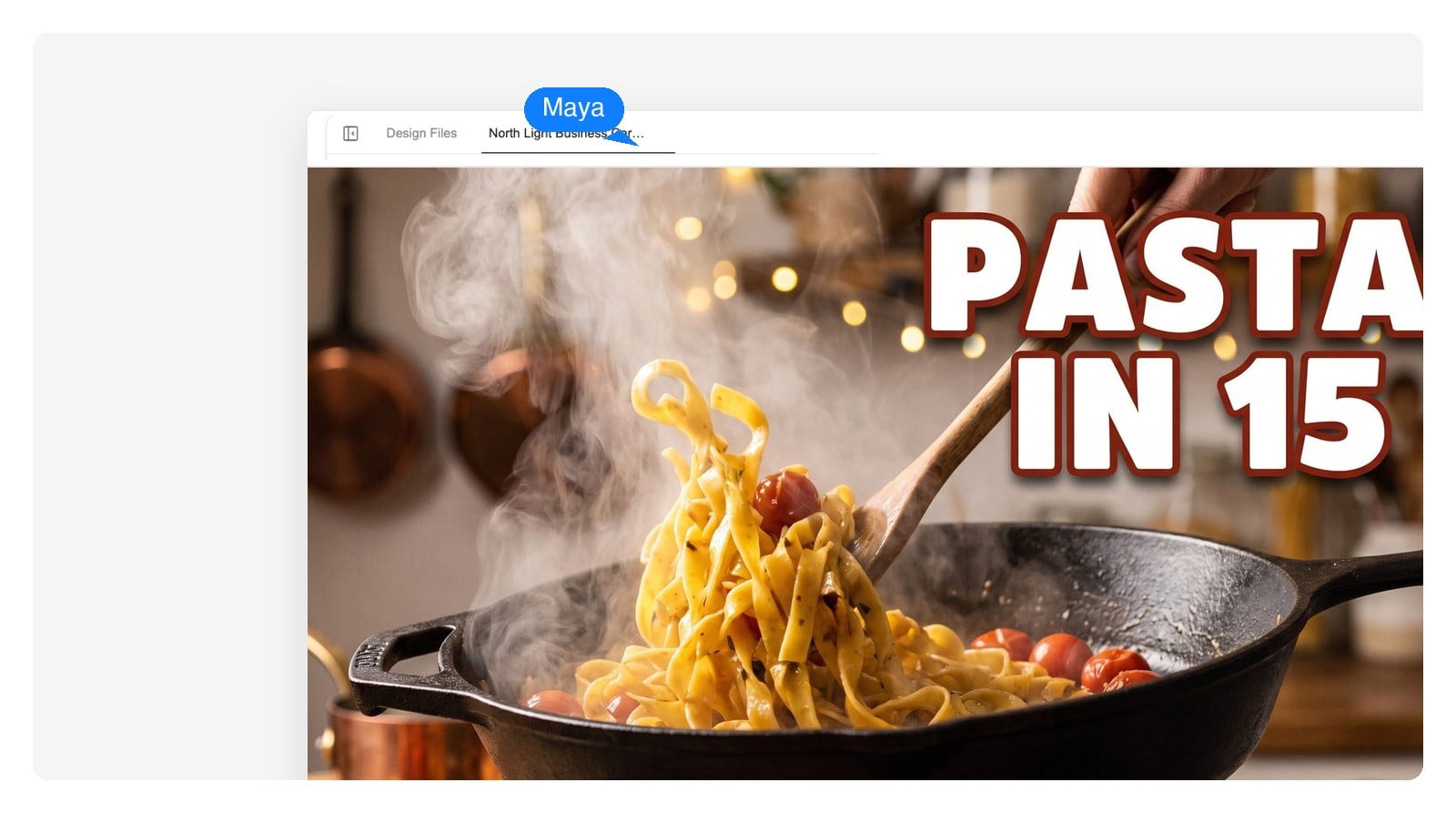
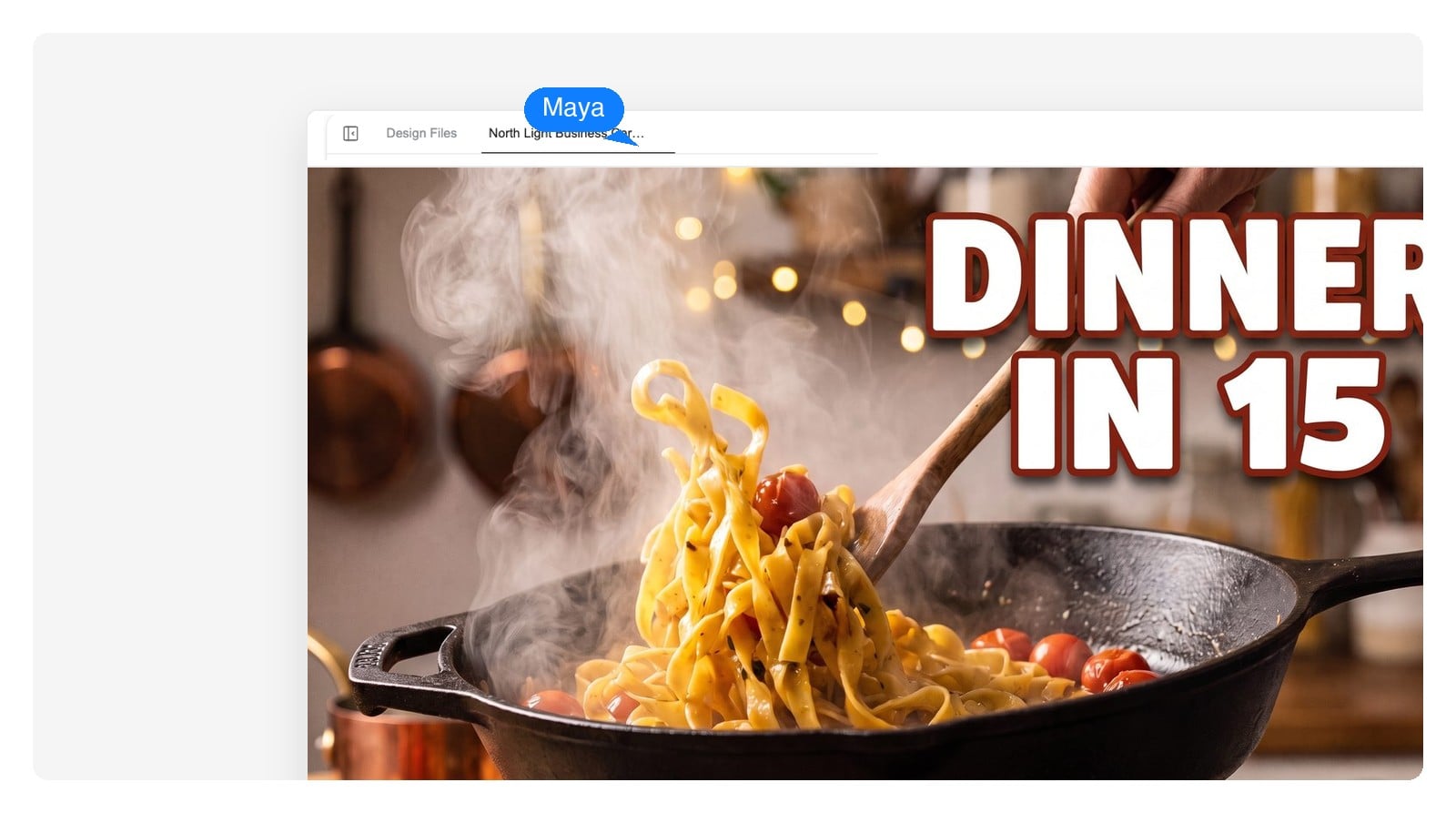
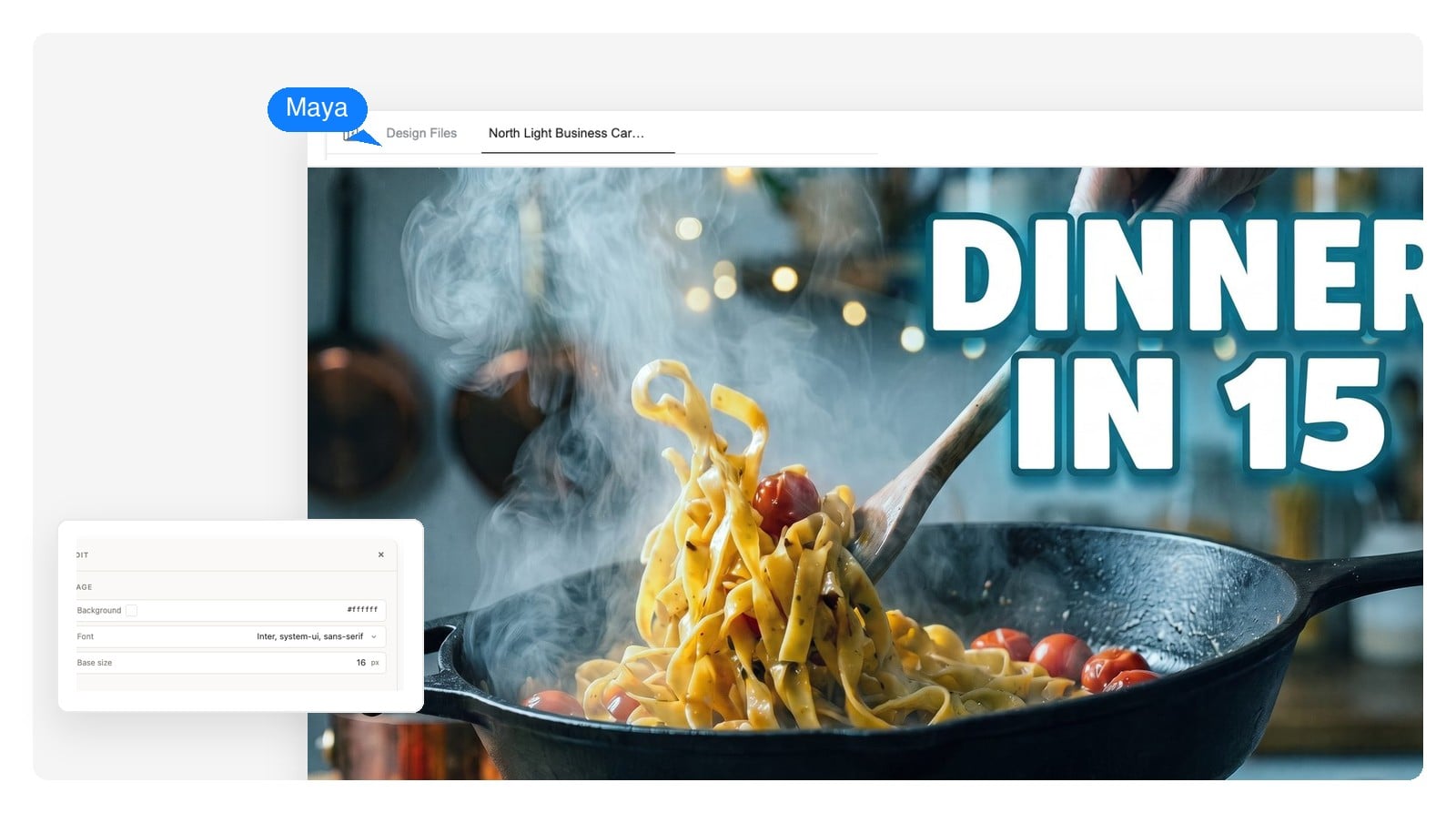
Drag the handle. The pan, the steam, and the layout hold still — only the title and the color mood change.
A tool that turns a description of your video into a thumbnail design. You type what the video is about and what should be in the frame; the AI composes the background, subject, and title text into a 16:9 design sized for YouTube. Here the result stays editable — every element can still be changed after generation.
Free to start, no credit card required. Free accounts receive daily credits, and a thumbnail design costs a few of them — enough to design and refine thumbnails regularly without paying.
A bad one will — cluttered frames, low contrast, and text nobody can read at feed size lose clicks no matter what made them. The fix isn't avoiding AI; it's applying thumbnail fundamentals: one subject, hard contrast, four words max, and a design that matches the video title. The rules section above covers exactly this, and because the design stays editable, fixing a weak spot takes one click instead of a re-roll.
Yes — upload your photo and the AI works it into the design as the subject. Creator faces are the strongest pattern on YouTube, so for most channels that's the right call. Upload the image in the chat after you describe the video.
1280 × 720 pixels, 16:9, at least 640 pixels wide, under 2MB, as PNG or JPG. Designs here export at 1280 × 720 by default, so there's nothing to resize before uploading.
Yes — that's the point of getting a design instead of a flat image. Click any element to change it directly, or describe the change in chat: reword the title, swap the background, recolor the mood. Small edits apply without regenerating the whole thumbnail.
Text is rendered as a live design element, not painted into the image by a model — so it stays crisp at every size, including the 168-pixel sidebar. Whether it stays readable is a design question: keep it to four big words and check it at phone size before you publish.
Yes. Reuse a design you like as the starting point for the next video and ask the AI to keep the style — same palette, same title treatment, new subject and words. A consistent thumbnail style is one of the few branding levers that visibly compounds on YouTube.
Yes. Thumbnails you design here are yours to use on your channel, including monetized ones. As with any thumbnail, keep it honest to the video's content — that's a platform policy matter, not a licensing one.
Templates are fast until every channel in your niche uses the same ones. Describing your video to an AI produces a design composed for that video — and because it arrives in editable layers, you keep the control a template gives you without inheriting a template's sameness.
Describe the video, get an editable design, download the 1280×720 PNG. Free to start — no credit card required.