GenMail · AI Email Agent
The AI email agent that works your inbox for you
GenMail reads what arrives, sorts what matters, drafts answers in your voice, and briefs you every morning. Connect Gmail or Outlook and let the night shift start.
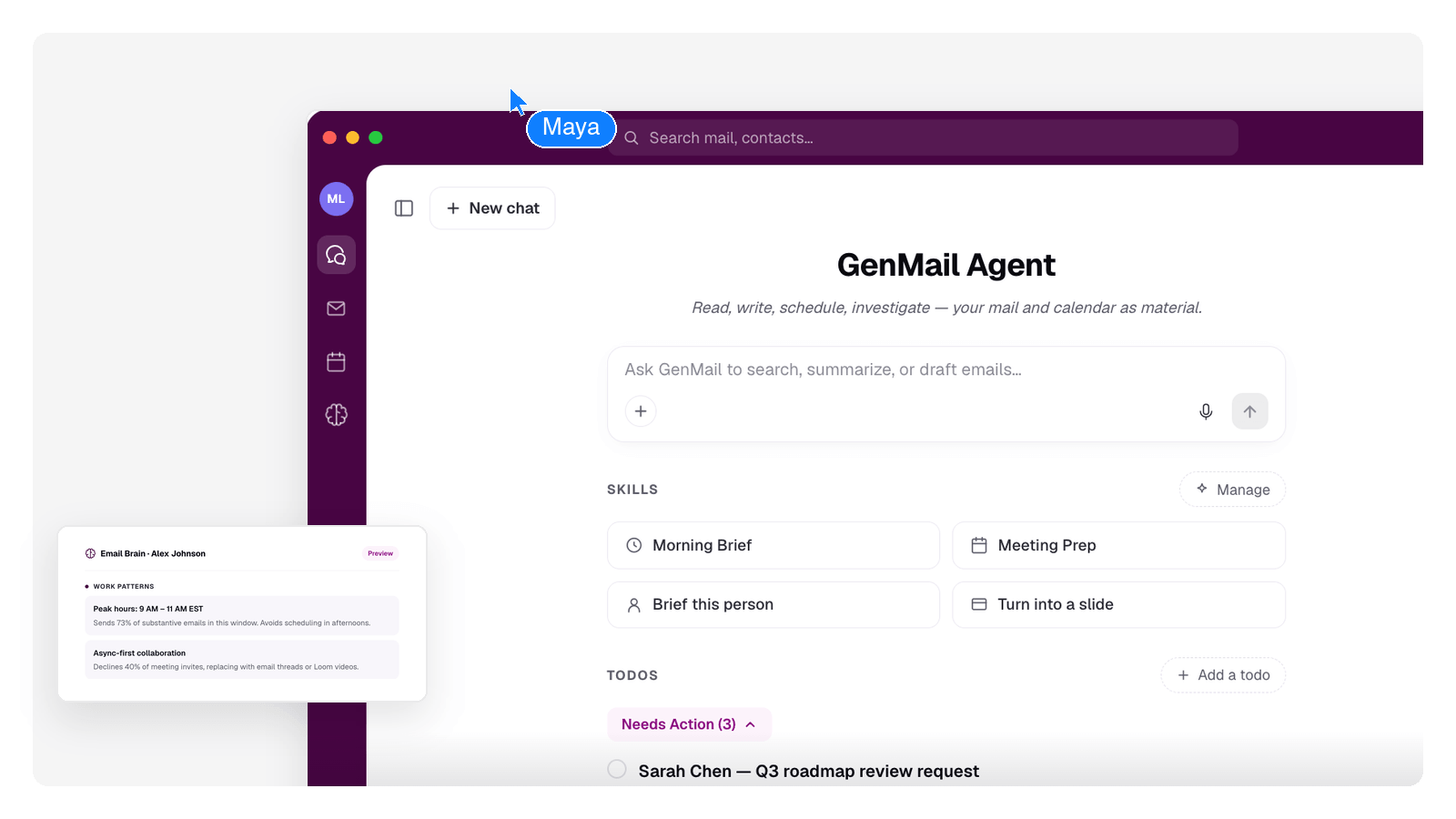
What the agent does while you sleep
One night in a GenMail inbox. Every step below is the product working — the quotes are the kind of output it leaves behind.
- 11:40 PM
Reads everything new
Overnight mail lands and the agent reads it in full — sender, thread history, what's actually being asked.
14 new emails since you left. Two ask for something by tomorrow.
- 2:15 AM
Sorts what matters
Urgent requests get pinned, newsletters are filed into a digest, and quiet threads that need a nudge are resurfaced.
Pinned: contract question from Elena. Filed: 6 newsletters, summarized into one digest.
- 5:30 AM
Drafts replies in your voice
Mail that needs an answer gets a draft staged and waiting — written the way you write, from an Email Brain that learns your tone, your sign-offs, and how formal you are with whom.
Draft ready: "Happy to move our call to Thursday — does 2 PM work on your side?"
- 7:00 AM
Hands you the Morning Brief
One digest of what came in, what's already handled, and the few things that actually need you.
3 need decisions, 5 drafts ready, the rest is filed. Estimated time to clear: 9 minutes.
- 7:12 AM
You review and send
Nothing goes out on its own. Drafts wait for your edit or your click — sending stays a human decision.
You: read the brief, tweak one line, send five replies. Done before coffee.
You stay the sender
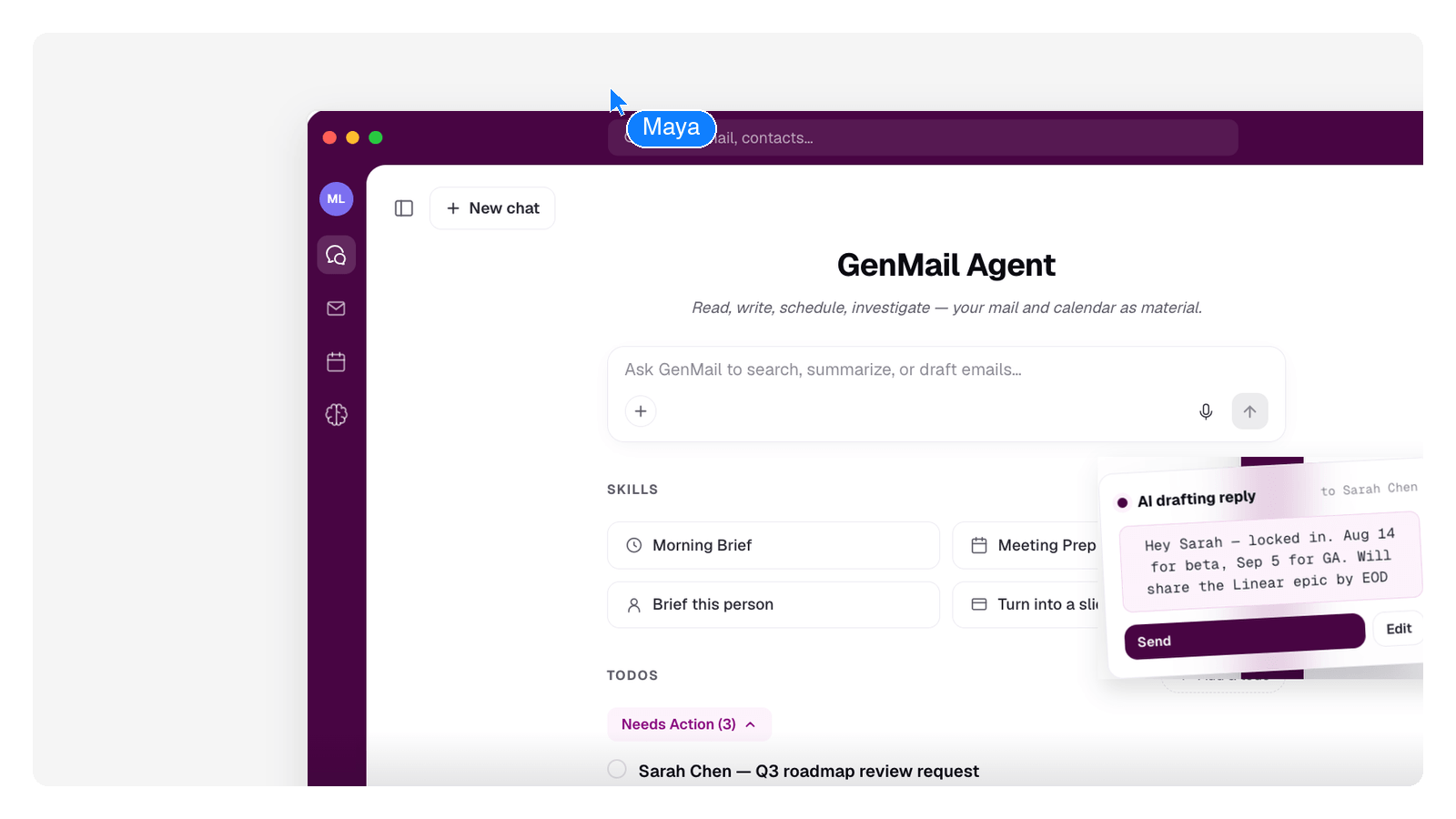
An email agent is only useful if you can trust it. GenMail's agent acts on your inbox — labeling, filing, drafting — but the one thing it never does is speak as you without your sign-off.
Every draft is staged for review. Automation rules you write are kept word-for-word. And each morning the brief tells you, in plain language, exactly what the agent did.
- Drafts wait for your review — nothing is sent without your confirmation
- Works across every Gmail and Outlook account you connect
- Rules you write are applied exactly as you wrote them
Which email tool fits?
Four email tools, four different jobs. Pick by what you're trying to get done.
Frequently Asked Questions
What is an AI email agent?
An AI email agent acts on your inbox rather than just answering questions about email. GenMail's agent reads incoming mail, sorts and labels it, drafts replies in your voice, and summarizes everything into a Morning Brief. The difference from a writing tool is that it works continuously on real mail, not one prompt at a time.
Does the agent send emails by itself?
No. Drafts are prepared for your review, and sending stays a human decision. Automation rules can label, file, and draft on matching mail, but nothing leaves your outbox without your confirmation.
How is an email agent different from an AI email assistant?
They overlap: an assistant helps you get through mail faster, while an agent takes whole steps off your plate — overnight triage, staged drafts, the Morning Brief. GenMail is built as the agent kind, and the assistant page on this site covers the help-you-work side in detail.
Which email accounts does it work with?
GenMail connects Gmail and Outlook / Microsoft 365 accounts, including several at once in one unified inbox. Other providers aren't supported right now.
What is the Morning Brief?
It's the agent's daily handover: a short digest of what arrived, what was filed or drafted overnight, and the few messages that actually need a decision from you. Most mornings it turns a full inbox into a few minutes of review.