Characters from a description
AI Character Generator, one prompt, a whole cast.
Describe who they are — age, look, outfit, mood — and the AI character creator draws them in the style you pick. Then keep the same character consistent across new poses, outfits, and scenes.
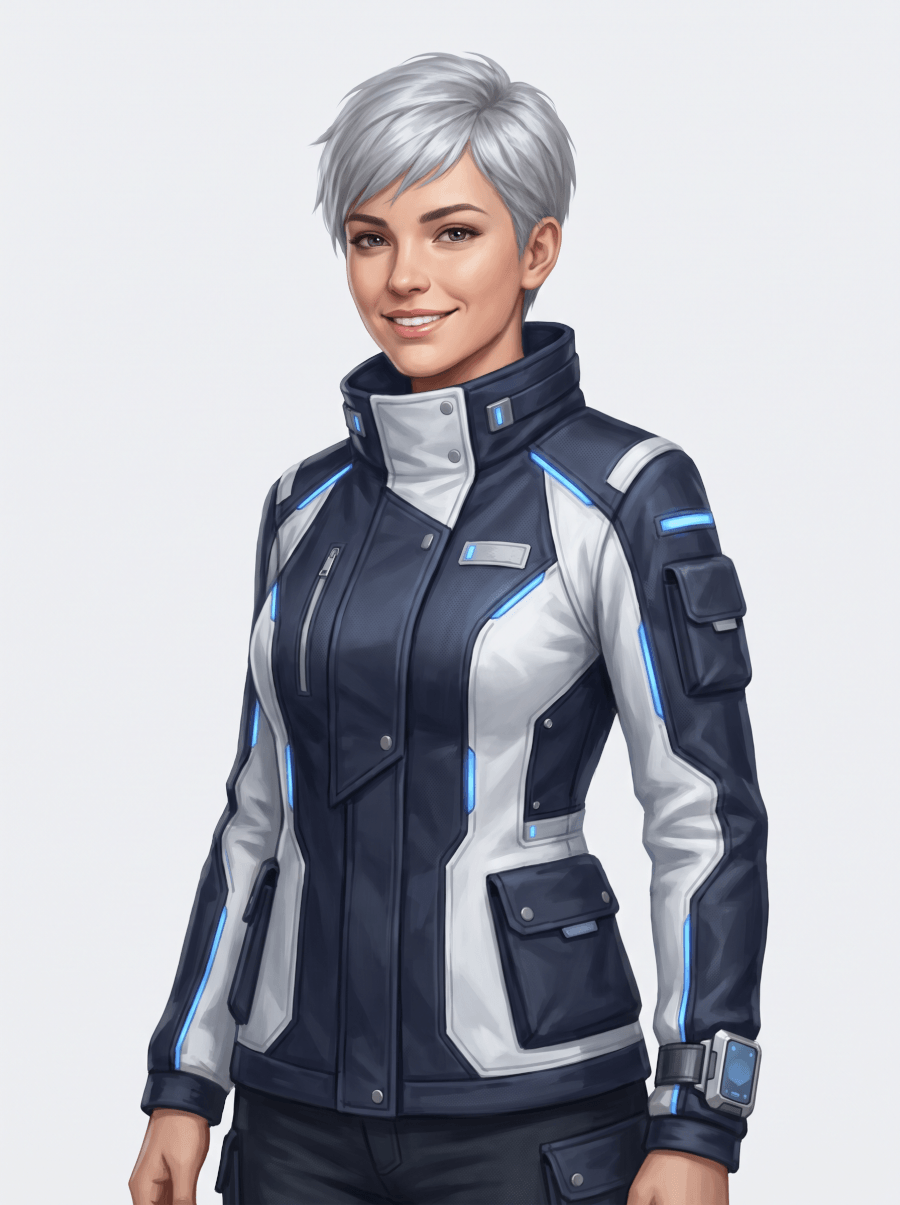
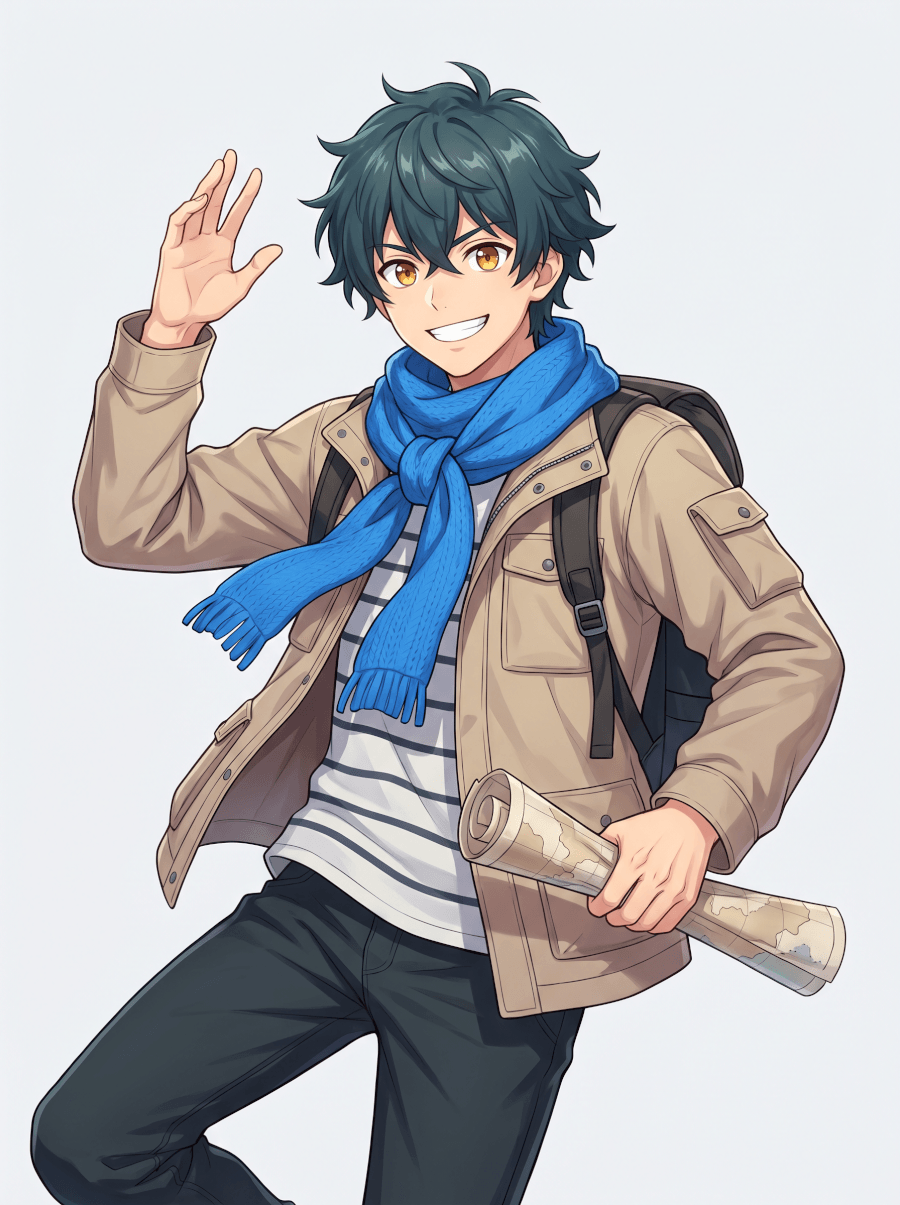
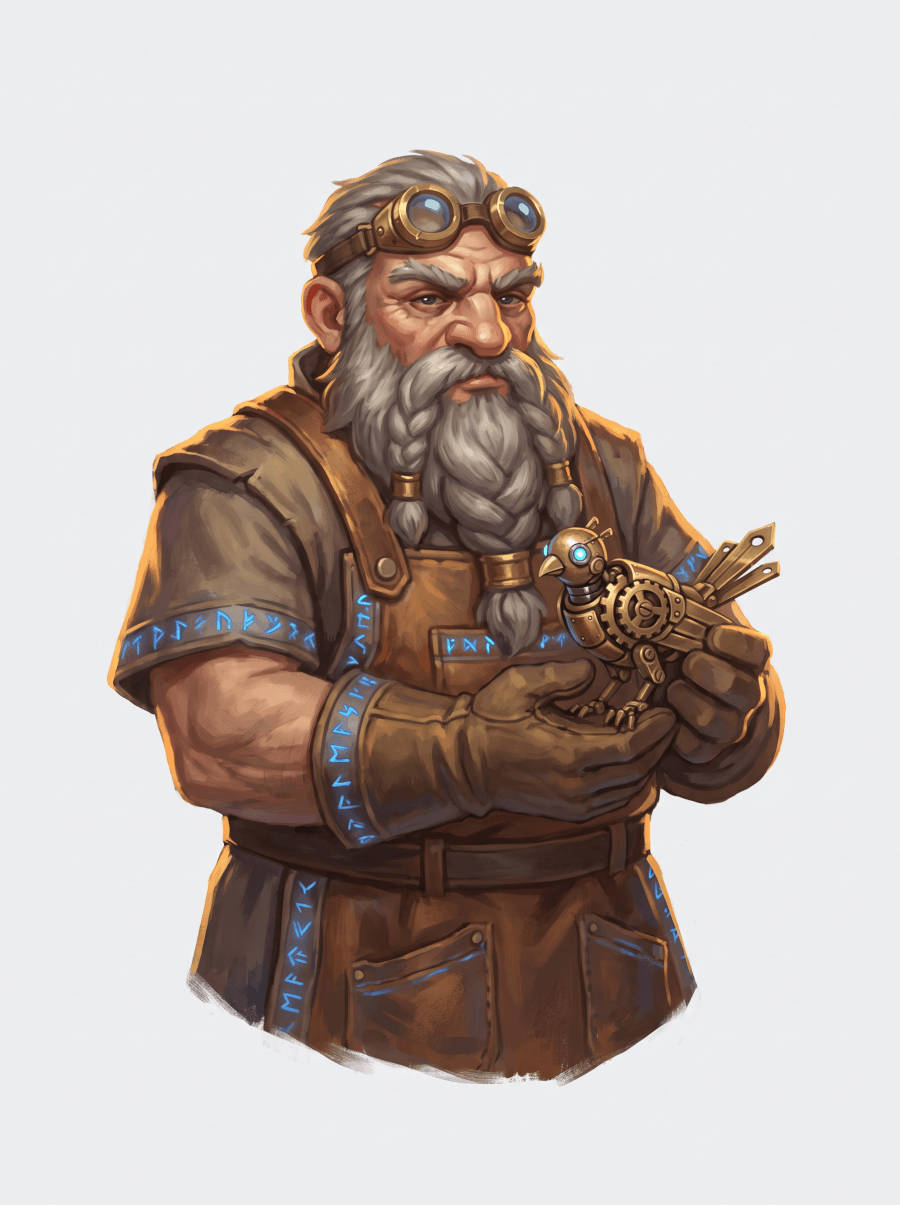
Characters on this page were generated from short text prompts.
The same character, every time
Most generators give you a new stranger with every prompt. Here, a generated character becomes a reference: ask for the same character sitting, smiling, in a different outfit, or in a new scene, and the face, build, and style hold together.
Going for a specific look? There's a dedicated AI anime generator for anime art, and an AI avatar generator when the character is you.
What people build with a character creator
From a one-off portrait to a cast that carries a whole story.
Original characters
Turn the character living in your head into art — a portrait, a full-body reference, and variations until they look right.
Game concept art
Heroes, NPCs, and enemies in a consistent art direction — neutral poses and clean silhouettes that work as character sheets.
Book & story characters
Give your protagonist a face for covers, chapter art, and promo images — and keep them recognizable across every illustration.
Tabletop RPG art
A portrait for your next campaign character — describe the class, gear, and attitude, and print-ready art comes back.
Mascots & brand characters
A friendly face for a product or channel, generated in variations until it fits — then reused consistently everywhere.
Storyboards & comics
The same cast panel after panel: generate each scene with your characters staying on-model throughout.
How to create a character with AI
Three steps from a rough idea to art you can reuse.
1Describe the character
Who are they? Write it the way you'd brief an artist — looks, outfit, personality, mood. Pick a style or name one in the prompt.
2Generate and pick a favorite
The AI character generator returns variations. Keep the one that feels right, or tweak the prompt — older, kinder eyes, different armor.
3Reuse them anywhere
Use the character as a reference for new poses, outfits, and scenes, and download the art for your game, story, or brand.
Built for character work
The details that make a character feel like a person, not a render.
Every style, one tool
Realistic portraits, anime, painterly fantasy, stylized game art — name the style in plain words and the character maker follows it.
Consistency by reference
Generated art doubles as a reference image, so the same character can appear in new poses and scenes without drifting off-model.
Precise control
Age, build, expression, outfit, lighting, framing — adjust any detail with one line instead of regenerating from scratch.
From portrait to project
Characters flow into the rest of your work — drop them into slides, docs, and designs in the same workspace.
Frequently Asked Questions
Can AI generate original characters?
Yes. Describe the character you have in mind — appearance, outfit, personality, mood — and the AI character generator creates original art from that description in the style you choose, from realistic portraits to anime and stylized game art.
How do I keep the same character consistent across images?
Generate the character once, then use that image as a reference for the next generation. Ask for the same character in a new pose, outfit, or scene, and the face and proportions carry over instead of resetting each time.
What art styles does the character maker support?
Realistic, anime, painterly fantasy, stylized game concept art, mascot-style, and more. Style is part of the prompt — say "anime key visual" or "painterly fantasy portrait" and the output follows.
Can I control specific details like outfit or expression?
Yes. Every detail you write is used — hair, eyes, clothing, accessories, expression, lighting, framing. After the first result you can adjust single details, like changing the outfit while keeping everything else.
Can I use the characters in my game, book, or videos?
That's what the tool is built for. Download the art in high resolution and bring it into your game, story, comic, or channel — and come back to generate the same character whenever you need a new scene.