Storyboards from a script
AI Storyboard Generator, every scene, shot by shot.
Paste a scene or describe the action. Storyboard AI plans the coverage — wide, medium, close-up — and generates a frame for each shot in the style you pick.
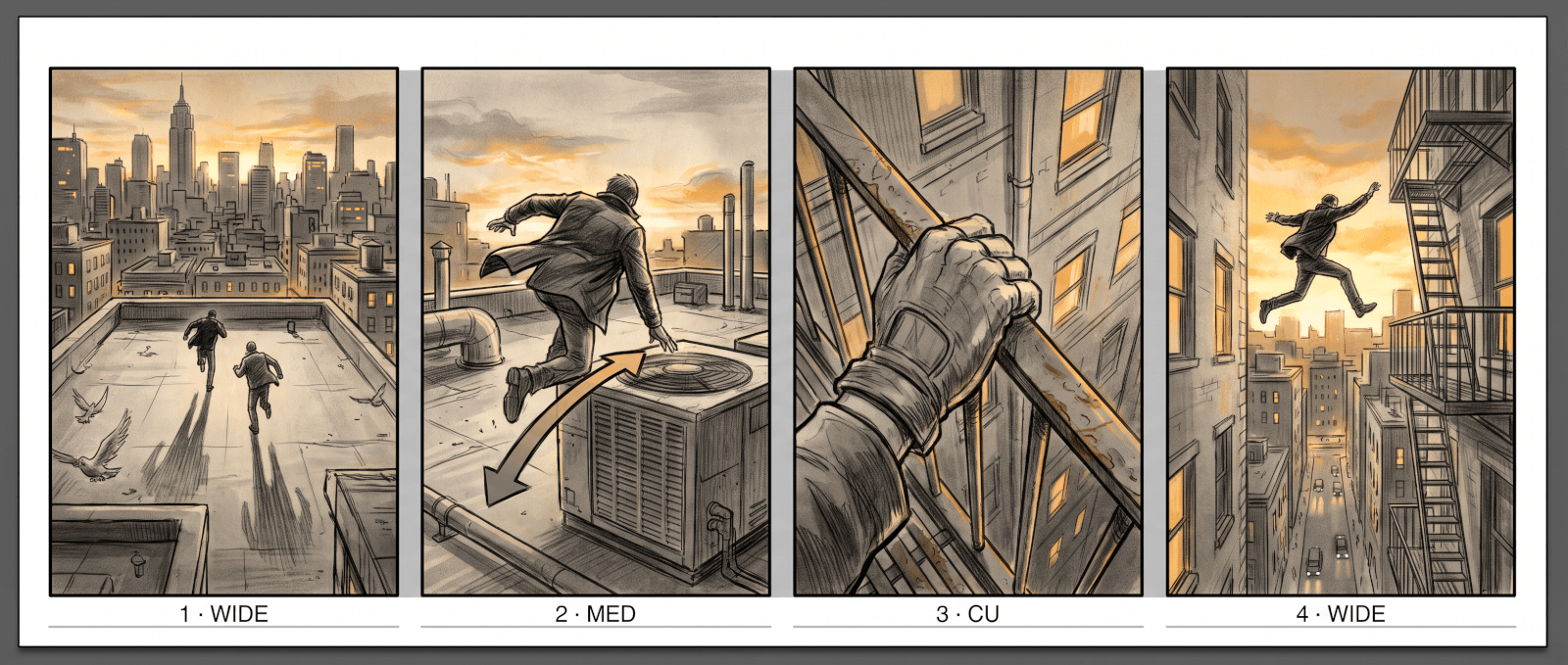
Generated output — the rooftop chase above, boarded in four shots.
Script to storyboard in three steps
The board follows the scene you wrote — shots come from the action on the page, not from a generic template.
1Paste the scene
Drop in a scene from your script, or just describe the action in a sentence or two. Note any shots you already know you want.
2Approve the shot list
The storyboard AI proposes coverage — framing, angle, and what each shot is for. Reorder, cut, or add shots before anything is drawn.
3Generate the frames
Each shot becomes a frame in your chosen style. Regenerate any single frame with new direction until the board reads like the film in your head.
One workflow, three kinds of board
The same shot-by-shot thinking rendered in different styles — sketch for the shoot day, cinematic for the pitch, anime for the animatic.
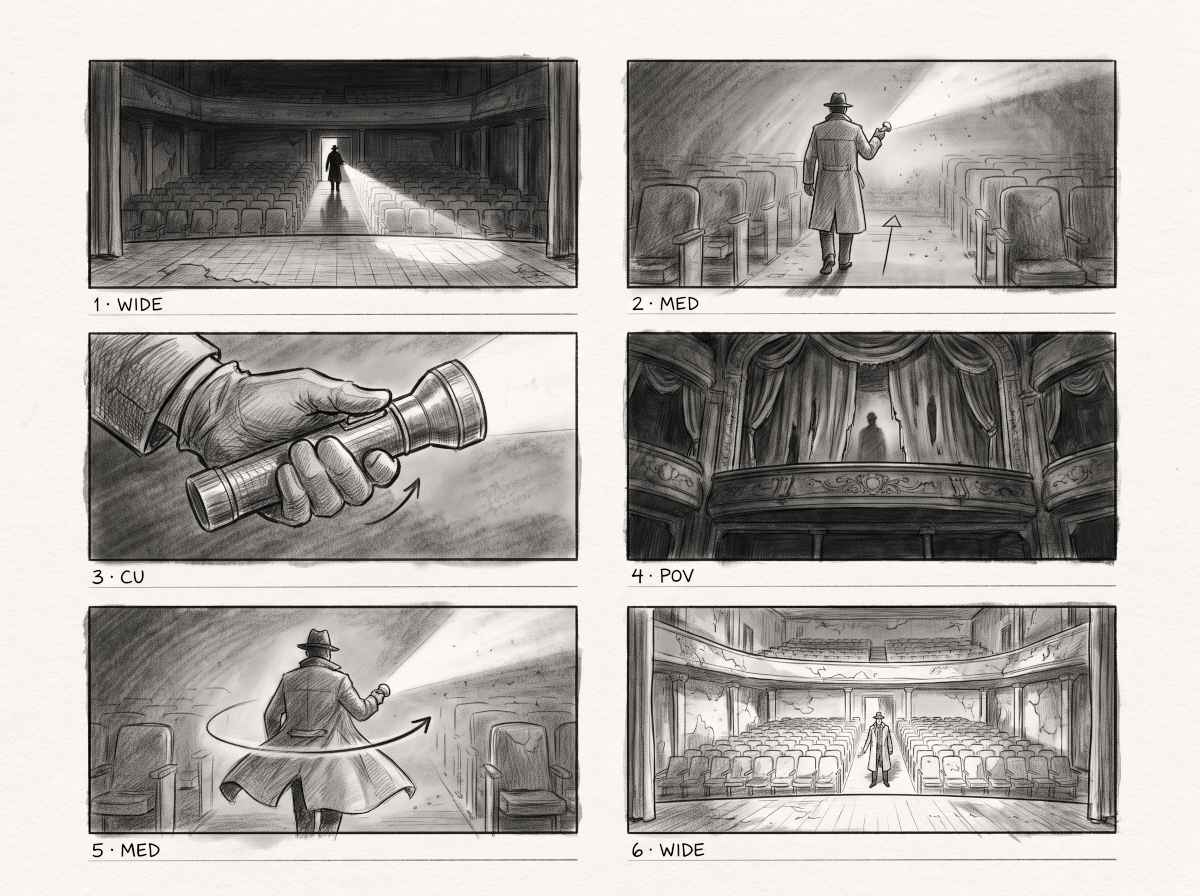
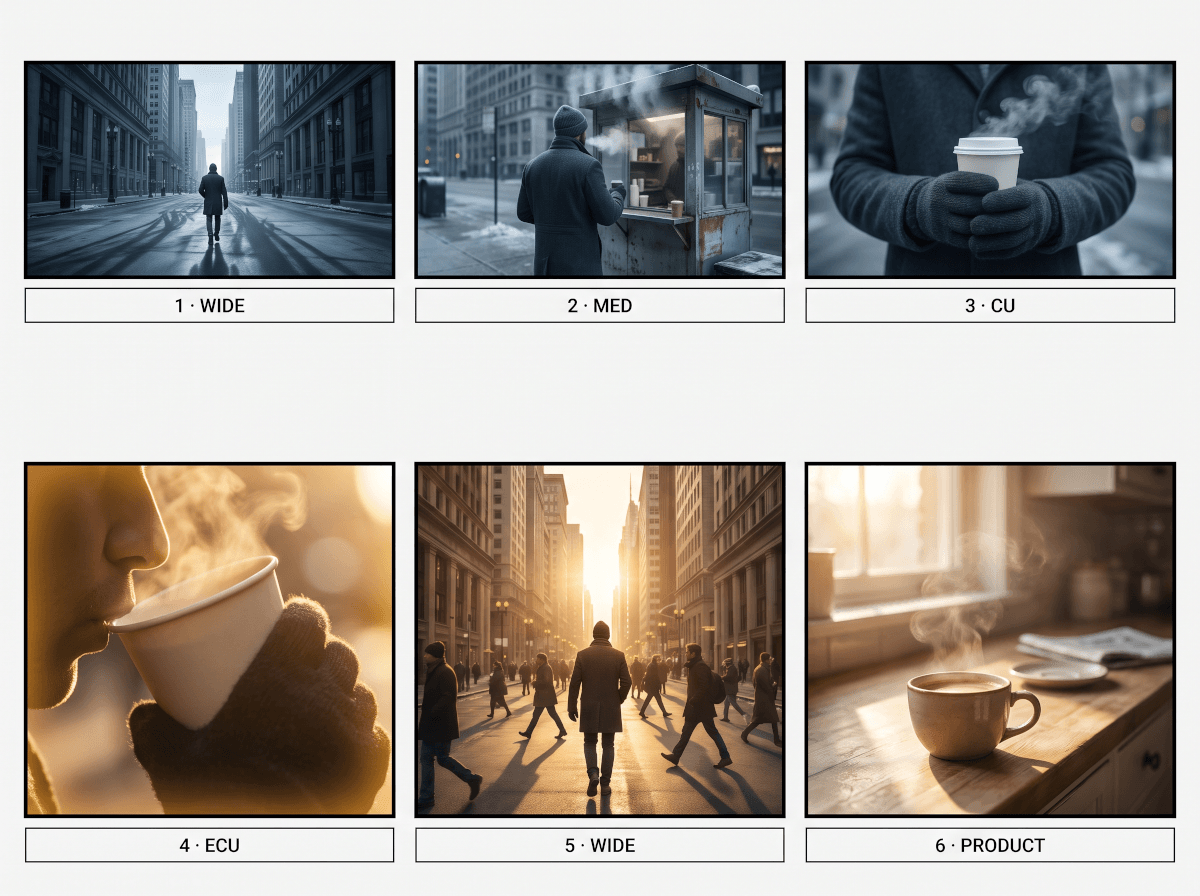
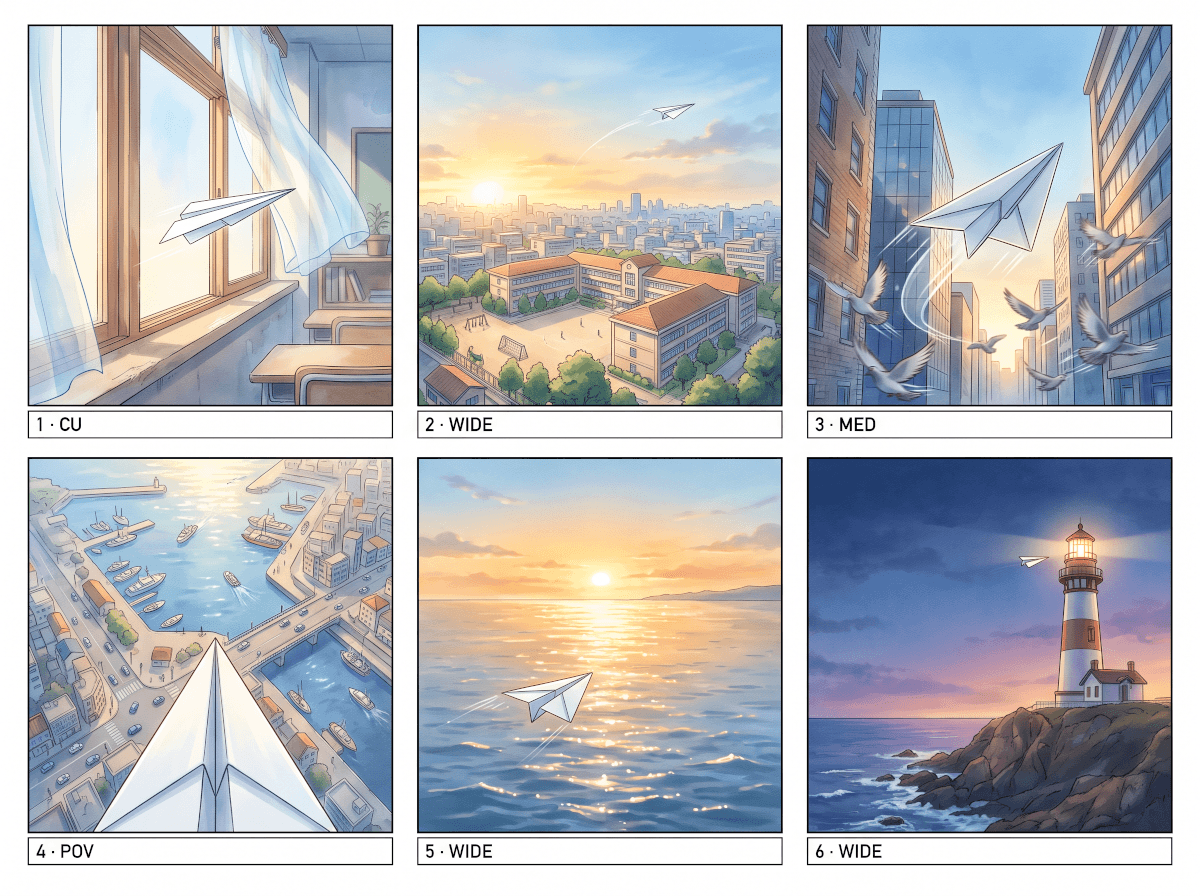
Pick the style the board needs
A pitch deck wants polish; a shooting board wants clarity. The same shots render in whichever style the job calls for.
Pencil sketch
Classic production-board line work — fast to read, all about composition and blocking.
Cinematic
Lit, graded frames that feel like film stills — for pitch decks and lookbooks that need to sell a mood.
Anime
Clean line art and expressive staging for animated projects and stylized boards.
Comic
Bold ink and dramatic angles — reads like a graphic-novel page, built for action-heavy sequences.
Black & white
High-contrast monochrome frames that put the light and shadow decisions front and center.
Watercolor
Soft, painterly frames for gentler stories — mood boards, children's animation, brand films.
What makes a board usable
Anyone can generate one pretty frame. A storyboard is twelve frames that agree with each other.
Shots from the action
The generator reads the scene and proposes real coverage — an establishing wide, mediums for the exchange, a close-up where the turn lands.
Characters that hold
A generated frame doubles as a reference image, so the same character keeps their face, build, and wardrobe from the first frame to the last.
Fix one frame, keep the rest
Change shot four from a wide to an over-the-shoulder without touching the other frames. Boards evolve shot by shot, the way real ones do.
Frames in your format
Board in 16:9 for film and YouTube, or vertical for Shorts and Reels — so compositions are planned in the frame you'll actually shoot.
The board is the middle of the pipeline
No script yet? Start with the AI script generator — write the scene first, then board it here.
Design your cast with the AI character generator so every frame starts from the same reference, or use the AI image generator for standalone stills and concept art.
Frequently Asked Questions
Can AI generate a storyboard from a script?
Yes. Paste a scene and the AI storyboard generator works from the action on the page: it breaks the scene into shots, describes the framing for each, and then generates the frames. You approve or edit the shot list before anything is drawn, so the board follows your directing choices.
How many frames does a storyboard need?
As many as the scene has shots — a dialogue scene might board in five or six frames, an action beat in a dozen. Start with the coverage the generator proposes, then add or cut shots as the sequence takes shape. There's no fixed count; the scene decides.
Can characters stay consistent across frames?
Yes — that's the difference between a storyboard and a pile of images. Generated frames double as reference images, so the same character holds their look from shot to shot. You can also generate a character sheet first and board every scene from that one reference.
What styles can I use?
Pencil sketch, cinematic, anime, comic, black-and-white, and watercolor are the usual picks, but style is set by description rather than a fixed menu — ask for 70s film grain or blueprint linework and the frames follow.
Can I change one frame without redoing the board?
Yes. Every frame can be regenerated on its own with new direction — tighter framing, a different angle, new time of day — while the rest of the board stays untouched. That makes revision cheap, which is the whole point of boarding before you shoot.