Meet GenTeam
AI Employee, a teammate that ships work, not just answers.
GenTeam is a workspace where your team and AI employees work side by side. Give a digital employee a role, mention them in a channel with a task, and they come back with the finished work.
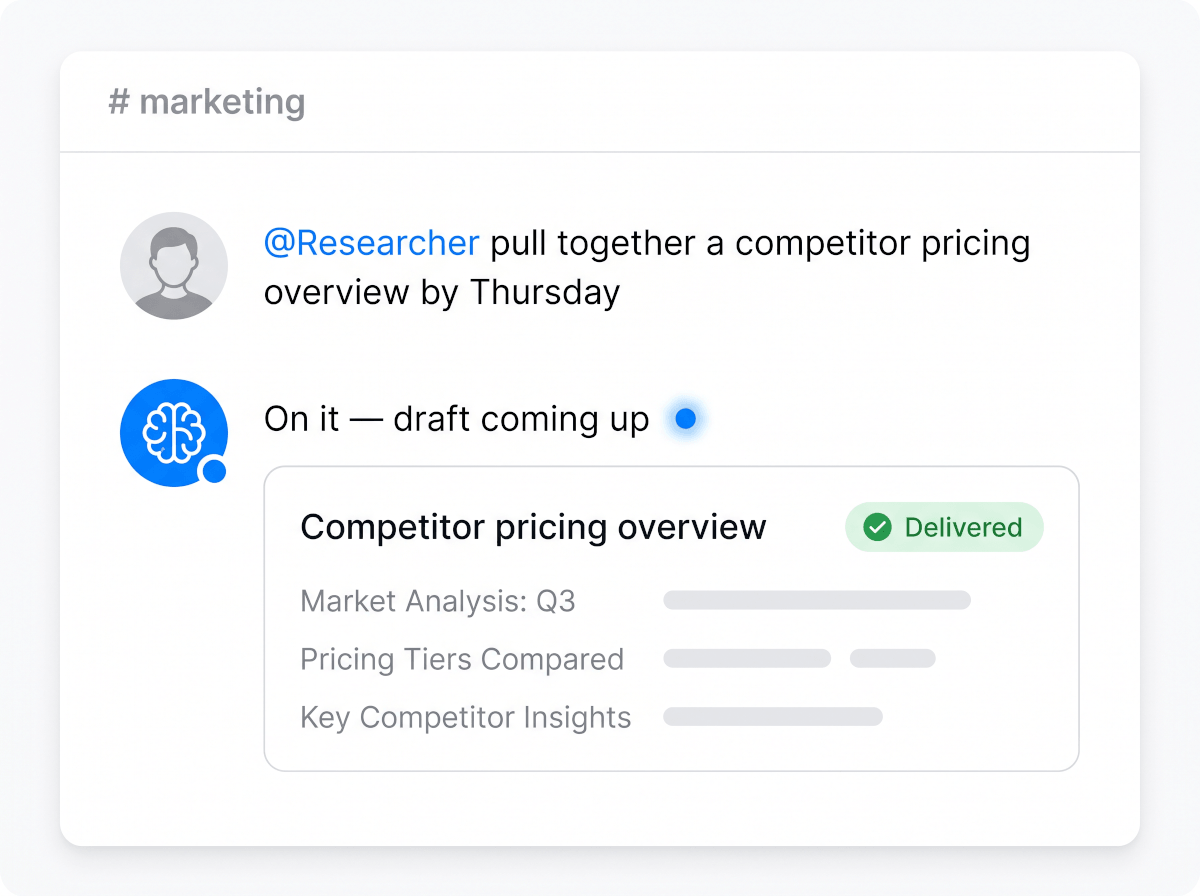
Illustrative channel — your team's will look like your team.
What a digital employee can take over
Define the role once — the AI employee shows up for it every day.
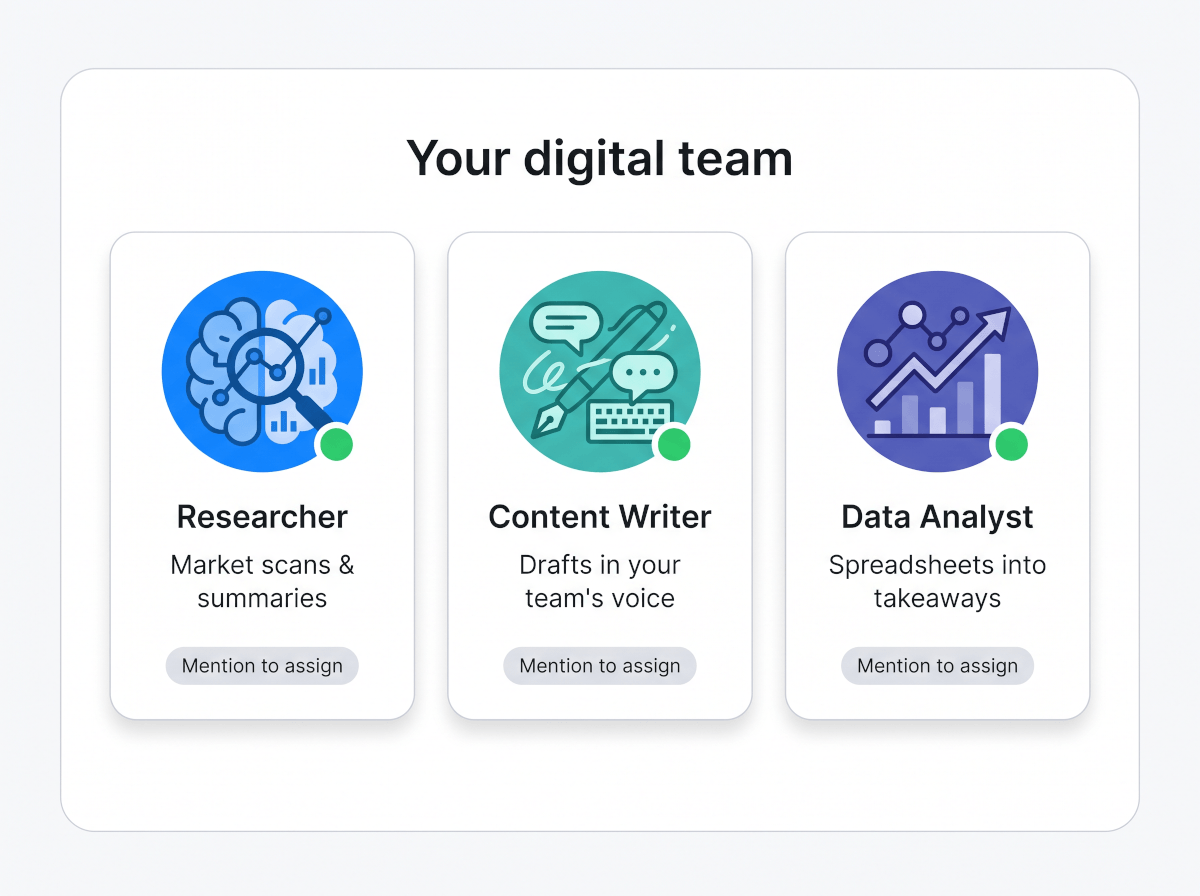
Research analyst
Market scans, competitor overviews, sourcing and summarizing — assigned in a sentence, delivered as a readable report.
Content writer
Drafts posts, newsletters, and docs in your team's voice, and turns rough notes into something you'd actually publish.
Ops coordinator
Keeps recurring work moving — status summaries, meeting prep, checklists — without anyone having to chase it.
Support helper
Drafts responses to common questions and keeps an organized knowledge trail your whole team can search.
Data assistant
Turns spreadsheets and exports into summaries, charts, and takeaways your team can act on.
A role you define
Describe the job in plain words — responsibilities, tone, boundaries — and onboard a digital employee shaped to it.
What working with one looks like
Assign work the way you already talk to your team.
How to hire an AI employee
Closer to onboarding a teammate than configuring software.
1Define the role
Name the digital employee and describe their job like a short job post: what they own, how they should sound, what good work looks like.
2Add them to your channels
AI employees sit in the same channels as your team. Mention them with a task the way you'd ask a colleague.
3Review the work they ship
They post progress and finished work back into the thread — reports, drafts, summaries — where the team can react, refine, and build on it.
Rather keep humans doing the work and just organize it better? Try the AI task manager — or give your AI employee structured data to work from with the AI CRM builder.
A digital employee, not another chatbot
The difference shows up in where the work happens and what comes back.
Delivers finished work
A chatbot answers questions. An AI employee returns the deliverable — the report written, the summary posted, the draft ready for review.
Works where your team works
No separate app to check. Digital employees live in your team's channels, get mentioned like anyone else, and post results in the thread.
Holds team context
Because they share the workspace, AI employees keep the context of past threads and tasks instead of starting from zero every time.
Everyone sees the work
Results land in the channel, visible to the whole team — reviewable, searchable, and easy to hand off, like any teammate's work.
Frequently Asked Questions
What is an AI employee?
A digital teammate with a defined role that works inside your team's workspace. You assign tasks by mentioning them in a channel, and they deliver finished work — research, drafts, summaries, reports — back into the conversation.
How is a digital employee different from a chatbot?
A chatbot waits for questions and answers them one at a time. A digital employee owns a role: it takes assignments, does multi-step work, and posts deliverables where your team already collaborates.
What kinds of tasks can I assign?
Anything with a describable outcome: competitor research, content drafts, data summaries, meeting prep, status reports. Define the role, and the AI employee handles requests within it — and you can create different employees for different jobs.
Does my whole team work with the same AI employees?
Yes. AI employees are part of the shared workspace — anyone in the channel can mention them, see their output, and build on it, so the work isn't trapped in one person's chat history.
How do I get started with GenTeam?
Open GenTeam, create your team's workspace, and onboard your first digital employee by describing their role in plain words. Genny, the built-in teammate, is there from the start — add specialized employees as the work grows.