Bi-fold
4 panels · one center fold
One clean fold, four generous panels. The natural pick for event programs, service menus, and anything that wants a big inside spread.
Tell the AI what your business does and which fold you need. It designs every panel in order — cover, flaps, back — and hands you a brochure you can keep editing, not a flat image you can't.
Editable by design
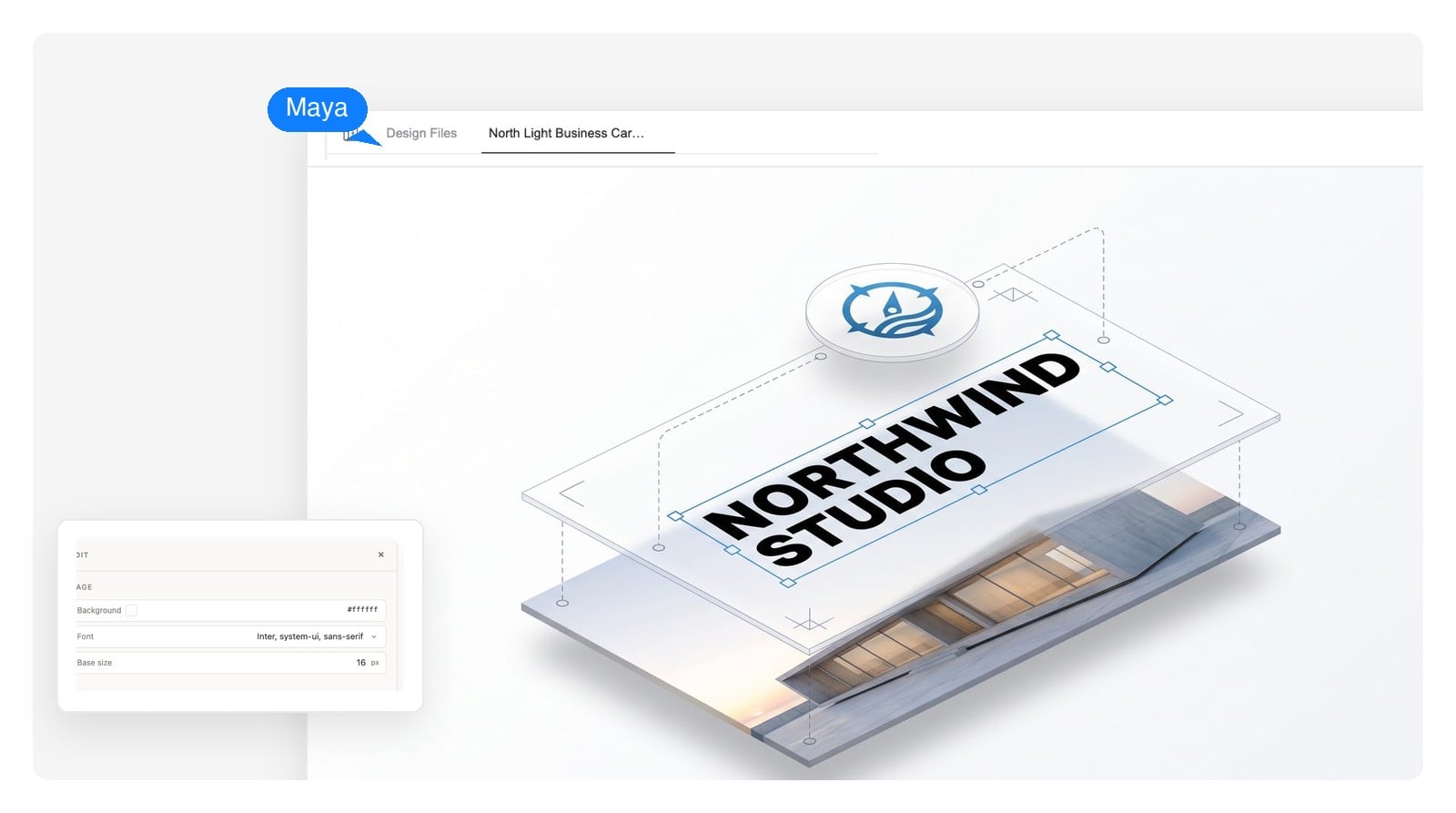
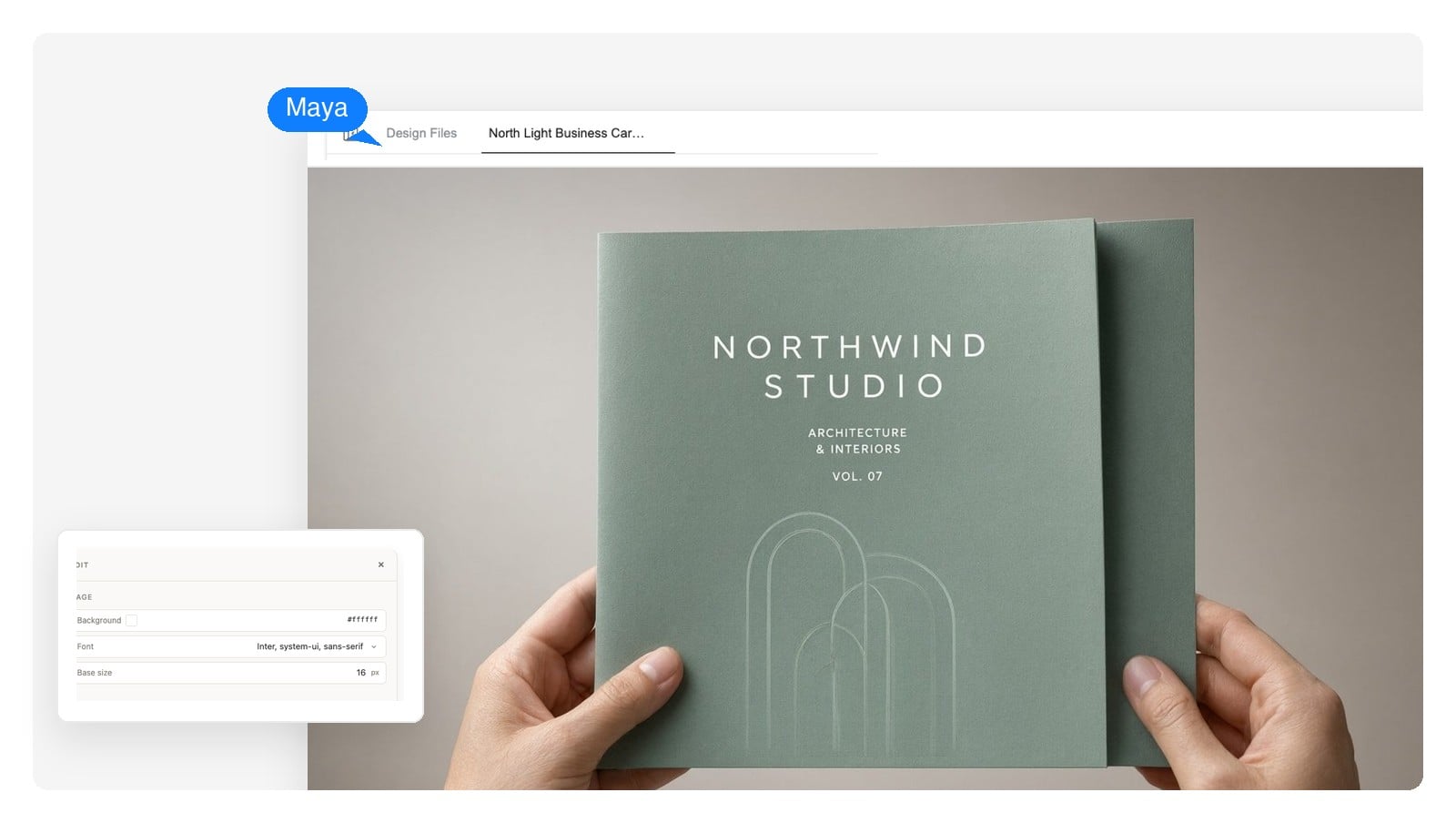
Most AI brochure generators hand you six panels of baked pixels — one typo and you regenerate everything. Genspark's design agent builds your brochure as a real layout you edit online: text stays text, images stay swappable, panels stay panels.
Fix a name, change an opening hour, rewrite a paragraph — click the element and type. The layout holds and nothing else moves.
Export each page as a PSD with every element on its own layer, so a designer can push the file further in any editor that reads PSD.
Ask for a calmer palette, a shorter cover line, or two panels swapped. The agent re-lays the design and shows the result — no toolbar to learn.
Tri-fold brochure maker
A tri-fold isn't three columns on a page — it's a folding sequence. Step through how one printed sheet becomes a brochure, and where each panel has to land for the fold to work.
Closed: the front cover is the rightmost panel of the outside sheet, not the left one. Layouts that ignore fold order get exactly this wrong.
Click the sheet or use the buttons — each step is one fold. Arrow keys work too.
The outside of the sheet, left to right:
The fold decides your brochure layout before a single word is placed. The agent lays panels out in fold order — here's the vocabulary, so you can ask for exactly what you want.
4 panels · one center fold
One clean fold, four generous panels. The natural pick for event programs, service menus, and anything that wants a big inside spread.
6 panels · flap folds in
The classic rack brochure. Six panels in a strict order, and the inner flap is set 2–3 mm narrower so it folds in flat instead of buckling.
6 panels · accordion
The same sheet folded zig-zag. No tucked flap, so the inside can read as one wide piece — good for timelines and step-by-step content.
Name any of these in your prompt. The agent designs the sheet's front and back as spreads in the right panel order, at the exact paper size you'll print on.
Write it like a note to a designer: what you do, who the brochure is for, tri-fold or bi-fold, and what must appear — services, hours, contact. Rough bullet points are enough.
It writes the copy, generates or places the images, and lays out the sheet panel by panel — cover, inside spread, flap, back — as one coherent design. A first draft takes a few minutes.
Click any element to change it, or ask for revisions in chat. When it's right, download a print-ready PDF at exact sheet size — or PNG and layered PSD if you want to keep working on it.
The same panel logic carries any subject. Pick the scenario closest to yours and rewrite the details — the prompt lands in the input above.
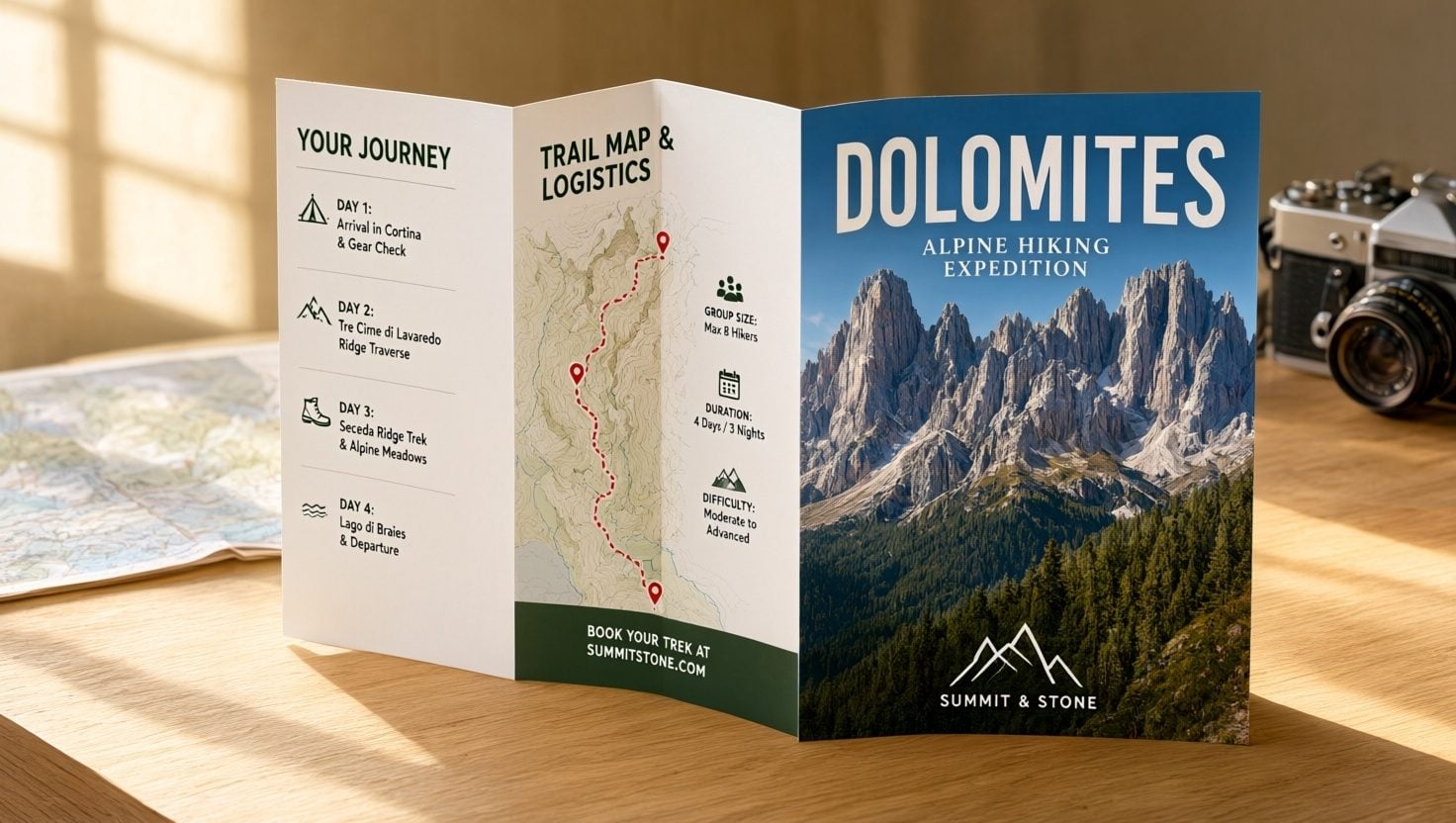
Itineraries are natural tri-fold material: one tour per panel, dates and inclusions scannable in a rack display, booking details on the back. Give the agent your route names and departure months and it fills the panels in order.
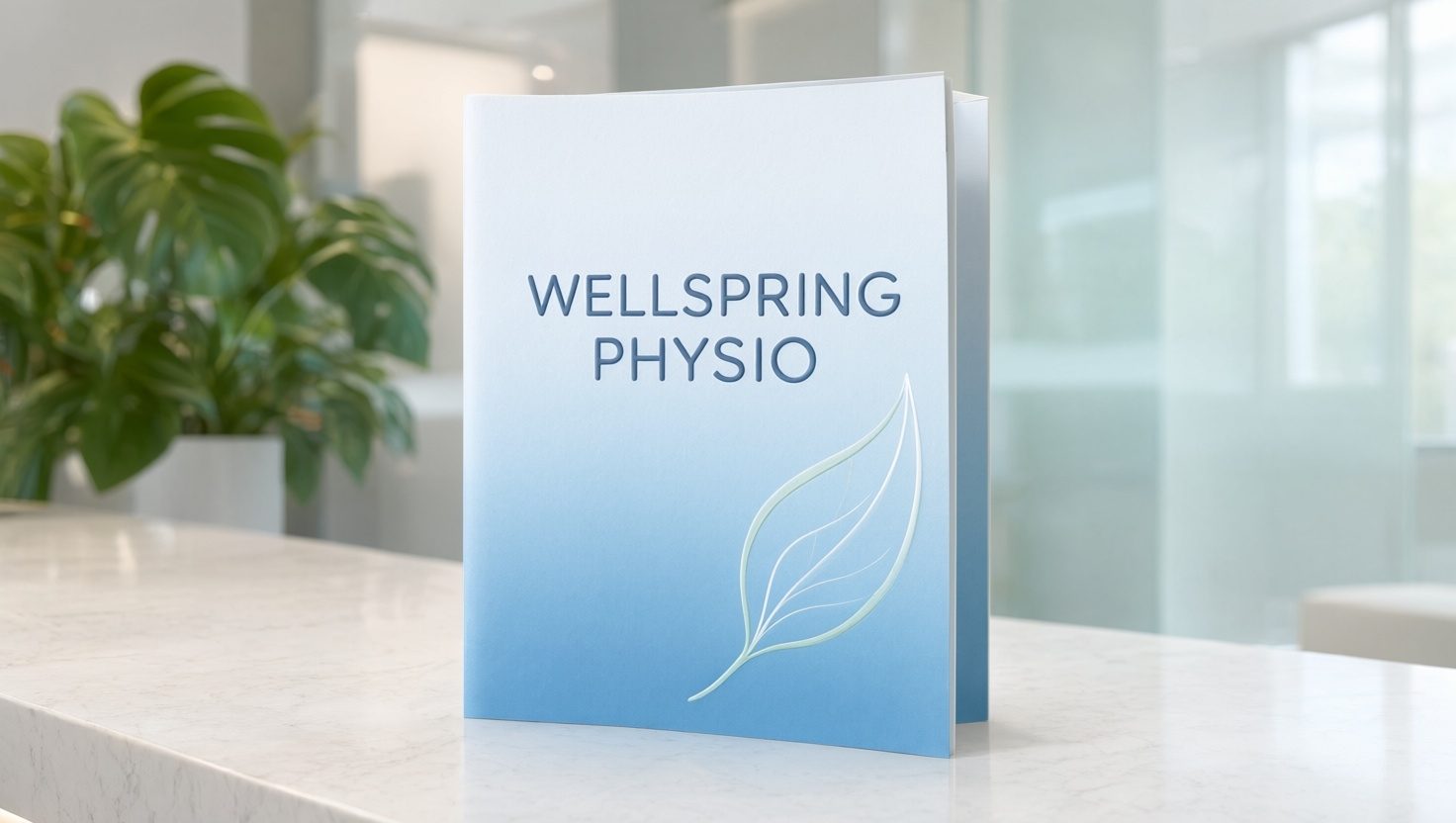
A welcome brochure answers what new patients actually ask: what you treat, what a first visit looks like, hours and directions. Calm typography and clear panels do more here than any slogan.
The leave-behind after a first meeting: who you are, what you do, proof you've done it. One firm, six panels, no filler.
A bi-fold gives one product room to breathe — a cover promise, an inside spread for features and a quote, the back for what to do next.
Property brochures live and die on photo placement. The agent pairs hero shots with a floor-plan panel and keeps the address where buyers look for it.
Schedules, speakers, sponsors — a program is layout under pressure. Panel order keeps the whole day readable at a glance.
Most brochure design software leaves you to discover the print numbers at the print shop. Here's what this tool outputs, and the numbers worth checking before any brochure goes to print.
| Paper sizes | A4 (210×297 mm), A5 (148×210 mm), US Letter (8.5×11 in) — designed flat, front and back of the sheet |
|---|---|
| Fold formats | Bi-fold (4 panels), tri-fold and Z-fold (6 panels), single-sheet pamphlet |
| Tri-fold panel widths | A4: 100 / 100 / 97 mm · Letter: 3.69 / 3.69 / 3.63 in — the inner flap runs narrower so it folds flat |
| Bleed & safe zone | 3 mm (0.125 in) bleed for edge-to-edge color; keep text at least 5 mm clear of trim and fold lines |
| Export files | Print-ready PDF at exact sheet size, PNG, and a layered PSD per page |
| Digital brochures | The same design shared as a PDF or PNG — readable on screen, attachable to email, no print run needed |
Genspark makes the file, not the print run. Take the PDF to any local or online print shop, tell them the sheet size and fold, and ask what paper stock they recommend.
The craft part
Anyone can generate six pretty panels. Brochures fail at the physical details — here's what goes wrong when a tool doesn't understand folding, and what correct looks like.
The design agent applies these rules because they're built into how it lays out panels — but they're also simply true, whichever tool you end up using.
A pamphlet is the simpler cousin: one sheet, folded once or not at all, informational rather than promotional. It's the same engine here — say “pamphlet” in the prompt, pick a size, and skip the panels you don't need.
No fold at all — one panel, one side?
That's a flyer: make it with the AI flyer makerMore pages than panels — a full product line?
That's a catalog: the AI catalog maker paginates itYes — it's free to start and no credit card is required. You can generate a brochure, edit it, and see exactly what you'd be exporting before deciding anything.
Bi-fold, tri-fold, Z-fold, and single-sheet pamphlets. A folded brochure is designed as the two printed sides of one sheet, with panels placed in fold order — so the cover, flap, and back all land where they should.
Brochures are laid out at real paper sizes — A4, A5, or US Letter — and export as a print-ready PDF at exact sheet dimensions, plus PNG for screens and a layered PSD per page for deeper editing.
Yes, two ways: click any element — a headline, a paragraph, an image — and change it directly, or describe the revision in chat and the agent updates the design. Text stays text; nothing is flattened into pixels.
There's no template gallery to browse. You describe your business and the agent composes an original layout around your actual content — your services decide the panels, not someone else's placeholder text. And unlike most brochure creators, every element stays editable afterwards.
Yes. You get a PDF at the exact sheet size you chose, which any print shop can run. Genspark doesn't print or ship anything — when you hand over the file, mention the fold type and ask the shop about paper stock and bleed requirements.
The outside of the sheet reads, left to right: inside flap, back cover, front cover. The inside is one three-panel spread. The agent handles this order for you — the interactive demo above shows why it matters.
Yes. The same design works as a digital brochure: share it as a PDF attachment, a download link, or PNG panels for the web. Many teams print a small run and use the PDF everywhere else.
Yes. Brochures you create are yours to use for your business — hand them out, mail them, publish them online. No attribution needed.
No. If you can describe your business in a few sentences, you can create a brochure here. A first draft takes a few minutes to generate; most of your time goes into the wording, which you can edit yourself.
Describe the business, pick a fold, and get an editable, print-ready brochure design — panels in the right order and numbers you can trust at the print shop.