Genspark Media Studio: One AI Studio for Any Video

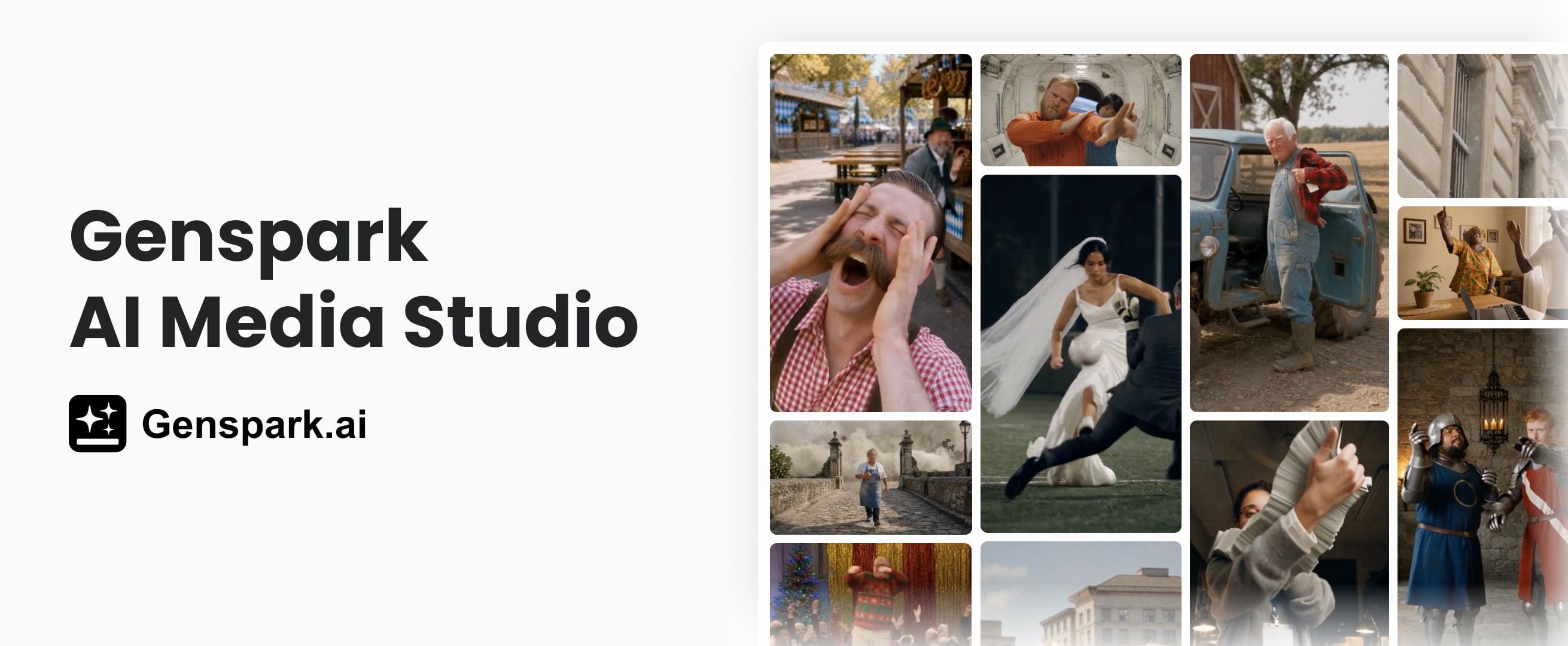
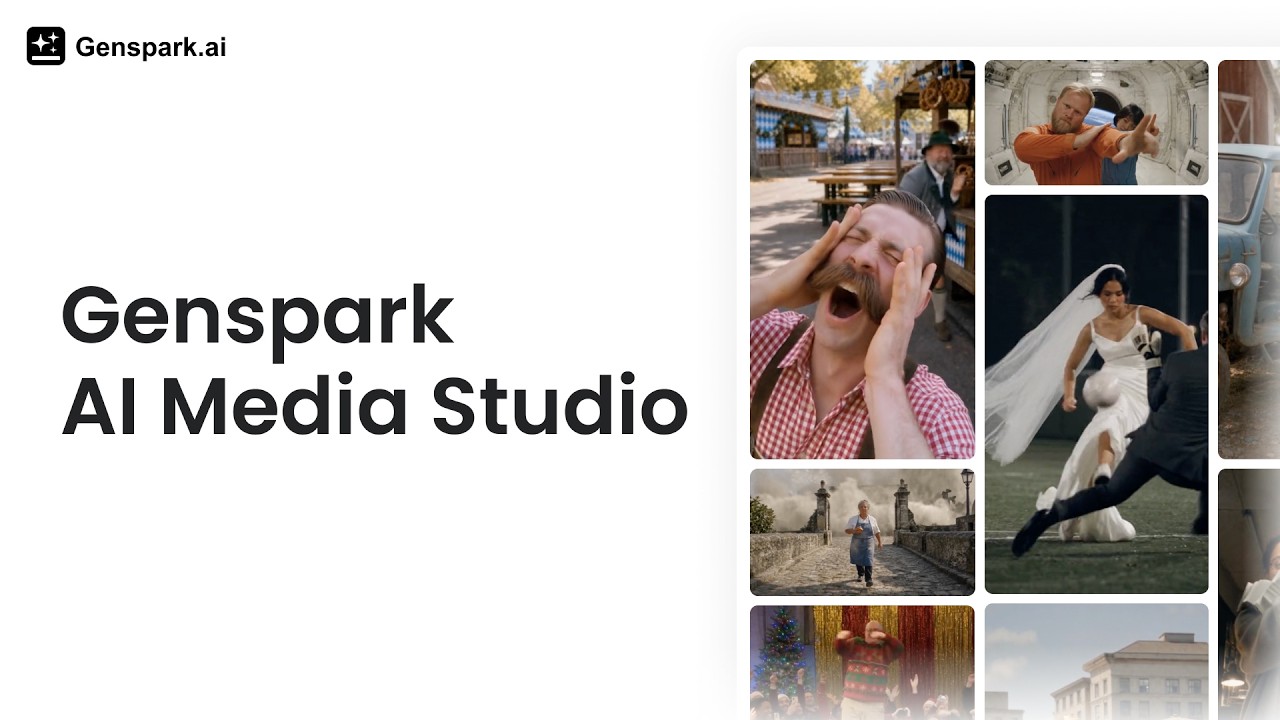
Genspark Media Studio is the all-in-one AI studio that makes any video you want.
Video has always asked too much of the people with the best ideas. A script, a cast, sets, a storyboard, a voice, a score, and an editor who knows where to cut. Most people stop at the first item on that list. The ones who keep going spend weeks learning a workflow built for professionals.
Media Studio removes that list. Bring the idea, give a few prompts, and get back a finished piece you would be glad to publish.
A Few Prompts Get You a Master-Level Video
This is the center of the product, and the clearest difference between Media Studio and the video tools you have already tried. No professional workflow. No years of editing experience. You describe the piece you want, answer a couple of questions, and the studio carries the production work.
"A few prompts" sounds like marketing until you look at what it removes. Every decision the system can make on its own is a decision you no longer have to make badly.
The Director Is an Agent
A single generation model does not make a video. Something has to plan the piece, write it, storyboard it, check it, and cut it.
In Media Studio that something is an agent. The most advanced language models act as the director brain: Claude Opus 5.5 and Fable 5.1 plan the piece, write the script, and write the code. GPT-6 Astra handles multimodal verification in the 3D director stage.
That brain then orchestrates dozens of generation models across four categories, image, video, audio, and 3D, drawn from more than a dozen model providers. The roster includes Seedance 2.5, GPT Image, Nano Banana, ElevenLabs, and Seed Audio. As new models ship, they come in, so you are always working with the strongest ones available.
You describe the need in one sentence. The agent agrees with you on concept, script, storyboard, and budget before it renders anything. Then it runs the whole flow: generation, quality checks, editing, compositing.
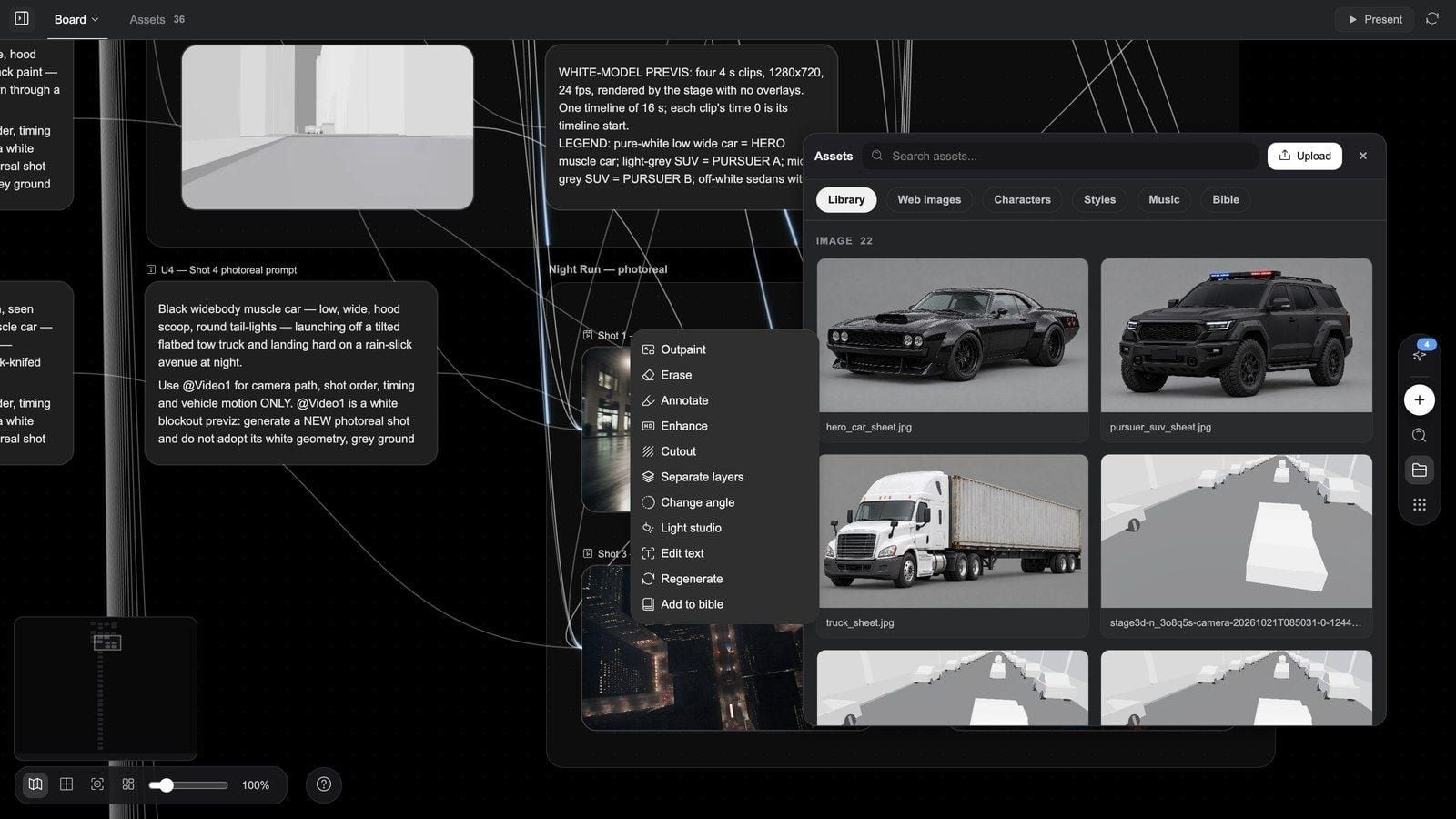
Every key checkpoint comes back to the conversation. Anything you do not like, you can circle directly on the frame and say what should change.
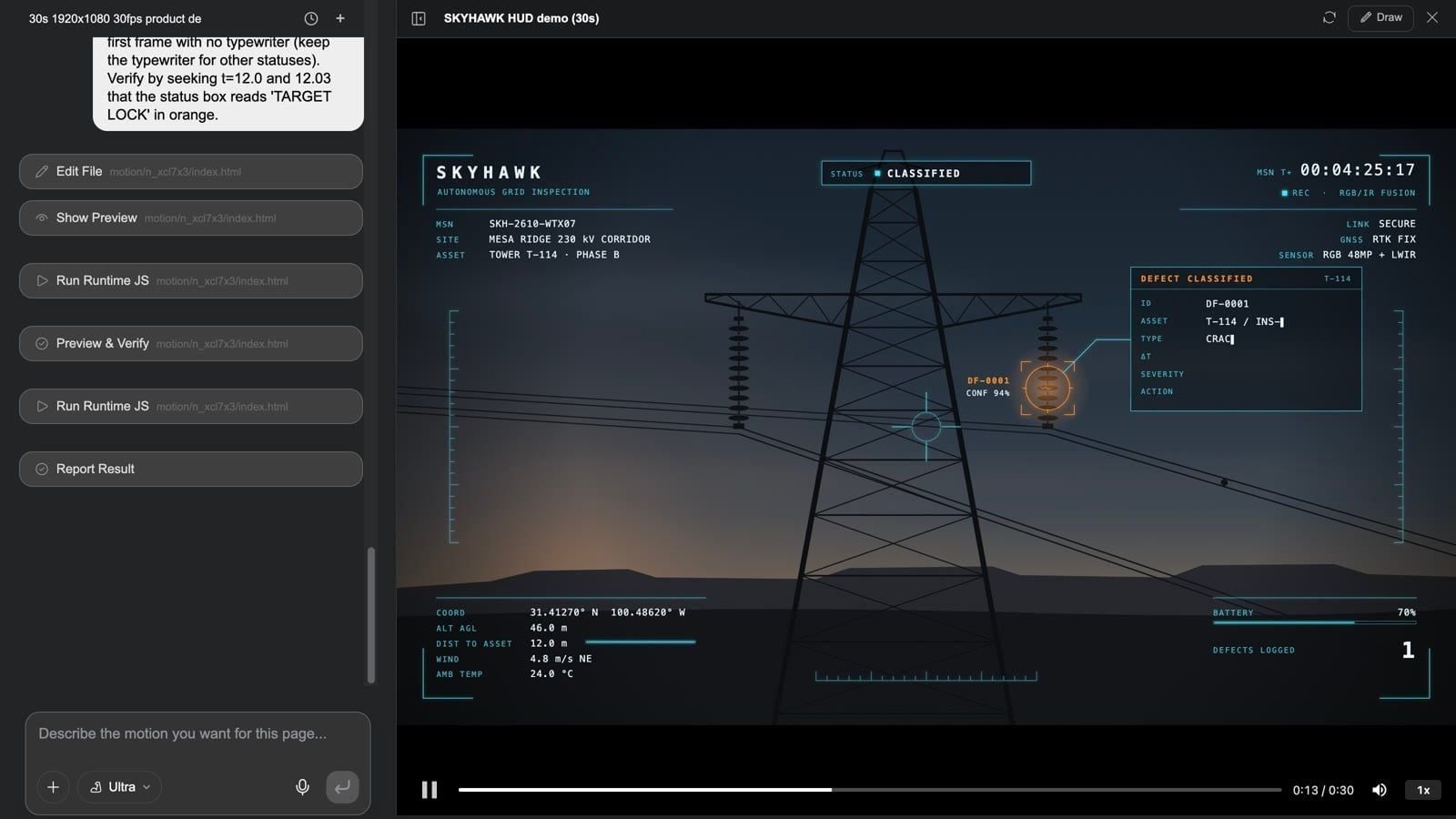
Everything for the Video, in One Studio
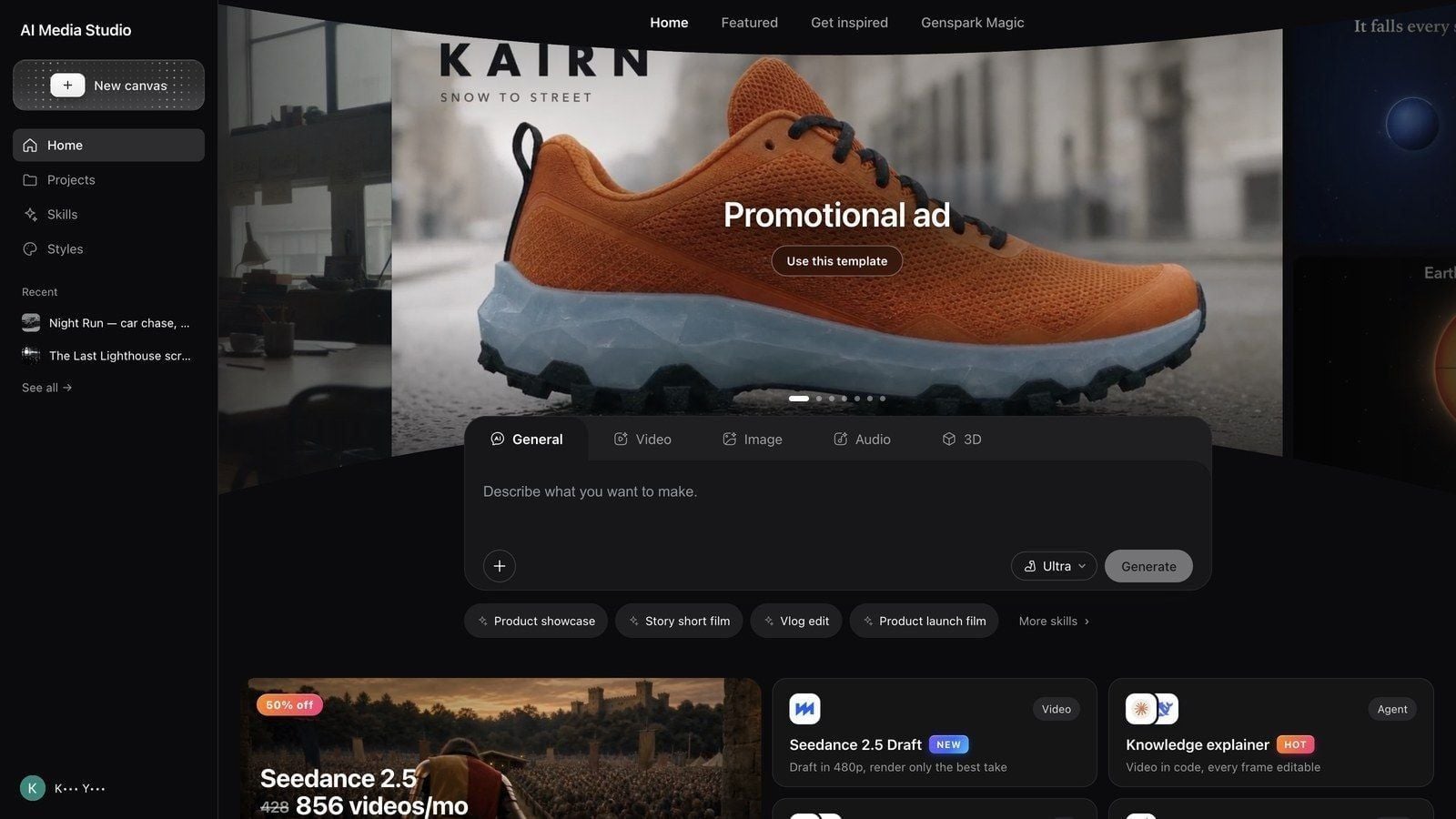
Script, characters, sets, storyboards, 3D blockout animation, TTS voiceover, music, sound effects. All of it lives in one place, on one infinite canvas.
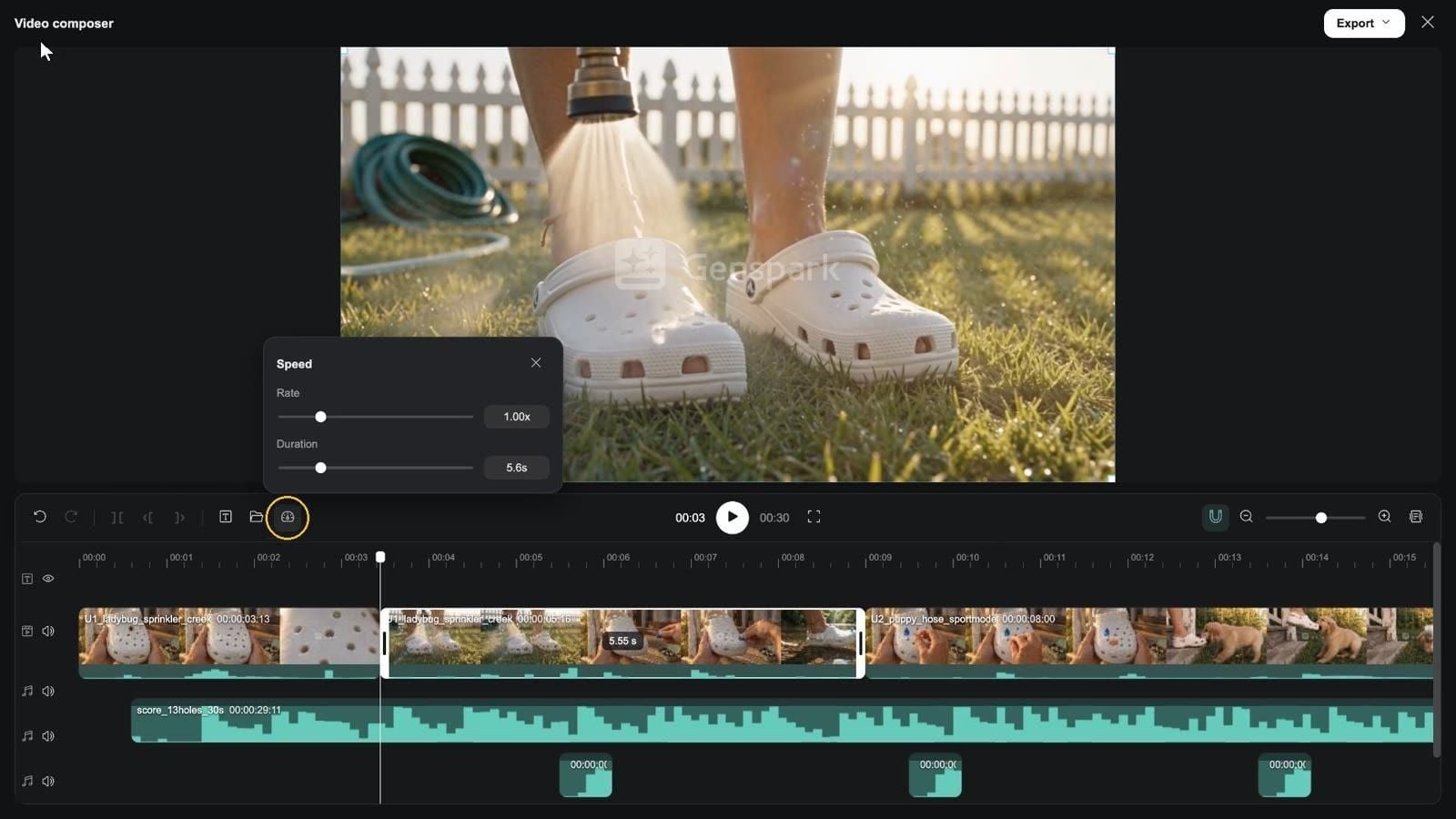
Once the first cut is generated, Media Canvas lets you see and manage every asset. The Pro-level Editor takes it from there:
- A Photoshop-class layer editor
- A multi-track video timeline
- An AE-style Motion Studio
- A 3D white-model director stage
- An interactive film and game engine
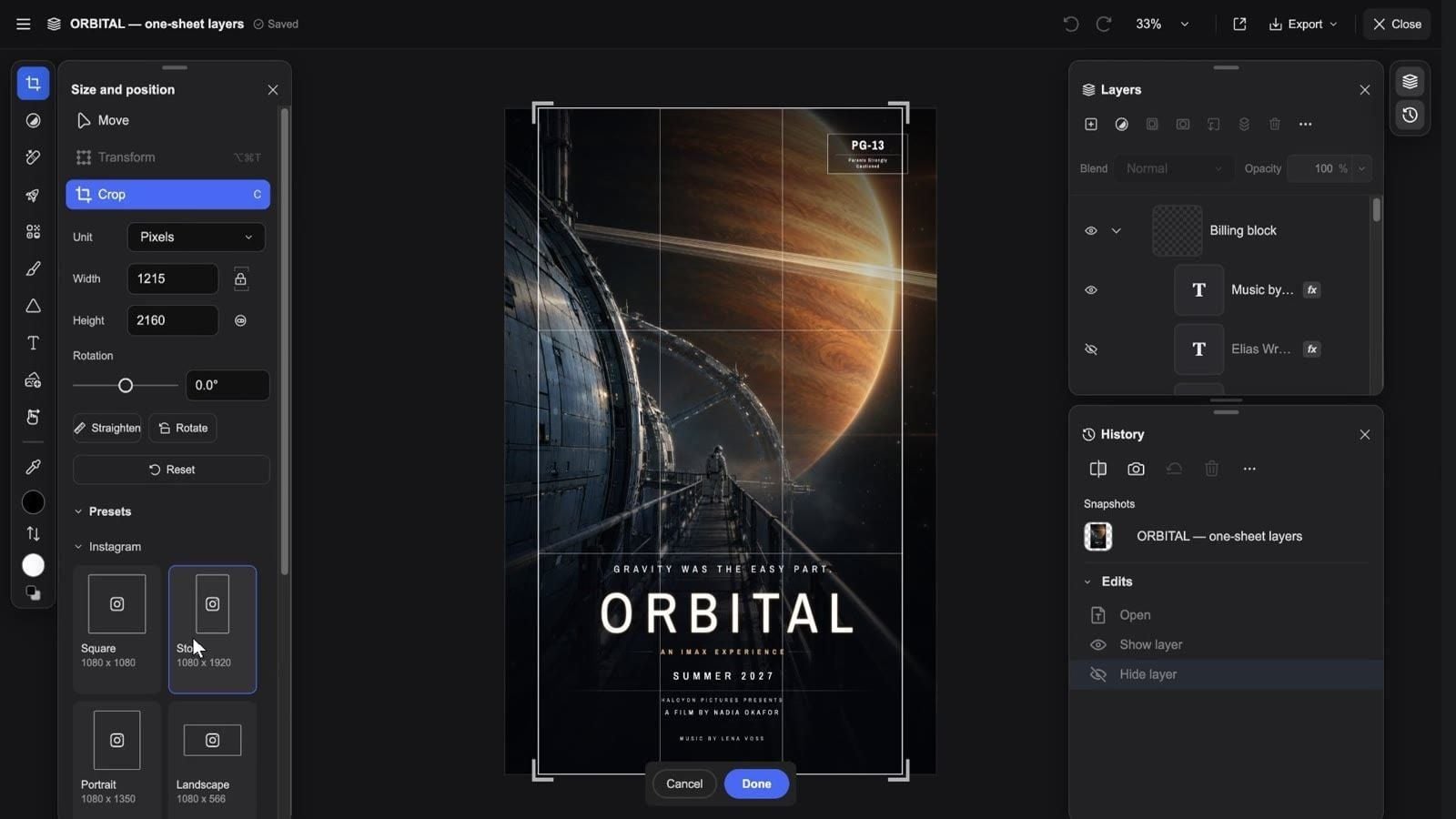
You can edit by hand, and agents can call and combine the same tools on their own. The interface stays easy to pick up, so you get pro-level results without the steep learning curve.
From a 15-Second Ad to a 10-Minute Short
One entry point, one pipeline. A 15-second ad or a 10-minute short drama. A poster, or an interactive film that could ship on Steam.
The range is the point. The same studio handles the clip you need this afternoon and the project you have been putting off for a year.
Make the Version You Actually Want
Genspark Magic includes "make the same." Point it at a piece you love, and that piece becomes the starting point for your own. The look, the pacing, the mood you responded to, carried into a new idea instead of rebuilt from scratch.
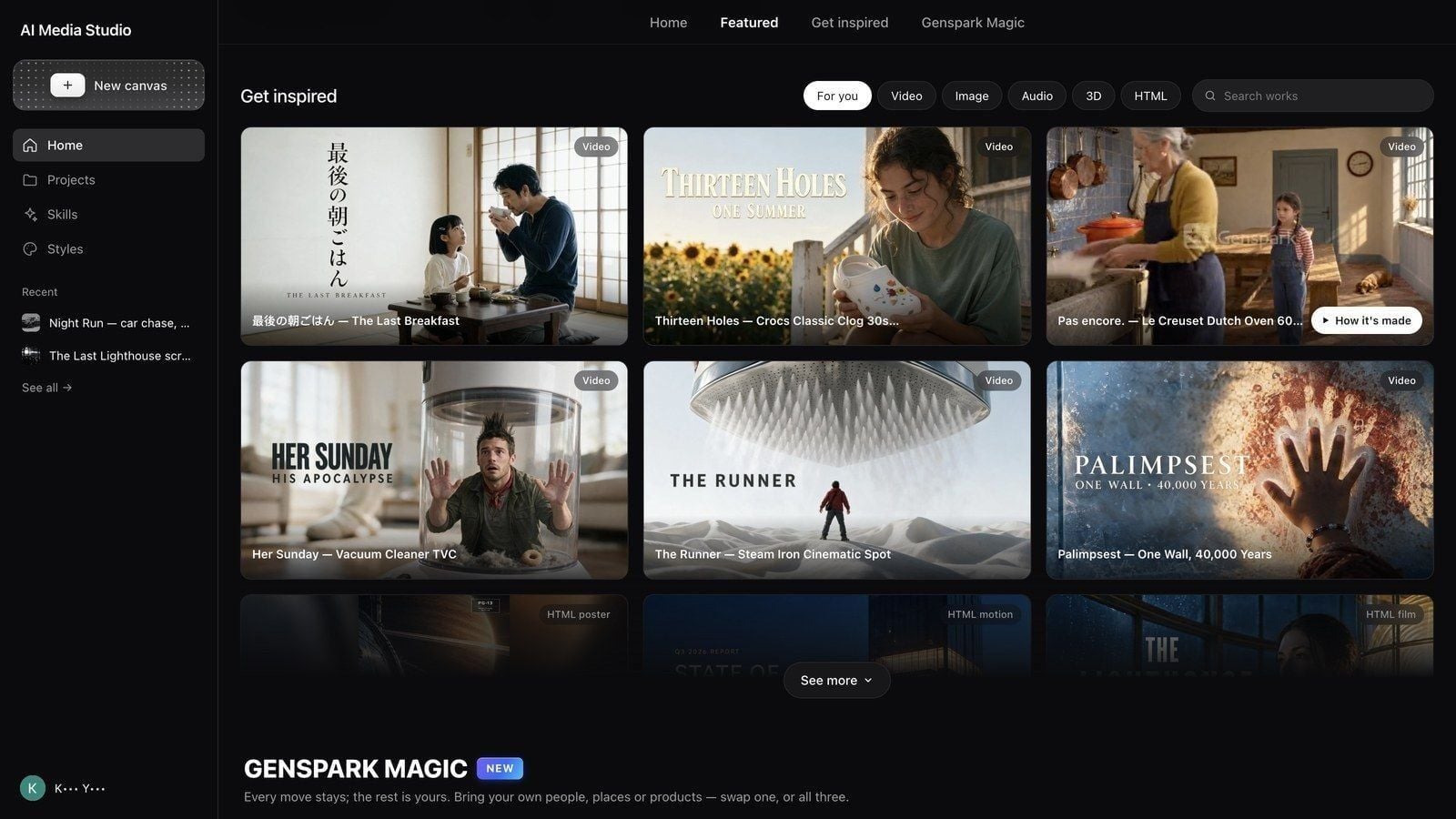
Try Genspark Media Studio
Think it, say it. Love it, make your own.
Genspark Media Studio is available now inside Genspark. Open Genspark Media Studio, bring an idea, and give it a few prompts.