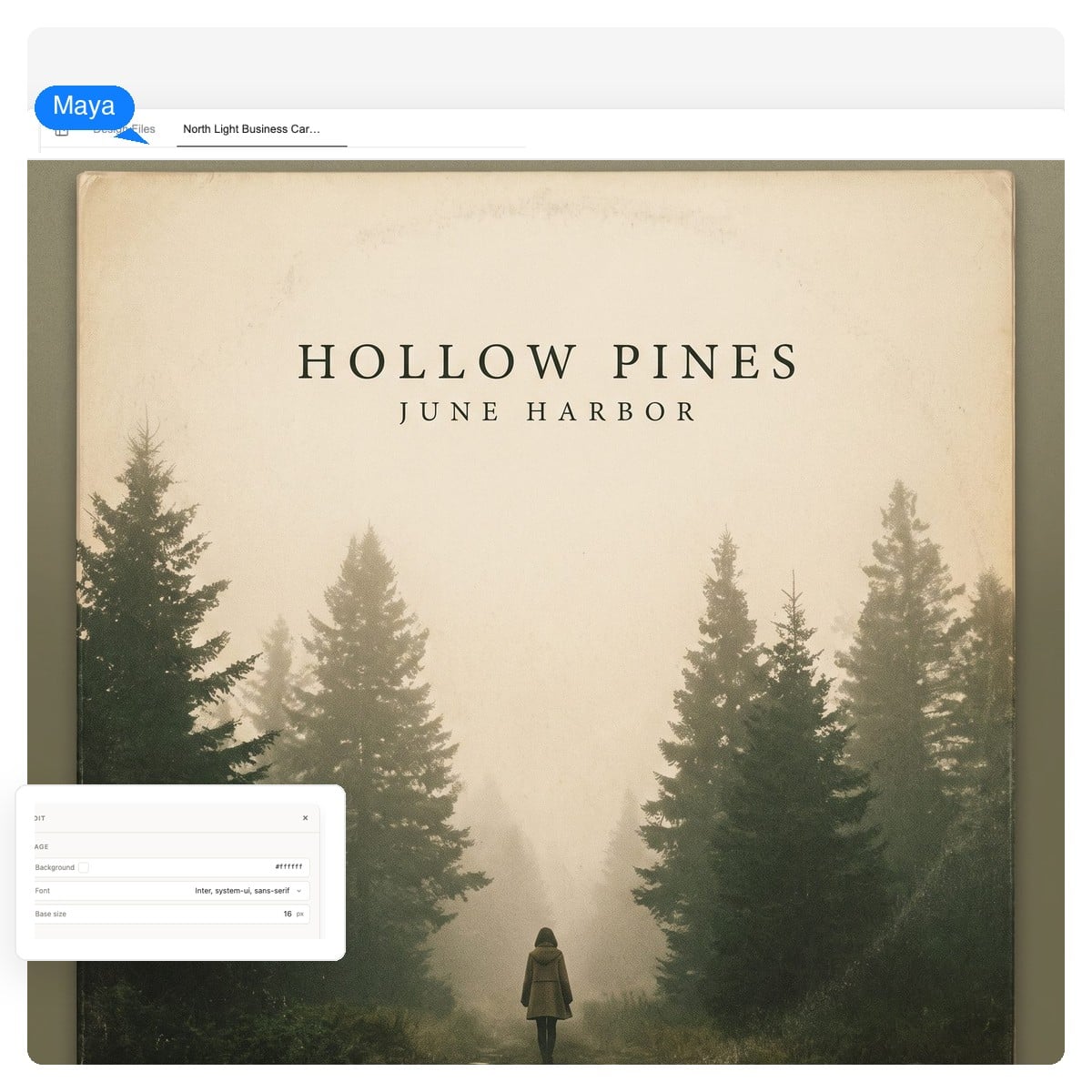
Indie folk album cover
Texture carries this genre — film grain, muted palettes, one quiet subject. Ask for negative space up top so the title has somewhere to breathe.
Describe the record — genre, mood, what the songs feel like — and get cover art designed on a square 1:1 canvas. The artist name and title stay editable text layers, the artwork stays swappable, and exports run past 3000 × 3000 for streaming, vinyl, and CD.
A design, not a picture
Most AI art tools paint the artist name into the image — one typo, one label note, and you're regenerating everything and hoping. Here the artwork and the typography are separate layers on the same square canvas.
Artist name, album title, the little 'EP' tag — all live text layers. Fix a spelling, resize, or swap the typeface without touching the art underneath.
The background artwork is its own layer: click it to regenerate just the image while the type holds still — or keep the art and rework the layout around it.
Native PNG for the stores, or a layered PSD where every element arrives on its own layer — so a label, a bandmate, or future you can keep editing.
One square, three lives
The same cover renders at 48 pixels in a queue, 12 inches on a vinyl jacket, and as a tall crop on a cassette J-card. Preview all three before you commit — if it reads everywhere, it's a cover.
The 48-pixel queue tile is the honest test — hierarchy shows up here, or it doesn't.
Static page preview — in the workspace you refine one square canvas, then export per format.
Genre, mood, the image you keep coming back to, plus the artist name and title. Two sentences is plenty — a lyric fragment makes surprisingly good art direction.
The agent generates the artwork, then sets your name and title as live type on the 1:1 canvas. It takes a few minutes, and what comes back is a design you can pull apart.
Ask for changes in chat, or click an element and redo just that part. Then export: PNG for your distributor, layered PSD for the label, 4K-density files when vinyl is on the table.
Single covers, EP art, mixtape covers, CD sleeves — the same square canvas, different discipline. And no recycled album cover templates: every design starts from your prompt and your record's own imagery, which is what makes a custom album cover custom.
Texture carries this genre — film grain, muted palettes, one quiet subject. Ask for negative space up top so the title has somewhere to breathe.
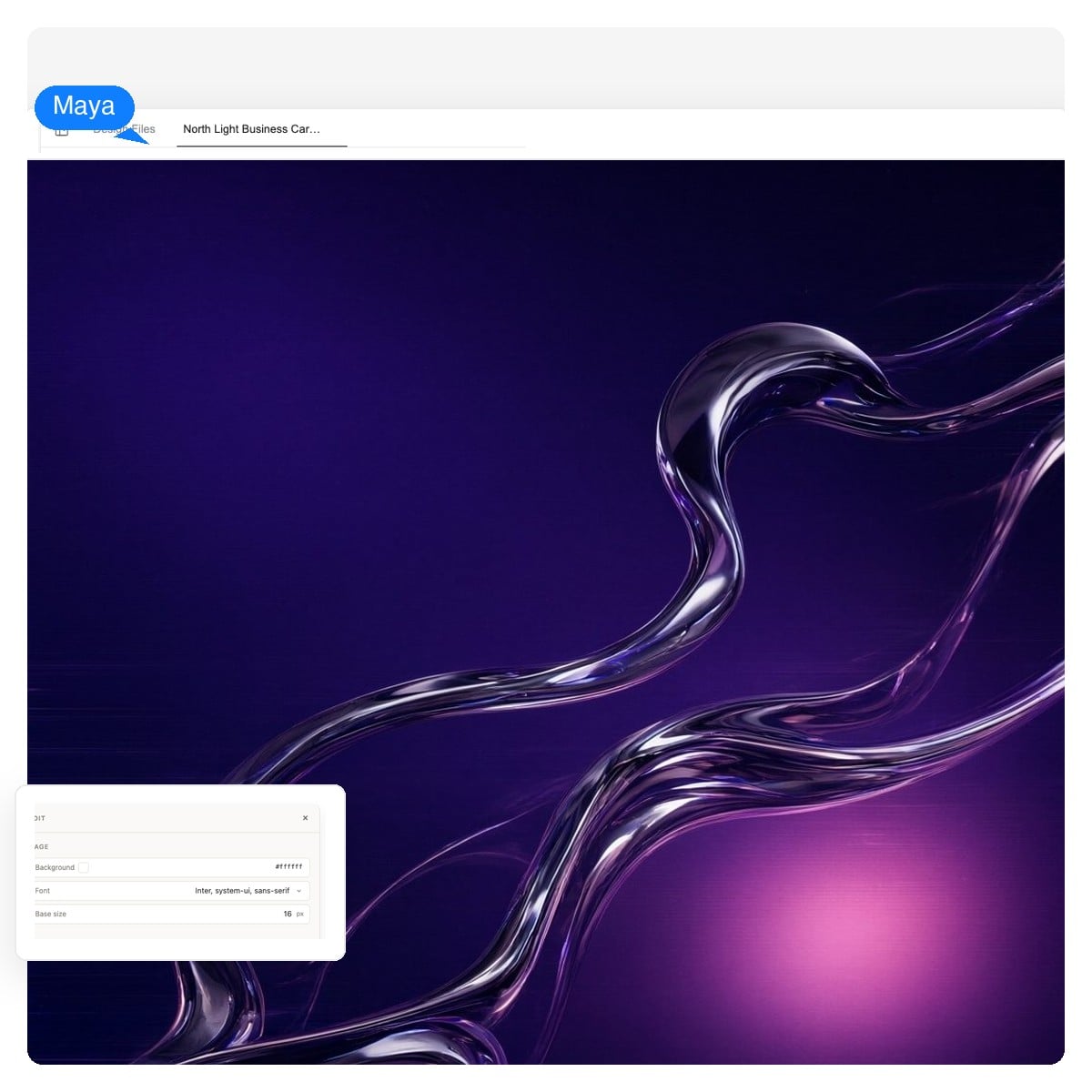
Abstract forms age better than face-swapped androids. Generate the art clean, then set minimal type as its own layer — the classic club-record move.
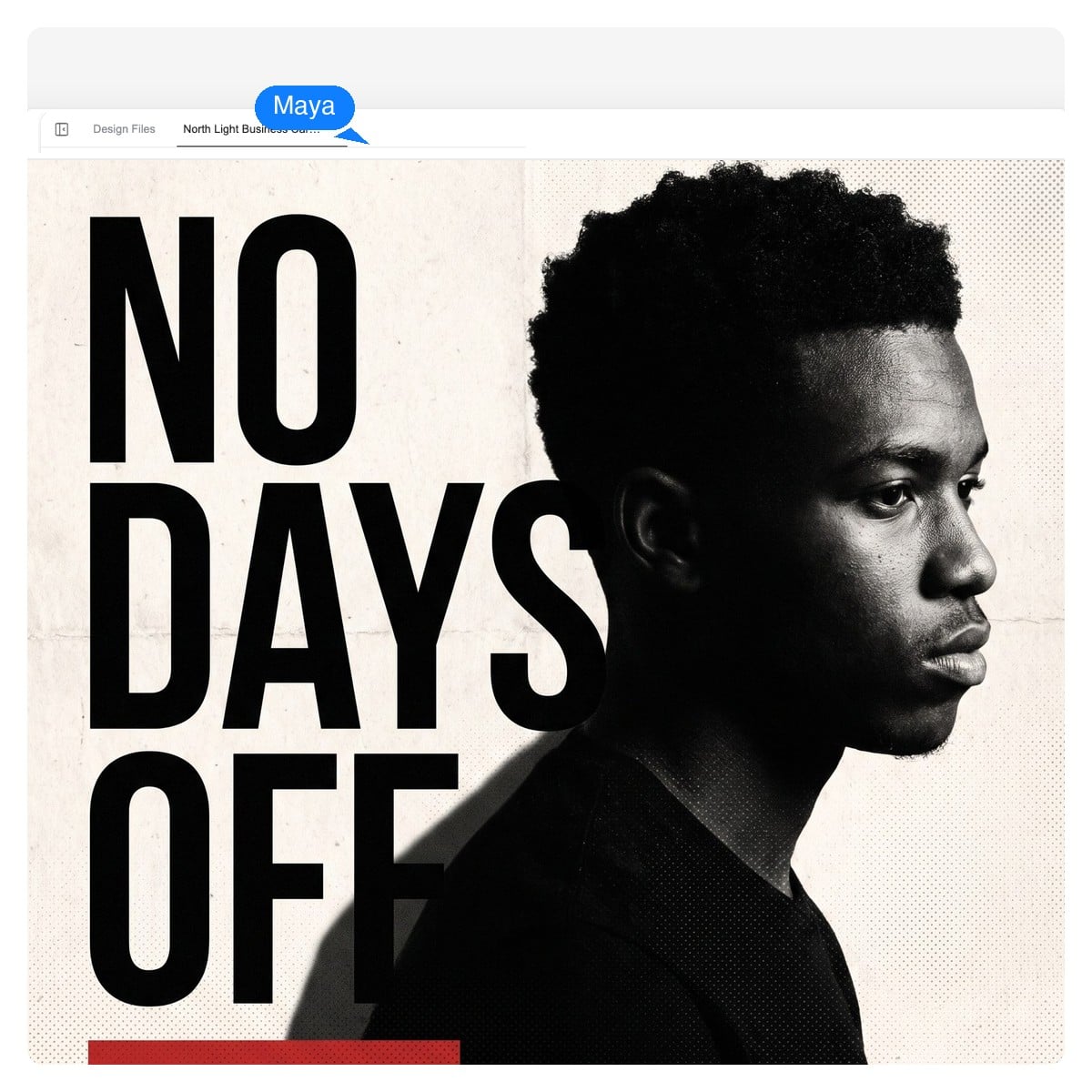
Type is the artwork here. Because lettering stays a live layer, you can push it huge, restack it, and swap the title per tape without regenerating the portrait.
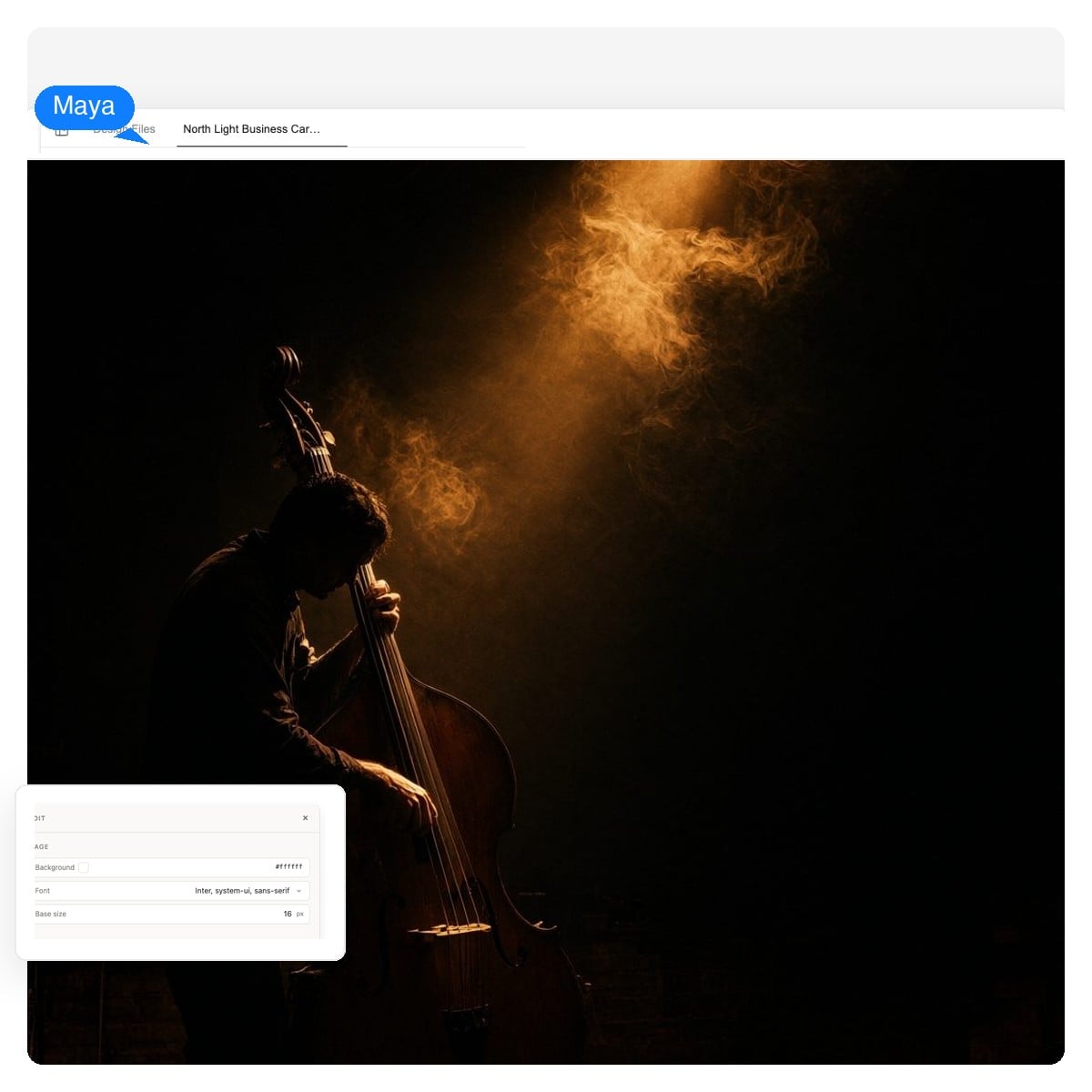
Photographic light, deep shadow, room to breathe. Cover art in this lane is mostly restraint — one subject, one warm light source, done.
The same design workspace handles the rest of the kit, matched to your cover's art direction:
Same canvas, different feed
Podcast directories want exactly what music stores want: square art that reads small. Minimum 1400 × 1400, recommended 3000 × 3000, JPG or PNG in RGB — the exports here clear all of it.
The difference is editorial. A show cover has to survive next to hundreds of other tiles, so keep the title huge, skip the microphone clip-art, and let the type do the identity work. For season art, keep the layout and swap the palette — because the layout is layers, that's an edit, not a regeneration.
Still drafting the show itself? There's an AI podcast generator for that.The numbers below are the common denominators across stores, directories, and pressing templates. Your distributor's spec page wins any tie.
| Streaming stores (via distributor) | 3000 × 3000 px, JPG or PNG, RGB |
|---|---|
| Common minimum | 1400 × 1400 px — smaller uploads get bounced by most distributors |
| Aspect ratio | 1:1 exactly, with no rounded corners baked in — players round the tile themselves |
| Podcast directories | 1400 × 1400 px minimum, 3000 × 3000 px recommended |
| Vinyl 12-inch jacket | ≈ 3713 × 3713 px — 12.375 in with bleed at 300 DPI |
| CD jewel case booklet | ≈ 1425 × 1425 px — 4.75 in at 300 DPI |
The craft part
Five tells worth checking every draft against — whether or not you generate the art here.
The example covers on this page went through the same five checks — none of them survived their first draft.
Broadly, yes. Releasing music with AI-generated cover art is allowed, distributors accept it, and the artwork you generate here from your own prompt is yours to use on your releases and the promotion around them.
Two honest caveats. First, don't imitate: recreating a famous sleeve, requesting a living artist's signature style by name, or using a real person's face without permission can all get artwork rejected — stores do review covers. Second, purely machine-generated images are currently hard to register for copyright in some jurisdictions; that only matters if you plan to license the artwork itself, and the typography and layout choices you direct are where human authorship comes back in.
The practical rule: original prompt, no brand logos, no borrowed faces — and your cover art will be the least of your release-day worries.
It's free to start and no credit card is required. You describe the cover, the design agent builds it in your workspace, and you iterate from there.
3000 × 3000 pixels is the safe answer — stores accept it via every major distributor, podcast directories recommend it, and it downsizes cleanly to every player tile. The table above covers the vinyl and CD print numbers too.
Yes — that's the point of the layered canvas. The artist name and title are live text elements: click to rewrite, resize, or restyle them without regenerating the artwork, and the layers survive into the PSD export.
Yes. Store uploads go through your distributor rather than the platforms directly, and the exports clear the common 3000 × 3000 requirement, so you can use a generated cover on singles, EPs, albums, and the promo around them.
Same design, different output. The square art covers a CD booklet front (≈ 1425 × 1425 px at print density), and the layered PSD plus 4K-density export gives a print designer everything they need for J-card and jacket templates.
Yes — a song cover, an EP, a mixtape series, and a full LP all live on the same 1:1 canvas. For a series, keep the layout and swap the title and palette per release; because those are separate layers, it's an edit rather than a redesign.
Different asset. Canvas is a short looping video, not cover art. This tool designs the static square cover — the piece every store, player, and pressing plant actually requires.
Yes — upload your photo and the AI works it into the design. Band shots, film scans, and old flyers tend to make covers feel like yours from the first draft.
An image generator hands you a finished, flat picture. This is an album cover maker in the literal sense: it composes artwork, type, and layout as separate editable layers on a release-ready square canvas, then exports native PNG, layered PSD, or print-density files.
Only if you prompt like everyone else. Feed it your record's specifics — a lyric, a place, a real object — instead of a genre cliché, then run the five checks above. The tell isn't AI; it's laziness.
Describe the release, get a layered design on a square canvas, and export files that hold up from a 48-pixel queue tile to a 12-inch sleeve.