Competitor study
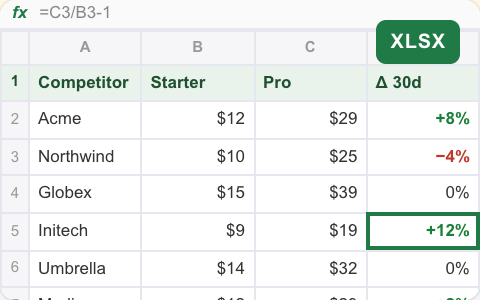
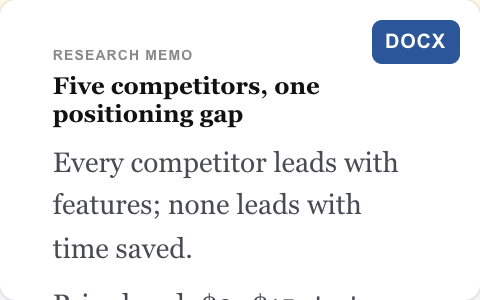
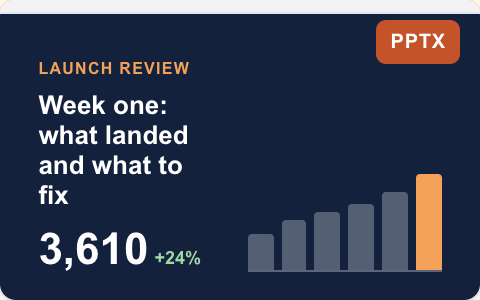
A pricing tracker, a research memo and a summary deck from one request.


 3 teammates
Give Spark one brief. It splits the work across specialist AI teammates on Claude, GPT and Gemini, and hands back a finished package of files for you to review.
Find why signups droppedPlan a product launchBuild a board pack Ship a landing pageWeekly metrics pack
 Competitor study
 Data Analyst
 ClaudeCopywriter
 GPTGraphic Designer
 GeminiSoftware EngineerClaude
You talk to Spark. Spark coordinates the specialists, and you review everything in one place.
Say what you need and what done looks like.
Spark briefs each teammate. Parts that depend on each other are handed over in the chat.
SparkData AnalystCopywriterGraphic DesignerSoftware EngineerSpark posts a summary with every file.
Reply in the thread to change any part.
Illustrative example.
An AI super team is a group of specialist AI teammates led by one coordinating agent. You hand the lead one brief; it splits the job, briefs each specialist in a shared group chat and brings the finished parts back as one package.
Each job comes back as a set of finished files that fit together.
A pricing tracker, a research memo and a summary deck from one request.
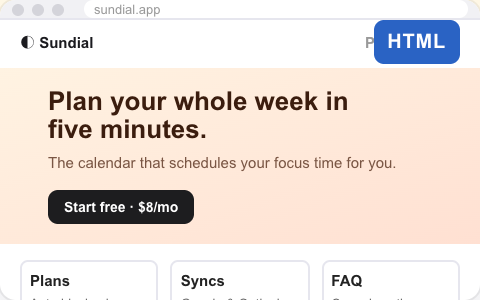
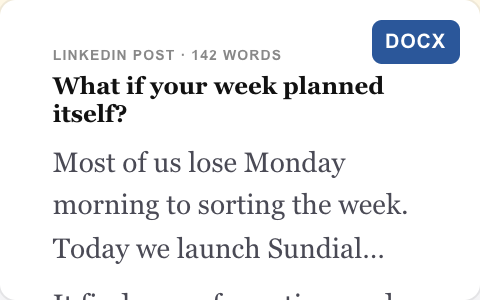
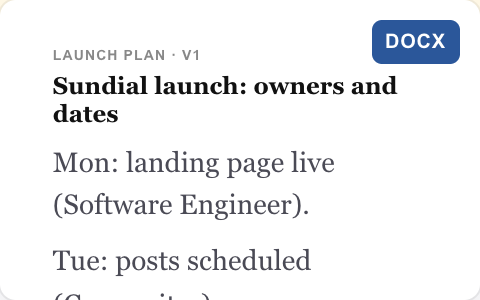
3 teammatesA landing page, launch posts and a dated plan with an owner for each step.
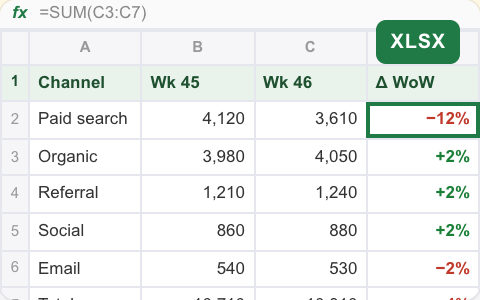
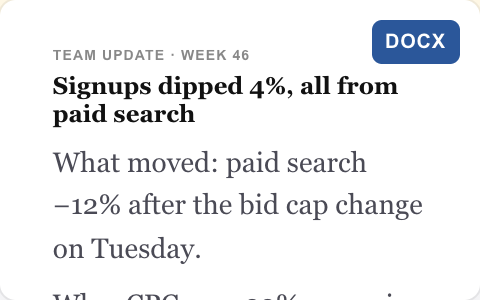
4 teammatesNumbers, a five-line update and a chart deck, on the schedule you choose.
Runs on a scheduleExample outputs for illustration.
A super team isn't one model doing everything. Give each specialist the model that suits its work, and change it any time.
Data AnalystChecks the numbers and explains what moved.
ClaudeCopywriterTurns findings into posts and updates.
GPTGraphic DesignerMakes images sized for each channel.
GeminiSoftware EngineerBuilds and tests the page before it ships.
ClaudePairings shown are examples, not recommendations. Available models depend on the agent and its setup.
All three are useful. A super team is the one to reach for when the job has several finished parts.
| One AI assistant | An AI team | An AI super team | |
|---|---|---|---|
| Who owns the job | You set the task | Shared responsibilities | Spark coordinates one brief |
| How work is split | One teammate takes the request | Defined roles across the project | Spark can split a multi-part brief |
| Models | Model options depend on setup | A model configured per teammate | A model picked for each specialist |
| What you get back | An answer or file | Results from the team | A coordinated package for review |
| Best for | Focused questions and tasks | Ongoing roles in a project | Big, multi-part jobs and recurring packs |
More teammates doesn't mean less oversight. Every specialist works inside limits you set.
A new agent answers only you. You decide who else can message it, and which of your accounts it may use.
Each cloud agent works in its own cloud sandbox, apart from your other agents and everyone else's.
Before it deletes something, spends money or sends something outside, it asks you to confirm.
AI can make mistakes. Review important work before you use it.
An AI super team is a group of specialist AI teammates led by one coordinating agent. You give the lead, Spark, one brief; Spark splits it, briefs the specialists in a shared group chat and brings their finished files back to you as one package.
Both describe ways of working in GenTeam, not separate products. An AI team is any set of AI teammates working together. A super team is set up for big, multi-part jobs: one lead owns the whole brief, specialists each own one part, and the result is a package of files rather than a single answer.
Spark, your own assistant in GenTeam, can take the brief and hand parts to other teammates. You can also @-mention any specialist directly when you want to change one part.
Yes. Each teammate runs on the model you choose, so one team can mix Claude, GPT, Gemini and other models in the same group chat.
Jobs with several finished parts that depend on each other: a product launch, a board pack, a competitor study with a deck and a spreadsheet, or a recurring weekly report with numbers and a written summary.
Yes. Ask for the same job once at a set time or on a regular rhythm, such as a metrics pack every Monday morning, and the result is posted in the chat.
Yes. You choose who can message each teammate and which accounts it may use. Teammates ask before they delete something, spend money or send something outside, and everything they hand back is in the chat for you to review.
GenTeam works with your Genspark account, and cloud agents run on your Genspark credits. Usage depends on the work and the agents you choose. See plans and credits.
Start with Spark, then add the specialists your job needs.
Works with your Genspark account. Cloud agents run on your credits.
 Get started