How a School District Leader Built a Seat Capacity Tool in 3 Days with GenCode

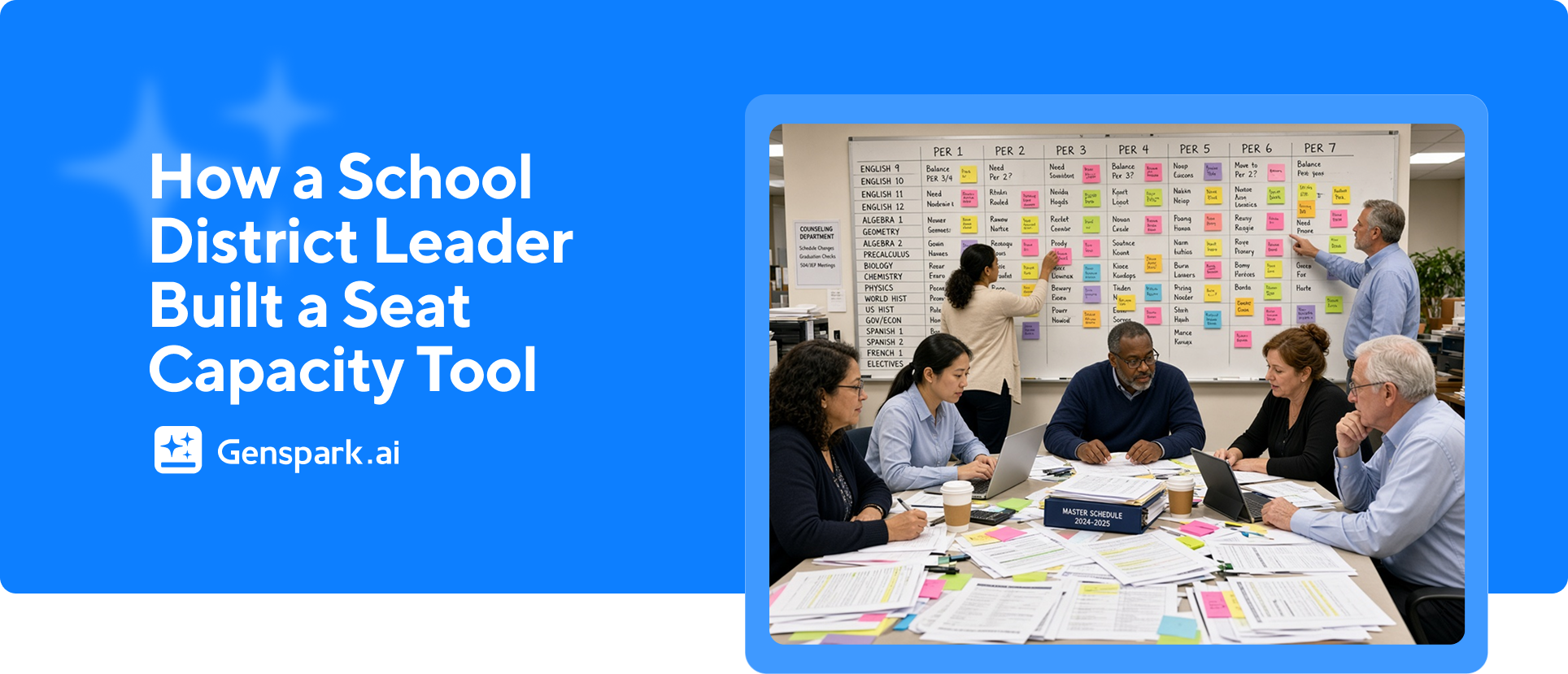
Jason Hill has spent 30 years in education. In three days he built a tool his district's master schedulers now use to find open classroom seats, spot overstaffing, and answer a question his office could never answer before: can this school actually take one more student?
He built it in Genspark's GenCode, for about 600 credits. His method is the part worth copying. He started with a conversation, not a build.
The Problem: A 30-Year Fight Nobody Has Won
Every public school builds a master schedule out of the same raw materials: students, teachers, required courses, electives, and a fixed number of periods in the day. A class offered only once a day, a "singleton" like a single AP English section, becomes a bottleneck that constrains the whole building. A class offered twice is a "doubleton."
Jason's angle on the problem comes from the business side of the district, where he decides how teachers are allocated to schools. When a student transfers, someone has to know whether a seat is open. "The school will often tell you no," he says. The problem is that the district had no independent way to check.
In six years in the role, no school had ever cited the specific seats available. They usually said the same two things: no room, need a teacher.
The Method: Talk It Through Before You Build
Jason is not new to technology. He taught web design and spent years in his district's technology office before he moved to operations, and over time he drifted away from building things himself.
GenCode pulled him back in, and that took a nudge. When the beta landed, his first reaction was dismissive: "This one's not for me." Then he read the requirements, which amounted to using it and giving feedback, and decided the barrier was lower than he had assumed.
His first move is the part worth stealing. Instead of prompting for code, he refused to let the tool build anything until all the context was shared and the logic was settled.
"Hey, I don't want you to build anything. I just wanna have a conversation with you."
It is his standing habit, not a one-off. With every AI chat, he sets the same rule: talk first, build later.
They talked through how scheduling really works: singletons, doubletons, semester courses, and the difference between a full school and a school that just claims to be full. As Jason fed it canned reports from the district's student information system, Aeries, the tool began asking for the specific reports an expert scheduler would want, and it learned the vocabulary.
"I solved a problem, and I created a conversation and a decision-making strategy," Jason says. "And that's the difference."
Three days later, the output was a single HTML file. Drop two reports onto it, and it produces the finished analysis in about a second.
What GenCode Does, and What It Found
GenCode started as a capacity analyzer. The first sign the tool worked came in an email from a school site. The site named two specific open seats in Integrated Math One and noted neither seat was in an inclusion class. In six years, no school had sent Jason a request this precise.
"The only reason [the site] knows that is because the tool highlights all of it," he says. "I don't have to go verify it. I can look at the same data. Now we're speaking the same language, and in six years we've never spoken the same language."
At another site, a visual pattern (every open seat in the morning, none in the afternoon) turned out to be the result of too many teachers taking prep periods late in the day.
Then came the staffing analysis. The tool compares each site's staffing against the district's own allocation formula. Early runs at a few elementary sites showed where staffing and enrollment did not line up. The remaining elementary schools, plus every middle and high school, have not been analyzed yet.
Jason treats these results as planning information, not a cut list. The same analysis shows where a school has room to grow enrollment without adding staff. "AI can add to the system, not remove from the system," he says.
The Workflow Lessons Jason Would Hand to the Next Administrator
- Talk before you build. Finalize the logic in conversation, then let the tool write the build. It prevents the churn of "breaking" a working version with early changes.
- Give it the reports it asks for, not the reports you assume it needs. The tool can identify the right source data on its own.
- Keep your source files in the project folder. Files dragged from the desktop can disappear, and the tool will need them again.
- Iterate in plain language. When a file-drop bug and a fall/spring term error showed up, Jason described them the way he would describe them to a colleague, and both got fixed.
- Let it protect itself. Without being asked, it ran experimental changes in a sandbox copy of the file, so the live version was never at risk.
Thirty years of a problem, three days of conversation, and a straight HTML file that finally made it solvable.
"This is just a straight HTML file, but it solves a real problem," Jason says. "One that in my 30 years of education has never been solved."
It's your turn! Build your own tool in 3 steps:
The problem you have been working around for years might not need a complex software. It might need a simple conversation.
- Open GenCode and describe the problem before asking for anything. Set the logic first.
- Hand over the real data you already work with, and answer its questions.
- Build it, share it with the people who will use it, and iterate in plain language as they find the gaps.
The first version might take an afternoon. It might also be the thing nobody has been able to build for decades.
FAQ
How much does it cost to build an internal tool like this?
Jason's tool cost roughly 600 credits to create. In his words: "For a mere six hundred credits, I've saved hours of work."
Does the tool need an existing student information system?
Jason's build starts from canned reports exported from the district's SIS (Aeries). The next version he is planning will connect directly to the SIS API, so staff will not have to move data by hand.
Do you need a technical background to start?
No. Jason started with a plain-language conversation about the problem, then handed over the reports he already worked with. The skill that mattered was knowing the problem cold.