Canva alternative
The Canva alternative that designs from a sentence
Describe the poster, logo, or post you need and Genspark Design drafts it whole — layout, type, and imagery. Click any element to change it. No template hunting, no blank canvas.
- NO TEMPLATE HUNTING
- CLICK-TO-EDIT CANVAS
- LAYERED PSD EXPORT
- BRAND DESIGN SYSTEM
Genspark vs. Canva at a glance
6 dimensionsCanva starts from templates you edit by hand. Genspark starts from a description and hands you an editable result — two different centers of gravity.
| Dimension | Genspark | Canva |
|---|---|---|
| Starting point | Describe it — full designs generated from a prompt, with hundreds of forkable examples | Pick a template, then customize by hand |
| Editing | Click-to-edit canvas plus AI ops: background removal, erase, expand, upscale, face swap | Full manual drag-and-drop editor with AI assists |
| Exports | PNG, layered PSD, editable PPTX, PDF, offline HTML, MP4 | PNG, JPG, PDF, PPTX, MP4 and more |
| Brand consistency | Design System containers attach brand colors, type, and marks to any project | Brand Kit with saved logos, colors, and fonts |
| Template marketplace | Example gallery to fork, no marketplace | Vast template and asset marketplace |
| Print fulfillment | Print-ready exports, no fulfillment service | Prints and ships physical products |
Comparison reflects each product's publicly documented features as of August 2026 and may change. Canva is a trademark of Canva Pty Ltd; Genspark is not affiliated with Canva.
Generated doesn't mean final
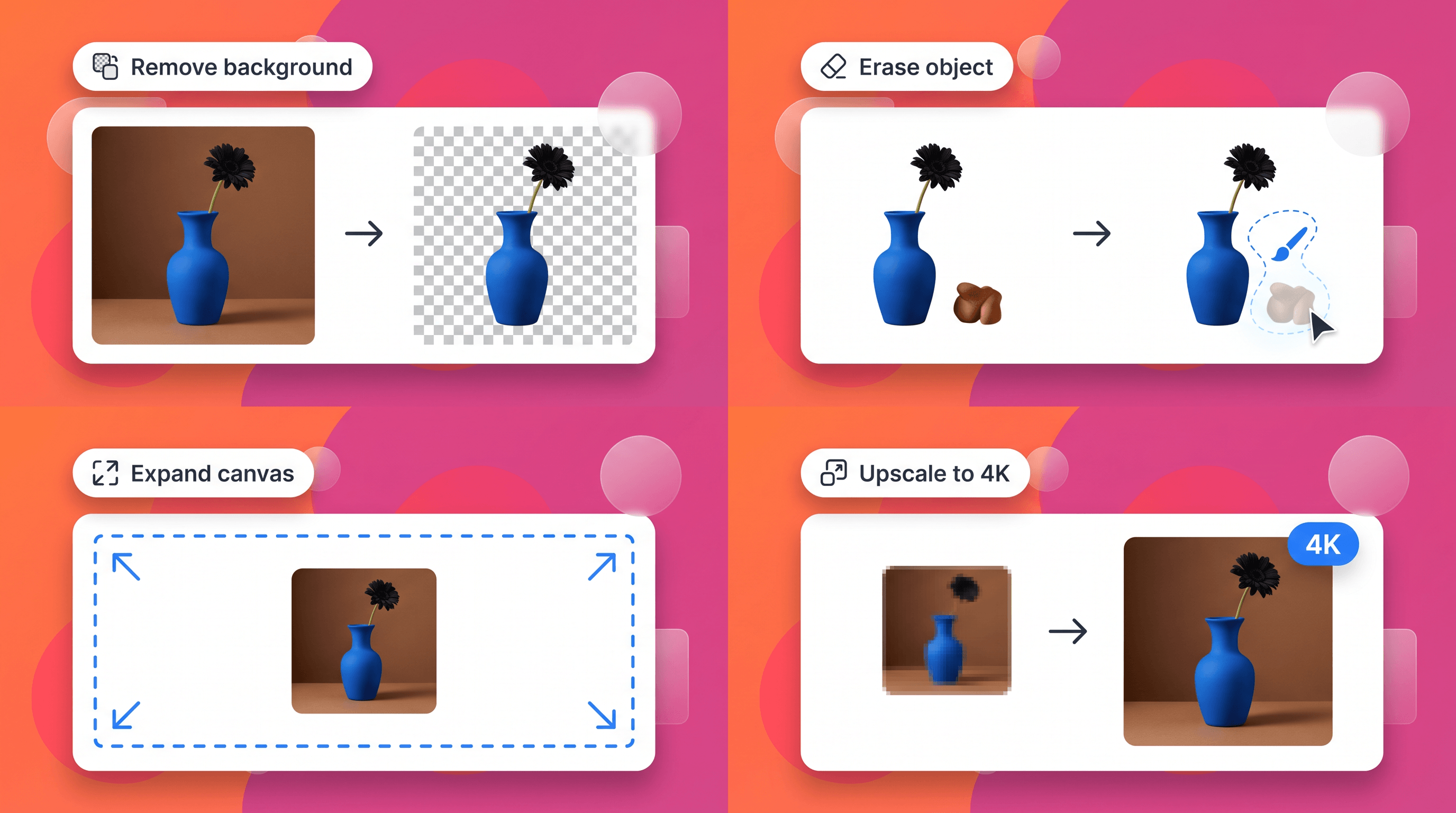
Every output lands on an editable canvas: remove backgrounds, erase objects, expand the frame, sharpen details — or click any element and just retype it.
Background removal
Lift the subject cleanly onto transparency.
Object erase
Paint over anything that shouldn't be there.
Canvas expand
Outpaint the frame to a new size or ratio.
Upscale
Sharpen output up to 4K for print and screens.
One brand kit, every artifact
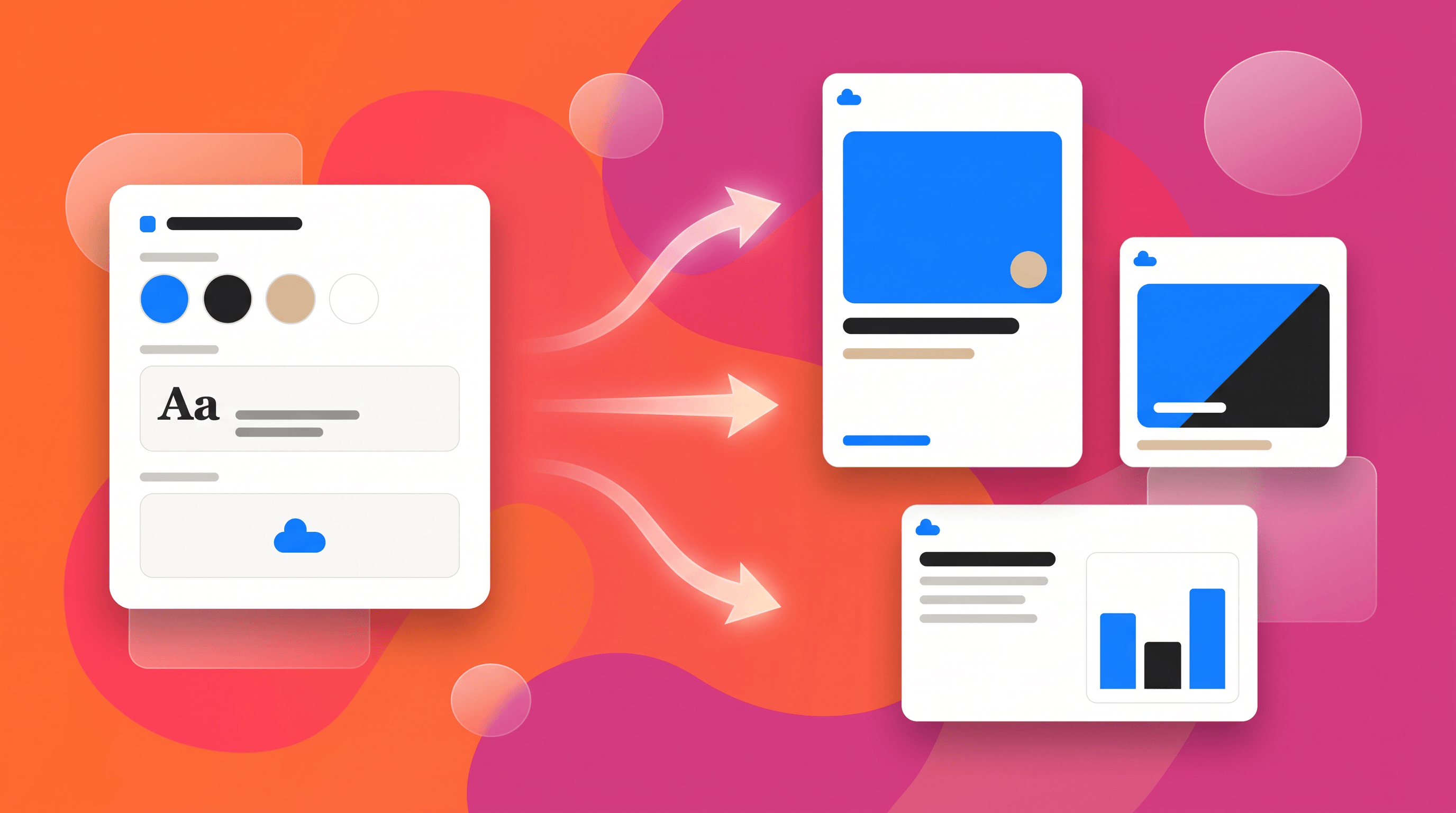
Save your colors, type, and marks as a Design System, attach it to any project, and the poster, the social post, and the deck all come out matching. Export goes deep, too: PNG, layered PSD, editable PPTX, PDF, and MP4 for animated pieces.
The same account also covers the AI presentation maker and the AI image generator — design work rarely ends at one artifact.
When Canva stays the better pick
Canva is a genuinely good product with over a decade of ecosystem. Keep it if these describe you.
You live in its template marketplace
Canva's template and asset library is enormous. If your workflow is finding a near-perfect template and swapping a headline, that library is the product.
You print through it
Canva prints and ships business cards, posters, and shirts. Genspark exports print-ready files but doesn't run a print service.
Hand-editing is the point for you
If you enjoy owning every pixel with a drag-and-drop editor and want generation to stay optional, a manual-first canvas may simply fit you better.
Questions people ask
Is Genspark a good Canva alternative?
If your bottleneck is producing decent designs fast — posters, logos, social posts, decks — Genspark flips the workflow: you describe the design, it generates the whole composition, and you edit from there. If your bottleneck is browsing templates or ordering prints, Canva remains strong at exactly that. The fastest way to decide is to type a real brief into the box above.
Do I need design skills to use it?
No. The prompt does the layout work, and edits are plain-language or click-based — select an element and say what should change. People with design skills mostly use the control for finishing touches rather than construction.
What can I make with it?
Posters, flyers, logos, social posts, UI mockups, slide decks, ebooks and flipbooks, short animated videos, and web-style pages. Presentations come out as editable PPTX, and image work exports as PNG or layered PSD.
Can I bring my existing Canva designs over?
There's no direct project import. The practical route is exporting your Canva work as images or PDF and attaching them as references — Genspark Design uses reference images to match style, and your brand colors and fonts can be saved once as a Design System.