Replit alternative
The Replit alternative for people who describe, not debug
Genspark AI Developer takes a plain-language brief to a running full-stack app — real backend, live preview while it builds, and publishing with a custom domain when it's ready.
- SERVERLESS BACKEND
- VISUAL EDIT
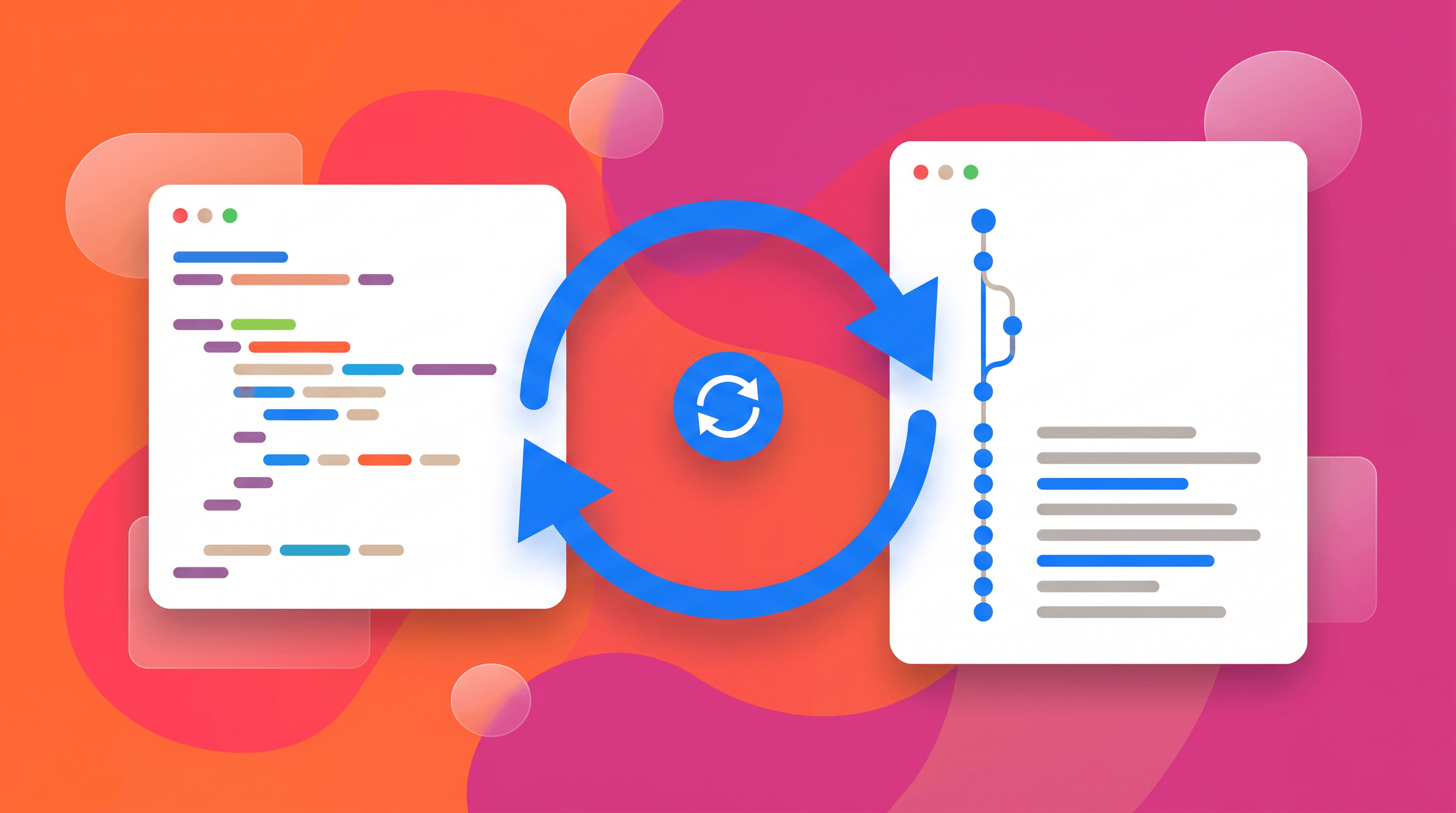
- TWO-WAY GITHUB SYNC
- CUSTOM DOMAINS
Genspark vs. Replit at a glance
6 dimensionsReplit is a cloud IDE that added an agent. Genspark is an agent that ships apps — the IDE layer is the part it deliberately hides.
| Dimension | Genspark | Replit |
|---|---|---|
| Building model | Describe the app; the agent plans, codes, and iterates with you in plain language | AI agent plus a full cloud IDE you work in |
| Full-stack scaffolding | Serverless backend with database and file storage pre-wired | Any stack you configure — maximum flexibility |
| Live preview | Running preview with visual edit that writes back to source | Running preview in the IDE |
| Publishing | Share links, managed hosting with SSL, custom domains purchasable in-product | Deployments on Replit infrastructure |
| GitHub | Two-way sync; import an existing repo to start | Git support in the IDE |
| Beyond code | Same account runs slides, sheets, docs, and image/video agents | Focused on software development |
Comparison reflects each product's publicly documented features as of August 2026 and may change. Replit is a trademark of Replit, Inc.; Genspark is not affiliated with Replit.
Built to actually ship
Prototypes are easy; the last mile isn't. The pieces that take a build from demo to deployed are in the box.
A real stack, not a sandbox toy
Full-stack projects scaffold on a modern serverless stack with a database and file storage ready — the architecture holds up after launch.
Hosting and domains included
Publish to a free share link or to managed hosting with SSL — connect a custom domain, or buy one without leaving the product.
Preview that edits back
The live preview is editable: click and adjust elements visually, and the changes propagate back into the source code.
Your repo stays the source of truth
Two-way GitHub sync means the agent's commits land in your repository and your commits flow back into the workspace — no export step, no lock-in. You can also start by importing an existing repo and letting the agent work inside it.
Prefer the feature tour? The AI website builder page walks the same product without the comparison.
When Replit stays the better pick
Replit is a serious developer platform. Keep it if these describe you.
You want to live in the code
If you spend your day editing files, running consoles, and tuning environments, a genuine cloud IDE is the right tool — that's Replit's core.
You need arbitrary runtimes
Replit runs a huge range of languages and frameworks. Genspark's builder is opinionated about its stack in exchange for reliability.
Your team already collaborates there
Multiplayer IDE sessions, classroom setups, and existing deployments are a real ecosystem — weigh the move against what visual building adds.
Questions people ask
Is Genspark a good Replit alternative?
If what you actually want is a working app — not a development environment — yes. You describe the product, watch it build in a live preview, adjust things visually or in plain language, and publish with a real domain. If you want a programmer's environment with full control of every file, Replit remains the better-shaped tool.
Can it build full-stack apps, or just landing pages?
Full-stack is a first-class project type: scaffolded backend, database, and file storage, plus static sites, games, and native-style apps as separate starters. The starter picker at /code/ shows the current lineup.
What happens to the code — can I take it with me?
The project is real code in a real repo. Two-way GitHub sync keeps your repository authoritative, so leaving (or bringing in your own developers) is a git clone, not an export wizard.
How does publishing work?
Three routes: a free public share link for quick demos, managed hosting with SSL on a product subdomain, or your own infrastructure via the synced repo. Custom domains can be connected, or bought inside the product.