Figma alternative
The Figma alternative that starts at the finished screen
Describe the product and get real UI — wireframes to hi-fi to clickable prototype — rendered live, edited by pointing, and one step from working code. No canvas apprenticeship first.
- .FIG IMPORT
- LIVE MULTIPLAYER
- WORKING HTML SCREENS
- PSD · PPTX · MP4
Genspark vs. Figma at a glance
6 dimensionsFigma is the professional's canvas — precise, collaborative, plugin-rich. Genspark starts from the other end: the finished screen first, refinement second.
| Dimension | Genspark | Figma |
|---|---|---|
| Starting point | A sentence — full screens generated, then refined by clicking or describing | A canvas — built element by element, with AI assists like Make and First Draft |
| Design files | Imports .fig uploads and reads live Figma files via account connect | Native home of the .fig format |
| Output | Working HTML screens and prototypes; PNG, layered PSD, PPTX, PDF, MP4 exports | Design files, prototypes, and Dev Mode specs for engineers |
| AI's role | The primary builder — generation, editing, and verification are the core workflow | Assistive — accelerates drafts and tasks inside a manual workflow |
| Ecosystem | Workspace agents: developer, slides, image, video in one account | Plugins, community files, and mature design-system tooling |
| Collaboration | Live multiplayer co-editing on projects | Industry-standard multiplayer with comments and branching |
Comparison reflects each product's publicly documented features as of August 2026 and may change. Figma is a trademark of Figma, Inc.; Genspark is not affiliated with Figma.
Your .fig files come with you
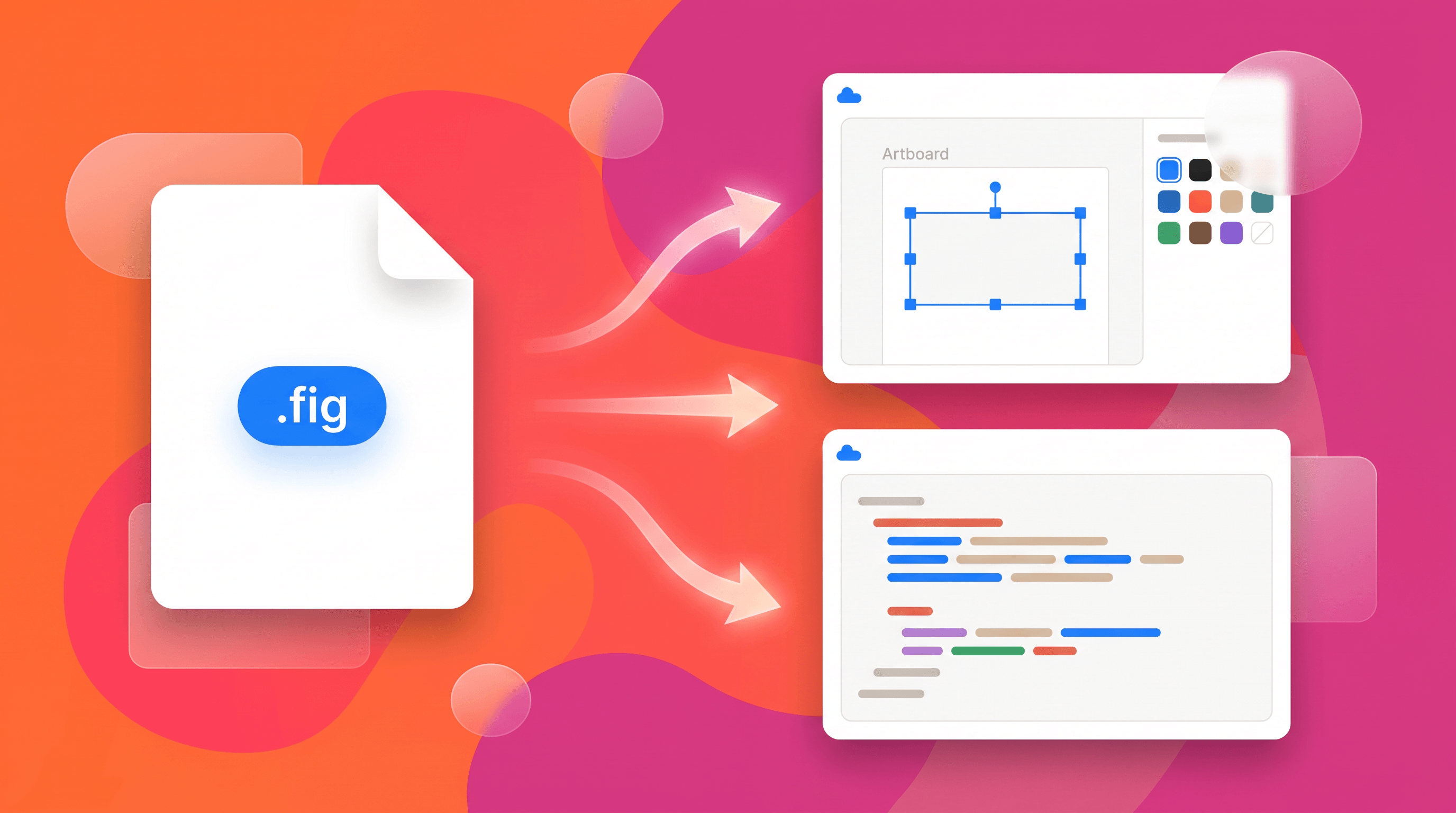
Upload .fig files directly or connect your Figma account and the agent reads your real designs — then extends them, restyles them, or turns them into working front-ends. Switching doesn't orphan years of design work; it puts it to work.
Two related tools go deeper: Figma to code and the AI UI generator.
Design that ships, not just specs
The gap between a Figma file and a working product is a handoff. Here the design is already the front-end.
Live, not static
Screens render as real interfaces — click elements to edit text, move things, or comment; a pen overlay catches messier feedback.
Prototype to product
Prototypes are working front-ends; hand the project to the developer agent and it becomes a deployed app with hosting and a domain.
Design together
Projects support live multiplayer co-editing, and Design Systems keep brand color, type, and marks consistent across everything the team makes.
When Figma stays the better pick
Figma earned its place at the center of product design. Keep it if these describe you.
Pixel-level craft is the job
Vector precision, component variants, and obsessive spacing control are Figma's native language. A prompt-first tool trades some of that fine grain for speed.
Your org runs on its design system
Token pipelines, shared libraries, and design-system governance across squads are deeply built out in Figma — that infrastructure doesn't port overnight.
Plugins are load-bearing
If your workflow depends on Figma's plugin and community ecosystem, weigh each dependency before moving anything critical.
Questions people ask
Is Genspark a good Figma alternative?
For getting from idea to credible screens fast — founders, PMs, and designers who'd rather refine than construct — yes: generation does the assembly, you steer by pointing and describing, and the result is already a working front-end. For deep component-system craft, Figma remains the specialist tool, and the two coexist well thanks to .fig import.
Can I import my existing Figma designs?
Yes — upload .fig files directly, or connect your Figma account so the agent can read live files. From there it can extend the designs, restyle them, or convert them into working code.
Does it replace a designer?
It replaces the blank canvas. Taste still steers: you choose directions, push back, and polish. What disappears is the hour of frame-dragging between an idea and something you can react to.
What do developers get from it?
Not a spec — an implementation. Screens are real HTML/CSS, prototypes run in the browser, and the developer agent can take the project to a deployed app. The Figma-to-code path also works directly from your existing files.